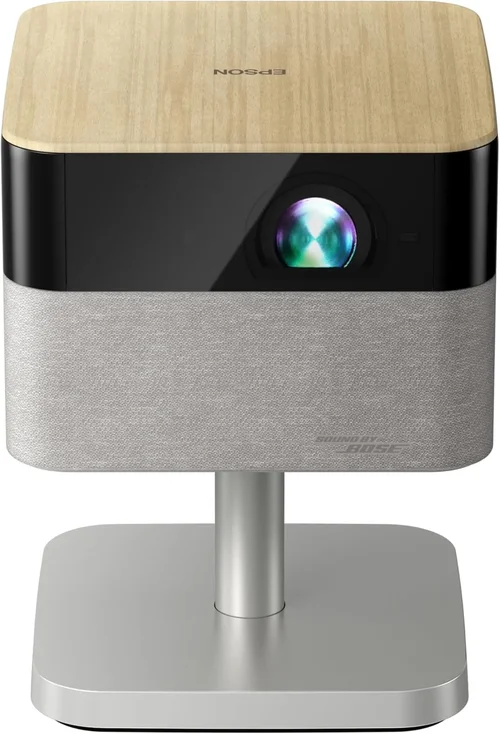
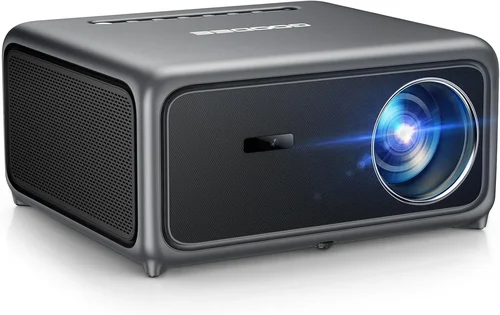
Choosing a 4K UHD projector under $3000 can feel like navigating a maze of specs, brands, and price tags. The market has exploded in recent years, delivering cinema‑grade image quality at a price that once seemed impossible. This guide cuts through the noise, giving you a clear roadmap so you can pick a projector that truly fits your home theater, gaming, or office needs.
In the pages that follow you’ll learn which technical specs matter most, how different projector types stack up, and what common pitfalls to avoid. We’ll also break down the budget landscape, share expert tips for snagging the best deal, and finish with concrete model recommendations that have earned high marks from both critics and everyday users.
Whether you’re setting up a dedicated movie room, a living‑room entertainment hub, or a portable presentation solution, the information here will help you make an informed, confident purchase.
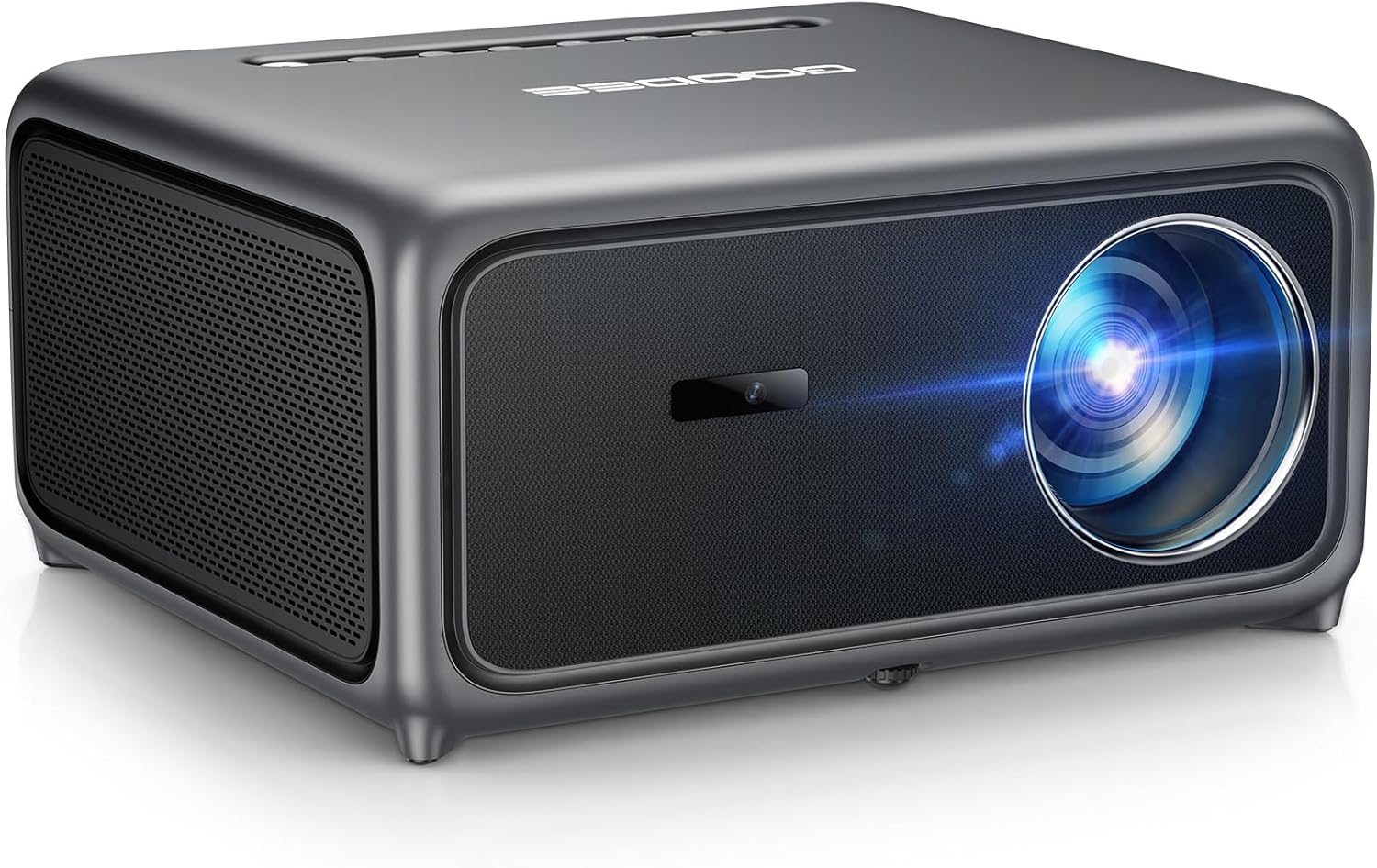
What to Look for When Buying Buying Guide
1. Budget & Price Range
Staying under $3000 doesn’t mean you have to sacrifice 4K resolution, but you do need to prioritize where your money goes. Some manufacturers cut costs on lamp life, while others reduce brightness to keep prices low. Decide early if you’re willing to trade a bit of lumens for a longer warranty or a more compact design. Remember, total cost of ownership includes accessories like a screen, mounting hardware, and possibly a replacement lamp.
2. Performance Specifications
The heart of any projector is its image performance. Key specs include:
- Resolution: True 4K UHD (3840 × 2160) vs. 4K‑enhanced (often 1080p with pixel‑shifting). True 4K delivers sharper detail, especially on large screens.
- Brightness: Measured in lumens (ANSI). For a dark home theater, 1500–2500 lumens is ample; a bright living room may need 3000 lumens or more.
- Contrast Ratio: Higher contrast (e.g., 30,000:1) yields deeper blacks and more vivid colors.
- Color Accuracy: Look for a wide color gamut (Rec. 709, DCI‑P3) and good color reproduction out of the box.
- Throw Ratio: Determines how far the projector must be from the screen. Short‑throw models are ideal for small rooms.
3. Build Quality & Durability
A projector that feels solid will endure frequent use. Metal chassis, reinforced lens housings, and robust cooling systems prevent overheating. Check user reviews for long‑term reliability and pay attention to the rated lamp life—laser and LED sources often last 20,000 hours or more, reducing maintenance costs.
4. Features & Functionality
Modern 4K projectors pack a suite of smart features:
- HDR Support: HDR10 or Dolby Vision enhances dynamic range.
- Built‑in Speakers: Useful for casual viewing, though most audiophiles will add external sound.
- Wireless Connectivity: Wi‑Fi, Bluetooth, or AirPlay for streaming without cables.
- Lens Shift & Keystone Correction: Allows flexible placement without image distortion.
- Gaming Mode: Low input lag (under 20 ms) is crucial for competitive gamers.
5. Brand Reputation
Established brands like Epson, BenQ, Optoma, and LG have proven track records for support and firmware updates. Newer entrants may offer cutting‑edge tech at lower prices but can lack a reliable service network. Research the brand’s history, read third‑party reviews, and verify that local service centers exist in your area.
6. Warranty & Support
A solid warranty (minimum 2‑year parts and labor) protects your investment. Look for extended warranty options, on‑site service, and responsive customer support. Some manufacturers also provide free software updates that improve performance over time.
7. Size & Portability
If you plan to move the projector between rooms or take it on the road, weight and dimensions matter. Portable models often sacrifice brightness, so balance portability with intended usage environment.
8. User Reviews & Ratings
Beyond professional tests, real‑world user feedback reveals long‑term reliability and ease of use. Pay attention to recurring themes—such as “fan noise” or “remote lag”—that may affect daily satisfaction.
Different Types of Buying Guide

Common Buying Mistakes to Avoid
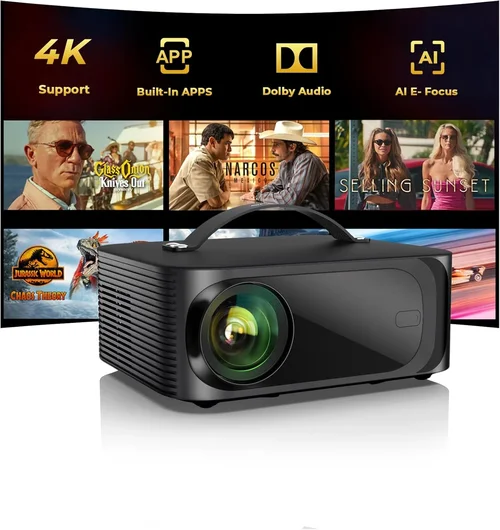
❌ Mistake: Ignoring Ambient Light Conditions
Why it’s bad: A projector rated at 1500 lumens looks stunning in a dark room but will appear washed out in a bright living area.
What to do instead: Measure the typical light level of your viewing space and choose a brightness rating that exceeds it by at least 30 %.
❌ Mistake: Overlooking Throw Ratio
Why it’s bad: Buying a standard‑throw projector for a small apartment can force you to place the unit far from the wall, creating a huge footprint and shadow issues.
What to do instead: Calculate the distance you have available and match it to a projector’s throw ratio (distance ÷ screen width).
❌ Mistake: Assuming All 4K Is Equal
Why it’s bad: Some “4K” models use pixel‑shifting technology, which can’t match true native 4K detail.
What to do instead: Verify the panel type—look for “true 4K UHD” or “3840 × 2160 native” in the specs.
❌ Mistake: Skipping Lens Shift & Keystone Checks
Why it’s bad: Without lens shift, you may need to tilt the projector, causing distortion and uneven focus.
What to do instead: Choose a model with at least ±10° vertical lens shift and minimal keystone correction.
❌ Mistake: Forgetting About Input Lag for Gaming
Why it’s bad: High input lag creates a noticeable delay between controller actions and on‑screen response, ruining fast‑paced games.
What to do instead: Look for a dedicated “Game Mode” with lag under 20 ms.
❌ Mistake: Not Accounting for Ongoing Costs
Why it’s bad: Some budget‑friendly projectors require expensive lamp replacements every few years.
What to do instead: Prefer laser or LED light sources that last 20,000 hours or more, reducing long‑term expenses.
Budget Guidelines: How Much Should You Spend?
- Entry‑Level ($1,200‑$1,800): Expect 1080p or 4K‑enhanced panels, brightness around 1500 lumens, and basic HDR support. Ideal for occasional movie nights in dim rooms.
- Mid‑Range ($1,800‑$2,500): True 4K resolution becomes common, with brightness 2500‑3000 lumens, better contrast, and built‑in Android TV or Roku platforms.
- Premium ($2,500‑$3,000): Laser light sources, high contrast ratios (30,000:1+), advanced color gamuts (DCI‑P3), and low‑lag gaming modes. Best for dedicated home theaters and mixed‑use rooms.
- Luxury ($3,000+): Ultra‑short‑throw designs, 4K HDR10+ or Dolby Vision, integrated soundbars, and professional‑grade calibration tools. Targeted at cinephiles and commercial installations.
Expert Tips for Getting the Best Deal
- Timing is everything: Major sales events—Black Friday, Cyber Monday, and Amazon Prime Day—often include deep discounts on 4K projectors.
- Shop price‑matching: Retailers like Best Buy and B&H will match lower prices from authorized competitors, saving you time hunting.
- Consider refurbished units: Certified refurbished models come with full warranties at 15‑30 % lower price.
- Bundle accessories: Buying a screen, wall mount, and HDMI 2.1 cable together can net extra savings.
- Read the fine print on warranties: Some “limited” warranties exclude the light source; verify that laser or LED life is covered.
- Test before you buy: If possible, view a demo in a store with the same ambient lighting you’ll have at home.
- Check firmware updates: A recent update can dramatically improve color accuracy or fix latency issues.

Frequently Asked Questions
Q: Do I need a 4K projector if I only watch streaming services?
A: Most major streaming platforms (Netflix, Disney+, Amazon Prime) now offer 4K HDR content. A true 4K projector ensures you see the full detail and color depth the services promise, especially on larger screens.
Q: Can I use a 4K projector for daytime TV watching?
A: Yes, but you’ll need a model with at least 3000 lumens and a high contrast ratio to combat ambient light. Short‑throw or laser‑light options often perform best in bright rooms.
Q: What screen material works best with 4K projectors?
A: A high‑gain, matte white screen (gain 1.0‑1.2) provides accurate colors. For rooms with some ambient light, a gray screen (gain 0.8‑1.0) can improve perceived contrast.
Q: Is HDMI 2.1 necessary?
A: HDMI 2.1 supports 4K at 120 Hz and HDR dynamic metadata, which benefits gamers and future‑proofs your setup. If you only watch movies at 60 Hz, HDMI 2.0 is sufficient.
Q: How far should the projector be from the screen?
A: Use the throw ratio. For a 100‑inch screen (width ≈ 87 in), a 1.5:1 throw ratio needs ~130 in of distance. Short‑throw models (0.5:1) sit just a few feet away.
Q: Will a projector replace my TV?
A: If you crave a cinema‑size image and have a dark or controllable lighting environment, a projector can surpass a TV’s size limits. However, TVs still win in bright rooms and for static image retention.
Q: How often do I need to replace the lamp?
A: Laser and LED sources last 20,000 hours or more, often the lifetime of the projector. Traditional lamps may need replacement every 2,000‑4,000 hours, costing $150‑$300 each.
Q: Is there a noticeable difference between HDR10 and Dolby Vision?
A: Dolby Vision can deliver higher peak brightness and more dynamic metadata, leading to richer highlights. However, the visual gap is subtle for most viewers; HDR10 remains excellent for home use.
Our Final Recommendations
- Best for Budget‑Conscious Buyers: BenQ TK800M – True 4K, 3000 lumens, good color accuracy, and a price around $1,900.
- Best Overall Value: Epson Home Cinema 5050UB – 4K‑enhanced with pixel‑shifting, 2600 lumens, 2,500:1 contrast, excellent lens shift, priced near $2,400.
- Best Premium Option: LG CineBeam HU85LA – Ultra‑short‑throw laser, 4K UHD, 2700 lumens, HDR10, built‑in smart TV platform, around $2,950.
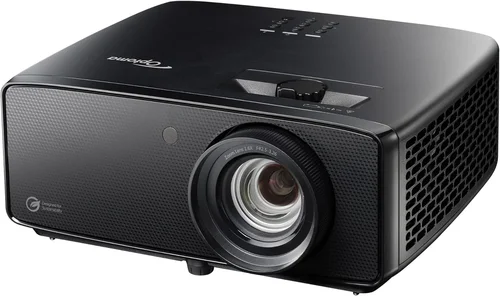
- Best for Beginners: Optoma UHD38 – Low input lag (4 ms), 4K, 3400 lumens, simple menu, priced at $2,200.
- Best for Advanced Users: ViewSonic PX747‑4K – True 4K, 3500 lumens, extensive connectivity, and a robust cooling system for long‑run sessions, around $2,600.
Conclusion: Making the Right Choice
Investing in a 4K UHD projector under $3000 can transform your viewing experience without breaking the bank. By focusing on key factors—brightness, contrast, true 4K resolution, and the right throw ratio—you’ll select a unit that shines in your specific environment. Avoid common mistakes like ignoring ambient light or overlooking input lag, and use the budgeting and expert‑tip sections to stretch every dollar.
Take the time to compare the models we highlighted, read user feedback, and, if possible, view a demo. When you match the projector’s strengths to your room’s needs, you’ll enjoy cinema‑grade visuals for years to come.
Ready to bring the big screen home? Start by checking current pricing on the recommended models and keep an eye out for seasonal sales. Happy viewing!