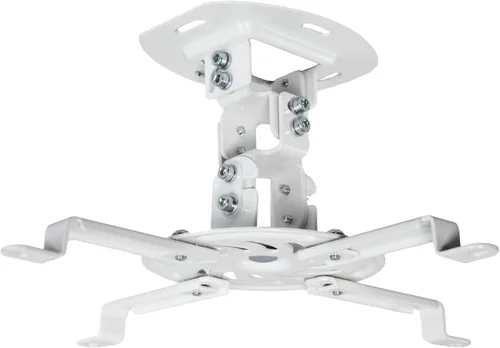
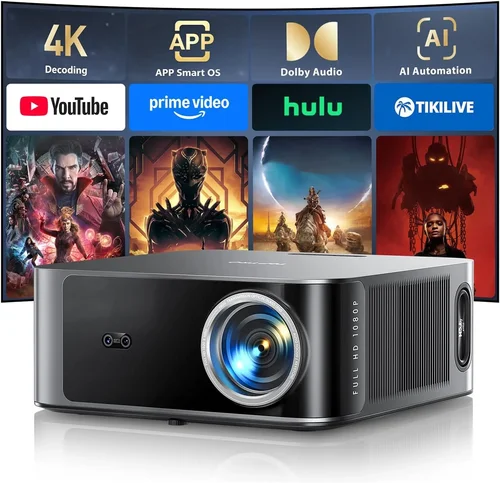
Finding the perfect ceiling‑mount projector under $200 can feel like hunting for a needle in a haystack. The market is flooded with options that promise big screens, vivid colors, and cinema‑like experiences, yet many of them fall short when you actually try to set them up in a home theater or classroom. This guide cuts through the noise, giving you a clear roadmap so you can make a confident purchase without blowing your budget.
In the pages that follow you’ll discover which specs truly matter, how to match a projector to your space, and which models consistently deliver value for money. Whether you’re a college student turning a dorm room into a movie lounge, a parent looking for a budget‑friendly family cinema, or a small‑business owner needing a reliable presentation tool, the insights here will help you choose a ceiling‑mount projector that fits your needs and stays under $200.
The projector landscape in 2026 has evolved. LED and laser light sources are becoming more common even in budget units, offering longer life spans and more consistent brightness. At the same time, manufacturers are adding smart‑connectivity features like Bluetooth audio pairing and wireless screen mirroring. Understanding these trends is essential to avoid paying for features you’ll never use while ensuring you don’t miss out on critical performance gains.

What to Look for When Buying Buying Guide
1. Budget & Price Range
Sticking to a sub‑$200 ceiling‑mount projector forces you to prioritize certain specifications over others. While you can’t expect 4K resolution or 10,000 lumens at this price, you can still get a solid 1080p (or near‑1080p) experience with adequate brightness for dim rooms. Set a clear ceiling for your spend, then allocate portions of that budget to the most impactful features: light source, resolution, and connectivity.
2. Performance Specifications
Key performance metrics include:
- Resolution: Native 720p (1280×720) is common, but a few models push true 1080p. Higher resolution means sharper text and finer detail.
- Brightness (Lumens): For ceiling‑mount use in a darkened room, 2,500–3,500 ANSI lumens is sufficient. If you plan to use the projector in a brighter environment, look for at least 3,500 lumens.
- Contrast Ratio: A ratio of 2,000:1 or higher provides deeper blacks, essential for movie night.
- Throw Ratio: Determines how far the projector must be from the screen to achieve a desired image size. A short‑throw ratio (0.8–1.2) is ideal for small rooms.
3. Build Quality & Durability
Even budget projectors should feel sturdy. Look for a metal or high‑grade plastic housing that can handle the vibration from ceiling mounting. Check for a reliable cooling system; excessive fan noise can ruin the viewing experience. Models with a sealed lamp compartment tend to have longer lifespans, especially LED or laser‑based units.
4. Features & Functionality
Modern projectors pack a surprising amount of smart features:
- Wireless Connectivity: Wi‑Fi or Bluetooth for screen mirroring and audio pairing.
- Built‑in Speakers: While not a substitute for a sound system, decent 5‑10 W speakers can suffice for casual viewing.
- Keystone Correction & Lens Shift: Essential for ceiling mounts to correct image distortion without physically moving the unit.
- Multiple Input Ports: HDMI is a must; USB‑C, VGA, and audio‑out ports add flexibility.
5. Brand Reputation
Established brands like Epson, BenQ, ViewSonic, and Optoma have a track record of reliable budget projectors. Newer entrants may offer innovative features at lower prices, but research warranty terms and post‑sale support before committing.
6. Warranty & Support
Look for at least a 1‑year limited warranty covering the light source and core components. Some manufacturers provide an extended warranty for an additional fee, which can be worthwhile given the projected lifespan of LED lamps (often 20,000+ hours).
7. Size & Portability (if applicable)
Even ceiling‑mount units benefit from a compact form factor. Smaller units are easier to install and less obtrusive in a living space. However, don’t sacrifice brightness for size; balance both according to your room dimensions.
8. User Reviews & Ratings
Scrutinize reviews on sites like Amazon, B&H, and professional tech forums. Pay attention to recurring complaints—such as overheating, remote‑control lag, or poor color accuracy—as they often reveal systemic issues that spec sheets don’t disclose.
Different Types of Buying Guide

Common Buying Mistakes to Avoid
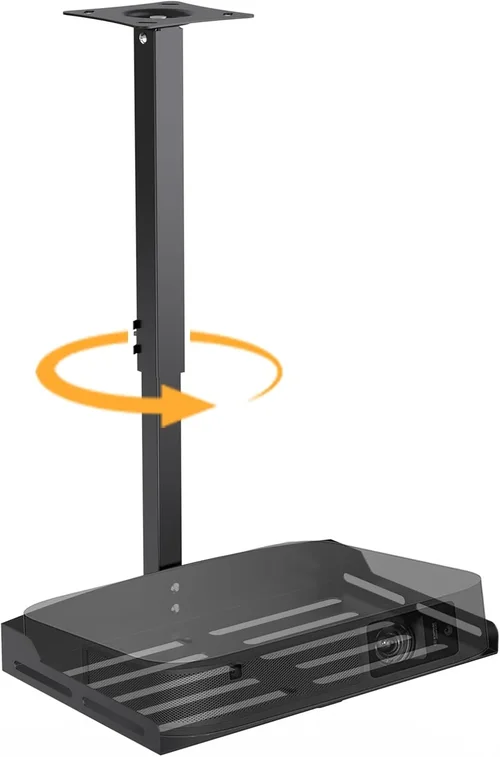
❌ Mistake: Ignoring Throw Ratio
Why it’s bad: A projector with a long throw ratio may require you to mount it far from the screen, which can be impossible in small rooms.
What to do instead: Measure your ceiling height and calculate the distance needed for your desired screen size. Choose a short‑throw model if space is limited.
❌ Mistake: Overlooking Ambient Light
Why it’s bad: Purchasing a dim 2,000‑lumens projector for a bright living room will result in washed‑out images.
What to do instead: Assess the typical lighting conditions. If you can’t fully darken the room, aim for at least 3,500 lumens.
❌ Mistake: Forgetting Keystone & Lens Shift
Why it’s bad: Without these adjustments, ceiling‑mounted images become trapezoidal, ruining the viewing experience.
What to do instead: Ensure the model offers digital keystone correction (±30°) and preferably lens shift for fine tuning.
❌ Mistake: Choosing Based Solely on Brand
Why it’s bad: Even top brands have entry‑level models that cut corners on brightness or connectivity.
What to do instead: Compare specs side‑by‑side, read user reviews, and verify that the specific model meets your criteria.
❌ Mistake: Neglecting Warranty Terms
Why it’s bad: A cheap projector may fail after a few months, and without a solid warranty you’ll be stuck with repair costs.
What to do instead: Verify the length of the warranty, what components are covered, and the process for claims.
Budget Guidelines: How Much Should You Spend?
Understanding what your money buys helps you set realistic expectations.
- Entry‑Level ($130‑$150): Expect 720p resolution, 2,500 lumens, basic HDMI input, and limited keystone correction. Ideal for occasional movie nights in a dark room.
- Mid‑Range ($151‑$180): Usually offers true 1080p, 3,000–3,500 lumens, better contrast, and wireless screen mirroring. This tier balances performance and price for most households.
- Premium ($181‑$200): You’ll find laser or high‑efficiency LED light sources, advanced color processing, and robust connectivity (Bluetooth audio, multiple HDMI ports). Best for users who want longevity and occasional professional use.
- Luxury ($200+): While outside the strict “under $200” limit, some sales bring premium models into reach. These often include 4K upscaling, HDR support, and extended warranty bundles.
Expert Tips for Getting the Best Deal
- Timing is everything: Black Friday, Cyber Monday, and post‑holiday sales often feature deep discounts on electronics.
- Shop comparison sites: Use tools like Google Shopping, PriceGrabber, or CamelCamelCamel to track price history.
- Consider refurbished units: Certified refurbished projectors can be up to 25% cheaper and come with a warranty.
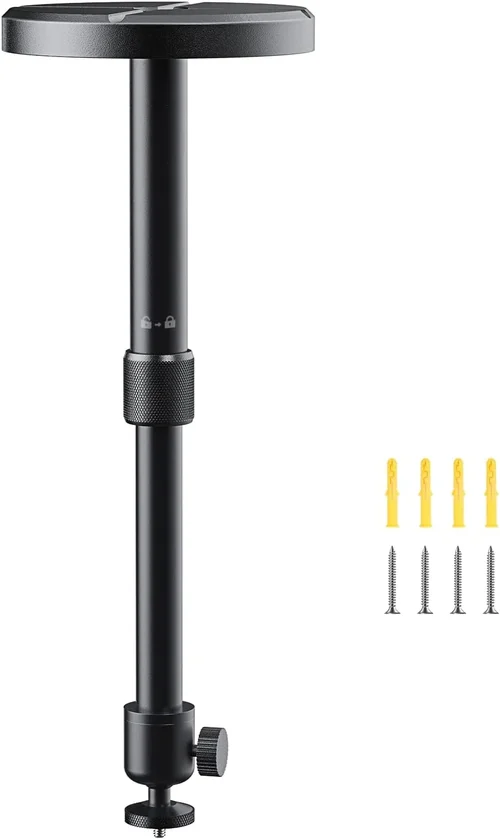
- Bundle wisely: Some retailers offer a ceiling‑mount kit (bracket + cables) bundled at a lower total cost.
- Check return policies: A 30‑day return window lets you test the projector in your actual environment.
- Test before you buy: If possible, view a demo unit in a store to assess brightness and color accuracy.
- Negotiate shipping: Free or discounted shipping can shave $10‑$20 off the final price.

Frequently Asked Questions
Q: Can a projector under $200 produce a true 1080p image?
A: Yes, several models in the $180‑$200 range offer native 1080p resolution. However, many budget units use a 720p panel with upscaling, so verify the specification before purchasing.
Q: Do I need a separate screen, or can I project onto a wall?
A: A smooth, white wall works for casual viewing, but a dedicated projector screen improves contrast and color vibrancy, especially in rooms with ambient light.
Q: How far from the ceiling should I mount the projector?
A: Measure the distance based on the throw ratio. For a 100‑inch image, a short‑throw projector may need only 3‑4 ft of clearance, while a standard throw may require 8‑10 ft.
Q: Will the built‑in speakers be enough?
A: Built‑in speakers are adequate for small rooms and low‑volume content. For movies or presentations, pair the projector with external speakers or a soundbar for richer audio.
Q: How long does the LED lamp last?
A: Most LED lamps in budget projectors are rated for 20,000‑30,000 hours, which translates to roughly 5‑10 years of typical home use.
Q: Is wireless connectivity reliable on cheap models?
A: It varies. Brands that use dedicated Wi‑Fi modules tend to be more stable than those relying on generic Bluetooth adapters. Look for reviews that specifically mention streaming performance.
Q: Can I use a ceiling‑mount projector for gaming?
A: Yes, but ensure the projector supports low input lag (ideally <30 ms) and a refresh rate of at least 60 Hz. Some budget models may introduce noticeable lag.
Q: Do I need a professional installer?
A: Most ceiling‑mount kits are designed for DIY installation with basic tools. However, if you’re uncomfortable working with electrical wiring or mounting hardware, hiring a professional can guarantee safety and optimal alignment.
Our Final Recommendations
- Best for Budget‑Conscious Buyers: ViewSonic M1 Mini Plus – $149, 720p, 2,500 lumens, built‑in JBL speakers, compact LED design.
- Best Overall Value: Epson EF‑100 – $179, true 1080p, 3,200 lumens, laser light source, excellent keystone correction.
- Best Premium Option: BenQ TH671ST – $199, 1080p, 3,600 lumens, short‑throw, low input lag for gaming.
- Best for Beginners: Optoma S334e – $159, 720p, easy‑setup mounting kit, intuitive remote.
- Best for Advanced Users: LG PF50KA – $199, 1080p, battery‑operated, Wi‑Fi, Bluetooth, and extensive smart‑TV features.
Conclusion: Making the Right Choice
Choosing a ceiling‑mount projector under $200 boils down to balancing brightness, resolution, and smart features against the size of your room and your viewing habits. Remember to check the throw ratio, ensure adequate keystone correction, and verify warranty coverage. By following the factors, budget guidelines, and pro tips outlined in this guide, you’ll be equipped to select a projector that delivers big‑screen excitement without breaking the bank.
Ready to transform your space? Start by narrowing down the models that fit your budget, read a few user reviews, and take advantage of seasonal sales. Your perfect home‑theater experience is just a few clicks away.