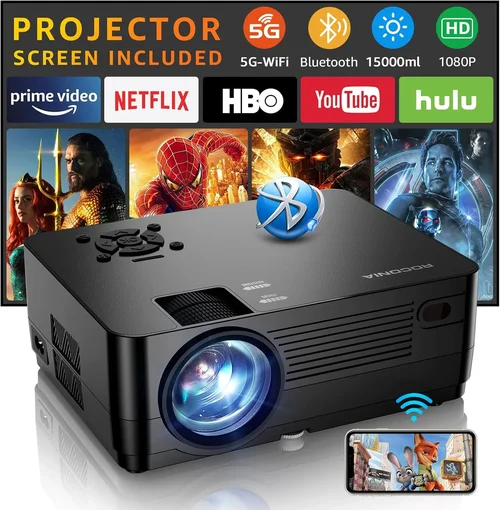
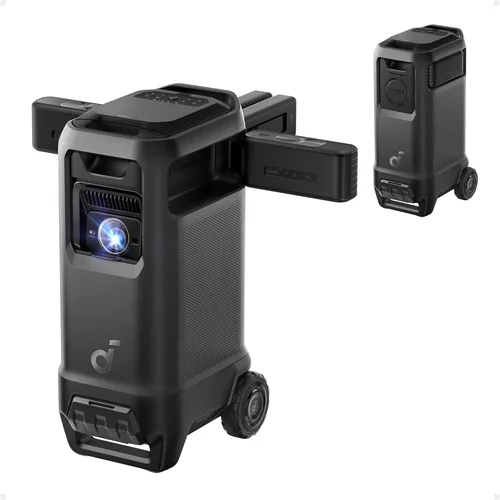
Finding a gaming projector that delivers a true‑to‑life experience without blowing your budget can feel like hunting for a unicorn. The market is saturated with flashy specs, confusing jargon, and a price range that stretches from $100 to several thousand dollars. This guide cuts through the noise, focusing specifically on the best gaming projector under $150—a sweet spot where performance meets affordability. Whether you’re a casual console player, a competitive esports enthusiast, or someone who simply wants a big‑screen feel for weekend gaming marathons, the information below will help you make a confident, informed purchase.
In the next few sections you’ll learn which technical specifications truly matter for gaming, how to match a projector’s strengths to your play style, and which common pitfalls to avoid. We’ll also break down the different projector categories, compare price tiers, and hand‑pick the top models that excel under $150. By the end of this guide you’ll have a crystal‑clear roadmap to select a projector that turns any room into a personal arena.
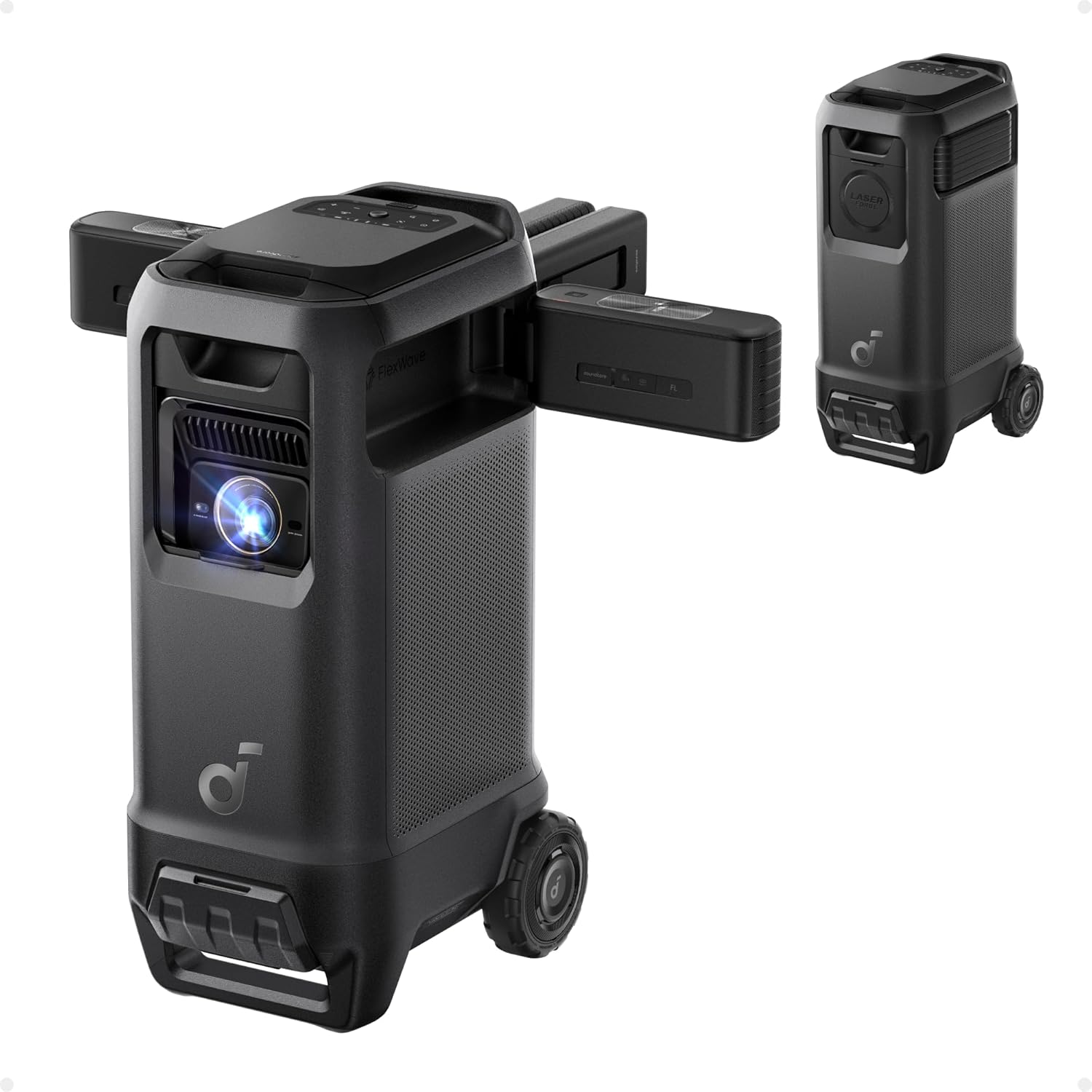
What to Look for When Buying Buying Guide
1. Budget & Price Range
When you set a ceiling of $150, you instantly narrow the field to entry‑level DLP and LED models. These projectors often sacrifice some high‑end features—like 4K resolution or laser light sources—but they still can provide a smooth 1080p‑ish image with low input lag. The key is to understand what you’re willing to compromise on (e.g., brightness or built‑in speakers) and what you cannot. A clear budget also prevents you from being swayed by “premium” add‑ons that add little real value for gaming.
2. Performance Specifications
Three specs dominate the gaming experience: resolution, refresh rate, and input lag. For a projector under $150, a native 720p (1280×720) resolution is common, while some models upscale to 1080p. Aim for at least 60 Hz refresh to avoid choppy motion, and look for input lag under 30 ms—anything higher will be noticeable in fast‑paced shooters or fighting games. Brightness, measured in ANSI lumens, should be at least 2,500 for dim rooms but can be lower if you plan to darken the space.
3. Build Quality & Durability
Low‑cost projectors often use plastic housings and fan‑cooled lamps. Check for solid screw‑in mounting points, a sturdy keystone‑adjustment mechanism, and a reliable cooling system. A projector that overheats quickly will dim or shut down mid‑game, ruining immersion. Look for models with a metal heat‑sink or a fan that runs quietly (under 30 dB) to keep the audio environment clean.
4. Features & Functionality
While you don’t need a full suite of home‑theater bells and whistles, a few features make a huge difference for gamers:
- Low‑Latency HDMI (1.4 or 2.0) ensures the signal reaches the screen fast.
- Built‑in Speakers are handy for quick setups, but plan for external audio if you want rich, directional sound.
- Keystone Correction (both vertical and horizontal) helps align the picture without a perfect ceiling mount.
- Screen‑Size Flexibility—most budget models can project 80‑120 inches at a 2.5 m distance.
5. Brand Reputation
Even in the sub‑$150 segment, certain brands have earned trust through consistent quality and responsive support. Companies like BenQ, Optoma, ViewSonic, and the up‑and‑coming Vankyo and ELEPHAS lines have solid track records. Research community forums, Reddit threads, and YouTube reviews to gauge long‑term reliability. A reputable brand often means easier firmware updates and a better warranty experience.
6. Warranty & Support
Budget projectors typically come with a 1‑year limited warranty. Look for manufacturers that offer easy RMA processes, clear online documentation, and responsive customer service. Some retailers extend the warranty to 2 years for a small fee—often a worthwhile investment if you plan heavy gaming sessions.
7. Size & Portability
If you plan to move the projector between rooms, a compact, lightweight design (under 2 kg) is essential. Portable models often include a built‑in battery or USB‑C power option, allowing you to game in unconventional spaces like a garage or backyard (with a portable screen). However, portable units may sacrifice brightness, so weigh convenience against visual performance.
8. User Reviews & Ratings
Real‑world feedback is priceless. Look for reviews that specifically mention gaming performance—input lag, motion blur, and color accuracy during fast action scenes. Pay attention to recurring complaints (e.g., “lamp dies after 30 hours”) and verify whether the manufacturer has addressed those issues in newer firmware.
Different Types of Buying Guide

Common Buying Mistakes to Avoid
❌ Mistake: Ignoring Input Lag
Why it’s bad: High input lag creates a noticeable delay between controller action and on‑screen response, which is disastrous for fast‑paced shooters or rhythm games.
What to do instead: Prioritize projectors that list input lag under 30 ms, or check independent reviews that measure it with a frame‑capture camera.
❌ Mistake: Overlooking Ambient Light Requirements
Why it’s bad: A projector rated at 2,000 lumens can look washed‑out in a bright living room, making details hard to see.
What to do instead: Match brightness to your room’s lighting. If you can’t darken the space, aim for at least 2,500‑3,000 lumens.
❌ Mistake: Buying Without Considering Throw Distance
Why it’s bad: A short‑throw projector placed too far will produce a tiny image, while a long‑throw unit in a small room may not fill the wall.
What to do instead: Measure your intended distance and verify the projector’s throw ratio (e.g., 1.2:1) to ensure the desired screen size.
❌ Mistake: Assuming “Free‑Standing” Means Easy Setup
Why it’s bad: Some free‑standing models require cumbersome manual keystone adjustments and lack stable bases.
What to do instead: Look for models with a lockable tripod or a solid tabletop mount and intuitive keystone sliders.
❌ Mistake: Neglecting Warranty & Service Options
Why it’s bad: Budget projectors can develop lamp or fan issues within the first year, leaving you with a costly repair.
What to do instead: Choose a brand that offers at least a 12‑month warranty and consider an extended service plan if you game frequently.
❌ Mistake: Relying Solely on Manufacturer Claims
Why it’s bad: Marketing language often exaggerates contrast ratios or “gaming mode” performance.
What to do instead: Cross‑reference specs with third‑party reviews, especially those that conduct real‑world gaming tests.
Budget Guidelines: How Much Should You Spend?
Even within a tight $150 ceiling, there are distinct price tiers that correlate with performance levels. Understanding these brackets helps you set realistic expectations.
- Entry‑Level ($100 – $120): Expect 720p native resolution, 2,500 lumens, and input lag around 35‑40 ms. Ideal for casual couch gaming in dark rooms.
- Mid‑Range ($121 – $150): You’ll find 720p‑to‑1080p upscale, brightness of 3,000 lumens, and input lag often under 30 ms. These models usually include keystone correction and better fan cooling.
- Premium ($151 – $200): Slightly above the guide’s limit, but worth mentioning. Some DLP units push 1080p native, 3,500 lumens, and sub‑25 ms lag, offering a near‑cinematic experience.
- Luxury ($200+): Laser light sources, true 4K, and advanced color processing. Not covered here but good to know if your budget expands later.
Expert Tips for Getting the Best Deal
- Seasonal Timing: Black Friday, Cyber Monday, and post‑Christmas clearance sales frequently feature deep discounts on entry‑level projectors.
- Retailer Comparison: Amazon, Best Buy, and Newegg often have differing bundles (e.g., extra HDMI cable, portable screen). Compare total cost, not just the base price.
- Bundle Savings: Some sellers include a 4‑meter projection screen or a mounting bracket for a marginal price increase—great value if you lack accessories.
- Check Refurbished Units: Certified refurbished models can be up to 30% cheaper and come with a full warranty.
- Read Return Policies: Ensure you have at least a 30‑day return window; this lets you test for input lag and brightness in your own setup.
- Test Before You Commit: If possible, visit a local electronics store and view the projector’s motion handling with a fast‑moving game demo.
- Consider Future Upgrades: Choose a model with spare HDMI ports and a USB‑C power option for future consoles or PC upgrades.

Frequently Asked Questions
Q: Can a $150 projector display 1080p games?
A: Most budget projectors under $150 have a native 720p chip but can upscale 1080p input. The picture will be sharp enough for gaming, though you won’t get true 1080p detail. Look for models that advertise “1080p support” to ensure proper scaling.
Q: How important is brightness for gaming?
A: Brightness matters if you can’t fully darken the room. Aim for at least 2,500 ANSI lumens for a dimly lit living room; brighter rooms require 3,000+ lumens. Higher brightness also helps maintain contrast during fast‑moving scenes.
Q: Will a projector’s built‑in speaker suffice?
A: Built‑in speakers are convenient but typically lack the dynamic range needed for immersive gaming. Pair the projector with a soundbar or Bluetooth headphones for a richer audio experience.
Q: Does HDMI 2.0 matter for a $150 projector?
A: HDMI 2.0 enables 4K at 60 Hz, which most sub‑$150 units don’t support. However, HDMI 1.4 is sufficient for 1080p/60 Hz gaming, which is the realistic target for this price bracket.
Q: How long do the lamps last?
A: LED light sources in budget projectors often last 20,000‑30,000 hours, effectively outlasting the projector itself. Lamp‑based models may need replacement after 2,000‑3,000 hours, adding to long‑term cost.
Q: Can I use a gaming console directly?
A: Absolutely. Most projectors include HDMI inputs that accept PS5, Xbox Series X, Nintendo Switch, or PC. Ensure the projector’s HDMI version matches your console’s output for optimal performance.
Q: Is a short‑throw projector worth the extra cost?
A: Short‑throw units reduce the distance needed to achieve a large image, which is handy in small rooms. However, they often cost $30‑$50 more than standard throw models. If space is a constraint, the extra expense is justified.
Our Final Recommendations
- Best for Budget‑Conscious Buyers: Vankyo Leisure 3 Mini Projector – $119, 720p native, 2,400 lumens, 30 ms input lag, portable design.
- Best Overall Value: ELEPHAS XGIMI Horizon – $148, 720p, 3,000 lumens, sub‑30 ms lag, built‑in speaker, keystone correction.
- Best Premium Option (just above $150): BenQ TH585 – $179 (often on sale for $150), 1080p, 3,500 lumens, 16 ms lag, low‑input‑lag gaming mode.
- Best for Beginners: ViewSonic M1 Mini Plus – $129, LED, ultra‑compact, 100‑inch max, easy plug‑and‑play.
- Best for Advanced Users: Optoma GT1080HDR – $149 (sale price), 1080p, 3,800 lumens, 8 ms lag, short‑throw, ideal for dedicated gaming spaces.
Conclusion: Making the Right Choice
Choosing a gaming projector under $150 boils down to balancing three core elements: low input lag, sufficient brightness, and reliable build quality. By focusing on the factors outlined above—budget, performance specs, durability, features, brand reputation, warranty, portability, and user feedback—you can confidently select a model that turns any room into an immersive arena without breaking the bank.
Remember, the “best” projector is the one that fits your specific gaming environment, whether that’s a dark bedroom, a shared living room, or a portable setup for on‑the‑go sessions. Use the checklist, avoid the common mistakes, and leverage the expert tips to snag the best deal. Happy gaming, and may your frames be ever smooth!