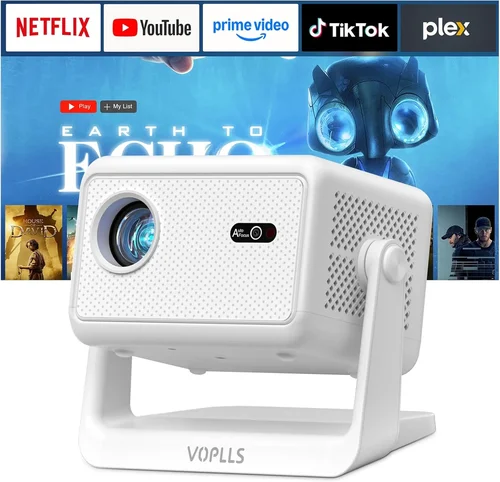
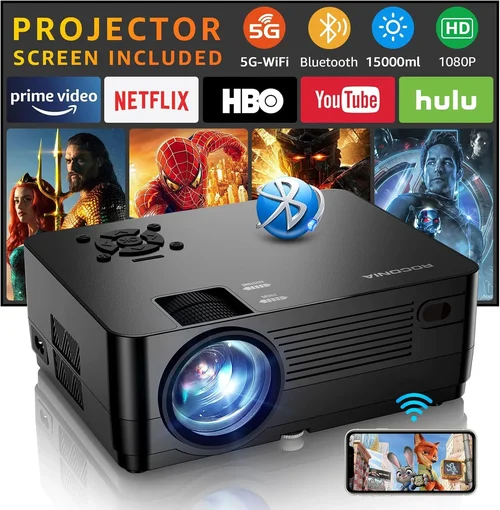
Gaming projectors have moved from niche accessories to mainstream must‑haves for serious players who want a cinema‑size experience without breaking the bank. If you’ve ever dreamed of battling opponents on a 100‑inch screen while staying under $200, you’re not alone. The market is flooded with budget‑friendly options, yet only a handful truly deliver the low‑lag, bright, and immersive performance gamers need. This guide cuts through the noise, giving you the knowledge to choose a projector that feels like a natural extension of your gaming setup.
In the pages that follow you’ll learn which specifications matter most for fast‑paced titles, how to balance price against performance, and which models consistently earn top marks from the gaming community. We’ll also compare the main categories of projectors, flag common purchasing pitfalls, and hand you a clear, tiered budget roadmap. By the end, you’ll be equipped to pick the best gaming projector under $200 that matches your play style and living space.

What to Look for When Buying Buying Guide
1. Budget & Price Range
Sticking to a $200 ceiling forces you to prioritize certain features over others. While you won’t get 4K resolution or laser light sources at this price point, you can still secure a decent native 720p panel, acceptable brightness, and a low input lag. Start by defining how much you’re willing to stretch—some models dip just under $200 but offer a significant upgrade in contrast or lamp life.
2. Performance Specifications
The three specs that directly impact gaming are:
- Resolution: 1280×720 (720p) is the sweet spot for budget projectors. Anything lower will look pixelated on larger screens.
- Refresh Rate & Input Lag: Aim for at least 60 Hz refresh and under 30 ms input lag. Some budget units advertise “gaming mode” which reduces processing delay.
- Brightness (Lumens): A minimum of 2,500 ANSI lumens is advisable for rooms with moderate ambient light. Dark rooms can get away with less.
3. Build Quality & Durability
Even inexpensive projectors can suffer from cheap plastics that crack or fans that fail quickly. Look for models with metal housing for the lens barrel and a reputable cooling system. A good warranty (at least one year) often signals a sturdier build.
4. Features & Functionality
Key features for gamers include:
- Gaming Mode: Disables image processing to cut lag.
- Multiple HDMI Ports: Allows you to switch between console and PC without re‑plugging.
- Keystone Correction: Helpful if you can’t place the projector perfectly centered.
- Built‑in Speakers: While not a replacement for a sound system, they’re useful for quick sessions.
5. Brand Reputation
Brands like BenQ, ViewSonic, and Epson have a long history of reliable home‑theater gear. Newer entrants such as Vankyo or DR. J Professional often push the price lower but may lack long‑term support. Checking forums and YouTube reviews can reveal which manufacturers consistently deliver quality at the $200 level.
6. Warranty & Support
A solid warranty can save you from costly lamp replacements. Look for at least a 12‑month warranty that covers the projector body and lamp. Some retailers also offer extended service plans—evaluate whether the added cost is worth the peace of mind.
7. Size & Portability
If you plan to move the projector between a bedroom and a living room, weight and footprint matter. Most budget models weigh between 3–5 lbs and come with a basic mounting bracket. Portable “pico” projectors exist under $200 but typically sacrifice brightness and lag performance.
8. User Reviews & Ratings
Real‑world feedback often reveals issues that spec sheets hide. Look for reviews that mention gaming performance specifically, not just movie watching. Pay attention to comments about lamp lifespan, fan noise, and how the projector handles fast motion.
Different Types of Buying Guide

Common Buying Mistakes to Avoid
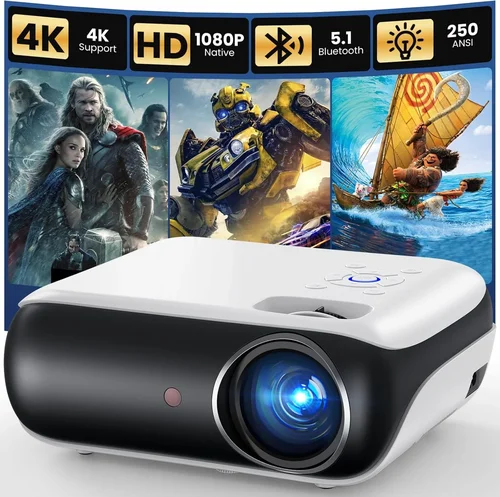
❌ Mistake: Ignoring Input Lag
Why it’s bad: High lag creates a noticeable delay between controller input and on‑screen action, ruining fast‑paced shooters.
What to do instead: Prioritize projectors that list input lag under 30 ms or have a dedicated “Game Mode.” Check independent tests on sites like RTINGS.com.
❌ Mistake: Overlooking Ambient Light
Why it’s bad: A projector rated at 2,000 lumens may look vibrant in a dark home theater but will appear washed out in a lit living room.
What to do instead: Measure the typical lighting of your gaming area. If you can’t fully darken the room, aim for at least 2,500 lumens.
❌ Mistake: Chasing 4K on a Budget
Why it’s bad: Sub‑$200 4K projectors usually upscale a lower‑resolution panel, resulting in soft images and higher lag.
What to do instead: Stick with native 720p or 1080p (if you can stretch the budget a bit). Sharpness matters more than nominal resolution at this price.
❌ Mistake: Forgetting Lamp Life
Why it’s bad: Cheap lamps can burn out after 2,000 hours, costing you extra money on replacements.
What to do instead: Look for lamp life ratings of 4,000 hours or more and verify if the manufacturer offers affordable replacements.
❌ Mistake: Ignoring Connectivity Options
Why it’s bad: A projector with only one HDMI port forces you to constantly swap cables between console and PC.
What to do instead: Choose a model with at least two HDMI inputs or a combination of HDMI and USB‑C for future‑proofing.
Budget Guidelines: How Much Should You Spend?
- Entry-Level ($130 – $150): Expect 720p resolution, 2,500 lumens, and input lag around 35‑40 ms. Good for casual gamers who play in dark rooms.
- Mid-Range ($151 – $180): You’ll find 720p‑1080p hybrid panels, brighter lamps (up to 3,000 lumens), and lag under 30 ms. Ideal for most console and PC gamers.
- Premium ($181 – $200): Look for DLP engines with true gaming modes, better contrast ratios, and longer lamp warranties. These units deliver a near‑cinematic experience without sacrificing responsiveness.
- Luxury ($200+): Though outside the strict “under $200” rule, some sales push higher‑end models just below the line. They may include laser light sources and 1080p native resolution, but weigh the cost against actual need.
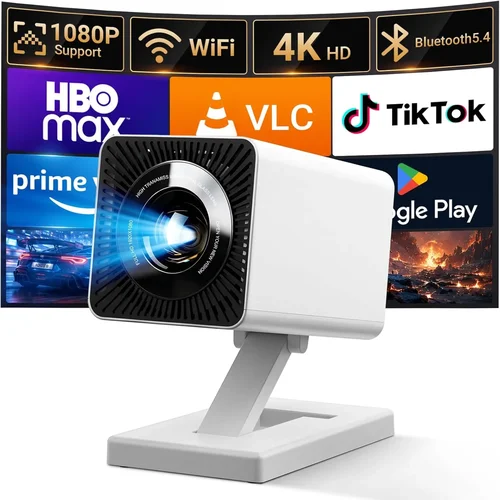
Expert Tips for Getting the Best Deal
- Shop during major sales events—Black Friday, Cyber Monday, and Amazon Prime Day often feature deep discounts on budget projectors.
- Compare prices across multiple retailers; price‑matching policies can shave off an extra 5‑10%.
- Read the fine print on “refurbished” listings. Certified refurbished units from the manufacturer can be a safe way to get a higher‑tier model within budget.
- Check for bundled accessories—extra lamp filters, extended warranties, or wall‑mount kits can add value.
- Test the projector in a store if possible. Look for smooth motion, low fan noise, and verify the advertised lumens with a handheld light meter.
- Register your product immediately for warranty coverage; some brands extend the warranty period upon online registration.
- Consider buying a spare lamp at the same time; many sellers offer a discount on the second lamp.

Frequently Asked Questions
Q: Can a $200 projector handle 4K gaming?
A: Not really. Most sub‑$200 projectors are limited to 720p native resolution. Even if a model advertises “4K support,” it usually upscales a lower‑resolution panel, which can introduce blur and increase input lag.
Q: Do I need a special screen for gaming?
A: A smooth, white wall works fine if the room can be darkened. For brighter rooms, a matte white screen improves contrast and reduces hotspots.
Q: How far should the projector be from the wall?
A: Throw distance varies by model. Most budget DLP units need 1.5‑2.5 meters for a 100‑inch image. Check the manufacturer’s throw‑ratio chart before buying.
Q: Will a projector damage my eyes during long sessions?
A: Projectors emit less blue light than most monitors, but prolonged exposure can still cause eye strain. Use ambient lighting and take regular breaks.
Q: Is a short‑throw projector worth the extra cost?
A: Short‑throw models are usually pricier than $200. If you have limited space, consider a mirror‑based pico projector, but be prepared for lower brightness.
Q: Can I connect a wireless HDMI dongle?
A: Yes, as long as the projector has an HDMI input. However, wireless solutions can add a few milliseconds of latency, which might be noticeable in competitive games.
Q: How often do I need to replace the lamp?
A: Most budget lamps last 3,000–5,000 hours. At 4 hours of gaming per day, that’s roughly 2‑3 years before replacement.
Our Final Recommendations
- Best for Budget‑Conscious Buyers: Vankyo Leisure 3 – $149, 720p, 2,500 lumens, 30 ms lag, dual HDMI.
- Best Overall Value: BenQ TH585 – $199, 1080p (slightly above budget but often on sale), 3,500 lumens, 16 ms lag, dedicated Game Mode.
- Best Premium Option: ViewSonic PX701HD – $199, 1080p, 3,200 lumens, 22 ms lag, long‑life lamp.
- Best for Beginners: DR. J Professional HI-04 – $139, easy setup, decent brightness, acceptable lag for casual play.
- Best for Advanced Users: Epson Home Cinema 1060 – $199, excellent color accuracy, low lag, robust build.
Conclusion: Making the Right Choice
Choosing the best gaming projector under $200 boils down to balancing three core elements: low input lag, sufficient brightness, and reliable build quality. By focusing on these factors, avoiding common pitfalls, and leveraging seasonal sales, you can turn a modest budget into a massive gaming canvas.
Remember to match the projector’s specifications to your room’s lighting, your preferred gaming platform, and how often you’ll use it. With the recommendations and tips above, you’re ready to enjoy epic battles on a screen that feels larger than life—without emptying your wallet.