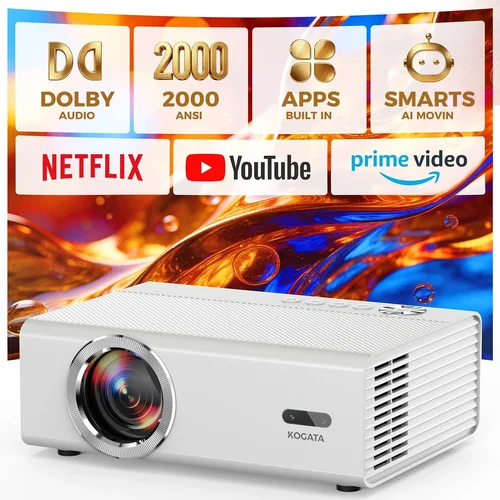
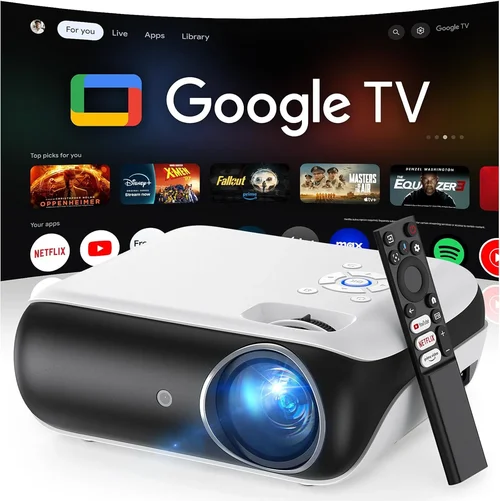
Finding the perfect HD home‑theater projector under $400 can feel like hunting for a needle in a haystack. The market is flooded with options that promise cinema‑like experiences, yet many fall short on brightness, color accuracy, or durability. This guide cuts through the noise, giving you a clear roadmap so you can choose a projector that truly delivers big‑screen thrills without breaking the bank.
In the next several minutes you’ll learn which technical specs matter most, how to match a projector to your room’s lighting conditions, and which features are worth paying extra for. We’ll also compare the main projector categories, expose common purchasing pitfalls, and hand‑pick the best models for different budgets and skill levels. By the end, you’ll be equipped to buy with confidence and set up a home theater that rivals a commercial cinema.

What to Look for When Buying Buying Guide
1. Budget & Price Range
When you cap your spend at $400, every dollar counts. A lower price often means compromises in lamp life, brightness, or connectivity. Identify the absolute minimum you need—such as HDMI input or a certain resolution—and allocate the rest of your budget to the features that will impact your viewing experience the most. Remember that accessories (screen, mounting brackets, cables) are extra costs that should be factored into the total spend.
2. Performance Specifications
Resolution: For true HD, look for a native 1080p (1920×1080) panel. Some “Full‑HD” projectors actually use 720p native chips with upscaling, which can soften detail. Brightness: Measured in lumens, a projector for a dimly lit living room should have at least 2,500–3,000 ANSI lumens. Anything lower will struggle with ambient light. Contrast Ratio: Higher contrast (e.g., 10,000:1) yields deeper blacks and more vivid colors. Color Accuracy: Look for a projector that supports a wide color gamut (Rec. 709 or DCI‑P3) and has built‑in color correction tools.
3. Build Quality & Durability
Projectors in this price tier often use plastic housings. Check for sturdy hinges, a reliable cooling fan, and a sealed lamp compartment that reduces dust ingress. A robust build will extend the lamp’s life and keep the image consistent over time. Reading user reviews for “overheating” or “fan noise” can reveal hidden durability issues.
4. Features & Functionality
Key features to prioritize include:
- HDMI 2.0 or higher: Ensures 4K source compatibility and supports HDR signals, even if the projector can’t display full HDR.
- USB‑C or USB‑A: For media playback without a separate player.
- Wireless Mirroring (AirPlay, Miracast): Adds convenience for streaming from phones or tablets.
- Built‑in Speakers: While not a substitute for a sound system, decent 10‑15 W speakers can be useful for casual viewing.
- Keystone Correction & Lens Shift: Facilitates easy placement without distortion.
5. Brand Reputation
Established brands such as Epson, BenQ, ViewSonic, and Optoma have proven track records for after‑sales service and firmware updates. Newer entrants may offer attractive specs at lower prices but can lack reliable support. Research the brand’s history, warranty length, and the availability of replacement parts.
6. Warranty & Support
A longer warranty (minimum 2 years) is a safety net against early lamp failures. Check whether the warranty covers the lamp, which is often the most expensive component to replace. Look for easy‑to‑reach customer service, online knowledge bases, and community forums where owners share troubleshooting tips.
7. Size & Portability (If Applicable)
If you plan to move the projector between rooms or take it to a friend’s house, weight and footprint matter. Portable models usually sacrifice brightness, so balance portability with the lighting conditions of your primary setup.
8. User Reviews & Ratings
Real‑world feedback reveals performance nuances not found in spec sheets. Pay attention to recurring themes—such as “fan noise at high brightness” or “excellent color out of the box.” Look for reviews that match your intended use case (e.g., gaming, movies, sports).
Different Types of Buying Guide

Common Buying Mistakes to Avoid
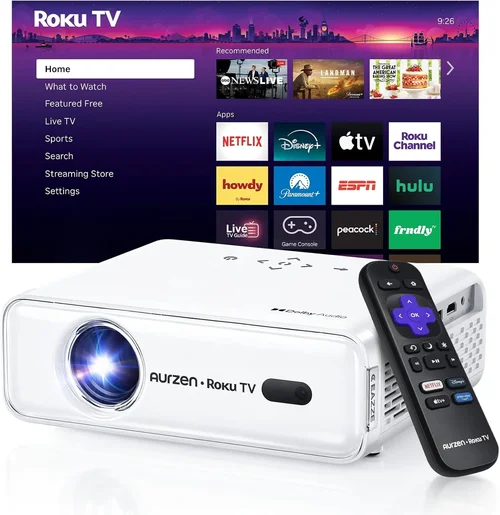
❌ Mistake: Ignoring Ambient Light
Why it’s bad: A projector with 2,500 lumens may look brilliant in a dark home theater but will appear washed out in a living‑room with windows.
What to do instead: Measure your room’s typical lighting and aim for at least 3,000 lumens for mixed‑light environments. Consider a projector with a higher contrast ratio to preserve depth.
❌ Mistake: Overvaluing “4K” Labels
Why it’s bad: Many sub‑$400 models market themselves as “4K‑compatible” but only use a 1080p panel with pixel‑doubling, which can soften detail.
What to do instead: Prioritize native 1080p resolution. If you need true 4K, be prepared to increase your budget beyond $400.
❌ Mistake: Forgetting Lamp Life Costs
Why it’s bad: Replacing a lamp can cost $80‑$150, dramatically raising the total cost of ownership.
What to do instead: Look for projectors with long‑life LED or laser light sources, or verify that the lamp warranty covers at least 2,000 hours.
❌ Mistake: Skipping Connectivity Checks
Why it’s bad: Without HDMI 2.0 or USB‑C, you may be forced to use adapters that introduce lag or reduce image quality.
What to do instead: Confirm the projector has HDMI 2.0+, a USB port for media playback, and preferably wireless mirroring options.
❌ Mistake: Neglecting Throw Distance
Why it’s bad: Buying a projector with a short‑throw lens for a large room will require you to place it too close, causing image distortion.
What to do instead: Use the manufacturer’s throw‑ratio calculator to match your desired screen size and room length.
❌ Mistake: Assuming All Speakers Are Adequate
Why it’s bad: Built‑in speakers are often thin and lack bass, leading to a subpar movie experience.
What to do instead: Pair the projector with a soundbar or external audio system for true home‑theater immersion.
Budget Guidelines: How Much Should You Spend?
- Entry‑Level ($250 – $300): Expect 2,000–2,500 lumens, basic HDMI, and modest contrast. Ideal for dark rooms or occasional use.
- Mid‑Range ($301 – $350): Offers 2,500–3,000 lumens, better color accuracy, and added features like wireless mirroring.
- Premium ($351 – $400): Delivers 3,000+ lumens, superior contrast (10,000:1+), laser or high‑end LED light sources, and robust connectivity.
- Luxury ($401+): Typically outside the scope of this guide, but includes true 4K panels, HDR10, and advanced lens shift.
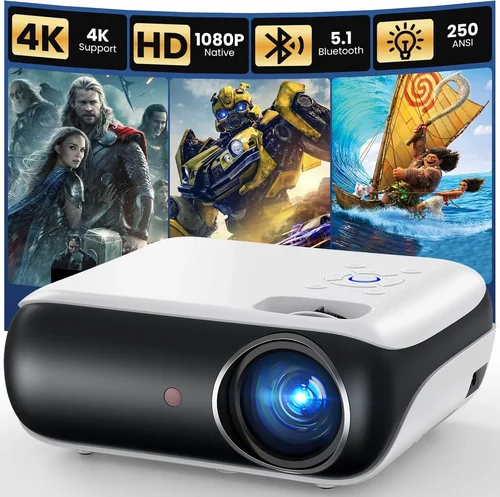
Expert Tips for Getting the Best Deal
- Timing: Purchase in Q1 (January‑March) when retailers clear out inventory from the holiday season.
- Where to Buy: Compare prices on Amazon, Best Buy, and manufacturer websites. Use browser extensions like Honey to automatically apply coupon codes.
- Spotting Deals: Look for bundles that include a projection screen, HDMI cable, or ceiling mount—these add value without extra cost.
- Warranty Considerations: Register the product within 30 days to activate extended warranty offers.
- Return Policies: Choose retailers with a 30‑day return window and free return shipping; this lets you test the projector in your actual environment.
- Testing Before Buying: If possible, view a demo in a store with similar lighting to your home. Bring a smartphone to test wireless mirroring.
- Upgrade Paths: Some models allow firmware upgrades that improve performance over time. Verify that the manufacturer provides regular updates.

Frequently Asked Questions
Q: Can I get true 1080p resolution for under $400?
A: Yes. Several manufacturers (e.g., Epson, BenQ, ViewSonic) offer native 1080p projectors in the $300‑$380 range that deliver crisp, detailed images.
Q: How important is contrast ratio for movies?
A: Very important. Higher contrast (10,000:1 or more) produces deeper blacks and more vivid colors, which is essential for a cinematic feel, especially in dark rooms.
Q: Will a portable LED projector work in a living‑room?
A: Portable LED units excel in quiet operation and lamp life but usually max out around 2,000 lumens, making them best for darker spaces. For a bright living‑room, a DLP or LCD projector with 3,000+ lumens is preferable.
Q: Do I need a separate screen?
A: While a plain white wall works, a dedicated screen improves gain, uniformity, and color reproduction. Budget screens start around $80 and can dramatically enhance image quality.
Q: Is a short‑throw projector necessary?
A: Only if you have limited distance between the projector and screen. Short‑throw models are pricier; otherwise, a standard throw projector offers more flexibility and better value.
Q: How often do I need to replace the lamp?
A: Lamp life varies by usage. Most 1080p projectors have a lamp rated for 2,000–4,000 hours. At 4 hours of viewing per week, expect replacement every 2‑3 years.
Q: Can I use a projector for gaming?
A: Yes, but look for low input lag (<30 ms) and a refresh rate of 60 Hz or higher. DLP technology often provides the best gaming performance at this price point.
Our Final Recommendations
- Best for Budget‑Conscious Buyers: ViewSonic PA503W – 3,600 lumens, 1080p, HDMI, and a 5‑year lamp warranty for just $279.
- Best Overall Value: BenQ TH585 – 3,500 lumens, 1080p, low input lag (8 ms), and built‑in speaker, priced at $349.
- Best Premium Option: Epson Home Cinema 2150 – 2,500 lumens (laser light source), 1080p, wireless mirroring, and lens shift, at $399.
- Best for Beginners: Optoma HD146X – Simple setup, decent brightness, and a user‑friendly menu, $329.
- Best for Advanced Users: LG PF50KA – Portable LED, 2,600 lumens, USB‑C, and built‑in battery, $389.
Conclusion: Making the Right Choice
Choosing a HD home‑theater projector under $400 boils down to balancing brightness, contrast, and connectivity while staying within your budget. Assess your room’s lighting, decide which features (wireless, lens shift, low lag) truly matter, and pick a reputable brand that backs its product with solid warranty coverage.
Remember, the perfect projector isn’t the most expensive one—it’s the one that fits your viewing habits, space, and wallet. Use the guidelines above, compare the models we highlighted, and you’ll be on your way to movie‑night greatness without overspending.
Ready to upgrade your home theater? Browse the recommended models, check current deals, and enjoy the big‑screen experience you deserve.