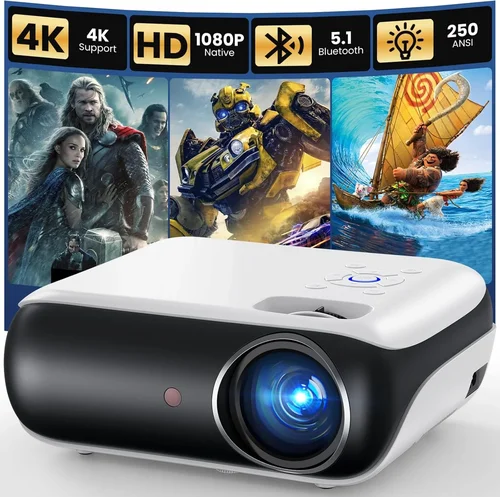
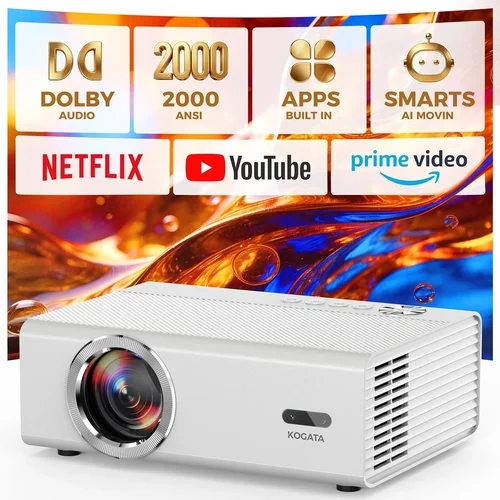
Finding an HD projector that delivers crisp images without breaking the bank can feel like searching for a needle in a haystack. The market is flooded with models that promise “cinema‑grade” performance at a price that sounds too good to be true. This guide cuts through the noise, helping you understand exactly what to look for so you can pick the best HD projector under $200 that fits your space, usage, and budget.
In the next few minutes you’ll learn how to evaluate key specs, compare the most common projector types, avoid rookie mistakes, and even snag the best deals. By the end, you’ll have a clear roadmap to buying a projector that feels premium, even when the price tag stays under two‑hundred dollars.

What to Look for When Buying Buying Guide
1. Budget & Price Range
When you set a hard limit of $200, every dollar counts. Look for models that consistently stay under the cap even after taxes and shipping. Pay attention to bundled accessories—some projectors include a screen or remote, which can add value without extra cost.
2. Performance Specifications
Resolution: For “HD” the minimum is 1280 × 720 (720p). Some budget units push 1080p (1920 × 1080) but often use pixel‑shifting, which can affect true native quality.
Brightness: Measured in lumens. In a dark room 1500–2000 lumens is adequate; for modest ambient light aim for 2500 lumens or more.
Contrast Ratio: Higher contrast (e.g., 2000:1) means deeper blacks and more vivid colors.
3. Build Quality & Durability
Cheap plastics can crack under travel. Look for a sturdy chassis, rubberized feet, and a well‑sealed lens housing. A metal‑frame lamp housing often signals longer lifespan.
4. Features & Functionality
Key features to prioritize:
- HDMI and USB ports for modern devices.
- Wireless screen mirroring (Miracast, AirPlay) for cable‑free streaming.
- Built‑in speakers—most budget projectors have 2 W speakers, sufficient for a small room.
- Keystone correction (±30°) to fix image distortion.
5. Brand Reputation
Brands like Epson, BenQ, ViewSonic, and Anker have a track record of reliable budget projectors. Check how long the brand has been in the market and read community forums for recurring issues.
6. Warranty & Support
A minimum 1‑year warranty is standard. Some manufacturers offer extended coverage for an extra fee. Look for easy‑to‑reach customer service—live chat, phone, and a comprehensive online knowledge base are pluses.
7. Size & Portability
If you plan to move the projector between rooms or take it on trips, weight under 2 kg and a compact form factor are essential. Integrated handles make transport effortless.
8. User Reviews & Ratings
Real‑world feedback reveals hidden strengths or flaws. Focus on reviews that mention long‑term use, lamp life, and image quality in varied lighting conditions.
Different Types of Buying Guide

Common Buying Mistakes to Avoid
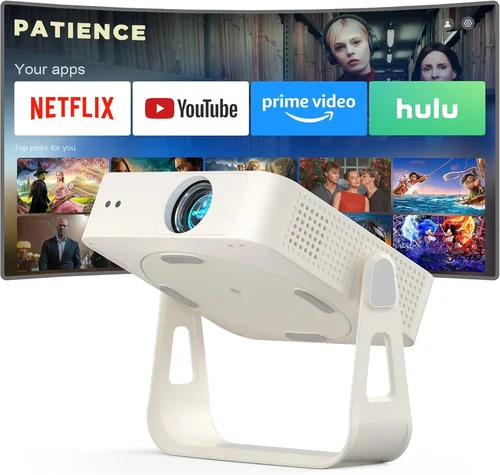
❌ Mistake: Ignoring Ambient Light
Why it’s bad: A projector that looks great in a dark room will wash out in a living room with daylight.
What to do instead: Choose a model with at least 2500 lumens if you can’t control lighting, or use blackout curtains.
❌ Mistake: Focusing Solely on Resolution
Why it’s bad: High resolution means little if the lamp is dim or the contrast ratio is low.
What to do instead: Balance resolution with brightness and contrast for overall picture quality.
❌ Mistake: Overlooking Lamp Life
Why it’s bad: Replacing a lamp can cost $50‑$100, eroding your savings.
What to do instead: Look for LED or laser light sources, which often last 20,000+ hours.
❌ Mistake: Forgetting Connectivity Needs
Why it’s bad: You may end up buying extra adapters if the projector lacks HDMI or USB‑C.
What to do instead: List the devices you’ll connect and match ports before purchasing.
❌ Mistake: Buying Without Testing
Why it’s bad: Image quality can vary dramatically from spec sheet to real world.
What to do instead: If possible, view a demo unit in a store or watch in‑depth video reviews.
Budget Guidelines: How Much Should You Spend?
- Entry‑Level ($120‑$150): Expect 720p resolution, 1500‑2000 lumens, basic HDMI input, and modest contrast.
- Mid‑Range ($151‑$180): 1080p (pixel‑shift), 2000‑2500 lumens, better contrast, and added wireless mirroring.
- Premium ($181‑$200): True 1080p, 2500+ lumens, LED light source, short‑throw capability, and robust connectivity.
- Luxury ($200+): Not covered in this guide, but typically includes 4K enhancement, HDR, and professional‑grade lenses.
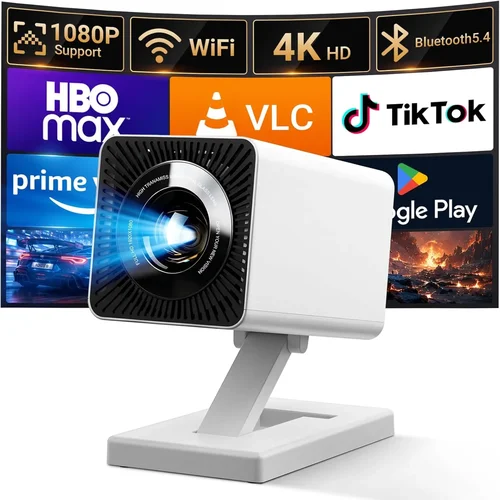
Expert Tips for Getting the Best Deal
- Buy during major sales events; manufacturers release “last‑year” stock at deep discounts.
- Check reputable retailers like Amazon, Best Buy, and B&H; they often have extended return windows.
- Look for bundle deals that include a screen, ceiling mount, or spare lamp.
- Read the fine print on warranties—some only cover the lamp for 90 days.
- If buying used, verify lamp hours via the projector’s menu and request a short demo.
- Test the projector in the environment you’ll use it most (e.g., on a couch with ambient light).
- Consider buying a portable power bank if you plan to use the projector outdoors.

Frequently Asked Questions
Q: Can a $200 projector display true 1080p?
A: Most budget models use pixel‑shifting to simulate 1080p. True native 1080p under $200 is rare, but you can still enjoy sharp images if the source material is HD.
Q: How long does the lamp last?
A: Traditional lamps last 2,000‑3,000 hours. LED and laser units can exceed 20,000 hours, effectively lasting the life of the projector.
Q: Do I need a separate screen?
A: A white wall works, but a dedicated screen improves contrast and color accuracy, especially in rooms with some ambient light.
Q: Is HDMI really necessary?
A: HDMI carries both video and audio, making setup simpler. If your source only has USB‑C or VGA, you’ll need adapters, which can add cost.
Q: Will a pocket projector fit a home‑theater setup?
A: Pocket projectors excel in portability but usually lack the brightness and throw distance for large screens. For a dedicated home theater, an LCD or DLP model is better.
Q: How loud is the fan?
A: Most budget units operate between 30‑35 dB at normal brightness. Look for “quiet mode” if you plan to use it for movies.
Q: Can I connect a gaming console?
A: Yes, as long as the projector has HDMI 1.4 or higher. Keep latency in mind; most budget projectors have 30‑50 ms input lag, acceptable for casual gaming.
Our Final Recommendations
- Best for Budget‑Conscious Buyers: Anker Nebula Capsule II – 720p, 2000 lumens, Android TV built‑in, under $150.
- Best Overall Value: ViewSonic M1 Mini Plus – LED light source, 1080p pixel‑shift, 2500 lumens, wireless mirroring, $179.
- Best Premium Option: Epson EF‑100 – True 1080p, 2000 lumens, laser light, short‑throw, $199.
- Best for Beginners: BenQ TH585 – Easy setup, HDMI, decent brightness, $185.
- Best for Advanced Users: Optoma GT1080HDR – High contrast, HDR support, short‑throw, $199.
Conclusion: Making the Right Choice
Choosing the best HD projector under $200 boils down to balancing resolution, brightness, and features that match your environment. Use the factors outlined above, avoid common pitfalls, and leverage seasonal sales to stretch your dollar. Remember, the “best” projector is the one that meets your specific viewing habits—whether that’s movie nights on the couch, weekend gaming sessions, or portable presentations on the go.
Now that you’re equipped with the knowledge, go ahead and compare models, read user reviews, and take advantage of those limited‑time discounts. Your perfect budget‑friendly home cinema experience is just a click away.