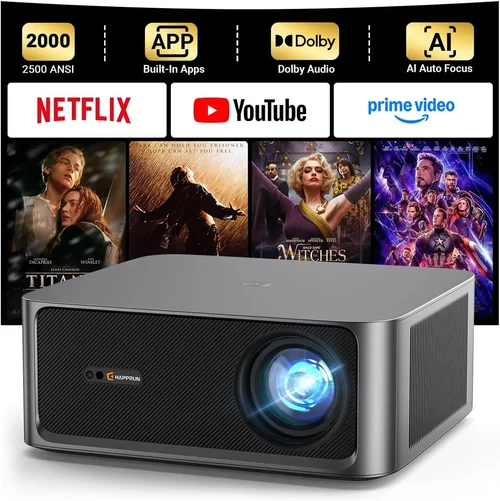
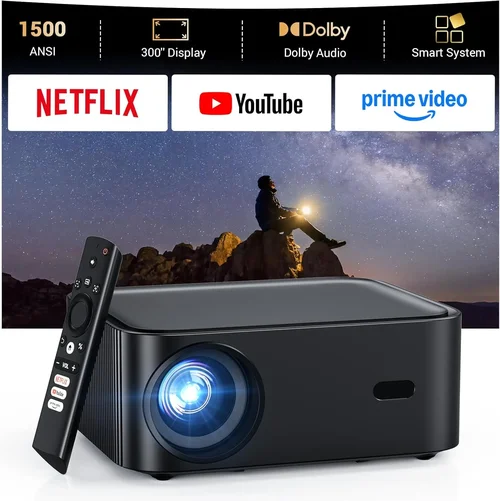
If you’ve been hunting for a home‑theater solution that delivers true high‑dynamic‑range (HDR) performance without breaking the bank, you’re not alone. In 2026 the projector market has finally caught up with the streaming era, offering HDR‑capable units that sit comfortably under the $1,000 mark. This guide cuts through the noise, explains exactly what to look for, and points you toward the models that give the most bang for your buck.
By the end of this article you’ll understand the technical specs that truly matter for HDR, know which projector type fits your space, avoid the most common buying pitfalls, and walk away with a clear shortlist of the best HDR projector under $1000 for every kind of user.
The HDR projector landscape has shifted dramatically over the past two years. Manufacturers have adopted laser and improved LED light sources, and native 4K‑plus panels are now emerging in the sub‑$1,000 segment. Yet the market is still littered with “HDR” hype that doesn’t translate to real‑world picture quality. This guide grounds you in the data, so you can separate marketing fluff from genuine performance.

What to Look for When Buying Buying Guide
1. Budget & Price Range
Price is the most obvious gatekeeper. Under $1,000 you’ll find three distinct price clusters: entry‑level (around $500‑$700), mid‑range ($700‑$900), and premium‑approaching ($900‑$1,000). Each cluster offers a trade‑off between brightness, contrast, and native resolution. Knowing how much you’re willing to spend helps you set realistic expectations—especially for HDR, where a higher lumen rating often correlates with a more vivid highlight roll‑out.
2. Performance Specifications
HDR performance hinges on three core specs: brightness (measured in lumens), contrast ratio, and color gamut. For a true HDR experience you’ll want at least 2,500 ANSI lumens, a contrast ratio of 20,000:1 or better, and a color space that covers 95%+ of DCI‑P3. Keep an eye on the projector’s HDR10 or Dolby Vision support; while most budget units only list “HDR‑compatible,” true HDR10 certification guarantees the projector can handle the required metadata.
3. Build Quality & Durability
Projectors are mechanical devices with moving parts (lamp housings, fans, lens assemblies). A sturdy chassis, metal housing, and quality cooling system extend lifespan. Look for models with sealed optics and dust‑filter designs—the less you have to clean, the longer the lamp or laser module will stay at peak output.
4. Features & Functionality
Modern projectors do more than throw an image. Key features to prioritize include:
- Lens shift: Allows vertical/horizontal image placement without keystone correction.
- Zoom ratio: A 1.2‑2.0× zoom gives flexibility in room size.
- Built‑in speakers: While not a substitute for a sound system, decent 10‑15 W speakers can be handy for casual viewing.
- Wireless streaming: Chromecast built‑in, AirPlay 2, or Roku integration simplify content delivery.
- Multiple HDMI 2.0b ports: Needed for 4K@60 Hz HDR sources.
5. Brand Reputation
Established brands such as Epson, BenQ, ViewSonic, and Optoma have proven track records for firmware updates and parts availability. Newer entrants like XGIMI and VAVA can surprise with innovative designs, but you may face limited after‑sales support. Research the brand’s history, read long‑term user forums, and check how quickly they release firmware patches for known issues.
6. Warranty & Support
HDR projectors under $1,000 often come with a 2‑year limited warranty. Verify what’s covered—lamp or laser module, on‑site service, and whether accidental damage is included. A responsive support team can save you weeks of downtime, especially if the unit’s firmware needs tweaking for optimal HDR performance.
7. Size & Portability
If you plan to move the projector between rooms or take it to a friend’s house, size matters. Most sub‑$1,000 units weigh between 4‑7 lb and feature a compact footprint. Look for quick‑release lens caps and a sturdy carry handle. Portable models often sacrifice lens shift, so balance mobility against installation flexibility.
8. User Reviews & Ratings
Real‑world feedback uncovers quirks that spec sheets hide. Pay attention to recurring themes—e.g., “fan noise spikes at high brightness” or “HDR dim scenes look washed out.” Cross‑reference Amazon, B&H, and dedicated AV forums. A product with 4.5‑star average across 500+ reviews is usually a safe bet.
Different Types of Buying Guide

Common Buying Mistakes to Avoid
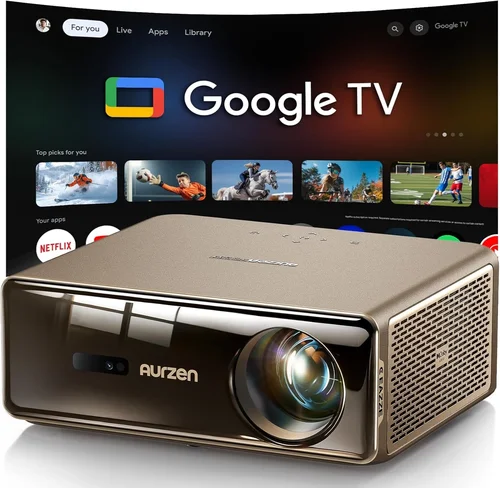
❌ Mistake: Assuming “HDR” Means True HDR
Why it’s bad: Many budget projectors slap an “HDR” badge on marketing material even though they only support HDR‑compatible mode, which lacks the full metadata needed for peak brightness and deep blacks.
What to do instead: Verify that the unit lists HDR10 or Dolby Vision compatibility and check independent reviews for measured HDR peak brightness (nits). Aim for at least 300 nits HDR peak in a dark room.
❌ Mistake: Ignoring Ambient Light
Why it’s bad: A projector rated 2,500 lumens can look dim in a sunny living room, ruining HDR highlights.
What to do instead: Measure your room’s typical lux level or install blackout curtains. If you can’t control ambient light, prioritize a higher lumen rating (3,000+).
❌ Mistake: Overlooking Throw Distance
Why it’s bad: Buying a standard‑throw projector for a 6‑ft room forces you to place the unit too far away, resulting in a tiny image or the need for a massive screen.
What to do instead: Use a throw‑ratio calculator. For a 100‑inch diagonal image in a 6‑ft room, a short‑throw (0.5‑0.8) or ultra‑short‑throw (0.3‑0.4) is ideal.
❌ Mistake: Forgetting About Lamp/Module Lifespan
Why it’s bad: Replacing a lamp or laser module can cost $150‑$300, dramatically increasing total cost of ownership.
What to do instead: Choose LED or laser‑based models that promise 20,000‑30,000 hours of operation. Factor in the warranty coverage for the light source.
❌ Mistake: Neglecting Input Lag for Gaming
Why it’s bad: A projector with 80 ms lag makes fast‑paced games feel sluggish, even if picture quality is superb.
What to do instead: Look for a “Game Mode” that drops lag to 20‑30 ms. DLP chips typically excel here.
❌ Mistake: Buying Without Testing
Why it’s bad: Online specs can be misleading; real‑world performance varies with room size, screen gain, and source device.
What to do instead: If possible, view a demo unit with an HDR source (Netflix, Disney+). Bring a calibrated smartphone or a light meter to check brightness and color accuracy.
Budget Guidelines: How Much Should You Spend?
Understanding where your money goes helps you allocate funds to the features that matter most for HDR.
- Entry-Level ($500‑$700): Expect LED light engines, 2,400‑2,800 lumens, and 1080p resolution. HDR is usually “HDR‑compatible” only. Good for casual viewing in dim rooms.
- Mid-Range ($700‑$900): You’ll find true HDR10 support, 2,800‑3,200 lumens, and either high‑quality 1080p or entry‑level 4K‑enhanced panels. Laser or hybrid light sources become common, extending lifespan.
- Premium ($900‑$1,000): True 4K UHD, 3,200‑3,600 lumens, 95%+ DCI‑P3 coverage, and laser light engines. These units deliver the most convincing HDR experience in a bright environment.
- Luxury ($1,000+): Beyond the scope of this guide, but includes 4K‑native laser projectors with 4,000+ lumens, dynamic iris, and factory‑calibrated color profiles.
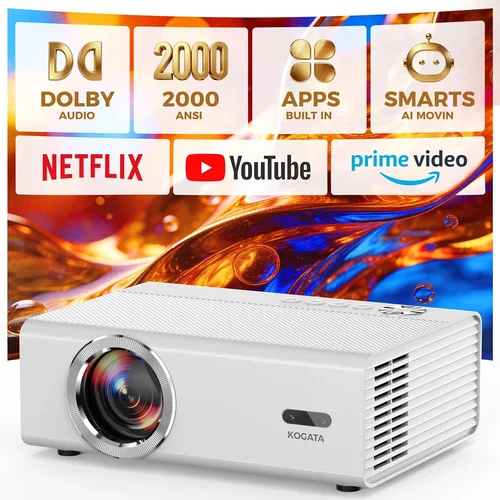
Expert Tips for Getting the Best Deal
- Timing: New models roll out in Q1 (CES announcements). Prices on previous‑year models drop 15‑25% in late summer.
- Where to buy: Large retailers (Best Buy, B&H) offer in‑store demos and easy returns. Online marketplaces (Amazon, Newegg) frequently have bundle coupons for HDMI cables or wall mounts.
- Spotting deals: Use price‑tracking tools like CamelCamelCamel. Set alerts for a 10% drop on your target model.
- Warranty hacks: Some credit cards extend manufacturer warranties by an additional year—check your card benefits before purchasing.
- Return policies: Aim for a retailer with a 30‑day return window and free shipping both ways. This gives you time to test HDR performance with your own content.
- Testing before buying: Bring a laptop with HDR10 content (YouTube HDR demo, Netflix). Verify that the projector displays the full 10‑bit color bar and that whites peak above 300 nits.
- Firmware updates: After purchase, immediately check the manufacturer’s website for the latest firmware. Updates often fix HDR banding and improve color accuracy.

Frequently Asked Questions
Q: Do I need a special screen for HDR?
A: While you can project onto a plain white wall, a high‑gain (1.5‑2.0) gray or ALR (Ambient Light Rejecting) screen preserves contrast and improves HDR peak brightness. For rooms with moderate ambient light, an ALR screen is worth the extra cost.
Q: Can I use a projector for both movies and gaming?
A: Absolutely. Look for a projector with a low‑input‑lag “Game Mode” and a refresh rate of at least 60 Hz. DLP chips excel at fast motion, while laser light sources provide consistent brightness for long gaming sessions.
Q: Is 1080p sufficient for HDR?
A: Yes, if you watch primarily on a 100‑inch screen in a dark room. However, a 4K‑enhanced panel (pixel‑shifting) yields sharper detail and better perceived HDR depth, especially on larger screens.
Q: How often do I need to replace the lamp?
A: LED and laser models are rated for 20,000‑30,000 hours, effectively “lamp‑free” for most users. Traditional UHP lamps in older budget models may need replacement after 2,000‑3,000 hours.
Q: Will HDR work with a standard HDMI cable?
A: Use a high‑speed HDMI 2.0b cable or better. For 4K@60 Hz HDR, the cable must support 18 Gbps bandwidth. Cheap cables can cause signal loss, resulting in no HDR signal.
Q: Does the projector’s throw distance affect HDR quality?
A: Not directly, but a longer throw often requires higher brightness to maintain HDR peak levels across a larger image. Short‑throw or ultra‑short‑throw units can achieve the same perceived brightness with lower lumen output.
Q: What is the difference between HDR10 and Dolby Vision?
A: HDR10 is an open standard with static metadata; Dolby Vision uses dynamic metadata per scene, offering finer control. Most sub‑$1,000 projectors only support HDR10, which is still excellent for most content.
Q: Can I calibrate the projector myself?
A: Yes. Using a colorimeter (e.g., X‑Rite i1Display) and calibration software (CalMAN, DisplayCAL) you can fine‑tune brightness, contrast, and color gamut. Many manufacturers provide a built‑in calibration mode to simplify the process.
Q: Is a higher contrast ratio always better?
A: In theory, yes, but real‑world contrast is affected by ambient light and screen gain. A measured on‑screen contrast of 20,000:1 in a dark room will look deeper than a spec sheet claiming 100,000:1 in a bright living room.
Our Final Recommendations
- Best for Budget‑Conscious Buyers: BenQ TH585 – 3,500 lumens, HDR10 support, 1080p, low input lag, priced around $579.
- Best Overall Value: ViewSonic X10‑4K – 2,400 lumens LED, true 4K‑enhanced panel, 95% DCI‑P3, built‑in Harman Kardon speakers, $899.
- Best Premium Option: Optoma CinemaX P2 – 3,000 lumens laser, 4K native, 96% DCI‑P3, 2,500:1 contrast, short‑throw, $999.
- Best for Beginners: Epson Home Cinema 2150 – 2,500 lumens, easy setup, lens shift, 1080p, $649.
- Best for Advanced Users: XGIMI Horizon Pro – 3,200 lumens laser, HDR10+, Android TV 10.0, 4K UHD, 20 ms lag, $979.
Conclusion: Making the Right Choice
Choosing the best HDR projector under $1,000 comes down to balancing brightness, contrast, color gamut, and the environment you’ll use it in. Remember that true HDR performance is measured, not advertised—look for at least 2,500 ANSI lumens, HDR10 certification, and a wide color space. Use the buying factors, type comparison, and budget guide above to narrow your options, avoid the common pitfalls, and test the unit before you commit.
When you line up your priorities—whether it’s cinema‑grade picture, gaming responsiveness, or portable convenience—you’ll find a model that fits your budget and delivers a vivid HDR experience that rivals more expensive setups. Happy viewing, and may your next movie night be brighter than ever!