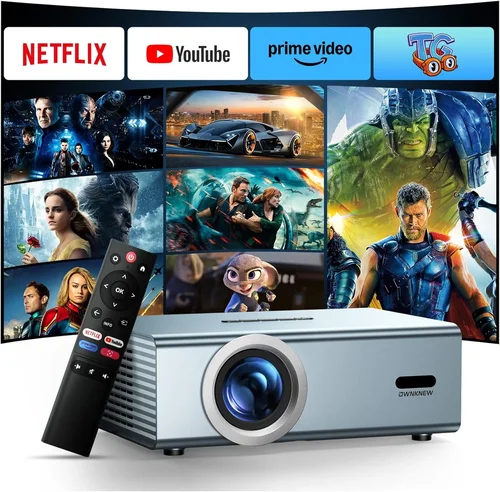
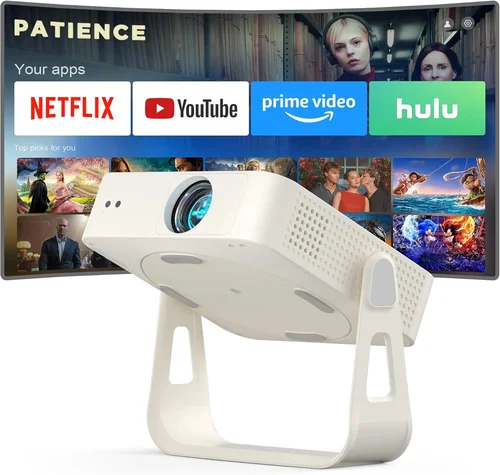
Welcome to the most thorough guide you’ll find for picking a home projector on Amazon that costs less than $500. Whether you’re setting up a weekend movie night, turning a spare room into a gaming arena, or simply want a larger‑than‑life picture for streaming TV, the decisions you make now will shape every viewing experience for years to come. This guide cuts through the noise, explains the technical jargon in plain English, and equips you with a decision‑making framework you can trust.
In the pages that follow you’ll learn how to match your space, lighting, and content preferences with the right projector specifications, avoid the most common pitfalls, and spot the best deals on Amazon without falling for marketing hype. By the end, you’ll be ready to choose a projector that delivers crisp, bright images while staying comfortably under the $500 budget ceiling.

What to Look for When Buying Buying Guide
1. Budget & Price Range
Price is the most obvious gatekeeper, but it’s also a signal of what you can realistically expect. In the sub‑$500 segment, you’ll typically find projectors that balance brightness with portable form factors. Expect a trade‑off: ultra‑high contrast ratios and 4K resolution are rare, but you can still secure a model with 1080p support, decent lumens, and reliable lamp life. Set a hard ceiling (e.g., $480) to give yourself room for taxes, shipping, and optional accessories like a screen or mounting kit.
2. Performance Specifications
Three specs dominate the conversation:
- Brightness (lumens): Measured in ANSI lumens. For a dark living room, 1,800–2,200 lumens is sufficient. If you plan to watch with some ambient light, aim for 2,500+ lumens.
- Resolution: 1080p (Full HD) is the sweet spot under $500. Some “1080p‑enhanced” models use pixel‑shifting to simulate higher resolution; they work, but true native 1080p offers sharper detail.
- Contrast Ratio: Higher contrast means deeper blacks. Look for ratios of 10,000:1 or better, but remember that advertised numbers can be optimistic. Real‑world performance depends on lamp quality and room darkness.
3. Build Quality & Durability
A projector is an investment; you’ll likely move it, clean it, and adjust it often. Metal chassis, reinforced lens housings, and a robust cooling system extend lifespan. Check user reviews for reports of overheating or premature lamp failure—these are red flags even if the specs look great.
4. Features & Functionality
Modern projectors pack more than just a light source. Key features to consider:
- Built‑in Speakers: Useful for casual viewing, but they rarely replace a dedicated sound system. Look for at least 5‑10 W output if you rely on them.
- Wireless Connectivity: Wi‑Fi or Bluetooth for streaming from phones, tablets, or Amazon Fire TV sticks. Ensure the app is user‑friendly and supports AirPlay or Miracast if you use Apple or Windows devices.
- Keystone Correction & Lens Shift: Essential for adjusting image geometry without moving the projector. Manual keystone (±30°) is common; digital keystone can degrade image quality.
- Port Selection: HDMI (preferably 2.0), USB‑C, USB‑A, and VGA. Multiple HDMI ports let you connect a console and a streaming stick simultaneously.
5. Brand Reputation
Brands like Epson, BenQ, ViewSonic, and Optoma have established service networks and firmware support. Newer entrants may offer attractive specs at lower prices, but consider the availability of spare lamps and the responsiveness of customer service before committing.
6. Warranty & Support
Most manufacturers provide a 1‑year limited warranty, but some Amazon sellers extend this to 2 years for a small fee. Look for warranty terms that cover the lamp, power board, and accidental damage. A hassle‑free RMA process can save you weeks of downtime.
7. Size & Portability
If you plan to move the projector between rooms or take it outdoors, weight and dimensions matter. Portable “pico” projectors often sacrifice brightness, while “home theater” models are bulkier but deliver stronger performance. Decide whether you need a lightweight unit or a stationary setup with a ceiling mount.
8. User Reviews & Ratings
Amazon’s rating system is a valuable early filter, but dive into the written reviews. Look for recurring themes—e.g., “lamp died after six months” or “great for gaming with low input lag.” Filter for verified purchases and recent reviews (within the last 12 months) to gauge current product quality.
Different Types of Buying Guide

Common Buying Mistakes to Avoid
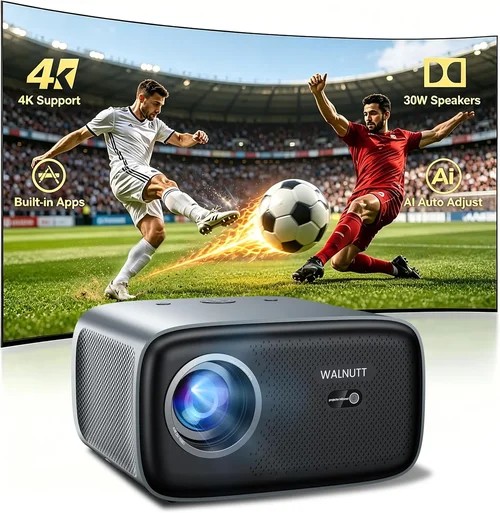
❌ Mistake: Ignoring Ambient Light Conditions
Why it’s bad: A projector rated at 2,200 lumens will look brilliant in a dark home theater but may appear washed out in a bright living room.
What to do instead: Measure typical room lighting and choose a lumen rating that exceeds it by at least 30%. If you can’t control light, consider a projector with higher lumens or an ambient‑light‑rejecting screen.
❌ Mistake: Over‑Focusing on Resolution Alone
Why it’s bad: A 4K‑enhanced projector with low brightness can deliver a fuzzy image despite the higher pixel count.
What to do instead: Prioritize brightness and contrast first, then aim for at least native 1080p resolution within the sub‑$500 range.
❌ Mistake: Forgetting About Lamp Life
Why it’s bad: Replacing a lamp can cost $80‑$150, dramatically increasing total ownership cost.
What to do instead: Look for LED or laser light sources, which often exceed 20,000 hours and rarely need replacement.
❌ Mistake: Neglecting Input Lag for Gaming
Why it’s bad: High input lag (>30 ms) makes fast‑paced games feel sluggish.
What to do instead: Choose a model that advertises <20 ms lag or a dedicated “Game Mode.” Verify with user reviews that the claim holds up in real use.
❌ Mistake: Skipping the Throw Ratio Check
Why it’s bad: A projector with a long throw distance may not fit in a small bedroom, forcing you to place it too far away and lose image size.
What to do instead: Calculate the required throw distance (Screen Width × Throw Ratio). Short‑throw (0.5–1.0) models are ideal for limited spaces.
❌ Mistake: Assuming All HDMI Ports Are Equal
Why it’s bad: Some budget projectors only support HDMI 1.4, limiting 4K @ 30 Hz or HDR capabilities.
What to do instead: Verify the HDMI version. HDMI 2.0 or higher ensures smoother 1080p60 playback and future‑proofs the device.
Budget Guidelines: How Much Should You Spend?
Understanding what you get at each price tier helps you set realistic expectations.
- Entry-Level ($150‑$250): Typically pico or ultra‑portable units with 800‑1,200 lumens, native 720p resolution, and basic built‑in speakers. Good for casual presentations or occasional backyard movies.
- Mid‑Range ($250‑$380): Full‑HD (1080p) resolution, 2,000‑2,400 lumens, and optional lamp‑free LED or laser light sources. You’ll find basic keystone correction and a handful of connectivity options.
- Premium ($380‑$500): Higher brightness (2,500‑3,000 lumens), better contrast ratios, advanced features like lens shift, low input lag, and more robust build quality. Often includes a longer warranty and better customer support.
- Luxury ($500+): While beyond the scope of this guide, luxury models push into 4K resolution, HDR support, and premium optics. They are usually sold by specialty retailers rather than Amazon.
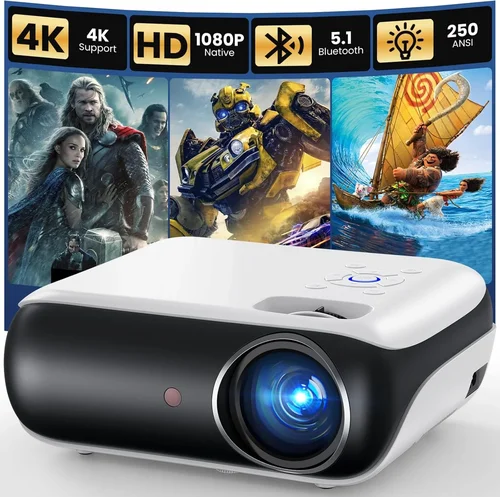
Expert Tips for Getting the Best Deal
- Timing is everything: Major sales events—Prime Day, Black Friday, Cyber Monday—usually feature 20‑30% discounts on home theater gear.
- Use price‑tracking tools: Websites like CamelCamelCamel or Keepa alert you when a product’s price drops below a preset threshold.
- Check “Amazon Warehouse” listings: Refurbished or open‑box units can be up to 40% cheaper and still include a full warranty.
- Bundle for savings: Some sellers offer a projector + screen combo at a reduced rate compared to buying separately.
- Read the fine print on warranties: Some third‑party sellers list “limited warranty” that excludes lamp failures—opt for the manufacturer’s warranty when possible.
- Test before you commit: If you have a local electronics store with a demo unit, compare its brightness and color accuracy to the specifications listed on Amazon.
- Consider future‑proofing: A projector with HDMI 2.0 and Bluetooth will stay compatible with newer streaming devices for longer.

Frequently Asked Questions
Q: Can I use a projector under $500 in a well‑lit living room?
A: Yes, but you’ll need a model with at least 2,500 lumens and an ambient‑light‑rejecting (ALR) screen. Even then, dimming nearby lights will improve contrast dramatically.
Q: How long does the lamp typically last on a budget projector?
A: Traditional lamps last 2,000‑3,000 hours, which translates to 2‑3 years of weekly use. LED or laser sources often exceed 20,000 hours, effectively lasting the life of the projector.
Q: Do I need a separate sound system?
A: Built‑in speakers are convenient but usually lack depth and volume for larger rooms. Pairing the projector with a soundbar or bookshelf speakers will provide a more cinematic experience.
Q: Is a short‑throw projector worth the extra cost?
A: If you have limited throw distance (e.g., a small bedroom or a wall‑mounted setup), a short‑throw model prevents image distortion and eliminates the need for a ceiling mount. Expect to pay $50‑$100 more for this capability.
Q: Will a projector work with my PlayStation 5?
A: Absolutely, provided the projector has HDMI 2.0 or higher and supports 1080p60. Look for “Game Mode” to reduce input lag.
Q: How do I calculate the ideal screen size?
A: Measure the distance from the projector lens to the screen (throw distance). Multiply that distance by the projector’s throw ratio to get the optimal screen width. For a 10‑foot throw with a 1.5 throw ratio, the ideal width is 15 feet (≈180 inches diagonal).
Q: Are there any health concerns with using a projector?
A: Projectors emit far less blue light than most LED TVs, making them easier on the eyes for long viewing sessions. However, ensure proper ventilation to avoid overheating and keep the device out of direct sunlight to preserve lamp life.
Q: Do I need a ceiling mount?
A: Not necessarily. A sturdy tabletop stand works for most setups, but a ceiling mount saves floor space and provides a permanent, level viewing angle.
Q: What is “lens shift” and do I need it?
A: Lens shift moves the projected image vertically or horizontally without moving the projector. It’s valuable for ceiling‑mounted units where keystone correction alone would degrade image quality.
Q: Can I connect a Bluetooth speaker?
A: Many budget projectors include Bluetooth audio out. Pairing a Bluetooth soundbar or headphones can eliminate the need for a separate audio cable.
Our Final Recommendations
- Best for Budget‑Conscious Buyers: ViewSonic PA503W – 3,600 lumens, 1280×800 WXGA resolution, and a $279 price tag. Great brightness for a bright room, though resolution is modest.
- Best Overall Value: BenQ TH585 – 3,500 lumens, native 1080p, 10,000:1 contrast, and 16 ms input lag. Priced around $449, it balances performance and price superbly.
- Best Premium Option (still under $500): Epson Home Cinema 2150 – 2,500 lumens, 1080p, lens shift, and 2.5‑hour lamp life warranty. At $489, it offers features usually found in $600‑$800 models.
- Best for Beginners: Optoma HD146X – Simple setup, 3,600 lumens, 1080p, and a user‑friendly menu. Ideal for first‑time owners willing to spend $429.
- Best for Advanced Users/Gamers: BenQ TH671ST – Short‑throw (0.69), 3,200 lumens, 1080p, 4 ms input lag, and HDR support. At $489, it satisfies gamers with limited space.
Conclusion: Making the Right Choice
Choosing a home projector under $500 is less about hunting for the lowest price and more about aligning technical specs with your viewing environment. Remember the hierarchy: brightness first, then resolution, then extra features like low input lag or lens shift. Use the factor checklist, avoid the common mistakes, and apply the budgeting tips we’ve outlined. With a little research and timing, you’ll find a projector on Amazon that transforms your living space into a cinema‑quality experience without breaking the bank.
Ready to start shopping? Head to Amazon, filter by price, and apply the criteria we’ve discussed. Happy viewing!