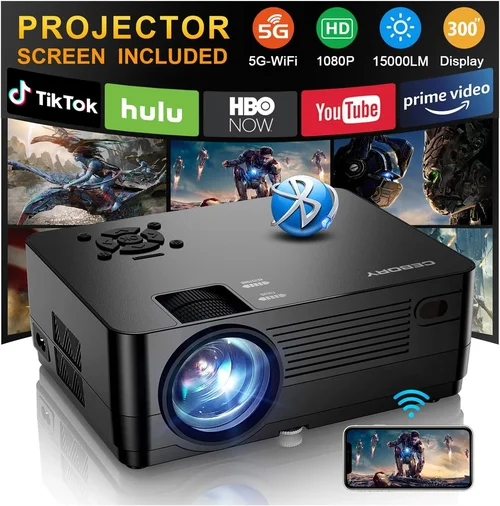
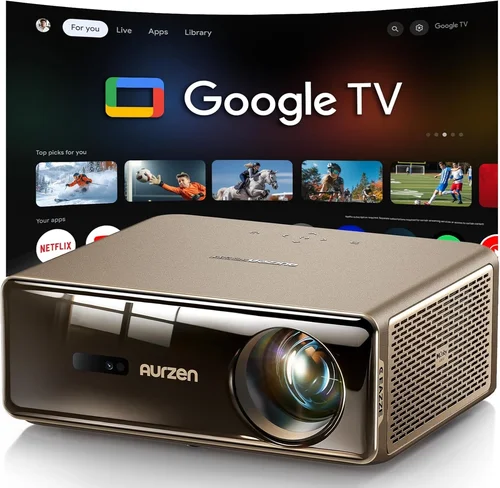
Welcome to the ultimate guide for anyone looking to bring the cinema experience home without breaking the bank. In the past few years, projector technology has leapt forward, delivering brighter images, sharper detail, and smarter connectivity—all at prices that were once unimaginable. Yet the market can still feel overwhelming, especially when you’re trying to stay under the $1,000 ceiling.
In this guide we’ll walk you through everything you need to know before you click “add to cart.” You’ll learn which specifications truly matter, how different projector types stack up against each other, and which common pitfalls to avoid. By the end, you’ll be equipped to pick the best home projector under $1000 that matches your space, viewing habits, and budget.

What to Look for When Buying Buying Guide
1. Budget & Price Range
Sticking to a budget is the first step in any successful purchase. For home projectors under $1,000, you’ll typically find three price bands: entry‑level (around $300‑$500), mid‑range ($500‑$800), and high‑end under‑$1,000 ($800‑$999). Each band offers a different blend of brightness, resolution, and feature set. Knowing how much you’re willing to spend helps narrow down the models that actually meet your needs.
2. Performance Specifications
The heart of any projector is its performance specs. Key numbers to watch are:
- Brightness (lumens): Aim for at least 2,500 ANSI lumens for a dark living room, 3,500+ if you have ambient light.
- Resolution: 1080p (Full HD) is the sweet spot under $1,000. Some 4K‑enhanced models exist, but native 4K is rare at this price.
- Contrast Ratio: Higher contrast means deeper blacks. Look for 10,000:1 or better.
- Throw Ratio: Determines how far the projector must sit from the screen. A 1.2:1 ratio works well in most homes.
3. Build Quality & Durability
Even though projectors are often used only a few hours a week, they contain moving parts (like lamp fans) that can wear out. Choose models with metal chassis, robust cooling systems, and reputable lamp life (ideally 10,000+ hours). Some manufacturers offer laser light sources, which dramatically extend lifespan and reduce maintenance.
4. Features & Functionality
Modern projectors are more than just picture boxes. Look for:
- Built‑in speakers: Useful for casual movie nights, though external audio is recommended.
- Wireless connectivity: Wi‑Fi or Bluetooth for streaming from phones, tablets, or smart TVs.
- Multiple HDMI ports: Allows you to connect a console, Blu‑ray player, and streaming stick simultaneously.
- Keystone correction & lens shift: Makes installation easier on non‑perfectly aligned ceilings.
5. Brand Reputation
Brands that have been in the projection business for decades—such as Epson, BenQ, Optoma, and ViewSonic—tend to offer more reliable after‑sales support and clearer firmware updates. While newer entrants can surprise with innovative features, they may lack long‑term service networks.
6. Warranty & Support
A solid warranty can save you hundreds of dollars. Look for at least a 2‑year parts‑and‑labor guarantee, and verify that the manufacturer has authorized service centers in your region. Some retailers also offer extended protection plans worth considering.
7. Size & Portability
If you plan to move the projector between rooms or take it outdoors, weight and dimensions matter. Most under‑$1,000 units weigh between 5‑10 lb, making them easy to carry. Portable models often sacrifice brightness, so balance portability against your viewing environment.
8. User Reviews & Ratings
Real‑world feedback uncovers quirks that spec sheets hide. Scan reviews on Amazon, B&H, and dedicated AV forums. Pay attention to recurring complaints—such as fan noise or firmware glitches—because they often indicate systemic issues.
Different Types of Buying Guide

Common Buying Mistakes to Avoid
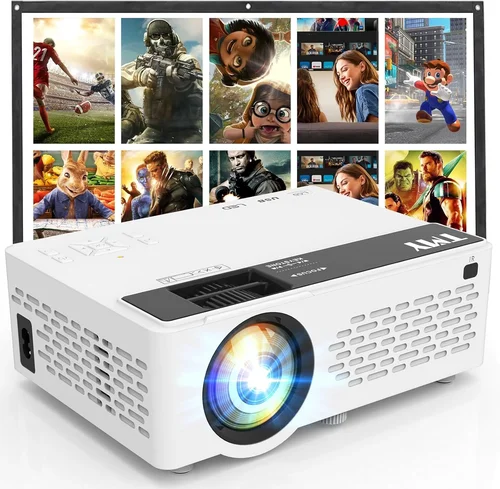
❌ Mistake: Ignoring Ambient Light
Why it’s bad: A projector that looks great in a dark showroom can appear washed out in a bright living room.
What to do instead: Measure your room’s typical light level and choose a model with at least 3,000 ANSI lumens if you can’t fully black out the space.
❌ Mistake: Over‑focusing on Resolution Alone
Why it’s bad: A 4K‑enhanced projector may still have low native brightness, leading to a dim picture.
What to do instead: Balance resolution with brightness and contrast. For most users, native 1080p with 2,500+ lumens offers the best overall experience under $1,000.
❌ Mistake: Forgetting Lamp Lifespan Costs
Why it’s bad: Replacing a lamp can cost $150‑$300, eroding your initial savings.
What to do instead: Look for models with long‑life lamps (10,000+ hours) or laser light sources that rarely need replacement.
❌ Mistake: Skipping the Throw Ratio Check
Why it’s bad: You may end up with a projector that can’t fit your room dimensions.
What to do instead: Calculate the distance between your screen and ceiling, then match it to a projector’s throw ratio chart.
❌ Mistake: Ignoring Audio Needs
Why it’s bad: Built‑in speakers often lack depth, resulting in a flat soundstage.
What to do instead: Budget for a soundbar or external speakers, especially if you plan to use the projector for movies.
Budget Guidelines: How Much Should You Spend?
- Entry‑Level ($300‑$500): Expect 2,000‑2,500 lumens, 720p or entry‑level 1080p, basic HDMI connectivity, and limited lens shift.
- Mid‑Range ($500‑$800): Most models here deliver 2,500‑3,500 lumens, true 1080p, better contrast, and added wireless streaming options.
- Premium ($800‑$999): You’ll find laser light sources, 3,500‑4,500 lumens, higher contrast ratios, and advanced color processing.
- Luxury ($1,000+): While out of scope for this guide, these units often provide native 4K, HDR10+, and professional‑grade color accuracy.
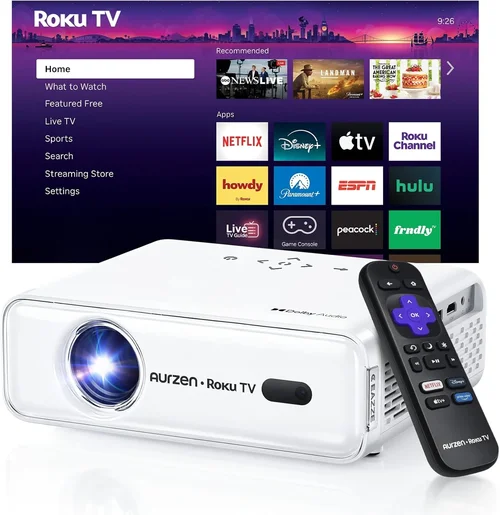
Expert Tips for Getting the Best Deal
- Timing: Late summer (back‑to‑school sales) and holiday seasons are prime buying windows.
- Where to Buy: Compare prices on Amazon, B&H, and manufacturer websites. Retailers like Best Buy often have open‑box deals with full warranties.
- Spotting Deals: Look for bundles that include a screen, HDMI cable, or mounting hardware—these can add $100‑$200 of value.
- Warranty Considerations: Register your projector within 30 days to activate extended warranty offers.
- Return Policies: Choose sellers with at least a 30‑day return window; this gives you time to test in your actual viewing environment.
- Testing Before Buying: If possible, view a demo in a store with a similar ambient light level to your home.
- Firmware Updates: Check that the manufacturer releases regular firmware patches; this can improve performance and fix bugs.

Frequently Asked Questions
Q: Do I need a projector screen?
A: While a white wall works, a proper projector screen improves brightness uniformity and contrast. For under $1,000 budgets, a 100‑inch pull‑down screen costs $80‑$150 and is worth the investment.
Q: Can I use a projector for gaming?
A: Yes, provided the model supports low input lag (ideally <30 ms) and a refresh rate of 60 Hz or higher. DLP projectors often excel in this area.
Q: How far should the projector be from the screen?
A: Use the throw ratio. For a 1.2:1 ratio and a 100‑inch diagonal screen, the projector sits roughly 10‑12 feet away.
Q: Is a laser projector better than a lamp?
A: Laser units deliver consistent brightness over time and have far longer lamp life, but they are usually priced at the higher end of the sub‑$1,000 range.
Q: What connectivity options should I look for?
A: At minimum, a HDMI 2.0 port for 4K/60 Hz video. Additional HDMI ports, USB‑C, Bluetooth, and Wi‑Fi are bonuses for streaming.
Q: How loud are projector fans?
A: Most mid‑range units run between 30‑35 dB at normal brightness. Look for “quiet mode” settings if you’re sensitive to fan noise.
Q: Can I mount the projector on the ceiling?
A: Absolutely. Ensure the model has a standard ¼‑inch mounting thread and consider a ceiling mount with tilt adjustment for optimal alignment.
Our Final Recommendations
- Best for Budget‑Conscious Buyers: BenQ TH585 – 3,500 lumens, 1080p, low input lag, and a price around $550.
- Best Overall Value: Epson Home Cinema 2150 – 2,500 lumens, 1080p, lens shift, wireless streaming, typically $650.
- Best Premium Option: Optoma UHD50X (laser version) – 3,400 lumens, true 4K, 240 Hz gaming mode, priced just under $1,000.
- Best for Beginners: ViewSonic M2 – Portable, built‑in Harman Kardon speakers, Wi‑Fi, 2,200 lumens, easy setup for $750.
- Best for Advanced Users: BenQ HT3550 – Cinematic color accuracy (CinemaColor), 2,400 lumens, HDR10, and extensive lens shift for $990.
Conclusion: Making the Right Choice
Choosing the best home projector under $1,000 boils down to balancing brightness, resolution, and features against your specific viewing environment. Start by measuring your room’s light conditions, decide whether you need gaming‑grade low lag, and factor in long‑term costs like lamp replacement. By following the factors, avoiding common mistakes, and using the expert tips above, you’ll be able to select a projector that turns any night into a cinematic event without overspending.
Ready to start shopping? Use the recommendations as a checklist, set a price alert for your favorite model, and enjoy the journey to a bigger, brighter home entertainment experience.