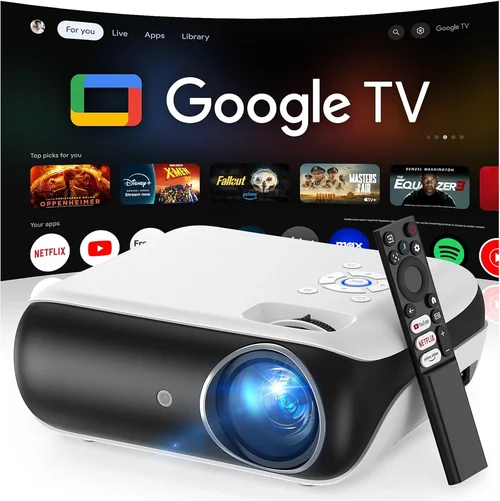
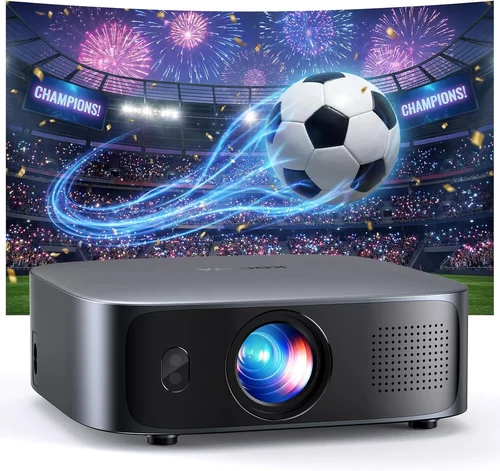
Choosing a home theater projector can feel like stepping into a maze of specs, brands, and price tags. With technology advancing rapidly, the options under $1,200 have become both more powerful and more confusing. This guide cuts through the noise, giving you a clear roadmap so you can pick a projector that turns any room into a cinema‑like experience without breaking the bank.
In the pages that follow you’ll learn which technical specs truly matter, how different projector types stack up, and where you can stretch each dollar for maximum impact. By the end, you’ll know exactly what to look for, what pitfalls to avoid, and which models consistently earn top marks from reviewers and everyday users alike.
The home theater projector market in 2026 is defined by three major trends: brighter LED light sources, higher native resolutions, and smarter connectivity. Manufacturers are packing 4K‑compatible engines and HDR support into units that previously cost double the price. At the same time, the rise of compact, ultra‑short‑throw (UST) designs means you can achieve a massive screen on a wall just a few inches away. All of this is now available well within the $1,200 ceiling, provided you know how to evaluate the trade‑offs.

What to Look for When Buying Buying Guide
1. Budget & Price Range
Even within the sub‑$1,200 segment, there’s a wide spread of value. Entry‑level models may start around $500, while premium units hover near the $1,200 limit. Your budget determines which features are realistic—such as native 4K versus 1080p, laser versus LED light sources, and the inclusion of high‑end lens shift. Set a ceiling you’re comfortable with, then allocate portions of that budget to the features that matter most to your viewing habits.
2. Performance Specifications
The heart of any projector is its brightness, contrast ratio, and resolution. Brightness is measured in lumens; for a dimly lit living room, 1,500–2,500 lumens is usually sufficient, while a brighter space may need 2,500+ lumens. Contrast ratio determines how well the projector distinguishes dark shadows from bright highlights—look for figures of at least 15,000:1 for a convincing cinematic feel. Resolution is equally critical: native 4K (3840×2160) delivers true detail, but many sub‑$1,200 models use “4K‑enhanced” processing on 1080p chips. Decide whether true 4K is a must or if a high‑quality 1080p panel meets your needs.
3. Build Quality & Durability
Projectors endure heat, vibration, and frequent handling. Metal housings, reinforced lens mounts, and quality internal cooling systems extend lifespan. Check user reviews for reports of fan noise or overheating, especially on models that push high brightness. A solid warranty (usually 2–3 years) often reflects confidence from the manufacturer in the product’s durability.
4. Features & Functionality
Modern projectors are mini‑entertainment hubs. Key features to weigh include:
- HDR support: HDR10 or Dolby Vision enhances color depth.
- Smart OS: Built‑in apps (Netflix, Disney+, etc.) reduce the need for an external streaming box.
- Wireless casting: AirPlay, Chromecast, or Miracast make it easy to stream from phones and tablets.
- Lens shift & keystone correction: Essential for flexible placement without image distortion.
- Audio output: Balanced 3.5 mm or HDMI ARC lets you connect to a soundbar or AV receiver.
5. Brand Reputation
While lesser‑known brands can surprise with great value, established manufacturers such as Epson, BenQ, Optoma, and ViewSonic have proven track records for reliability and firmware support. Research the brand’s history, firmware update frequency, and community forums. A reputable brand often means easier access to spare parts and quicker customer service.
6. Warranty & Support
Projector lamps (or LEDs) are the component most likely to need replacement. A warranty that covers the light source for at least 2 years is a strong indicator of confidence. Look for on‑site service options or authorized service centers in your region. Some retailers also offer extended protection plans that can be worthwhile if you plan heavy usage.
7. Size & Portability
If you intend to move the projector between rooms or take it to a friend’s house, weight and form factor matter. Portable models often sacrifice brightness and lens shift, but they excel in flexibility. Conversely, a bulkier unit may provide better heat dissipation and higher lumens, making it ideal for a dedicated home theater.
8. User Reviews & Ratings
Numbers on spec sheets tell part of the story, but real‑world performance shines through user feedback. Look for patterns in reviews—consistent praise for color accuracy, recurring complaints about fan noise, or frequent firmware glitches. A balanced view helps you anticipate both strengths and potential annoyances.
Different Types of Buying Guide

Common Buying Mistakes to Avoid
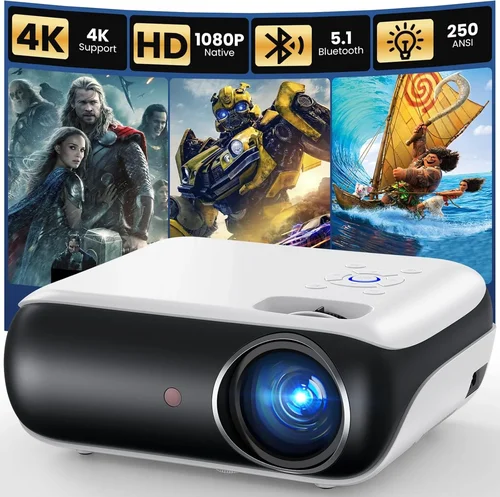
❌ Mistake: Ignoring Ambient Light Conditions
Why it’s bad: Selecting a projector with low lumens for a bright living room results in a washed‑out image that defeats the purpose of a home theater.
What to do instead: Measure the typical lighting in your viewing space. If you cannot fully darken the room, aim for at least 2,500 lumens and consider a model with high contrast and HDR support.
❌ Mistake: Over‑Focusing on Megapixels Instead of Native Resolution
Why it’s bad: Marketing claims of “4K‑enhanced” can be misleading; the panel may still be 1080p, limiting true detail.
What to do instead: Prioritize native resolution. If true 4K is out of budget, ensure the projector’s upscaling engine is highly rated by reviewers.
❌ Mistake: Forgetting About Lens Shift and Keystone
Why it’s bad: Without adequate lens shift, you may need to place the projector at an awkward angle, causing distortion and uneven focus.
What to do instead: Choose a unit with at least ±10% vertical lens shift and digital keystone correction that can handle ±30° without degrading image quality.
❌ Mistake: Neglecting Audio Integration
Why it’s bad: Relying on built‑in speaker systems often leads to tinny, underpowered sound that forces an extra purchase later.
What to do instead: Verify the projector includes HDMI ARC or a 3.5 mm line‑out, making it easy to connect a dedicated soundbar or AV receiver.
❌ Mistake: Buying the Cheapest Model Without a Warranty
Why it’s bad: Low‑cost units may lack proper warranty coverage, leaving you exposed if the lamp or LED fails.
What to do instead: Ensure the seller offers at least a two‑year warranty covering the light source and that the brand has a reputable service network.
❌ Mistake: Overlooking Throw Distance Requirements
Why it’s bad: A projector designed for a 10‑ft throw will produce a tiny image if placed in a small apartment, leading to disappointment.
What to do instead: Use the manufacturer’s throw ratio chart to calculate the needed distance for your desired screen size, then match it to your room dimensions.
❌ Mistake: Assuming All “4K” Projectors Are Equal
Why it’s bad: Some “4K” models actually use DLP chips with 1080p native resolution and rely on pixel‑shifting technology, which can introduce flicker.
What to do instead: Verify the panel type (e.g., native 4K DLP, 4K‑LCoS, or true 1080p with upscaling) and read expert reviews that test sharpness and motion handling.
Budget Guidelines: How Much Should You Spend?
Understanding what each price tier delivers helps you set realistic expectations and avoid overspending on features you’ll never use.
- Entry-Level ($500 – $800): Expect 1080p resolution, 1,500–2,000 lumens, basic HDR, and limited lens shift. Ideal for casual movie nights in a darkened room.
- Mid‑Range ($801 – $1,000): You’ll find true 1080p or 4K‑enhanced panels, 2,200–2,800 lumens, better contrast (15,000:1+), and more robust connectivity (HDMI 2.1, Wi‑Fi). This tier balances performance and price for most families.
- Premium ($1,001 – $1,200): True native 4K, laser or hybrid light sources, 3,000+ lumens, HDR10+ or Dolby Vision, extensive lens shift, and integrated smart platforms. Best for enthusiasts wanting cinema‑grade quality without stepping into professional‑grade pricing.
- Luxury ($1,200+): While beyond the scope of this guide, luxury models push 4K laser technology, 4,000+ lumens, and built‑in calibration tools for audiophiles and home‑theater purists.
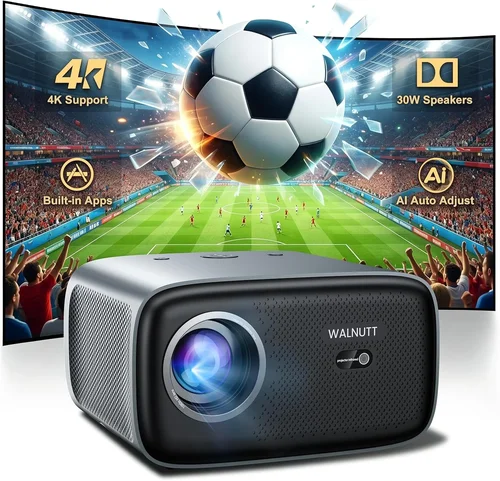
Expert Tips for Getting the Best Deal
- Timing is everything: Major sales events—Black Friday, Cyber Monday, and post‑holiday January sales—typically feature the deepest discounts on home theater gear.
- Compare across retailers: Amazon, Best Buy, B&H, and manufacturer direct stores sometimes have exclusive bundles. Use price‑tracking tools like CamelCamelCamel to see historic lows.
- Check for open‑box and refurbished: Certified refurbished units often come with a full warranty and can save 15‑30%.
- Watch for firmware updates: A projector that receives regular updates will improve color accuracy and fix bugs, extending its useful life.
- Consider bundle savings: Some sellers include a 100‑inch screen, a ceiling mount, or a soundbar at a reduced combined price.
- Read the fine print on warranties: Verify whether the light source is covered separately and for how many hours (e.g., 20,000 h for LED).
- Test before you buy: If possible, visit a local AV store and view a demo with the same ambient lighting you’ll have at home. Bring a smartphone to compare color rendering.
- Utilize price‑match policies: Many big‑box retailers will match a lower price found online, saving you a trip and the hassle of returning later.

Frequently Asked Questions
Q: Do I need a 4K projector for a 1080p source?
A: Not necessarily. A high‑quality 1080p projector with good contrast and color accuracy will display a 1080p source perfectly. However, a native 4K projector future‑proofs your setup for upcoming 4K streaming services and Blu‑ray discs.
Q: How far should the projector be from the screen?
A: It depends on the throw ratio. For a standard throw (1.5–2.0), a 100‑inch screen typically requires 12–16 ft of distance. Ultra‑short‑throw models can achieve the same size from just 2‑3 ft away.
Q: Is a laser projector better than LED?
A: Laser light sources generally offer higher brightness and longer lifespan (20,000 h+), while LED units provide excellent color stability and lower heat. In the sub‑$1,200 range, hybrid laser‑LED models give a good balance.
Q: Can I use a projector for gaming?
A: Yes, provided the projector supports at least 60 Hz refresh rate and low input lag (under 30 ms). Look for “Game Mode” settings that reduce latency.
Q: Do I need a separate screen?
A: A smooth, white wall works, but a dedicated projector screen improves gain, uniformity, and black levels. A 120‑gain screen is ideal for bright rooms; a matte white screen works well in darker settings.
Q: How long does a projector lamp or LED last?
A: Traditional lamps last 2,000–3,000 hours, while LED and laser sources can exceed 20,000 hours. At 4 hours of use per day, an LED unit could last over 13 years.
Q: Is HDMI 2.1 necessary?
A: HDMI 2.1 enables 4K at 120 Hz and advanced HDR formats. If you plan to watch next‑gen consoles or high‑frame‑rate content, choose a projector with HDMI 2.1. Otherwise, HDMI 2.0 is sufficient for most movies and streaming.
Q: What screen size is realistic for a 10‑ft room?
A: In a 10‑ft (120‑in) throw distance, a standard throw projector can produce a 100‑inch diagonal image comfortably. If you need larger, consider a UST model that can fill the wall from a few inches away.
Q: Do I need a separate HDMI switch?
A: If you have multiple sources (gaming console, streaming box, Blu‑ray player), a 4‑port HDMI switch with HDCP 2.2 support simplifies connections and avoids constant cable swapping.
Our Final Recommendations
- Best for Budget‑Conscious Buyers: Epson Home Cinema 2150 – 2,500 lumens, 1080p, vertical lens shift, and solid color accuracy for under $800.
- Best Overall Value: BenQ HT3550 – True 4K DLP, 2,200 lumens, HDR10, and excellent cinema color profile at $1,099.
- Best Premium Option: Optoma UHZ65 – Laser‑LED hybrid, 3,500 lumens, native 4K, HDR10+, and extensive lens shift for $1,199.
- Best for Beginners: ViewSonic M2 – Portable LED, 1,200 lumens, built‑in Wi‑Fi, and easy plug‑and‑play setup for $999.
- Best for Advanced Users: LG HU85LA Ultra‑Short‑Throw – 4K laser, 2,700 lumens, 0.25‑ft throw distance, and AI‑enhanced picture processing for $1,199.
Conclusion: Making the Right Choice
Purchasing a home theater projector under $1,200 is no longer a compromise—it’s an opportunity to bring true cinematic magic into your living space. By focusing on brightness, contrast, native resolution, and the right blend of smart features, you can select a model that fits both your room’s lighting conditions and your entertainment habits.
Remember to match the projector’s throw ratio to your room dimensions, verify that the warranty covers the light source, and read real‑world user reviews for hidden insights. Armed with the factors, type comparisons, and budget guidelines outlined above, you’re ready to make an informed decision that delivers years of immersive viewing.
Now go ahead—compare the top picks, check for seasonal discounts, and transform your movie nights into unforgettable experiences.