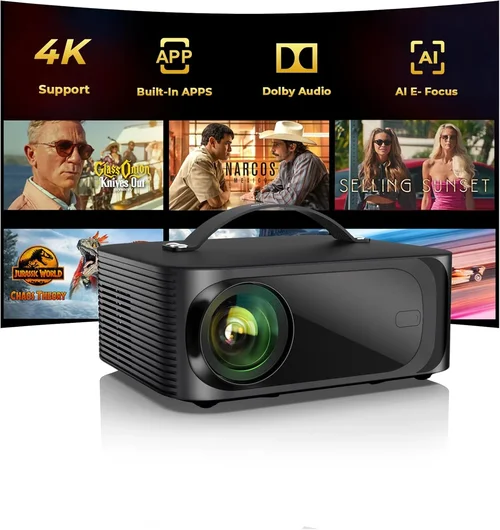
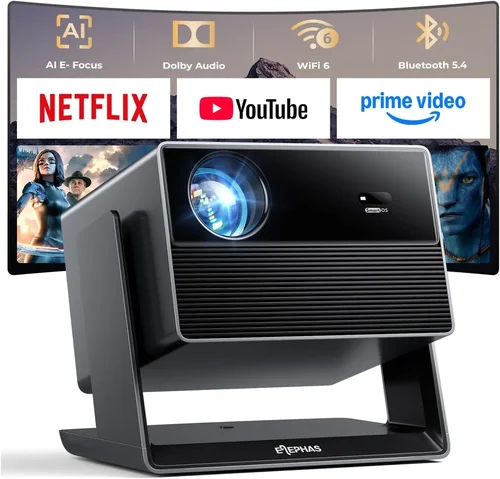
Buying a home theater projector that delivers cinema‑like immersion without blowing your budget can feel like navigating a maze of specs, brand hype, and endless online reviews. This guide cuts through the noise, giving you a clear roadmap to pick the best home theater projector under $3000 in 2026. Whether you are setting up a dedicated media room, a backyard movie night setup, or a versatile living‑room system, you will learn which features truly matter, how different projector types compare, and which models give you the most bang for your buck.
In the pages that follow you will discover:
- The critical performance metrics—brightness, contrast, resolution, and throw distance—that shape your viewing experience.
- How to match projector technology (laser, DLP, LCD) to your room conditions and usage habits.
- Real‑world budget breakdowns, common buying pitfalls, and expert tips for scoring the best deal.
- Specific model recommendations for every type of buyer, from first‑time enthusiasts to seasoned audiophiles.
The home theater projector market has exploded over the past few years. Prices have dropped, laser light sources have become more affordable, and 4K UHD options are now common under $3000. At the same time, manufacturers are packing more connectivity options, HDR support, and smart‑platform integration into their units. This guide reflects the latest 2026 product releases and industry trends, so you can make a decision that will stay relevant for years to come.

What to Look for When Buying Buying Guide
1. Budget & Price Range
Even though you have set a ceiling of $3000, the internal distribution of that budget matters. A projector that costs $2,950 may have premium features but could also require expensive accessories (high‑gain screen, professional mounting, or a dedicated lamp replacement plan). Conversely, a $1,800 model might already include a decent screen and a longer warranty. Determine how much of your overall home‑theater budget you are willing to allocate to the projector itself versus ancillary gear.
2. Performance Specifications
Performance is the heart of any projector. Focus on these key specs:
- Brightness (lumens): For a darkened room, 1,500–2,000 ANSI lumens is ample. If you plan to watch with some ambient light, aim for 2,500+ lumens.
- Contrast Ratio: Higher contrast delivers deeper blacks and more vivid colors. Look for native contrast ratios of 20,000:1 or better; laser models often exceed 30,000:1.
- Resolution: 4K UHD (3840×2160) is now common under $3000 and provides crisp detail. If your source material is mostly 1080p, a high‑quality 1080p DLP may still be sufficient.
- HDR Support: HDR10 and Dolby Vision enhance dynamic range. Verify that the projector can display the full HDR metadata without severe clipping.
- Throw Ratio & Zoom: Determines how far the projector must be from the screen to achieve a given image size. A flexible zoom range (e.g., 1.2–2.0) adds installation versatility.
3. Build Quality & Durability
Projectors are long‑term investments. Look for sturdy metal housings, sealed optics, and reliable cooling systems. Laser light sources typically outlast traditional lamps (20,000–30,000 hours vs. 2,000–5,000 hours), reducing maintenance costs. If you expect heavy usage—weekly movie nights or daily streaming—choose a model with a robust chassis and proven longevity.
4. Features & Functionality
Modern projectors are more than just picture engines. Consider these features:
- Built‑in Speakers: While most audiophiles will use an external sound system, built‑in speakers can be handy for casual viewing.
- Smart Platform Integration: Android TV, Roku, or Apple TV built‑in eliminates the need for an extra streaming box.
- Lens Shift: Vertical and horizontal lens shift allow precise image placement without keystone correction, preserving image geometry.
- Keystone Correction: Useful for non‑ideal mounting, but excessive digital keystone can degrade sharpness.
- Multiple HDMI Ports & HDCP 2.2: Essential for 4K HDR sources and future‑proofing.
5. Brand Reputation
Established brands such as Epson, BenQ, Optoma, and Sony have extensive service networks and firmware support. Newer entrants (e.g., LG’s laser line, ViewSonic’s 4K series) may offer innovative features but can have limited post‑sale service. Research brand reliability, firmware update frequency, and community support forums before committing.
6. Warranty & Support
A solid warranty can save you thousands. Look for at least a 2‑year parts and labor warranty, with optional extended coverage for the laser light source. Verify whether the manufacturer offers on‑site service or requires you to ship the unit. Good technical support, responsive chat, and readily available replacement parts are hallmarks of a trustworthy brand.
7. Size & Portability (if applicable)
If you plan to move the projector between rooms or take it outdoors, weight and form factor matter. Ultra‑short‑throw (UST) models are bulkier but stay close to the screen, while portable DLP units can be carried in a backpack. Balance portability with performance—compact models often sacrifice brightness and throw flexibility.
8. User Reviews & Ratings
Real‑world feedback uncovers issues that spec sheets hide. Scan verified purchase reviews on major retailers, and read dedicated AV forums (AVS Forum, Reddit r/hometheater). Pay attention to recurring complaints such as fan noise, color accuracy out of the box, or firmware glitches. A projector with a high average rating but a pattern of specific problems may still be a good choice if the manufacturer has addressed them via updates.
Different Types of Buying Guide

Common Buying Mistakes to Avoid
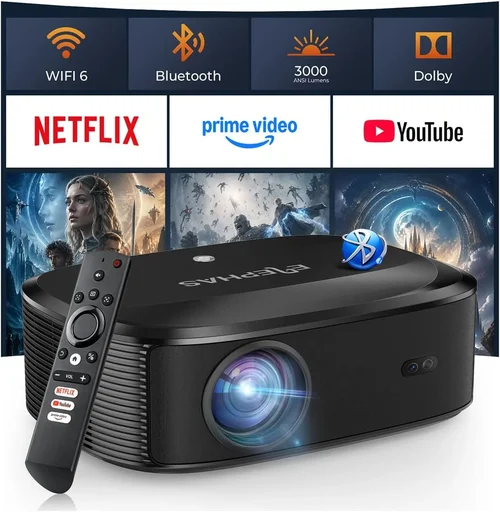
❌ Mistake: Ignoring Ambient Light Conditions
Why it’s bad: Selecting a low‑lumens projector for a room with windows or ambient lighting will result in washed‑out images and a disappointing experience.
What to do instead: Measure the typical light level in your viewing area. If you cannot achieve near‑darkness, choose a unit with at least 2,500 ANSI lumens and consider a high‑gain screen to boost perceived brightness.
❌ Mistake: Over‑Emphasizing Resolution Alone
Why it’s bad: A 4K projector with poor contrast or low brightness can look worse than a high‑quality 1080p model, especially on larger screens.
What to do instead: Balance resolution with contrast ratio, brightness, and HDR capability. Test the projector if possible, or rely on trusted reviewer measurements.
❌ Mistake: Skipping Lens Shift and Throw Ratio Considerations
Why it’s bad: Without adequate lens shift, you may need to angle the projector, causing keystone distortion and uneven focus.
What to do instead: Choose a model with at least +/-10% vertical lens shift and a throw ratio that matches your room dimensions. Use the projector’s calculator tools before buying.
❌ Mistake: Forgetting About Audio Integration
Why it’s bad: Relying on built‑in speakers often leads to thin, underpowered sound, which undermines the cinematic feel.
What to do instead: Ensure the projector has audio output options (optical, HDMI ARC, or 3.5 mm) that can connect to your AV receiver or soundbar.
❌ Mistake: Assuming All Warranties Are Equal
Why it’s bad: Some warranties cover only the lamp, not the laser module or optics, leading to unexpected out‑of‑pocket repairs.
What to do instead: Read the fine print. Prefer warranties that include the light source for its full rated lifespan and offer on‑site service.
❌ Mistake: Purchasing Without Testing
Why it’s bad: Spec sheets can be misleading; real‑world performance may differ due to fan noise, color tint, or firmware bugs.
What to do instead: Visit a local AV retailer that allows hands‑on demos, or buy from a retailer with a generous return window (30 days or more) to test in your own environment.
Budget Guidelines: How Much Should You Spend?
Understanding where your money goes helps you allocate funds wisely. Below is a tiered breakdown that reflects current 2026 pricing trends.
- Entry‑Level ($1,200 – $1,800): Expect 1080p or entry‑level 4K DLP units, 1,500–2,000 lumens, and basic HDR support. Suitable for small rooms or secondary viewing spaces.
- Mid‑Range ($1,800 – $2,500): This sweet spot includes true 4K UHD projectors with laser or high‑end LCD panels, 2,500+ lumens, and full HDR10/Dolby Vision. Most buyers find the best value here.
- Premium ($2,500 – $3,000): Laser‑based UST or high‑performance 4K DLP/LCD with advanced lens shift, low fan noise, and integrated smart platforms. Ideal for dedicated home theaters.
- Luxury ($3,000+): While beyond the scope of this guide, luxury models offer 8K upscaling, dual‑laser engines, and ultra‑low latency for gaming. Consider only if you have a sizable budget and professional installation plans.
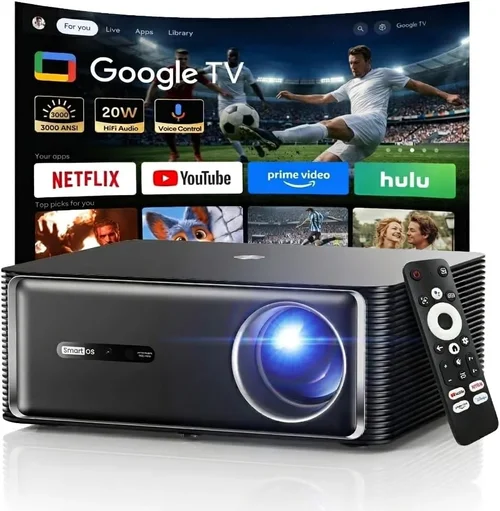
Expert Tips for Getting the Best Deal
- Timing is everything: New models typically launch in Q2. Prices on the previous generation drop 15‑25% in late summer, making it a great time to buy.
- Shop reputable retailers: Stores like Best Buy, B&H Photo, and Adorama offer price matching and extended return periods. Online marketplaces (Amazon) are convenient but verify the seller’s return policy.
- Bundle wisely: Some retailers bundle a high‑gain screen or mounting kit at a reduced price. Evaluate if the bundle truly matches your needs before committing.
- Check for refurbished units: Certified refurbished projectors often come with a full warranty and can save you 10‑20%.
- Watch for firmware updates: A projector that receives regular updates will improve color accuracy and fix bugs, extending its useful life.
- Consider extended laser warranties: For laser projectors, an extra 2‑year laser warranty is usually inexpensive and peace‑of‑mind worth.
- Test the throw distance: Use the manufacturer’s online calculator with your room dimensions to ensure the projector will fill your desired screen size without awkward placement.
- Read the fine print on return policies: A 30‑day return with free shipping is ideal, especially if you need to test the unit in a dark room.

Frequently Asked Questions
Q: Do I need a 4K projector for 1080p content?
A: Not necessarily. A high‑quality 1080p DLP with excellent contrast and motion handling can display 1080p content beautifully. However, a 4K projector offers future‑proofing and sharper upscaling, which becomes noticeable when you watch native 4K streams or Blu‑ray discs.
Q: How far should my projector be from the screen?
A: It depends on the throw ratio. For a 100‑inch diagonal screen, a typical 1.5:1 throw ratio requires about 12.5 feet of distance. Ultra‑short‑throw models can sit less than a foot away. Always use the manufacturer’s throw calculator for precise placement.
Q: Is laser really better than lamp?
A: Laser light sources provide higher brightness, longer lifespan (20,000+ hours), and more stable color performance over time. They also generate less heat, which reduces fan noise. The trade‑off is a higher upfront cost, but the total cost of ownership is often lower.
Q: Can I use a projector with an ambient light rejecting (ALR) screen?
A: Yes. An ALR screen can dramatically improve contrast in rooms with some light spill. Pairing a 2,500‑lumens projector with a high‑gain ALR screen often yields a cinema‑like image even in a moderately lit living room.
Q: What HDMI version do I need?
A: For 4K HDR at 60 Hz, HDMI 2.0b is sufficient. If you plan to use 4K 120 Hz gaming or future‑proof for HDMI 2.1 features (eARC, variable refresh rate), look for a projector that includes at least one HDMI 2.1 port.
Q: Do I need a separate video processor?
A: Most modern projectors have built‑in scaling and color processing that are adequate for home theater use. A dedicated video processor may be useful for professional calibration or niche use‑cases, but it’s rarely required for typical consumers.
Q: How loud are projector fans?
A: Fan noise varies widely. Laser and LCD models often run quieter (20‑30 dB) because they generate less heat. DLP units with high brightness may be louder (30‑38 dB). Look for models that advertise “quiet mode” or have a low‑noise fan setting.
Q: Is a ceiling mount mandatory?
A: Not mandatory, but a ceiling mount provides optimal alignment, reduces keystone distortion, and keeps the projector out of the way. If you cannot mount, a sturdy table stand with lens shift can work, but be mindful of throw distance and ambient light.
Q: How often do I need to replace a laser light source?
A: Laser modules are rated for 20,000–30,000 hours. At typical usage of 3‑4 hours per week, that translates to 10‑15 years of life, often well beyond the projector’s practical lifespan.
Our Final Recommendations
- Best for Budget‑Conscious Buyers: BenQ HT3550 – 4K DLP, 2,000 lumens, 30,000:1 contrast, excellent color accuracy, and a price around $1,699.
- Best Overall Value: Epson Home Cinema 5050UB – 4K “enhanced” LCD, 2,600 lumens, 1,000,000:1 contrast, lens shift, and a solid $2,399 price point.
- Best Premium Option: LG CineBeam HU85LA – Ultra‑short‑throw laser, 2,700 lumens, 2,400,000:1 contrast, HDR10, built‑in smart TV platform, priced at $2,999.
- Best for Beginners: Optoma UHD38 – 4K DLP, 4,000 lumens, low input lag for gaming, straightforward setup, around $1,799.
- Best for Advanced Users: Sony VPL‑VW885ES – 4K SXRD, laser light source, 2,500 lumens, superb motion handling, and extensive calibration options; typically found near $2,950.
Conclusion: Making the Right Choice
Choosing the best home theater projector under $3000 boils down to matching performance specs with your viewing environment, budget, and long‑term usage plans. Remember to assess ambient light, prioritize brightness and contrast, and verify that the throw ratio fits your room. Brands with solid warranty policies and active firmware support will protect your investment, while real‑world user reviews can reveal hidden strengths or quirks.
Take the time to sketch your room dimensions, calculate the ideal throw distance, and list the features you cannot live without. Then compare the top models we highlighted, test them if possible, and seize the best deal during seasonal sales. With the right projector, you’ll transform movie nights, gaming sessions, and sports events into unforgettable cinematic experiences—all without exceeding your $3000 budget.
Ready to start your home theater journey? Browse the recommended models, check current promotions, and bring the magic of the big screen into your own living space today.