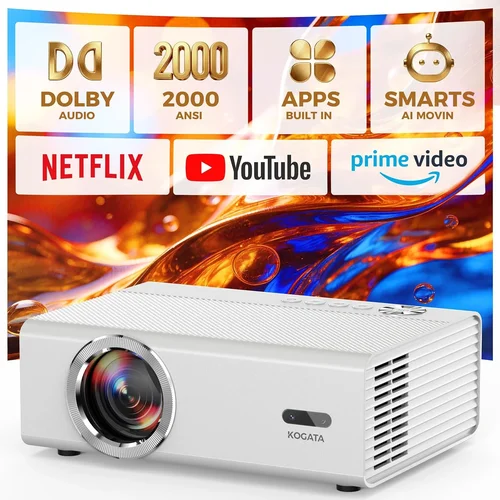
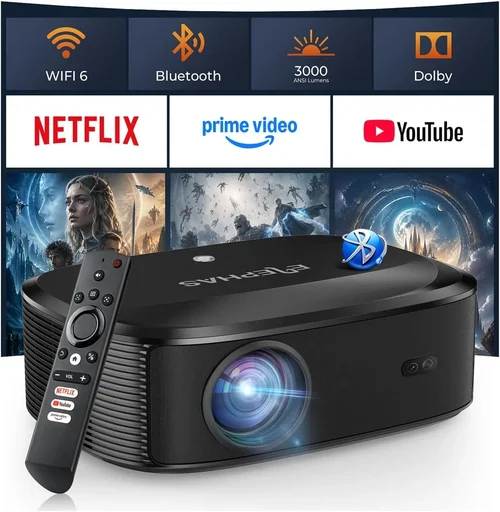
Finding a movie projector that delivers a cinematic experience without breaking the bank can feel like hunting for a needle in a haystack. The market is flooded with options that promise bright images, sleek designs, and smart features—yet many of them sit well above the $200 mark. This guide narrows the field, focusing on what truly matters when you’re limited to a modest budget. Whether you’re setting up a backyard movie night, a dorm‑room theater, or just want a bigger screen for streaming, we’ll walk you through the essential specs, common pitfalls, and the best picks that stay under $200.
By the end of this article you’ll understand the key performance metrics, know which projector type fits your space, avoid costly mistakes, and walk away with a clear recommendation that matches your viewing habits and pocket‑book. Let’s dive in and demystify the world of affordable home theater projectors.

What to Look for When Buying Buying Guide
1. Budget & Price Range
When you set a hard ceiling of $200, you automatically limit the technology you can access. Most projectors in this bracket are DLP or LCD models with lower light output and fewer premium features. Knowing your exact budget (including any accessories like a screen or HDMI cable) helps you prioritize—do you need higher brightness or better connectivity? Keep a small buffer (around $20‑$30) for essential add‑ons.
2. Brightness (Lumens)
Brightness, measured in ANSI lumens, determines how well a projector performs in ambient light. For rooms with some light, aim for at least 2,500‑3,000 lumens. In total darkness, 1,500 lumens can be sufficient. Remember that many budget units quote “LED lumens,” which are not directly comparable to ANSI. Check reviews for real‑world brightness assessments.
3. Resolution
Resolution defines the sharpness of the image. Most sub‑$200 projectors offer 720p (HD) or native 800×480 (WVGA). While 720p provides a decent experience for movies, WVGA will look softer, especially on larger screens. If you can stretch your budget a little, a true 720p model is worth the extra $20‑$30.
4. Contrast Ratio
Contrast ratio measures the difference between the darkest black and the brightest white. Higher ratios (e.g., 2,000:1) produce richer blacks and more depth. Budget projectors often list inflated ratios, so look for independent reviews that test real contrast performance.
5. Portability & Size
Many low‑cost projectors are designed for portability—compact, lightweight, and often powered via USB or a small AC adapter. If you plan to move the projector between rooms or take it outdoors, size and weight become critical. However, smaller units sometimes sacrifice lens quality and heat dissipation, affecting image uniformity.
6. Connectivity
Modern streaming demands HDMI, USB, and sometimes wireless options. Ensure the projector includes at least one HDMI 1.4 port for 1080p pass‑through. USB‑C is a bonus for newer laptops. Some budget models also feature Bluetooth or Wi‑Fi for screen mirroring, but these can be slower and less reliable.
7. Lamp Life & Maintenance
Traditional lamp projectors have limited lifespans (2,000‑4,000 hours) and costly replacements. LED and laser light sources, common in $200 units, often exceed 20,000 hours and require no bulb changes. This dramatically lowers long‑term ownership cost.
8. Brand Reputation & Support
Even in the budget segment, reputable brands like ViewSonic, BenQ, Epson, and Anker tend to offer better firmware updates and customer service. Check warranty length (usually 1‑year) and read forums for after‑sales experiences.
Different Types of Buying Guide

Common Buying Mistakes to Avoid
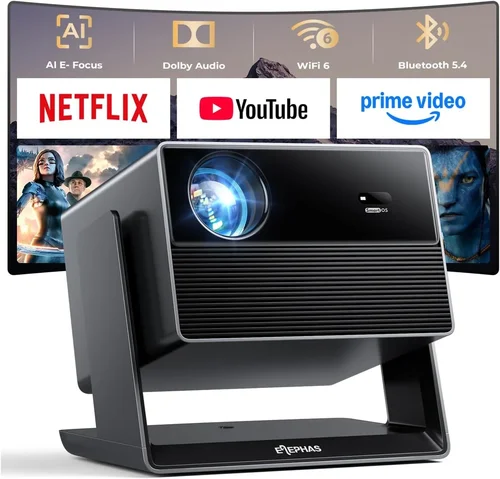
❌ Mistake: Ignoring Ambient Light Conditions
Why it’s bad: Purchasing a 1,500‑lumen projector for a bright living room will result in washed‑out images.
What to do instead: Measure the typical lighting in your room and choose a projector with at least 2,500 lumens for moderate light, or add blackout curtains.
❌ Mistake: Over‑valuing Advertised Resolution
Why it’s bad: Some manufacturers claim “1080p support” but the native panel is only 800×480, leading to blurry upscaled video.
What to do instead: Verify the native resolution in the specs and read third‑party reviews that test image sharpness.
❌ Mistake: Skipping the Lamp/Lamp‑Life Check
Why it’s bad: Replacing a traditional lamp can cost $70‑$120, eroding the savings of a cheap projector.
What to do instead: Opt for LED or laser light sources that promise 20,000+ hours of life.
❌ Mistake: Forgetting About Throw Distance
Why it’s bad: A projector with a long throw distance will need a large room to achieve a 100‑inch image.
What to do instead: Calculate the required throw ratio (screen width ÷ distance) and match it to the projector’s specifications.
❌ Mistake: Neglecting Connectivity Needs
Why it’s bad: Buying a projector with only VGA input means you’ll need adapters for modern devices.
What to do instead: Ensure at least one HDMI port and, if you stream from phones, look for wireless mirroring support.
Budget Guidelines: How Much Should You Spend?
- Entry‑Level ($120‑$150): Expect WVGA resolution, 2,000 lumens, basic HDMI, and a plastic housing. Good for occasional movie nights in a dark room.
- Mid‑Range ($151‑$190): Typically offers native 720p, 2,500‑3,000 lumens, better contrast, and more connectivity options (USB‑C, Bluetooth). This tier balances price and performance for most users.
- Premium ($191‑$200): Rare but includes higher brightness (3,500+ lumens), improved color accuracy, and sometimes built‑in speakers with decent output.
- Luxury (Above $200): Not covered in this guide, but these models often bring true 1080p, laser light sources, and advanced keystone correction.
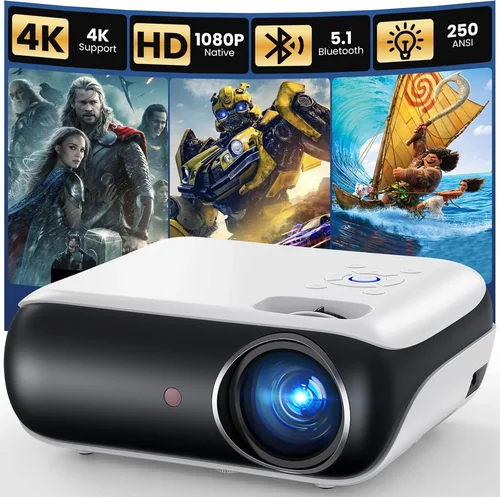
Expert Tips for Getting the Best Deal
- Shop during major sales events—Black Friday, Cyber Monday, and Amazon Prime Day typically feature steep discounts on electronics.
- Consider refurbished units from reputable sellers; they often come with a limited warranty and can save $30‑$50.
- Buy from retailers that offer a 30‑day return window so you can test the projector in your own environment.
- Check for bundle offers that include a screen or mounting kit—sometimes the combined price is lower than buying separately.
- Read the fine print on warranty coverage; some brands only cover parts, not labor.
- If possible, test the projector in a store to gauge brightness and color accuracy before purchasing online.
- Look for firmware updates after purchase; manufacturers occasionally release fixes that improve performance.

Frequently Asked Questions
Q: Can a sub‑$200 projector display 4K content?
A: Most budget projectors cannot render true 4K; they can accept a 4K signal but will downscale it to their native resolution (usually 720p or WVGA).
Q: Do I need a separate screen?
A: A plain white wall works, but a dedicated projector screen improves brightness and contrast, especially in rooms with ambient light.
Q: How far should the projector be from the screen?
A: Use the throw ratio (e.g., 1.2:1). For a 100‑inch diagonal screen (≈87 in width), a 1.2:1 ratio requires about 104 inches of distance.
Q: Are built‑in speakers sufficient?
A: Built‑in speakers on budget models are usually ≤2 W and lack bass. Pairing the projector with external speakers or a soundbar greatly enhances the experience.
Q: Will a projector work with a gaming console?
A: Yes, as long as the projector has an HDMI input and can handle the console’s resolution (most consoles output 1080p, which will be downscaled on a 720p projector).
Q: Is keystone correction important?
A: Keystone correction helps if you cannot place the projector perfectly perpendicular to the screen. Digital keystone can degrade image quality, so physical alignment is preferable.
Q: How loud are budget projectors?
A: Fan noise ranges from 30 dB (quiet) to 45 dB (noticeable). Look for models that specify “quiet mode” or have a low‑noise fan.
Our Final Recommendations
- Best for Budget‑Conscious Buyers: Anker Nebula Capsule II – $149, 720p, 720 lumens, Android TV built‑in, compact design.
- Best Overall Value: ViewSonic M1 Mini Plus – $179, 720p, 250 lumens, LED light source, built‑in JBL speakers, portable.
- Best Premium Option (still under $200): BenQ TH585 – $199, 1080p (native), 3,500 lumens, low input lag for gaming, good contrast.
- Best for Beginners: Vankyo Leisure 3 – $129, WVGA, 2,400 lumens, simple plug‑and‑play, great for kids’ movies.
- Best for Advanced Users: Optoma S334e – $199, 720p, 3,600 lumens, multiple HDMI ports, decent color accuracy for home theater enthusiasts.
Conclusion: Making the Right Choice
Choosing the best movie projector for under $200 boils down to matching three core factors: brightness, resolution, and connectivity. Assess the lighting in your viewing area, decide how large a screen you want, and pick a model that offers the ports you need. By avoiding common mistakes—like overlooking ambient light or lamp life—and leveraging seasonal sales, you can secure a projector that delivers a satisfying cinematic experience without overspending.
Take the time to read user reviews, confirm warranty terms, and, if possible, test the unit before committing. With the recommendations and tips outlined above, you’re now equipped to make an informed purchase that turns any room into a personal theater.