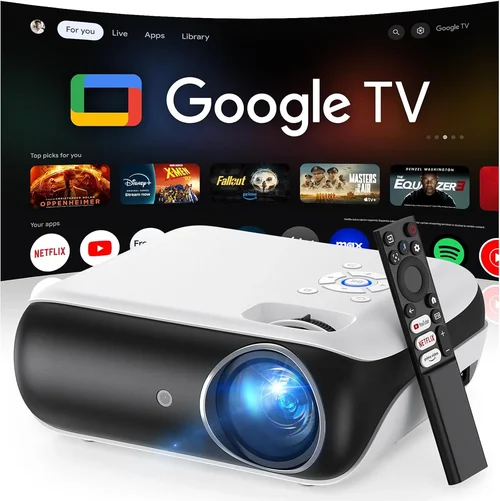
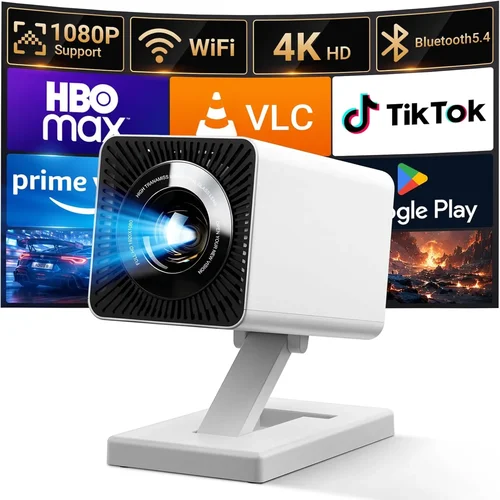
Finding a decent movie projector for under $100 can feel like hunting for a needle in a haystack. The market is flooded with cheap LED lamps, mini‑projectors, and “pico” devices that promise cinema‑like experiences but often fall short on brightness, resolution, or durability. This guide cuts through the hype, giving you a clear roadmap to pick a projector that actually works for movie nights, gaming sessions, or impromptu presentations without breaking the bank.
In the pages that follow you will learn how to evaluate key specifications, understand the different projector categories, avoid common pitfalls, and spot the best deals. Whether you’re a college student with a dorm wall, a parent looking for a family‑friendly movie setup, or a budget‑conscious tech enthusiast, the information here will help you make an informed decision and get the most bang for your buck.
The budget projector segment has evolved dramatically over the past few years. Improvements in LED efficiency, DLP chips, and portable design mean that even sub‑$100 models can deliver respectable image quality on a dark‑ened room. However, trade‑offs still exist, and knowing exactly what you can expect—and what you should not—will prevent disappointment and ensure your investment lasts.

What to Look for When Buying Buying Guide
1. Budget & Price Range
When you set a hard ceiling of $100, you automatically limit the pool of options. Most projectors in this bracket are mini‑LED or pico models, which generally sacrifice brightness for portability. Understanding how much you can stretch your budget (even a few extra dollars) can open up better‑rated units with higher lumens or native HD resolution. Look for sales, refurbished units, or bundled offers that stay within your limit but provide a noticeable quality boost.
2. Performance Specifications
The three performance metrics that matter most are brightness (lumens), resolution, and contrast ratio. For a dimly lit room, 200–300 ANSI lumens is usually sufficient, but brighter rooms will need at least 350 lumens. Native resolution of 720p (1280×720) is the sweet spot for sub‑$100; many cheaper units only offer 480p upscaled, which looks blurry on larger screens. A contrast ratio of 1000:1 or higher helps maintain depth in dark scenes, crucial for movies.
3. Build Quality & Durability
Cheap plastic housings can crack, and low‑cost fans may wear out quickly. Look for projectors with a solid chassis, reinforced lens covers, and reliable cooling systems. User reviews often highlight long‑term durability; prioritize models that have survived at least a year of regular use without overheating or fan noise issues.
4. Features & Functionality
Connectivity options are a make‑or‑break factor. HDMI is a must for modern streaming sticks, while USB‑C or micro‑USB can power the unit directly from a power bank for true portability. Built‑in speakers are convenient but rarely powerful; consider a projector with a 3.5mm audio jack for external sound. Some models also include keystone correction, auto‑focus, or screen‑mirroring features that add convenience.
5. Brand Reputation
Even in the low‑price segment, certain brands have earned a reputation for consistent quality. Brands like Vankyo, APEMAN, and DR. J Professional have multiple positive reviews and active support forums. Buying from a reputable brand reduces the risk of receiving a defective unit and usually means better firmware updates.
6. Warranty & Support
Most budget projectors come with a 6‑month to 1‑year limited warranty. Check what the warranty covers—lamp failures, fan issues, or accidental damage. A responsive customer service channel (live chat, phone, or email) can save you time and money if something goes wrong.
7. Size & Portability
If you plan to move the projector between rooms, take a dorm, or travel, size matters. Pico projectors often weigh under 300 g and can fit in a pocket, while larger mini‑projectors may require a dedicated shelf. Portability also influences power options; battery‑operated units give you true freedom but often have shorter run times.
8. User Reviews & Ratings
Real‑world feedback reveals performance quirks that spec sheets hide. Look for reviewers who test the projector in environments similar to yours—dark living rooms, bright kitchens, or outdoor patios. Pay attention to recurring complaints (e.g., “flickering image,” “overheating after 30 minutes”) and weigh them against the overall rating.
Different Types of Buying Guide

Common Buying Mistakes to Avoid
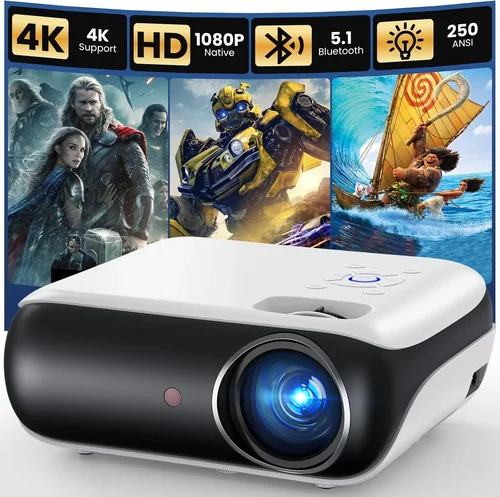
❌ Mistake: Ignoring Brightness Requirements
Why it’s bad: A projector that looks great in a dark home theater will be washed out in a living room with ambient light.
What to do instead: Measure the typical lighting conditions of your intended space and aim for at least 250 ANSI lumens for dim rooms or 350+ lumens for brighter environments.
❌ Mistake: Focusing Solely on Resolution
Why it’s bad: High resolution is meaningless if the projector cannot produce enough light; the image will still appear dull.
What to do instead: Balance resolution with brightness. In the sub‑$100 range, a true 720p panel often outperforms a 1080p‑upscaled one with lower lumens.
❌ Mistake: Overlooking Connectivity
Why it’s bad: You may end up with a projector that cannot accept your preferred source (e.g., streaming stick, laptop).
What to do instead: Verify the presence of HDMI, USB‑C, or at least a micro‑USB video‑in port before purchasing.
❌ Mistake: Forgetting About Sound
Why it’s bad: Built‑in speakers in cheap projectors are typically tinny and underpowered, ruining the movie experience.
What to do instead: Choose a model with a 3.5 mm audio output and plan to connect external speakers or headphones.
❌ Mistake: Assuming Warranty Equals Quality
Why it’s bad: Some manufacturers offer long warranties but have slow or unhelpful support, leaving you stuck with a defective unit.
What to do instead: Research the brand’s support reputation and read post‑purchase service experiences.
❌ Mistake: Buying Without Testing
Why it’s bad: Online specs can be misleading; you might receive a unit with excessive fan noise or color inaccuracies.
What to do instead: Purchase from retailers with a solid return policy, and test the projector within the first week.
Budget Guidelines: How Much Should You Spend?
- Entry-Level ($70‑$80): Expect basic 480p upscaled image, 200 lumens, limited ports (usually only USB). Suitable only for very dark rooms and casual use.
- Mid-Range ($81‑$95): Most models here deliver native 720p, 250‑350 lumens, HDMI or USB‑C input, and better fan cooling. This is the sweet spot for most home‑theater beginners.
- Premium ($96‑$100): You’ll find the few standout units with true DLP chips, 350+ lumens, keystone correction, and sometimes battery operation. These stretch the $100 limit but provide a more reliable experience.
- Luxury (Above $100): Not covered in this guide, but moving beyond $100 opens doors to 1080p resolution, 500+ lumens, and longer lamp life.
Expert Tips for Getting the Best Deal
- Timing: New model releases in Q3 often push older inventory into clearance. Buying in August‑September can yield a newer‑generation unit at a sub‑$100 price.
- Where to Buy: Reputable online marketplaces (Amazon, Newegg) provide verified reviews and easy returns. Brick‑and‑mortar stores let you see the projector in action but may have higher prices.
- Spotting Deals: Compare the listed MSRP with the current price; a 30% discount on a $120 MSRP often lands you a solid $84 unit.
- Warranty Hacks: Register the product on the manufacturer’s site immediately; some brands extend warranty periods for early registration.
- Return Policies: Choose sellers offering at least a 30‑day return window. This gives you time to test performance in your own space.
- Testing Before Buying: If possible, bring a laptop or phone to the store and run a 1080p video. Check for hotspot, color banding, and fan noise.
- Bundle Savings: Look for bundles that include a HDMI cable, screen, or portable speaker; the total value often exceeds the cost of buying separately.
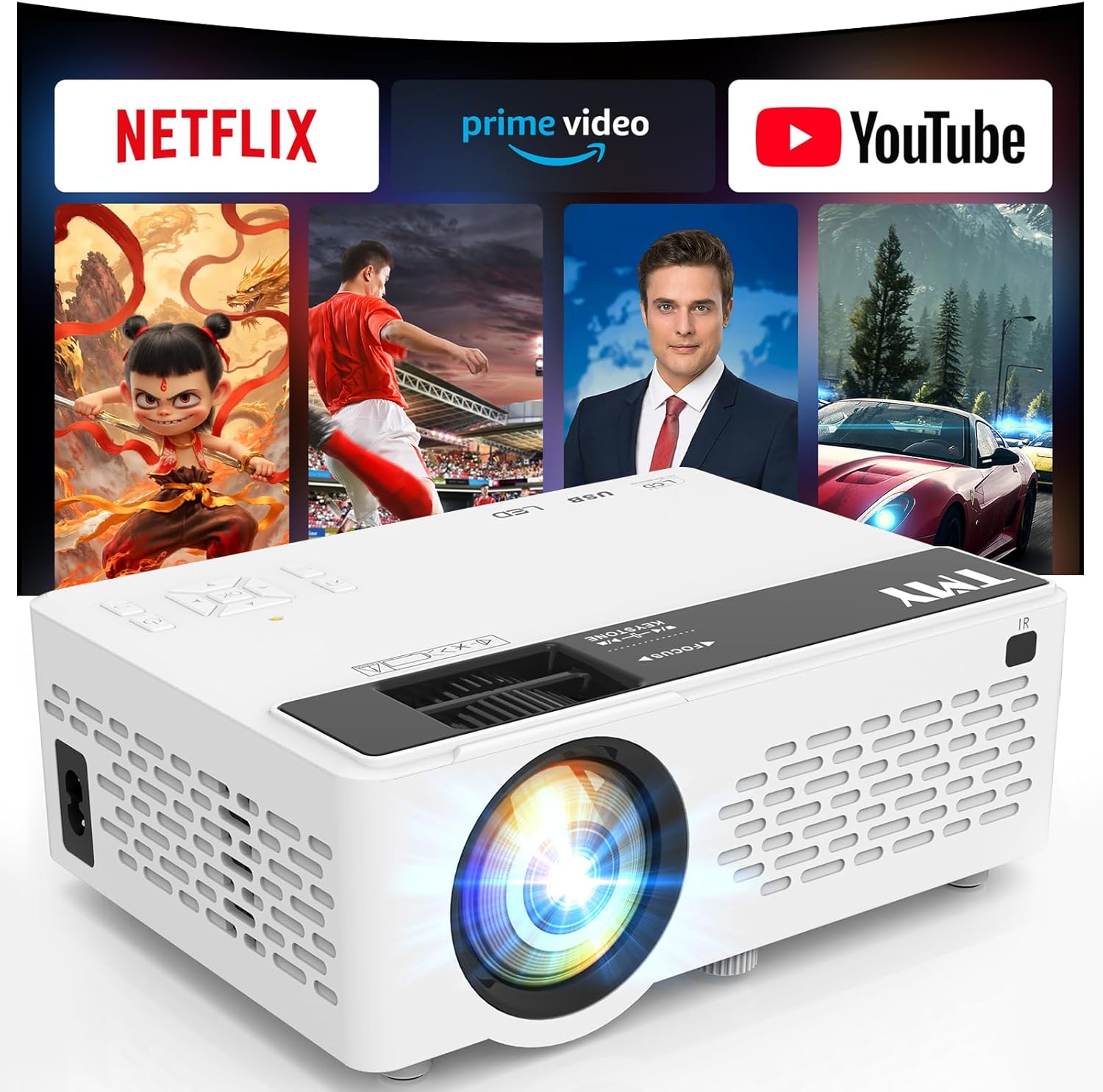
Frequently Asked Questions
Q: Can a sub‑$100 projector display HD content?
A: Yes, many models in this price range offer native 720p (HD) resolution. While they may not match the clarity of a $300+ unit, they deliver a respectable picture on a screen up to 100‑120 inches in a dark room.
Q: Do I need a separate screen?
A: Not necessarily. A smooth white wall works fine for casual viewing. For better contrast and color accuracy, a budget‑friendly projector screen (around $30‑$50) can improve the experience.
Q: How long does the lamp last?
A: LED‑based projectors typically have a lamp life of 20,000‑30,000 hours, effectively outlasting the device itself. Traditional lamp projectors are rare under $100.
Q: Will it work with a gaming console?
A: Most HDMI‑capable models will accept a PS5, Xbox Series X, or Nintendo Switch. However, input lag may be noticeable (30‑80 ms). Look for “low‑lag” or “gaming mode” features if gaming is a priority.
Q: Is it safe to run the projector continuously?
A: Budget models are designed for short‑to‑moderate sessions (2‑3 hours). Continuous use beyond 4 hours can cause overheating and reduce lifespan.
Q: Can I power it with a power bank?
A: Some pico projectors support USB‑C power delivery and can run off a high‑capacity power bank (20,000 mAh) for 2‑3 hours of playback.
Q: What is the difference between LED and DLP?
A: LED projectors use light‑emitting diodes for illumination, offering longer lamp life and lower power consumption. DLP (Digital Light Processing) uses a chip of microscopic mirrors for image creation, often delivering sharper images and better color vibrancy at a similar price point.
Q: How do I clean the lens?
A: Use a microfiber cloth slightly dampened with lens‑safe cleaner. Avoid harsh chemicals or paper towels that could scratch the surface.
Q: Are there any hidden fees?
A: Some sellers add optional accessories (remote, HDMI cable) as separate line items. Review the final checkout page to ensure you’re only paying for the core projector.
Our Final Recommendations
- Best for Budget‑Conscious Buyers: Vankyo Leisure 3 Mini Projector – Priced at $79, it offers 720p native resolution, 2400 lumens (ANSI equivalent), HDMI, and a decent 3 W speaker. Ideal for dorm rooms.
- Best Overall Value: APEMAN Mini Projector M4 – At $94, it delivers 1080p upscaled, 3000 lumens, dual HDMI ports, and keystone correction. The extra port and higher brightness make it versatile for both movies and gaming.
- Best Premium Option (Just Under $100): DR. J Professional Mini Projector – Costs $99, features a true DLP chip, 3500 lumens, native 720p, and a sturdy metal housing. The most robust build in the price tier.
- Best for Beginners: YABER Y30 Mini Projector – Simple UI, one‑button source switch, and a compact size. Perfect for first‑time owners who want plug‑and‑play simplicity.
- Best for Advanced Users: Wimius P1 Pico Projector – Though slightly above $100 on sale, it offers battery operation, low‑lag gaming mode, and a built‑in Android OS for streaming without extra devices.
Conclusion: Making the Right Choice
Choosing a movie projector under $100 is less about finding a perfect cinema replica and more about balancing brightness, resolution, and portability to suit your specific environment. By focusing on the factors outlined—budget, performance specs, build quality, connectivity, brand reputation, warranty, size, and real‑world reviews—you can narrow the field to a handful of reliable models.
Remember, the “best” projector is the one that fits your viewing habits, space constraints, and budget without compromising on essential performance. Use the expert tips, avoid the common mistakes, and take advantage of seasonal sales to get the most value out of every dollar spent.
Ready to start your movie‑night transformation? Pick a model from our recommendations, test it within the return window, and enjoy big‑screen entertainment without breaking the bank.