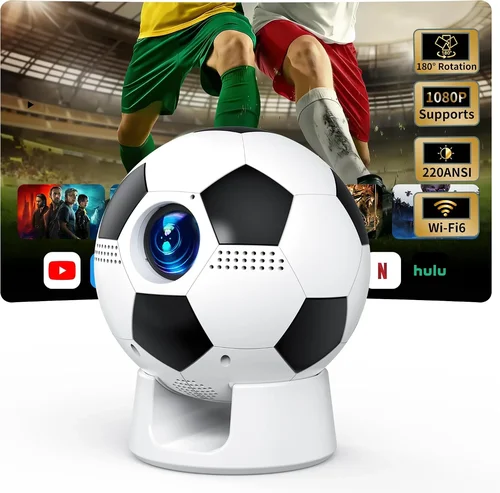
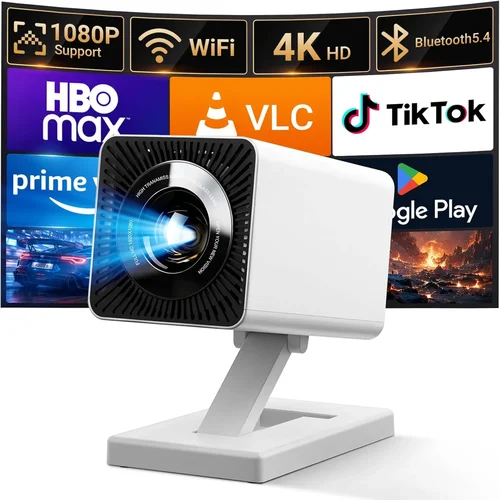
Choosing the right movie projector can feel like navigating a maze of specs, brand names, and price tags. In 2017 the market was flooded with options, and even today many of those models still hold up for home‑theater enthusiasts on a budget. This guide cuts through the noise, giving you a clear roadmap to pick the best projector under $1,000 that delivers a cinema‑like experience without breaking the bank.
By the end of this article you’ll understand which specifications truly matter, how different projector types compare, and which common pitfalls to avoid. Whether you’re setting up a dedicated home theater, a backyard movie night, or a portable office presentation rig, the principles here apply across the board.

What to Look for When Buying Buying Guide
1. Budget & Price Range
The first decision is simple: how much are you willing to spend? Projectors under $1,000 vary widely in performance. Setting a clear budget helps you filter out models that either overshoot your wallet or under‑deliver on quality. Remember that accessories—screen, mounting hardware, cables—add to the total cost, so factor those in when you set your ceiling.
2. Performance Specifications
Three specs dominate the viewing experience:
- Brightness (lumens): Measured in ANSI lumens, this indicates how well the image will stand up to ambient light. For a darkened room aim for 2,000–2,500 lm; for a lit living room 2,500–3,000 lm is safer.
- Resolution: 1080p (Full HD) is the baseline for crisp images. Some 2017 models still offered 720p; avoid these unless you’re extremely price‑sensitive.
- Contrast Ratio: Higher contrast means deeper blacks and more detail in dark scenes. Look for at least 10,000:1; premium units push 20,000:1 or higher.
3. Build Quality & Durability
Projectors are precision optical devices. A solid metal chassis, well‑engineered lens housing, and reliable cooling fans extend lifespan. Check user reviews for overheating issues—some budget units from 2017 suffered from inadequate ventilation.
4. Features & Functionality
Modern projectors pack a lot of convenience:
- Lens shift: Allows vertical/horizontal image adjustment without moving the whole projector.
- Keystone correction: Digital correction for angled placement; however, heavy reliance can degrade image quality.
- Built‑in speakers: Useful for casual viewing, but most audiophiles will add external sound.
- Connectivity: HDMI is a must; USB, VGA, and wireless options add flexibility.
5. Brand Reputation
Established brands like Epson, BenQ, Optoma, and ViewSonic have proven track records for firmware updates and parts availability. Lesser‑known manufacturers may offer lower prices, but warranty service can be hit‑or‑miss.
6. Warranty & Support
Projector lamps (or LEDs) are consumables. A standard 2‑year warranty that covers the lamp for at least 2,000 hours is ideal. Look for brands that provide easy lamp replacement kits and responsive customer service.
7. Size & Portability
If you plan to move the projector between rooms or take it outdoors, weight and footprint matter. Most 2017 models under $1,000 weigh between 5–8 lb and fit in a standard carry case.
8. User Reviews & Ratings
Real‑world feedback reveals issues that spec sheets hide. Prioritize models with 4‑star or higher average ratings and read both positive and negative comments to gauge consistency.
Different Types of Buying Guide

Common Buying Mistakes to Avoid
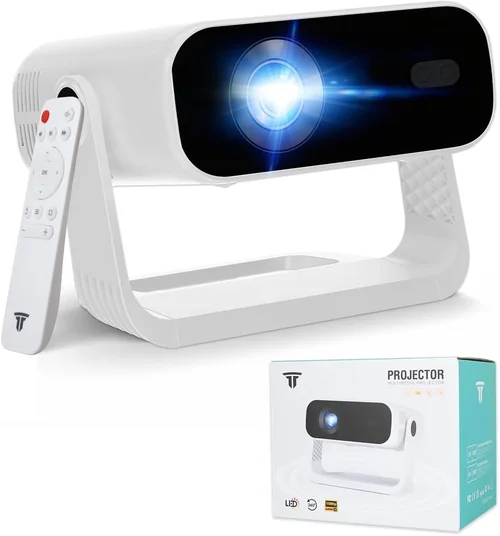
❌ Mistake: Ignoring Ambient Light Conditions
Why it’s bad: A projector rated at 2,000 lm will look dim in a living room with curtains drawn only partially.
What to do instead: Measure the typical lighting and choose a unit with at least 20‑30% higher brightness than the minimum you think you need.
❌ Mistake: Over‑relying on Digital Keystone
Why it’s bad: Heavy keystone correction degrades resolution and contrast.
What to do instead: Position the projector as close to a perpendicular angle as possible; use lens shift or a proper screen mount.
❌ Mistake: Forgetting Lamp Life Costs
Why it’s bad: The upfront price looks cheap, but a replacement lamp can cost $150‑$250.
What to do instead: Factor lamp lifespan into total cost of ownership; consider LED or laser models with 20,000‑hour life.
❌ Mistake: Skipping the Throw Distance Calculation
Why it’s bad: Buying a projector that needs to be 15 ft away for a 100‑inch image in a 10‑ft room leads to a tiny picture.
What to do instead: Use the manufacturer’s throw ratio chart to match room size and desired screen size.
❌ Mistake: Ignoring Audio Needs
Why it’s bad: Built‑in speakers often produce tinny sound, ruining the movie experience.
What to do instead: Plan for an external sound system or soundbar; check for audio out ports.
Budget Guidelines: How Much Should You Spend?
Understanding price tiers helps you set realistic expectations.
- Entry-Level ($400‑$600): Usually 720p or low‑brightness 1080p DLP units. Good for casual viewing in dark rooms, but limited color accuracy and shorter lamp life.
- Mid‑Range ($600‑$850): Full HD, 2,200‑2,800 lm, decent contrast. Ideal for most home‑theater setups; many include lens shift and good connectivity.
- Premium ($850‑$1,000): Higher contrast (15,000:1+), better color processing, often LED or laser light sources, and more robust warranty.
- Luxury ($1,000+): 4K‑enhanced, ultra‑short‑throw, or high‑end laser models—generally outside the “under $1,000” scope but worth mentioning for future upgrades.
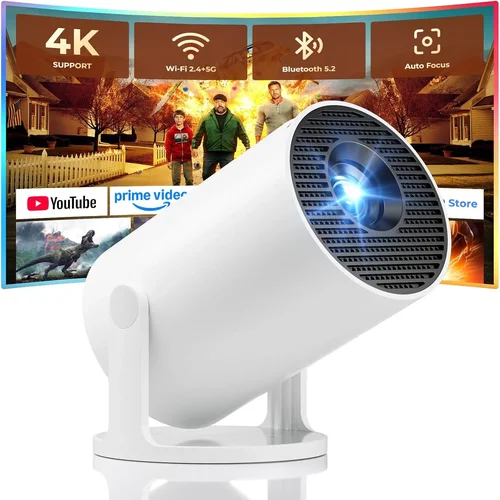
Expert Tips for Getting the Best Deal
- Buy during major sales events (Black Friday, Cyber Monday, post‑Christmas clearance).
- Check refurbished units from manufacturer outlets; they often come with full warranty at 30‑40% off.
- Compare prices across Amazon, B&H, Best Buy, and direct brand sites; use price‑tracking extensions.
- Read the fine print on return policies—projectors are heavy, and a 30‑day return window is a safety net.
- When possible, test the projector in‑store or request a demo video from the seller.
- Consider bundle deals that include a screen, mounting kit, or extra lamp.
- Register your product immediately for warranty activation.

Frequently Asked Questions
Q: Do I need a special screen for a projector under $1,000?
A: While a white wall works, a dedicated screen improves gain and uniformity, especially in rooms with ambient light. A 100‑inch 16:9 matte white screen costs $80‑$150 and is a worthwhile investment.
Q: Can I use a projector for both movies and gaming?
A: Yes, but look for low input lag (under 30 ms) and a refresh rate of 60 Hz or higher. Some 2017 models like the BenQ TH671ST were marketed for gaming with “Game Mode” presets.
Q: How long does a lamp typically last?
A: Traditional UHP lamps average 2,000‑3,000 hours. LED and laser light sources can exceed 20,000 hours, effectively lasting a decade for casual users.
Q: Is 1080p still relevant in 2026?
A: Absolutely. Most streaming services still stream in 1080p as the standard, and a good 1080p projector delivers a crisp image on screens up to 120‑inch. 4K upscaling is a nice bonus but not essential.
Q: What is the difference between DLP and LCD?
A: DLP (Digital Light Processing) uses a chip of micro‑mirrors, offering higher contrast and smoother motion. LCD (Liquid Crystal Display) provides richer colors and less rainbow effect. Choose based on your preference for blacks vs. color vibrancy.
Q: Do I need a projector ceiling mount?
A: A ceiling mount provides stable positioning and frees up floor space. If you cannot mount, a sturdy tripod or tabletop stand with adjustable height works, but ensure proper ventilation.
Q: How far away should the projector be for a 100‑inch image?
A: Use the throw ratio (typically 1.2‑1.5 for standard throw). For a 100‑inch diagonal (≈87 in width), divide width by throw ratio: 87 in ÷ 1.3 ≈ 67 in (5.5 ft) from screen to lens.
Our Final Recommendations
- Best for Budget‑Conscious Buyers: Optoma HD146X – 3,600 lm, 1080p, 25,000:1 contrast, priced around $550.
- Best Overall Value: Epson Home Cinema 2150 – 2,500 lm, 1080p, lens shift, wireless Miracast, typically $800.
- Best Premium Option: BenQ TH671ST – 3,000 lm, short‑throw (0.69), low input lag, excellent for gaming, around $950.
- Best for Beginners: ViewSonic PA503S – Simple setup, 3,600 lm, 800×600 native (upscales to 1080p), under $400.
- Best for Advanced Users: Epson Home Cinema 3200 (often found refurbished under $1,000) – 2,900 lm, 4K enhancement, 2,500,000:1 contrast, robust connectivity.
Conclusion: Making the Right Choice
Finding the best movie projector under $1,000 in 2017’s lineup is about balancing brightness, resolution, and durability against your viewing environment and budget. Start by assessing room lighting, desired screen size, and whether you need portability or a fixed installation. Use the factors, type comparisons, and budget guidelines in this guide to narrow your options, then apply the expert tips to secure the best deal.
Remember, the perfect projector isn’t the one with the highest specs—it’s the one that fits your space, habits, and wallet. Take the time to read user reviews, calculate throw distance, and consider long‑term costs like lamp replacements. With a thoughtful approach, you’ll enjoy cinematic nights at home for years to come.