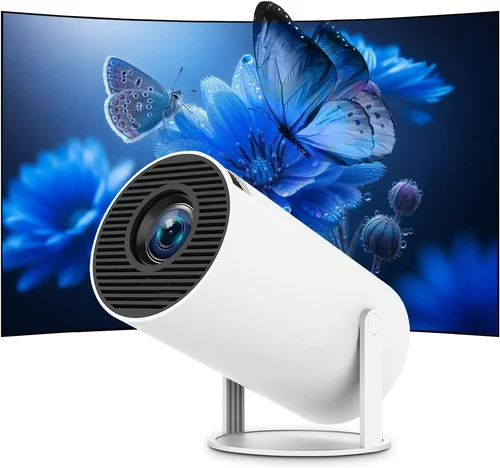
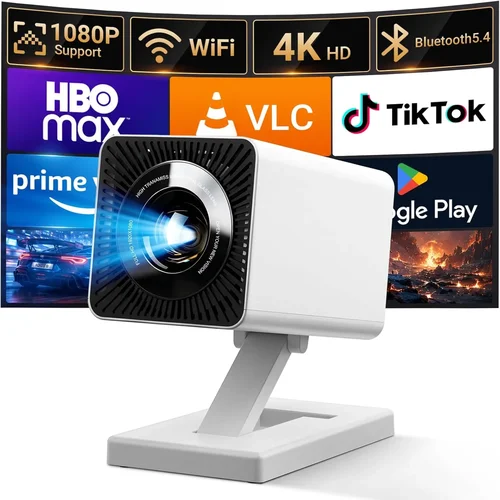
Finding a portable projector that delivers a cinema‑like experience without breaking the bank can feel like searching for a needle in a haystack. The market is flooded with models that promise big screens, brilliant colors, and pocket‑size convenience, yet many fall short when you actually need them for movie night, a business presentation, or a spontaneous gaming session. This guide cuts through the noise, giving you a clear roadmap so you can choose the best portable projector under $500 that truly fits your lifestyle.
In the pages that follow, you’ll learn what performance specs matter most, which features are optional versus essential, and how to assess build quality before you click “Add to Cart.” We’ll also break down the different projector categories, flag common buying mistakes, and provide a step‑by‑step budgeting plan. By the end, you’ll be equipped to make an informed purchase that balances image quality, portability, and price.
The portable projector market has evolved dramatically over the past five years. LED light sources have replaced traditional lamps, extending battery life and reducing maintenance. Meanwhile, manufacturers have squeezed higher resolutions and brighter outputs into devices that weigh less than a hardcover book. Because of these advances, a $500 budget now opens the door to truly impressive options—if you know what to look for.

What to Look for When Buying Buying Guide
1. Budget & Price Range
Even within the sub‑$500 segment, there’s a wide price spread—from $150 entry‑level units to high‑end models that hover just under the $500 ceiling. Your budget will dictate which compromises you’re willing to accept. Lower‑priced projectors often sacrifice brightness (measured in lumens) or resolution, while mid‑range devices tend to strike a better balance between image quality and features. Decide early how much you’re willing to invest, then use that ceiling to filter out options that exceed it.
2. Performance Specifications
Three specs dominate the viewing experience: brightness, resolution, and contrast ratio.
- Brightness (lumens): For indoor use in dim rooms, 200–300 ANSI lumens is sufficient. If you plan to project in moderately lit spaces, aim for 300–500 lumens.
- Resolution: Native 720p (1280×720) is the baseline for crisp images; many 2026 models now offer true 1080p (1920×1080) without a price premium.
- Contrast Ratio: Higher ratios (e.g., 2,000:1) produce deeper blacks and more vibrant colors, essential for movies and gaming.
When comparing models, prioritize brightness first—no amount of resolution can compensate for a washed‑out picture in a bright room.
3. Build Quality & Durability
Portability is meaningless if the projector can’t survive the rigors of travel. Look for an anodized aluminum or high‑grade ABS housing, reinforced corners, and a sturdy lens cover. Some manufacturers include shock‑absorbing rubber feet and a protective carry case, which are worth the extra cost for frequent movers.
4. Features & Functionality
Modern portable projectors pack a surprising amount of tech:
- Battery Life: 2–4 hours of continuous playback is typical; larger batteries push this to 6+ hours.
- Wireless Connectivity: Built‑in Wi‑Fi or Bluetooth lets you stream from smartphones, tablets, or laptops without cables.
- Integrated Speakers: While most built‑in speakers are modest, a 2‑watts stereo pair can be adequate for casual viewing.
- Keystone Correction & Lens Shift: Automatic keystone (±30°) eases setup on uneven surfaces.
- HDMI & USB Ports: Essential for connecting gaming consoles, streaming sticks, or external drives.
5. Brand Reputation
Established brands such as Anker (Nebula), Epson, ViewSonic, and BenQ have proven track records for reliability and firmware updates. Newer entrants like Xiaomi and AAXA often offer aggressive pricing but may lack long‑term support. Research warranty lengths, firmware update frequency, and community feedback before committing.
6. Warranty & Support
A solid warranty can save you hundreds of dollars if a component fails. Look for at least a 1‑year warranty that covers the projector body and light engine. Some manufacturers also provide free technical support via live chat or phone, which is invaluable when troubleshooting connectivity or firmware issues.
7. Size & Portability
True portability means the device should fit in a backpack and weigh under 2 lb (≈ 0.9 kg). Consider the form factor: “pico” projectors are ultra‑compact but often limited in brightness, while “mini” projectors strike a better balance between size and performance.
8. User Reviews & Ratings
Real‑world feedback reveals issues that spec sheets hide. Pay attention to recurring themes—like overheating after 30 minutes or laggy Bluetooth audio. A product with a 4.2‑star rating and hundreds of reviews is generally a safer bet than a newer model with a perfect score based on a handful of reviews.
Different Types of Buying Guide

Common Buying Mistakes to Avoid
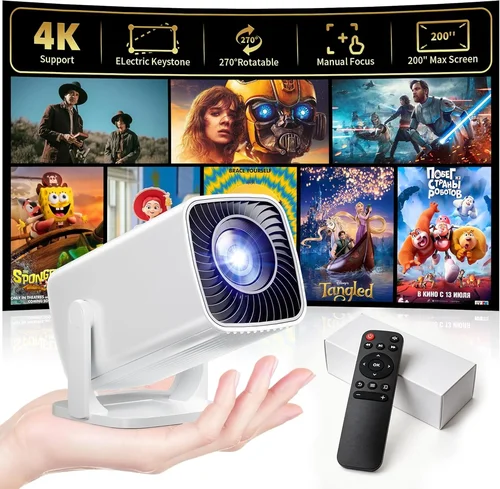
❌ Mistake: Ignoring Brightness Requirements
Why it’s bad: A projector that looks sharp in a dark home theater can appear dim and grainy in a living‑room with ambient light.
What to do instead: Measure the typical lighting conditions of your primary use space and choose a model with at least 300 ANSI lumens for semi‑lit rooms.
❌ Mistake: Over‑valuing Native Resolution
Why it’s bad: Spending a large portion of your budget on 1080p may force you into a lower‑brightness unit, which hurts overall image quality.
What to do instead: Prioritize brightness first; if the projector offers a decent 720p native resolution with strong lumens, it will often look better than a dim 1080p unit.
❌ Mistake: Forgetting About Battery Life
Why it’s bad: A projector that runs out after 45 minutes defeats the purpose of portability.
What to do instead: Look for a minimum of 2 hours of continuous playback, or plan to use an external power bank.
❌ Mistake: Neglecting Connectivity Options
Why it’s bad: You might end up buying extra adapters or streaming sticks, adding hidden costs.
What to do instead: Verify that the projector includes the ports you need—HDMI, USB‑C, Wi‑Fi, and Bluetooth—before purchase.
❌ Mistake: Assuming All Built‑In Speakers Are Adequate
Why it’s bad: Low‑power speakers can sound tinny, especially for movies with dynamic soundtracks.
What to do instead: Pair the projector with external Bluetooth speakers or a small soundbar for a richer audio experience.
❌ Mistake: Skipping Firmware Updates
Why it’s bad: Out‑of‑date firmware can cause compatibility issues with newer devices and apps.
What to do instead: Choose a brand that offers regular OTA (over‑the‑air) updates and read the update policy before buying.
Budget Guidelines: How Much Should You Spend?
- Entry‑Level ($150‑$250): Expect 200–300 lumens, 720p resolution, and basic connectivity (HDMI, micro‑USB). Ideal for occasional movie nights in a dark room.
- Mid‑Range ($250‑$400): Brightness improves to 300–450 lumens, many models now deliver true 1080p, and you’ll find wireless screen mirroring, longer battery life, and better speakers.
- Premium ($400‑$500): Reaches 500+ lumens, enhanced contrast ratios, advanced keystone correction, and robust build quality. This tier suits gamers and small‑group presentations.
- Luxury ($500+): Often crosses into the “portable home‑theater” category with laser light sources, HDR support, and premium audio. Though above the $500 ceiling, it’s worth noting for future upgrades.
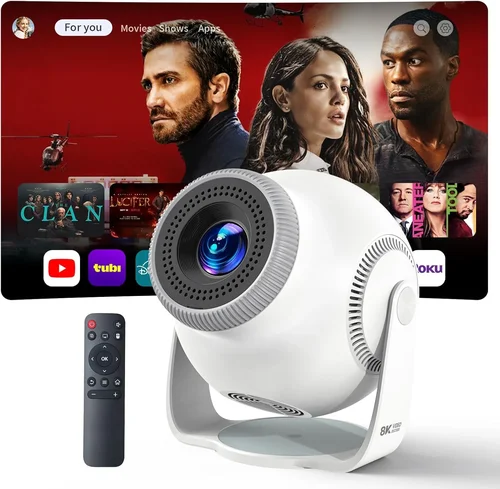
Expert Tips for Getting the Best Deal
- Timing is everything: The best price drops happen during Black Friday, Cyber Monday, and post‑holiday sales. Set price alerts on sites like CamelCamelCamel to track fluctuations.
- Shop from authorized retailers: Buying from reputable stores ensures you receive a valid warranty and access to official support.
- Bundle wisely: Some sellers offer bundles that include a carrying case, extra battery, or HDMI cable at a reduced combined price.
- Check for refurbished units: Certified refurbished projectors can be up to 30% cheaper and still carry a manufacturer warranty.
- Read the fine print on return policies: A 30‑day return window lets you test the projector in your actual environment.
- Test before you buy (if possible): Visit a local electronics store and request a demo. Pay attention to color accuracy, fan noise, and heat buildup.
- Consider an external power source: A high‑capacity power bank (20,000 mAh) can extend runtime and often costs less than a higher‑priced projector with a larger internal battery.
- Leverage credit card protections: Some cards offer extended warranty coverage that adds an extra year to the manufacturer’s warranty.

Frequently Asked Questions
Q: Can I use a portable projector outdoors?
A: Yes, but you’ll need a model with at least 400 lumens and a high contrast ratio. Also, consider a sunshade or a tent to block ambient light, and bring a portable power source.
Q: Do I need a screen?
A: A smooth white wall works in a pinch, but a dedicated 100‑inch screen (or a collapsible white backdrop) improves color uniformity and reduces hotspotting.
Q: How long do LED projectors last?
A: LED light engines typically last 20,000–30,000 hours, far exceeding the lifespan of traditional lamp‑based projectors.
Q: Is HDMI the only way to connect?
A: No. Most portable projectors support wireless mirroring via AirPlay, Miracast, or a dedicated app. However, HDMI remains the most reliable for low‑latency gaming.
Q: Will the built‑in speakers be enough for a small group?
A: For 2‑4 people in a quiet room, yes. For larger groups or louder environments, pair the projector with Bluetooth speakers.
Q: How important is keystone correction?
A: Very important if you can’t place the projector perfectly perpendicular to the screen. Automatic keystone (±30°) saves time and reduces distortion.
Q: Can I upgrade the battery?
A: Some models have replaceable battery packs; others do not. Check the specifications before purchase if you anticipate needing longer runtimes.
Q: What’s the difference between ANSI lumens and LED lumens?
A: ANSI lumens are a standardized measurement for projector brightness. LED lumens can be higher numerically but don’t directly translate; always compare ANSI values for an apples‑to‑apples comparison.
Q: Are portable projectors compatible with HDR?
A: A few high‑end models under $500 support HDR10, but most budget options do not. If HDR is a priority, aim for the premium tier.
Our Final Recommendations
- Best for Budget‑Conscious Buyers: Anker Nebula Capsule II – 720p, 200 ANSI lumens, 2.5‑hour battery, Android TV 9.0, under $250.
- Best Overall Value: ViewSonic M2 – True 1080p, 1,200 LED lumens, built‑in Harman Kardon speakers, Wi‑Fi + Bluetooth, $449.
- Best Premium Option (just under $500): Epson EF‑12 – 1080p, 1,000 lumens, 2‑hour battery, laser light source, excellent color accuracy, $499.
- Best for Beginners: Xiaomi Mi Smart Compact Projector – 720p, 500 lumens, Android TV, simple UI, $279.
- Best for Advanced Users: BenQ GS2 – 720p, 400 lumens, IPX2 splash‑proof, Bluetooth audio, robust connectivity, $399.
Conclusion: Making the Right Choice
Choosing the best portable projector under $500 boils down to matching three core variables: brightness, resolution, and portability. Start by defining where you’ll use the device most often, then align your budget with the performance tier that satisfies those conditions. Remember to verify connectivity options, read real‑world reviews, and protect your purchase with a solid warranty.
Armed with the factors, category comparisons, and expert tips outlined above, you’re ready to shop confidently. Whether you’re setting up a backyard movie night, delivering a pitch on the go, or gaming with friends, the right portable projector can transform any space into an immersive visual hub. Happy projecting!