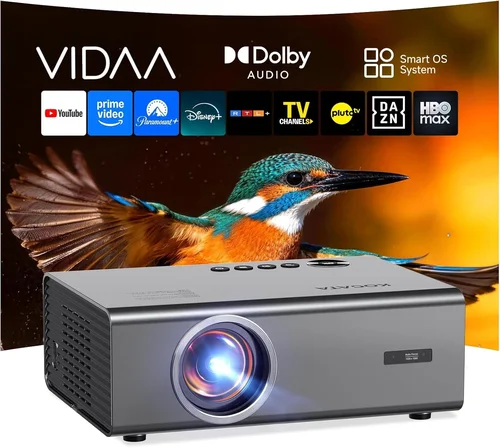
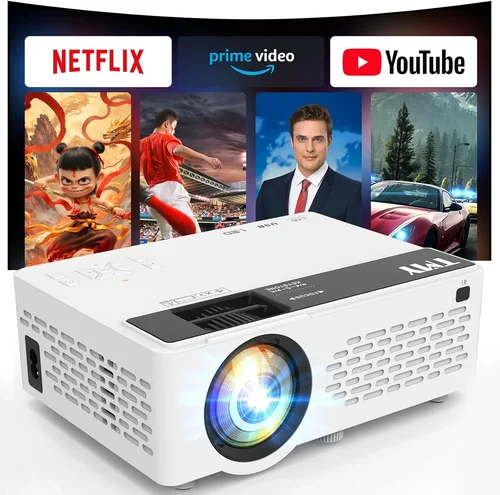
Choosing a projector can feel like stepping into a maze of technical jargon, price tags, and endless model numbers. Yet, a well‑chosen projector can turn a modest living room into a home‑theater, a bedroom into a gaming arena, or a small office into a presentation powerhouse—all without breaking the bank. This guide is designed to cut through the noise and give you a clear, expert‑driven roadmap for finding the best projector under $2,000 in 2023‑2024.
In the next few sections you will learn exactly what specifications matter most, how different projector families stack up against each other, and where to snag the best deals. Whether you are a movie‑buff, a casual gamer, or a remote‑working professional, you’ll walk away with the confidence to pick a machine that fits your budget, space, and performance expectations.
The projector market has evolved dramatically over the past few years. LED and laser light sources are now commonplace, offering longer lifespans and lower maintenance than traditional lamps. At the same time, 4K‑compatible DLP and LCD panels have become affordable enough to sit comfortably under the $2,000 ceiling. Understanding these trends is essential for making a future‑proof purchase.
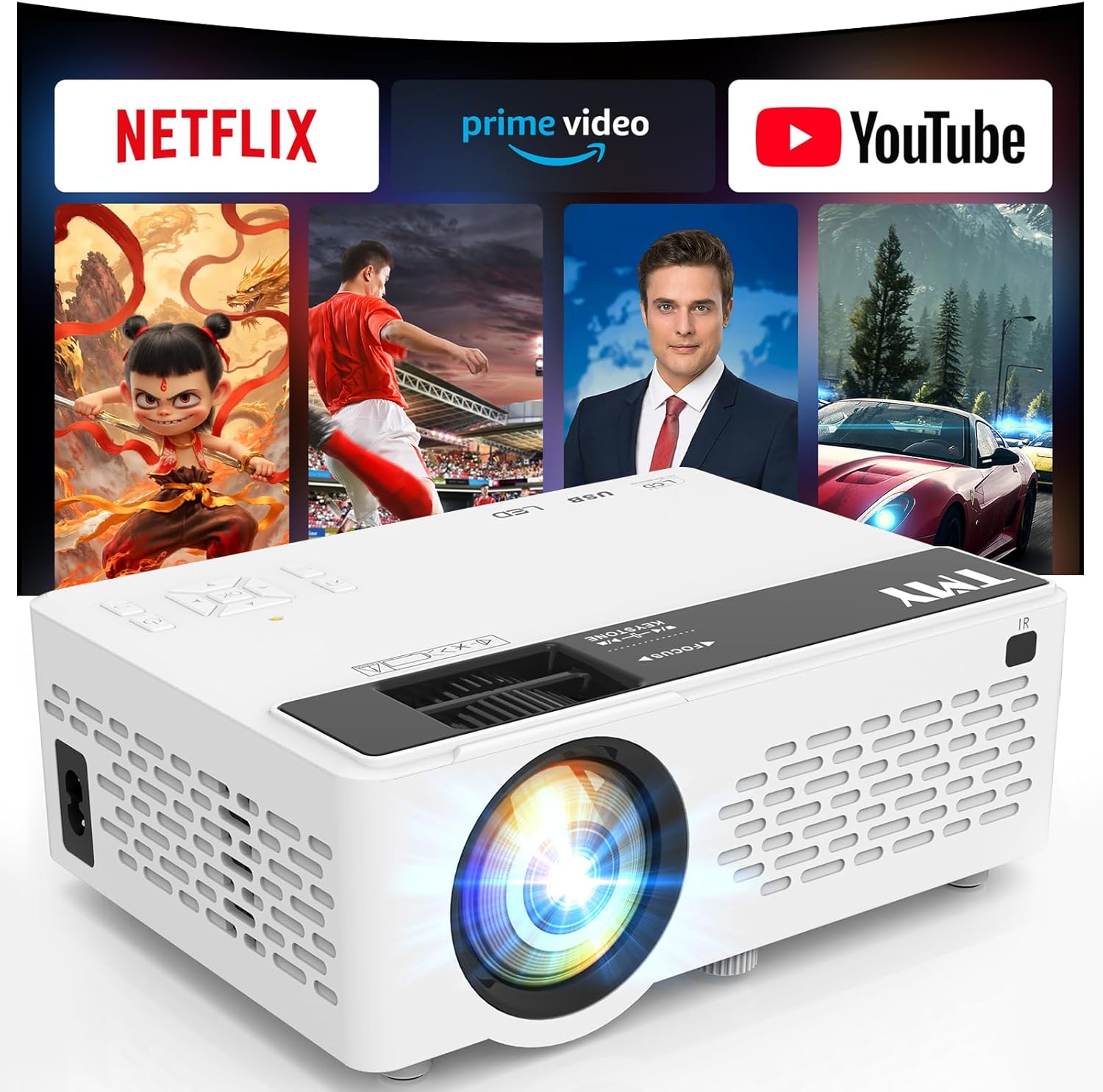
What to Look for When Buying Buying Guide
1. Budget & Price Range
Your budget is the foundation of every purchasing decision. Projectors under $2,000 can vary widely—from entry‑level models that deliver 1080p resolution to mid‑range units offering true 4K‑UHD or laser light sources. Set a clear upper limit, but also consider ancillary costs such as a quality screen, mounting hardware, and replacement lamps (if applicable). Remember that a slightly higher upfront cost often translates into lower long‑term expenses.
2. Performance Specifications
Performance is defined by three core specs: resolution, brightness, and contrast ratio.
- Resolution: 1080p (1920×1080) is still acceptable for most home‑theater setups, but 4K‑UHD (3840×2160) provides sharper detail, especially on larger screens.
- Brightness: Measured in lumens, this determines how well the image will appear in ambient light. For dark rooms, 1,500–2,000 lumens is sufficient; for living rooms with some light, aim for 2,500–3,500 lumens.
- Contrast Ratio: Higher contrast delivers deeper blacks and more vivid colors. Look for ratios of 10,000:1 or better for true‑to‑life images.
3. Light Source Technology
There are three main light sources on the market today:
- UHP Lamps: Traditional, inexpensive, but require replacement every 2,000–4,000 hours.
- LED: Longer lifespan (up to 30,000 hours), lower power draw, and consistent color performance.
- Laser: Premium brightness, instant on/off, and up to 20,000 hours of life. Laser models often sit near the top of the $2,000 range.
4. Build Quality & Durability
A projector that feels solid in the hand will likely survive the rigors of frequent moves or mounting. Metal housings, reinforced hinges, and dust‑filter designs are hallmarks of durable units. Check user reviews for any recurring issues such as overheating or premature lamp failure.
5. Features & Functionality
Modern projectors are packed with smart features that can add convenience or improve performance:
- Built‑in Speakers: Useful for casual viewing but usually lack power; external audio is recommended for true home‑theater sound.
- Wireless Connectivity: Wi‑Fi or Bluetooth for screen mirroring from phones, tablets, or laptops.
- Lens Shift & Zoom: Allows flexible placement without keystone correction, preserving image quality.
- HDR Support: Enhances dynamic range; look for HDR10 or Dolby Vision compatibility.
6. Brand Reputation
Brands such as Epson, BenQ, Optoma, ViewSonic, and LG have built strong reputations for reliability and support. While newer entrants may offer attractive specs, a proven track record often means better firmware updates and easier access to service centers.
7. Warranty & Support
Projectors are an investment. A minimum two‑year warranty is standard, but many manufacturers extend this to three or four years, especially on laser models. Check what components are covered (lamp, laser, optics) and whether on‑site service is available.
8. Size & Portability
If you plan to move the projector between rooms or take it to a friend’s house, weight and dimensions matter. Pico projectors are ultra‑compact but sacrifice brightness, whereas “home‑theater” models are bulkier but deliver higher performance.
Different Types of Buying Guide

Common Buying Mistakes to Avoid
❌ Mistake: Ignoring Ambient Light Conditions
Why it’s bad: Selecting a low‑lumens unit for a bright living room will result in washed‑out images that ruin the viewing experience.
What to do instead: Measure the typical light level in your intended space and choose a projector with at least 2,500 lumens for rooms with some natural light.
❌ Mistake: Over‑Focusing on Resolution Alone
Why it’s bad: A 4K projector with poor contrast and low brightness can look worse than a high‑quality 1080p model.
What to do instead: Balance resolution with brightness, contrast, and light‑source type to achieve a well‑rounded image.
❌ Mistake: Forgetting About Throw Distance
Why it’s bad: Buying a projector that requires a 12‑foot throw distance when your room is only 8 feet will force you to compromise on screen size.
What to do instead: Check the throw ratio in the spec sheet and calculate the ideal distance for your desired screen size.
❌ Mistake: Skipping Lens Shift & Zoom Features
Why it’s bad: Relying on keystone correction degrades image sharpness and can cause distortion.
What to do instead: Prioritize models with optical lens shift and a decent zoom range for flexible placement.
❌ Mistake: Assuming All Built‑In Speakers Are Sufficient
Why it’s bad: Most built‑in speakers are under 5 W and lack depth, leading to a subpar audio experience.
What to do instead: Budget for an external sound system or soundbar to complement the visual performance.
❌ Mistake: Ignoring Warranty Terms
Why it’s bad: A cheap projector with a one‑year lamp‑only warranty may cost more in the long run due to replacement parts.
What to do instead: Choose a unit with at least a two‑year comprehensive warranty and understand what is covered.
Budget Guidelines: How Much Should You Spend?
Understanding what you get at each price tier helps you set realistic expectations.
- Entry‑Level ($800‑$1,200): Typically LCD or low‑end DLP panels, 1080p resolution, 2,000 lumens, and UHP lamps. Good for casual movie nights in dark rooms.
- Mid‑Range ($1,200‑$1,700): LED or laser light sources start appearing, offering 2,500‑3,000 lumens, better contrast, and optional 4K‑UHD upscaling. Ideal for mixed‑use rooms.
- Premium ($1,700‑$2,000): True 4K DLP or high‑end LCD, laser light engines, 3,000+ lumens, HDR10, and extensive lens shift. Suits enthusiasts and small home‑theater installations.
- Luxury ($2,000+): While beyond the scope of this guide, these units provide cinema‑grade optics, 4K native panels, and enterprise‑level durability.
Expert Tips for Getting the Best Deal
- Time Your Purchase: New models launch in early spring; older units drop in price during summer clearance sales.
- Shop Authorized Resellers: They provide legitimate warranties and easy access to firmware updates.
- Bundle Smartly: Look for bundles that include a screen, mounting kit, or spare lamp—often cheaper than buying separately.
- Check Return Policies: A 30‑day return window lets you test the projector in your own environment.
- Inspect for Firmware Updates: Manufacturers regularly release patches that improve color accuracy and reduce fan noise.
- Negotiate Shipping: Free or discounted shipping can shave $20‑$40 off the total cost.
- Consider Refurbished Units: Certified refurbished models come with full warranties and are often 10‑15% cheaper.

Frequently Asked Questions
Q: Do I need a separate screen, or can I project onto a wall?
A: While a plain white wall works, a dedicated projector screen improves gain, uniformity, and contrast. For budget builds, matte white paint (flat finish) is an acceptable alternative.
Q: How long does a projector lamp last?
A: Traditional UHP lamps last 2,000–4,000 hours. LED lamps can exceed 20,000 hours, and laser light sources often reach 20,000–30,000 hours before brightness degrades noticeably.
Q: Can I use a projector for gaming?
A: Yes, but prioritize low input lag (under 30 ms) and a high refresh rate (120 Hz) if you plan to game competitively. DLP models generally have lower lag than LCD.
Q: Is 4K really necessary?
A: 4K provides a noticeable boost on screens larger than 100 inches or when sitting close to the image. For typical 80‑100‑inch setups, a high‑quality 1080p or 4K‑upscaled projector may be sufficient.
Q: What is HDR, and do I need it?
A: HDR (High Dynamic Range) expands the contrast and color range. If you watch HDR content on streaming services, a projector with HDR10 support will deliver richer visuals.
Q: How do I calculate the ideal screen size?
A: Multiply your viewing distance (in inches) by 0.84 for a comfortable 30° field of view. For a 10‑foot viewing distance, a 100‑inch diagonal screen is ideal.
Q: Are portable projectors worth the compromise?
A: Portable units excel in flexibility but sacrifice brightness and lens control. If you need a projector for occasional presentations or travel, they are a solid choice; otherwise, a fixed‑install model will deliver better image quality.
Our Final Recommendations
- Best for Budget‑Conscious Buyers: BenQ TH585 – 3,500 lumens, 1080p, low input lag, under $1,200.
- Best Overall Value: Epson Home Cinema 2150 – 2,500 lumens, 1080p, lens shift, wireless screen mirroring, $1,450.
- Best Premium Option: Optoma UHD38 – True 4K, 4,000 lumens, 240 Hz refresh, HDR10, $1,950.
- Best for Beginners: LG PF50KA – Compact LED, 1080p, built‑in battery, easy setup, $1,000.
- Best for Advanced Users: ViewSonic X10‑4K – Laser, 4K, 2,400 lumens, integrated Harman Kardon speakers, short‑throw, $1,800.
Conclusion: Making the Right Choice
Finding the best projector under $2,000 boils down to matching your specific use‑case with the right blend of resolution, brightness, light‑source technology, and extra features. By evaluating your room’s ambient light, desired screen size, and connectivity needs, you can narrow the field quickly.
Remember: the most expensive model isn’t always the best for you, and the cheapest may leave you frustrated. Use the factors, budget guidelines, and expert tips outlined above to prioritize what truly matters. Once you’ve made an informed decision, sit back, dim the lights, and enjoy cinema‑quality visuals without stretching your wallet.