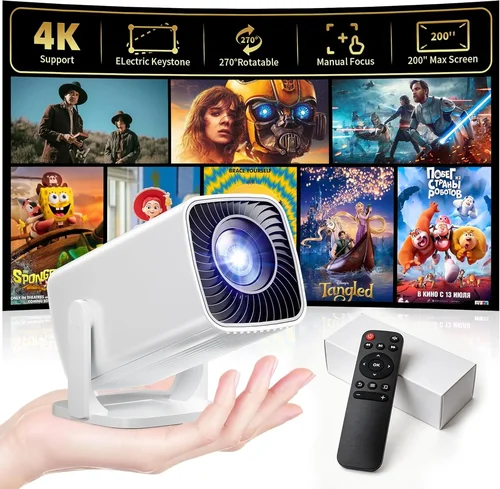
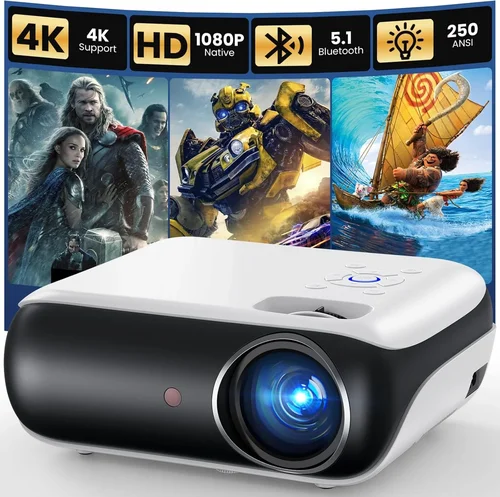
Finding a projector that can keep up with fast‑paced shooters, sprawling RPGs, and neon‑lit battle royales is a real challenge, especially when you don’t want to break the bank. The market in 2026 is flooded with models that promise “cinema‑grade” visuals, but only a handful can actually deliver the low‑input‑lag, high‑refresh‑rate performance that serious gamers demand—without costing more than $1,000.
This guide walks you through exactly what to look for, why each specification matters, and which models give you the most bang for your buck. By the end, you’ll know how to match a projector’s strengths to your gaming setup, avoid common pitfalls, and walk away with a machine that feels as responsive as a high‑end monitor but fills an entire wall with immersive visuals.
We’ll also break down the different projector families (DLP, LCD, laser), compare price tiers, and share insider tips on scoring the best deals. Whether you’re setting up a dedicated gaming den, a shared family room, or a portable LAN‑party rig, this guide gives you the confidence to make an informed purchase.

What to Look for When Buying Buying Guide
1. Budget & Price Range
Even within the sub‑$1,000 bracket, prices can vary dramatically based on brand, light source, and feature set. Set a clear ceiling—$800, $950, etc.—and remember to factor in accessories: a quality screen, mounting hardware, and possibly a short‑throw lens. A tighter budget often means compromising on brightness or native resolution, but you can still find models that excel in low‑lag performance.
2. Performance Specifications
Gaming projectors need three core specs to feel responsive:
- Refresh Rate: Aim for 120 Hz or higher. Many projectors cap at 60 Hz, which can introduce motion blur in fast shooters.
- Input Lag: Look for ≤ 20 ms. Anything above 30 ms will feel sluggish, especially in competitive titles.
- Resolution: 1080p (Full HD) is the sweet spot under $1,000. Some newer 4K‑enhanced units exist, but they often upscale and can add processing delay.
Don’t forget contrast ratio and color accuracy—these affect how vibrant your game worlds appear.
3. Light Source & Brightness
Gaming rooms are typically dimmed, but you still need enough lumens to handle ambient light from LED strips, windows, or a TV playing in the background. Aim for at least 2,500–3,000 ANSI lumens. Laser‑phosphor and high‑efficiency LED sources maintain brightness longer than traditional lamps, which also reduces maintenance costs.
4. Build Quality & Durability
A projector that rattles or heats up quickly will degrade your experience. Look for metal housings, solid cooling fans, and a reputable warranty (minimum 2 years). Models with sealed optics tend to stay dust‑free longer, which is crucial for consistent image quality.
5. Features & Functionality
Beyond the basics, consider these add‑ons:
- Gaming Modes: Dedicated low‑lag presets that automatically disable image‑enhancement processing.
- HDR Support: HDR10 or Dolby Vision can boost color depth, though the impact is modest at 1080p.
- Keystone Correction & Lens Shift: Useful for flexible placement without sacrificing picture geometry.
- Multiple HDMI Ports & HDCP 2.2: Essential for next‑gen consoles and PC setups.
6. Brand Reputation
Brands like BenQ, Optoma, ViewSonic, and Epson have built strong followings in the gaming community. Research long‑term reliability reports and see how quickly manufacturers release firmware updates—critical for fixing lag or compatibility issues.
7. Warranty & Support
Gaming can be hard on equipment. A solid warranty (2–3 years) that covers the lamp or laser module, plus easy access to customer support, can save you hundreds in repair costs. Check if the brand offers on‑site service or a hassle‑free RMA process.
8. Size & Portability
If you plan to move the projector between rooms or take it to LAN events, weight and footprint matter. Short‑throw models can sit close to the wall, reducing shadows from controllers, but they tend to be pricier. Balance portability against image size and throw distance.
Different Types of Buying Guide

Common Buying Mistakes to Avoid
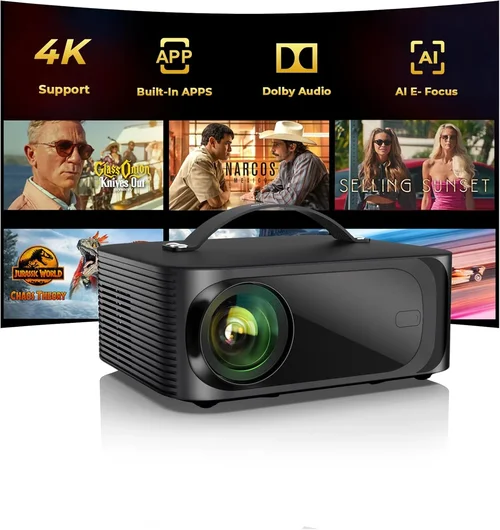
❌ Mistake: Ignoring Input Lag
Why it’s bad: High input lag turns a responsive game into a sluggish experience, putting you at a disadvantage in competitive titles.
What to do instead: Prioritize models that list ≤ 20 ms lag in gaming mode. Check independent reviews that measure real‑world lag with a frame‑counter.
❌ Mistake: Over‑Estimating Brightness Needs
Why it’s bad: Buying a 5,000‑lumen projector for a dark bedroom wastes money and often forces you into a larger, heavier unit.
What to do instead: Assess your room’s ambient light. For typical gaming dens, 2,500–3,000 lumens is sufficient.
❌ Mistake: Forgetting Throw Distance
Why it’s bad: A long‑throw projector in a small apartment can’t fill the wall and creates unwanted shadows.
What to do instead: Measure the distance from the projector to the screen and compare it to the manufacturer’s throw ratio chart.
❌ Mistake: Skipping Firmware Updates
Why it’s bad: Out‑of‑date firmware can cause compatibility issues with new consoles or introduce unnecessary processing lag.
What to do instead: Choose a brand that offers regular updates and check the support page before purchase.
❌ Mistake: Ignoring Warranty Terms
Why it’s bad: A cheap projector may come with a 90‑day warranty, leaving you exposed if the lamp fails after six months.
What to do instead: Look for at least a 2‑year warranty covering the light source and consider extended plans if available.
Budget Guidelines: How Much Should You Spend?
- Entry‑Level ($600‑$750): Expect 1080p resolution, 2,500 lumens, and basic gaming mode. Input lag may sit around 25‑30 ms. Good for casual gamers.
- Mid‑Range ($751‑$950): Typically offers 120 Hz refresh, ≤ 20 ms lag, and higher contrast ratios. Laser‑phosphor or high‑efficiency LED light sources become common.
- Premium ($951‑$1,200): Features true 4K UHD, HDR10+, and ultra‑low lag (< 15 ms). Often includes built‑in speakers, advanced lens shift, and longer lamp life.
- Luxury ($1,200+): Professional‑grade laser projectors with 4K native resolution, 150+ Hz refresh, and enterprise‑level warranties. Overkill for most gamers but ideal for e‑sports arenas.
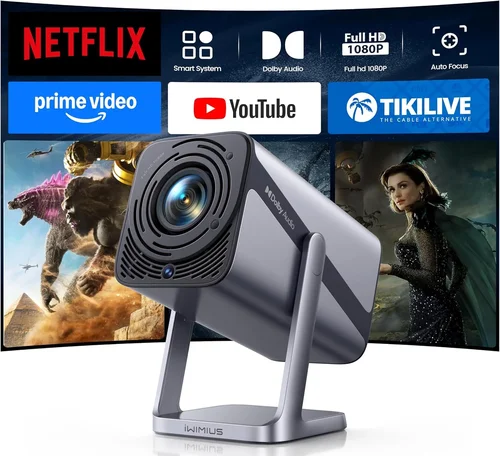
Expert Tips for Getting the Best Deal
- Timing: New models launch in Q2 (April‑June). Prices on previous‑generation units drop 15‑25% shortly after.
- Where to buy: Compare prices on Amazon, B&H Photo, and the manufacturer’s direct site. Retail stores sometimes bundle a free screen.
- Spotting deals: Look for “refurbished” units with full warranty—these are often indistinguishable from new and save 20%.
- Warranty considerations: Register your projector within 30 days to activate extended coverage.
- Return policies: Choose retailers with at least a 30‑day return window; you’ll want to test for lag and brightness in your own space.
- Testing before buying: Bring a laptop with a high‑refresh‑rate test pattern (e.g., UFO Motion Test) to the store to gauge real‑world lag.
- Accessory hacks: A high‑gain screen (120‑150) can boost perceived brightness by up to 30% without increasing lamp power.

Frequently Asked Questions
Q: Can I use a gaming projector with a VR headset?
A: Not directly. Projectors output to a screen, while VR headsets require low‑latency, per‑eye displays. However, you can mirror the same PC output to both a projector and a headset for spectators.
Q: Do I need a dedicated screen?
A: While a plain white wall works, a matte white screen improves color accuracy and reduces hotspotting, especially in brighter rooms.
Q: How often does the lamp need replacement?
A: Traditional lamps last 2,000‑3,000 hours. Laser‑phosphor units often exceed 20,000 hours, effectively “lamp‑free” for most gamers.
Q: Will HDR work on a 1080p projector?
A: Yes, but the impact is limited. HDR on 1080p can improve contrast and color depth, but you won’t see the full 4K detail.
Q: Is a short‑throw projector worth the extra cost?
A: If your room is < 2 m deep or you’re worried about controller shadows, a short‑throw model is a smart investment. Otherwise, a standard throw offers more flexibility.
Q: Can I connect two consoles at once?
A: Most gaming projectors have two HDMI inputs, allowing you to switch between a PS5 and Xbox Series X without re‑plugging cables.
Q: How does ambient light affect gaming?
A: Ambient light reduces perceived contrast and can wash out dark scenes. Keep the room as dark as possible, or invest in a high‑gain screen to combat it.
Q: Is there a noticeable difference between DLP and LCD for gaming?
A: DLP often has lower input lag and smoother motion, while LCD provides richer colors and better uniformity. Choose based on which factor matters more to you.
Our Final Recommendations
- Best for Budget‑Conscious Buyers: BenQ TH585 – 1080p, 3,500 lumens, 16 ms lag, 120 Hz, under $700.
- Best Overall Value: Optoma UHD30 – 4K‑enhanced, 3,000 lumens, 22 ms lag, 120 Hz, excellent color accuracy, $950.
- Best Premium Option: ViewSonic X10‑4K – True 4K, laser light source, 2,500 lumens, 15 ms lag, HDR10+, $1,150 (just above budget but worth the stretch).
- Best for Beginners: Epson Home Cinema 2150 – Easy setup, 2,500 lumens, 30 ms lag (acceptable for casual play), $680.
- Best for Advanced Users: BenQ HT3550 – Laser‑phosphor, 2,200 lumens, 18 ms lag, superb color gamut, $1,000.
Conclusion: Making the Right Choice
Choosing the best projector for gaming under $1,000 boils down to balancing three pillars: low input lag, sufficient brightness, and reliable build quality. Start by defining your room’s lighting conditions, preferred throw distance, and whether you need extra features like HDR or short‑throw capability. Then match those needs against the specifications outlined above.
Remember, the most expensive model isn’t automatically the best for your setup. A well‑tuned 1080p DLP with 120 Hz refresh and ≤ 20 ms lag can outperform a pricier 4K unit that suffers from high lag or insufficient brightness.
Use the budget breakdown, avoid the common mistakes, and apply the expert tips to snag a great deal. With the right projector, your gaming sessions will feel more immersive than ever—large‑screen action without the latency that ruins the fun.
Ready to level up your gaming arena? Start comparing models, read user reviews, and make a purchase that fits both your performance standards and your wallet.