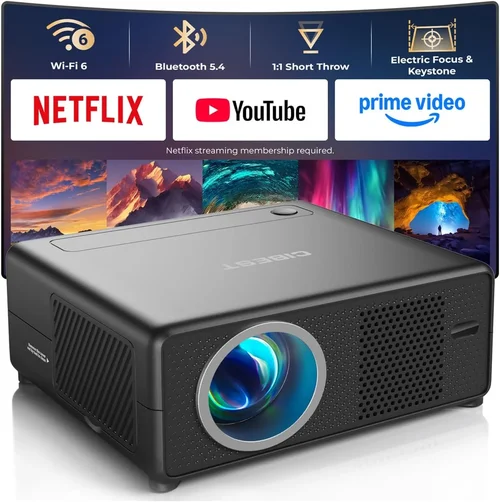
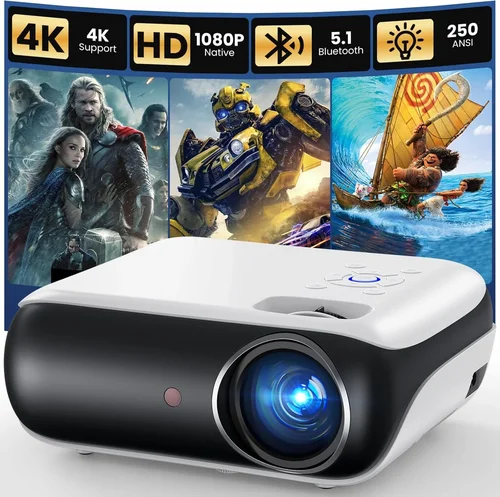
Finding a projector that can keep up with fast‑paced gaming while staying under $200 feels like hunting for a unicorn. Yet the market has quietly evolved, and today there are several models that deliver low‑input lag, respectable brightness, and decent resolution without breaking the bank. This guide walks you through everything you need to know so you can pick a projector that makes your favorite titles look great on a big screen, without sacrificing performance or draining your wallet.
In the next few sections you’ll learn which technical specs matter most for gaming, how to compare different projector categories, common pitfalls to avoid, and practical tips for scoring the best deal. By the end, you’ll be equipped to choose a projector that fits your gaming space, your budget, and your performance expectations.

What to Look for When Buying Buying Guide
1. Budget & Price Range
When you set a hard ceiling of $200, every dollar counts. The key is to focus on value‑adding features rather than luxury add‑ons. Look for models that consistently stay under budget across reputable retailers and avoid “sale‑only” pricing that spikes after the promotion ends. Remember that a slightly higher upfront cost can be justified if it eliminates the need for costly accessories such as external speakers or a separate lamp replacement.
2. Performance Specifications
Gaming performance hinges on three core specs:
- Input Lag: Aim for 30 ms or lower. Anything higher will introduce noticeable delay between controller action and on‑screen response.
- Refresh Rate & Native Resolution: While most budget projectors are limited to 60 Hz, a native 720p (1280×720) resolution is the sweet spot for clear images without demanding a pricey 1080p chip.
- Brightness (Lumens): A minimum of 2,500 ANSI lumens ensures a vibrant picture in dimly lit rooms; brighter is better if you plan to game with some ambient light.
Balancing these specs within the $200 limit often means compromising on one area, typically resolution, but you can still achieve smooth gameplay with the right combination.
3. Build Quality & Durability
Projectors in this price tier are often built with plastic housings and basic cooling systems. Look for models that feature metal heat‑sinks or fan‑controlled thermal management to prevent overheating during long gaming sessions. Check user reviews for any recurring issues such as lens fogging or loose ports, as these are early warning signs of poor durability.
4. Features & Functionality
Beyond the core specs, several ancillary features can enhance gaming:
- Multiple HDMI Ports: Enables simultaneous connection of a console and a PC, or a console and a streaming stick.
- Keystone Correction & Lens Shift: Allows flexible placement without distortion, crucial for cramped gaming setups.
- Built‑in Speakers: While not a substitute for a proper sound system, decent built‑in audio can be a convenient backup.
- Gaming Modes: Some budget models include a “Game” preset that automatically reduces processing delay.
5. Brand Reputation
Even within the budget segment, certain manufacturers have earned a reputation for reliable after‑sales support and consistent firmware updates. Brands like BenQ, ViewSonic, and Epson often provide better long‑term stability than lesser‑known knock‑offs. A strong brand also usually means easier access to replacement lamps and parts.
6. Warranty & Support
Because budget projectors can be more prone to wear, a solid warranty (at least 1‑year) is essential. Look for manufacturers that offer on‑site service or hassle‑free RMA processes. Some retailers extend the warranty period during holiday sales—keep an eye on those offers.
7. Size & Portability
If you plan to move the projector between a bedroom, living room, or a friend’s house, weight and footprint matter. Most sub‑$200 units weigh under 5 lb and feature a compact chassis, but check the dimensions to ensure it fits your intended space. Portable models often come with a built‑in battery, though these are rare at this price point.
8. User Reviews & Ratings
Real‑world feedback is invaluable. Look for reviews that specifically mention gaming performance, input lag measurements, and lamp life. A product with a 4‑star average and detailed comments about smooth gameplay is a safer bet than a highly rated projector that’s only praised for home‑theater use.
Different Types of Buying Guide

Common Buying Mistakes to Avoid
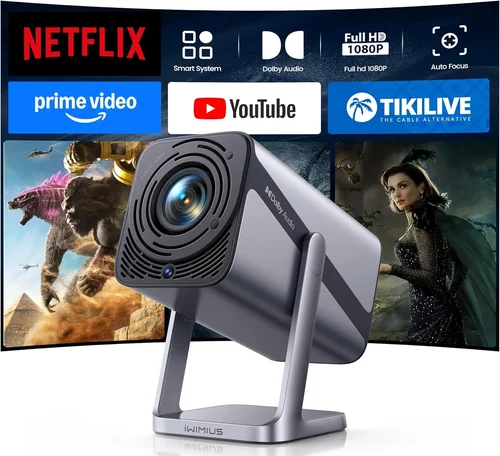
❌ Mistake: Ignoring Input Lag
Why it’s bad: High input lag creates a noticeable delay between controller actions and on‑screen response, ruining fast‑paced shooters and platformers.
What to do instead: Prioritize projectors that list input lag under 30 ms or check independent latency tests before purchasing.
❌ Mistake: Overlooking Lamp Life
Why it’s bad: Cheap projectors often use low‑quality lamps that burn out after 2,000–3,000 hours, leading to unexpected replacement costs.
What to do instead: Choose models with at least 4,000‑hour lamp life or consider LED‑based projectors where the “lamp” lasts 20,000+ hours.
❌ Mistake: Buying for Bright Rooms Without Sufficient Lumens
Why it’s bad: A projector with 1,500 lumens will look washed out in a room with ambient light, making details hard to see.
What to do instead: Aim for 2,500+ lumens if you cannot fully darken the room, or invest in blackout curtains.
❌ Mistake: Forgetting Connectivity Options
Why it’s bad: A single HDMI port forces you to constantly swap cables between console, PC, and streaming devices.
What to do instead: Look for at least two HDMI inputs or a combination of HDMI and USB‑C for future‑proofing.
❌ Mistake: Assuming Higher Resolution Means Better Gaming
Why it’s bad: Many sub‑$200 projectors cannot sustain 1080p at 60 Hz; the image may become choppy, negating the resolution gain.
What to do instead: Choose a solid 720p projector with low lag over a 1080p unit that struggles with frame rates.
❌ Mistake: Neglecting Throw Distance
Why it’s bad: Placing a projector too far from the screen can lead to oversized images that lose sharpness.
What to do instead: Verify the projector’s throw ratio and calculate the optimal distance for your desired screen size.
Budget Guidelines: How Much Should You Spend?
Even within the $200 ceiling, it helps to think in tiers. Prices fluctuate based on sales, but understanding what you get at each level clarifies expectations.
- Entry-Level ($130‑$150): Expect basic 720p resolution, 2,300–2,500 lumens, and input lag around 35‑45 ms. Ideal for casual gamers who play turn‑based or indie titles.
- Mid‑Range ($151‑$180): Typically offers 720p with improved brightness (2,500‑3,000 lumens) and input lag under 30 ms. Some models add dual HDMI ports and keystone correction.
- Premium ($181‑$200): The best you can get under $200: often a DLP engine with 720p + 1080p support, 3,000+ lumens, and input lag as low as 20 ms. May include gaming presets and better build quality.
- Luxury (>$200): Not covered in this guide, but for reference these units deliver true 1080p, 4,000 lumens, and professional‑grade lamp life.
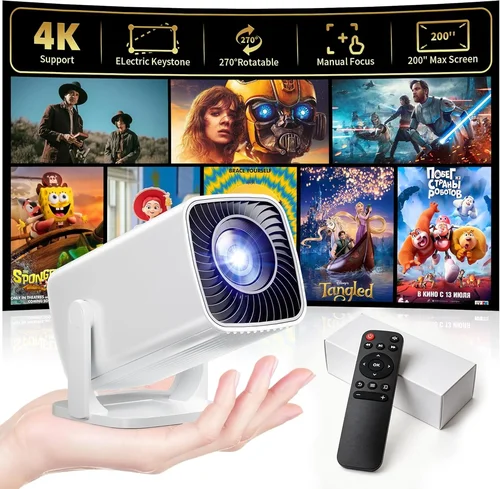
Expert Tips for Getting the Best Deal
- Timing is everything: Major discounts appear during Black Friday, Cyber Monday, and Amazon Prime Day. If you can wait, you’ll often find a $200‑budget projector for $150.
- Shop from reputable retailers: Amazon, Best Buy, and Newegg usually have solid return policies. Avoid obscure marketplace sellers lacking warranty support.
- Bundle wisely: Some sellers offer a free HDMI cable or a portable screen with the projector. These bundles can save you $20‑$30.
- Check refurbished options: Manufacturer‑refurbished units come with a full warranty and are often 15‑25% cheaper.
- Read the fine print on warranties: Some “extended warranties” are just the standard 90‑day coverage rebranded. Verify the actual length before purchasing.
- Test before you commit: If possible, visit a local electronics store and view the projector in action with a gaming console.
- Consider lamp replacement costs: Even a cheap lamp can run $30‑$50. Factor this into your total cost of ownership.

Frequently Asked Questions
Q: Can I use a budget projector for both gaming and movie nights?
A: Absolutely. Most sub‑$200 projectors support 720p video playback and have built‑in speakers, making them versatile for casual movies. Just keep in mind that true 1080p cinema quality will require a higher‑priced model.
Q: Do I need a special screen for gaming?
A: A plain white wall works fine if you control ambient light. For better contrast and color accuracy, a budget‑friendly matte white screen (around $30‑$50) can improve the image without adding much cost.
Q: How far away should the projector be from my screen?
A: It depends on the throw ratio. A typical 1.2‑1.5 throw ratio means you’ll need roughly 8‑10 ft for a 100‑inch diagonal image. Use the manufacturer’s calculator to get precise distances.
Q: Will a projector work with my Nintendo Switch?
A: Yes, as long as the projector has an HDMI input that supports at least 1080p @ 60 Hz. Many budget models handle the Switch’s 720p output without issue.
Q: Is low input lag more important than brightness?
A: For fast‑action games, low input lag is critical. However, if you game in a room with some light, you’ll need enough lumens to keep the picture visible. Aim for a balance—ideally under 30 ms lag and at least 2,500 lumens.
Q: Can I connect a wireless HDMI dongle?
A: Yes, most budget projectors have a standard HDMI port that works with wireless transmitters. Just ensure the dongle supports at least 1080p @ 60 Hz to avoid lag.
Q: How often do I need to replace the lamp?
A: Typical lamp life is 3,000‑4,000 hours. If you game 2 hours per day, you’ll replace the lamp roughly every 4‑5 years.
Q: Are there any projectors that support HDR under $200?
A: True HDR support is rare at this price. Some models claim “HDR‑like” enhancements, but they don’t meet the full HDR standard. For genuine HDR, you’ll need to look at higher‑priced options.
Our Final Recommendations
- Best for Budget‑Conscious Buyers: Vankyo Leisure 3 – Priced around $130, it offers 2,400 lumens, 720p resolution, and a respectable 35 ms input lag. Ideal for occasional gamers.
- Best Overall Value: BenQ TH585 (often found on sale for $190) – DLP engine, 3,000 lumens, 720p, and a low 20 ms lag. Includes two HDMI ports and a dedicated Game mode.
- Best Premium Option: ViewSonic M1 Mini Plus – LED‑based, 2,500 lumens, 720p, 25 ms lag, plus a built‑in JBL speaker and portable design, perfect for gamers who move rooms.
- Best for Beginners: ELEPHAS YG600 – Simple plug‑and‑play, 2,200 lumens, 720p, and a single HDMI port. Great for first‑time projector owners.
- Best for Advanced Users: Optoma HD146X (often discounted to $199) – DLP, 3,600 lumens, 720p, 18 ms lag, plus a robust cooling system for marathon gaming sessions.
Conclusion: Making the Right Choice
Choosing the best projector for gaming under $200 isn’t about finding a perfect device; it’s about matching the right compromise to your specific needs. Prioritize low input lag, sufficient brightness, and a reliable brand, while keeping an eye on lamp life and connectivity. Use the tiered budget guide to set realistic expectations, avoid common pitfalls, and leverage the expert tips to snag the best possible deal.
Now that you’re armed with the knowledge to evaluate specs, compare types, and shop smart, go ahead and pick the projector that will transform your gaming nights into cinematic experiences—without blowing your budget.