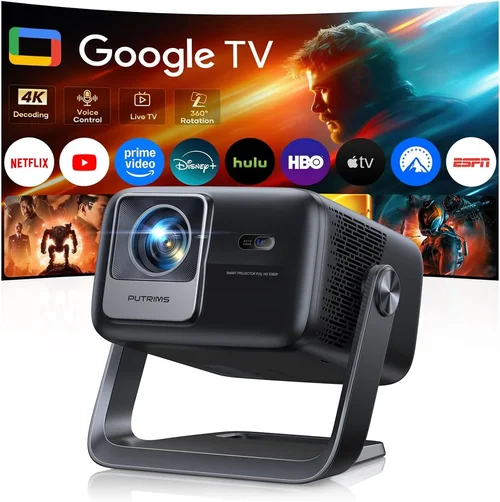
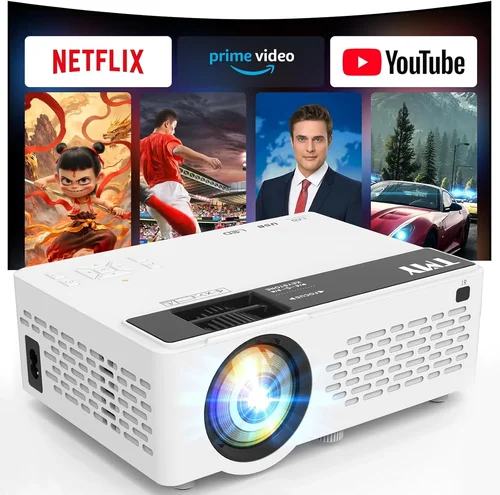
Finding a projector that can keep up with fast‑paced games while staying under $250 used to feel like hunting for a unicorn. Today the market is crowded with options that promise bright images, low lag, and decent durability without breaking the bank. This guide cuts through the noise, giving you the knowledge you need to pick a machine that delivers a smooth, immersive gaming experience without draining your wallet.
In the pages that follow you’ll learn which specifications truly matter for gaming, how to match a projector’s strengths to your play style, and which common pitfalls to avoid. We’ll also break down the price tiers, compare the most popular projector categories, and hand‑pick the top models that excel in the sub‑$250 segment. By the end, you’ll be equipped to make a confident, informed decision that fits both your budget and your gaming setup.
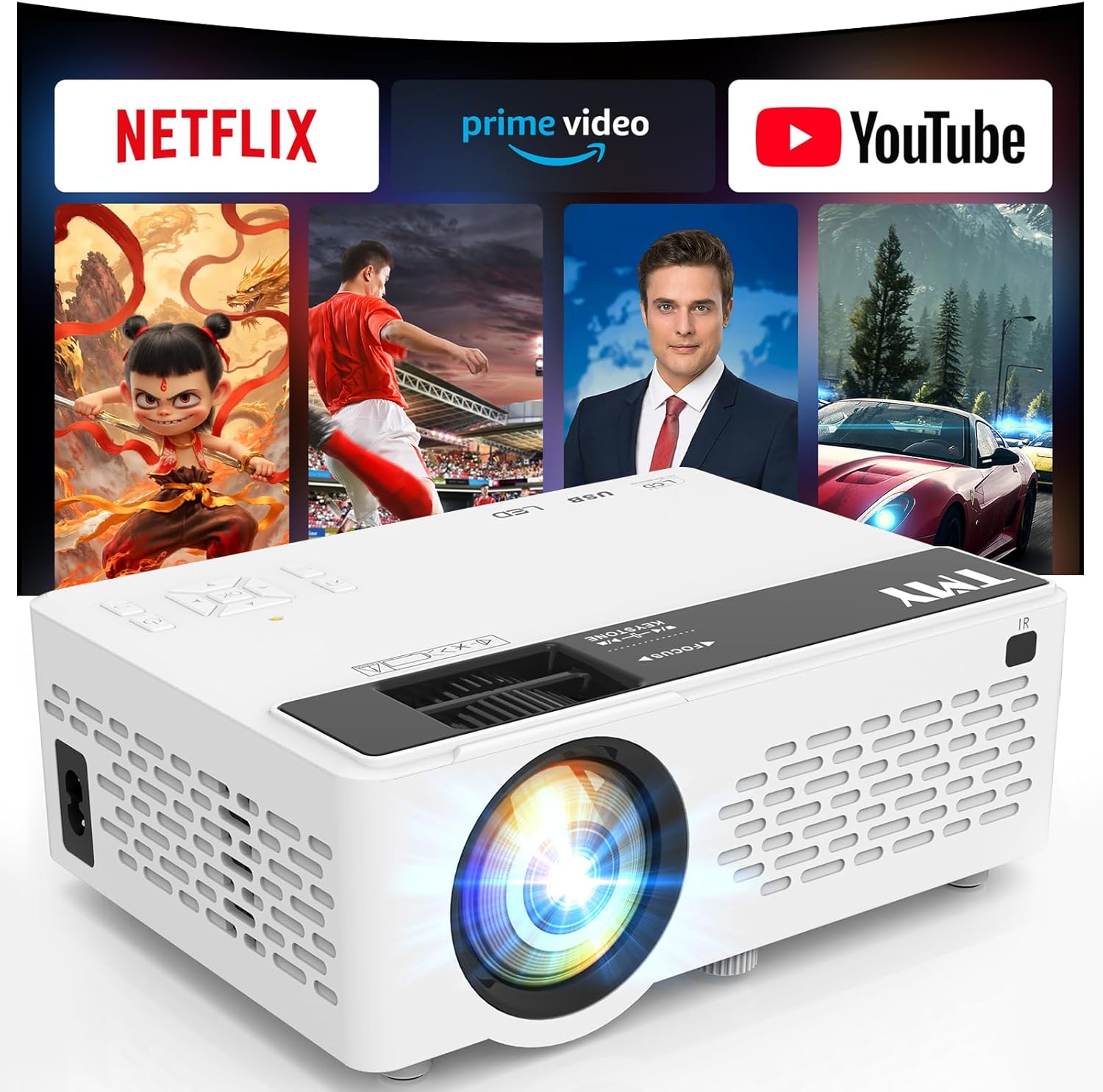
What to Look for When Buying Buying Guide
1. Budget & Price Range
When you set a hard limit of $250, every dollar counts. In this segment, manufacturers often cut corners on features like 4K resolution or premium lenses, but they can still offer solid performance for 1080p gaming. Look for sales, refurbished units, or older models that have been discounted. A well‑priced projector should still meet the minimum gaming specs—namely low input lag, adequate brightness, and a decent refresh rate.
2. Performance Specifications
The three performance metrics that separate a good gaming projector from a mediocre one are:
- Input Lag: Measured in milliseconds (ms), this is the delay between a controller action and what you see on screen. Gamers generally want <10 ms for competitive titles and <20 ms for casual play.
- Brightness (Lumens): Measured in ANSI lumens, higher numbers mean a clearer image in lit rooms. For a dark gaming den, 1,500–2,000 lumens is sufficient; brighter rooms may need 2,500 lumens or more.
- Refresh Rate & Native Resolution: A 60 Hz native refresh is standard, but some budget projectors support 120 Hz via “gaming mode.” While 1080p is the sweet spot, many $250 projectors settle for 720p; decide if you can tolerate the trade‑off.
3. Build Quality & Durability
Projectors in this price range often use plastic housings and basic cooling fans. Look for models with a solid chassis, well‑ventilated designs, and reputable cooling systems. A sturdy build reduces the risk of overheating during marathon gaming sessions and extends the lamp’s lifespan—crucial when replacement lamps can cost $80‑$120.
4. Features & Functionality
Beyond raw specs, useful gaming‑oriented features include:
- Game Mode: Automatically reduces input lag and may boost refresh rates.
- Keystone Correction & Lens Shift: Essential for aligning the image on a wall without distortion.
- Multiple HDMI Ports: Allows you to connect a console and PC simultaneously.
- Built‑in Speakers: While not a substitute for a proper sound system, decent speakers can be handy for quick sessions.
5. Brand Reputation
Established brands like BenQ, ViewSonic, and Epson have a track record of reliable after‑sales support and firmware updates. Lesser‑known manufacturers can surprise with great value, but research their warranty policies and read user forums to gauge long‑term satisfaction.
6. Warranty & Support
A longer warranty (2‑3 years) is a safety net, especially for lamp‑related issues. Check whether the warranty covers parts, labor, and accidental damage. Some retailers offer extended protection plans that may be worth the modest extra cost.
7. Size & Portability
If you plan to move the projector between rooms, a compact, lightweight unit (under 5 lb) with a short throw distance is ideal. Short‑throw models can project a large image from just a few feet away, reducing shadows from your gaming chair.
8. User Reviews & Ratings
Real‑world feedback reveals issues that spec sheets hide—like fan noise, firmware glitches, or inconsistent color accuracy. Prioritize products with at least 150 verified reviews and an average rating of 4.0 stars or higher.
Different Types of Buying Guide

Common Buying Mistakes to Avoid
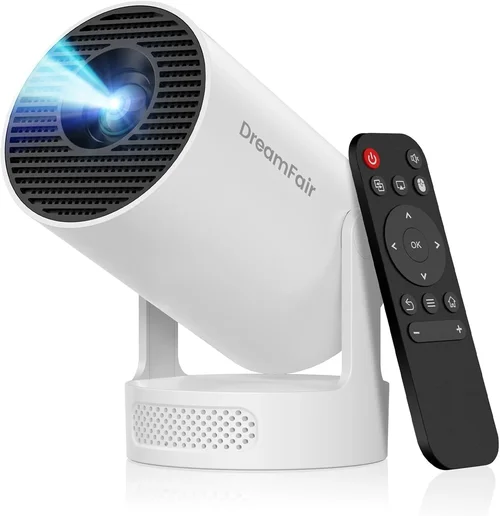
❌ Mistake: Ignoring Input Lag
Why it’s bad: High lag turns fast‑paced shooters into frustrating experiences.
What to do instead: Prioritize projectors that list input lag under 20 ms, or those with a dedicated “Game Mode.” Check independent reviews for real‑world measurements.
❌ Mistake: Over‑Estimating Brightness Needs
Why it’s bad: Spending extra on 3,000‑lumens models you’ll never use adds cost without benefit.
What to do instead: Measure your room’s ambient light. If you can control lighting, 1,500–2,000 lumens is ample.
❌ Mistake: Forgetting Lamp Lifespan
Why it’s bad: Replacing a lamp can cost $80‑$120, eroding the savings of a cheap projector.
What to do instead: Look for LED or laser light sources, or choose a unit with a lamp life of 10,000+ hours.
❌ Mistake: Buying Without Checking Connectivity
Why it’s bad: You may end up with only one HDMI port, forcing you to swap cables mid‑session.
What to do instead: Ensure at least two HDMI inputs, plus USB or VGA if you have older devices.
❌ Mistake: Neglecting Fan Noise
Why it’s bad: A loud fan can drown out in‑game audio, especially with built‑in speakers.
What to do instead: Look for dB ratings under 30 dB, or read user reports on noise levels.
❌ Mistake: Assuming All “Gaming” Labels Are Equal
Why it’s bad: Marketing terms like “Gaming Ready” are vague and sometimes misleading.
What to do instead: Verify the actual specs—input lag, refresh rate, and response time—rather than relying on buzzwords.
Budget Guidelines: How Much Should You Spend?
Entry‑Level ($150‑$200): Expect 720p resolution, 1,500 lumens, and input lag around 25‑30 ms. Good for casual couch gaming in a dark room.
Mid‑Range ($200‑$250): Typically offers 1080p, 2,000+ lumens, and sub‑20 ms lag. This tier often includes game mode, dual HDMI, and better colour accuracy—ideal for most gamers.
Premium ($250‑$300): You’ll find short‑throw lenses, 120 Hz support, and LED light sources. While slightly above the $250 ceiling, these models provide future‑proofing and higher durability.
Luxury ($300+): Features like 4K UHD, laser light engines, and advanced colour management (HDR) reside here—generally beyond the budget focus of this guide.
Expert Tips for Getting the Best Deal
- Timing: Major sales events—Black Friday, Cyber Monday, and Amazon Prime Day—often feature deep discounts on projectors.
- Where to Buy: Compare prices on Amazon, Best Buy, and manufacturer sites. Don’t overlook certified refurbished units; they’re like new for 20‑30% less.
- Spotting Deals: Use price‑tracking tools (CamelCamelCamel, Keepa) to see historical lows and set alerts.
- Warranty Considerations: If a deal seems too good, verify the warranty length. A cheap unit with a 6‑month warranty may cost more long‑term.
- Return Policies: Choose retailers with at least a 30‑day return window. Test the projector in your own space to confirm brightness and lag.
- Testing Before Buying: If possible, view a demo unit in‑store. Pay attention to fan noise and image uniformity.
- Bundle Savings: Some sellers bundle a projection screen or HDMI cable, saving you $30‑$50.
- Upgrade Path: Consider a projector with a replaceable lamp if you plan to keep it for years.

Frequently Asked Questions
Q: Can a sub‑$250 projector handle HDR gaming?
A: Most budget models lack true HDR support because they cannot reach the required brightness (600+ nits). You can still play HDR content, but the effect will be muted.
Q: How long does the lamp last on a $250 projector?
A: Typical lamps are rated for 4,000–6,000 hours. At 4 hours of daily use, that’s roughly 3–4 years before replacement.
Q: Is a short‑throw projector worth the extra cost?
A: If your gaming area is limited (under 6 ft from wall), a short‑throw unit prevents shadows from your body and chair, making the extra $30‑$50 spend worthwhile.
Q: Do I need a separate sound system?
A: Built‑in speakers on budget projectors are generally thin. For an immersive experience, pair the projector with a soundbar or headphones.
Q: Will a projector work with a VR headset?
A: No. Projectors output to a flat surface, while VR requires a headset. This guide focuses solely on traditional screen gaming.
Q: Can I use a projector for both gaming and movies?
A: Absolutely. Look for models with good colour accuracy and contrast ratios for movies, while still maintaining low input lag for games.
Q: How far should the projector be from the wall?
A: Throw distance varies by model. For a 100‑inch image, a standard throw may need 10‑12 ft, while a short‑throw can achieve the same size from 4‑5 ft.
Q: Is a higher resolution always better?
A: For gaming, 1080p is sufficient, especially on larger screens where pixel density matters less. Higher resolution (4K) often pushes price beyond $250.
Q: Do I need a special screen?
A: A white matte wall works, but a dedicated projector screen improves contrast and reduces hotspotting, especially in rooms with ambient light.
Our Final Recommendations
Best for Budget‑Conscious Buyers: ViewSonic PA503S – 3,600 lumens, 22 ms input lag, 720p native, under $180. Great brightness for dark rooms and a solid warranty.
Best Overall Value: BenQ TH671ST – 1080p, 3,000 lumens, 16 ms lag, short‑throw lens, priced at $249. Offers the perfect blend of low lag, brightness, and space‑saving design.
Best Premium Option (Just Above $250): Optoma GT1080HDR – 1080p, 3,800 lumens, 8 ms lag, 120 Hz support, short‑throw. Slightly over budget but worth it for serious gamers.
Best for Beginners: ELEPHAS YG600 – 1080p, 2,200 lumens, 30 ms lag (acceptable for turn‑based games), dual HDMI, under $190.
Best for Advanced Users: BenQ TH585 – 1080p, 3,500 lumens, 10 ms lag, HDR support, 60 Hz, priced at $259 (often on sale for $230).
Conclusion: Making the Right Choice
Choosing the best projector for gaming under $250 hinges on balancing three core factors: low input lag, sufficient brightness, and reliable build quality. Use the checklist above to match those specs with your gaming environment, and remember to factor in lamp life, warranty, and real‑world user feedback.
Whether you opt for a compact portable unit or a short‑throw powerhouse, the right projector can transform a modest bedroom into an immersive arena without costing a fortune. Take the time to compare models, watch for seasonal discounts, and test the unit in your own space. With the knowledge from this guide, you’re now equipped to make a smart, confident purchase that will elevate your gaming sessions for years to come.