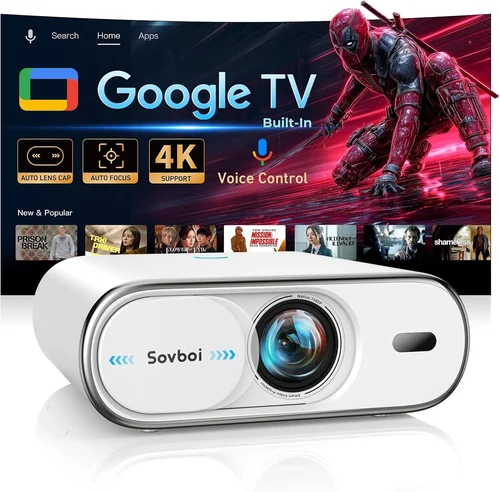
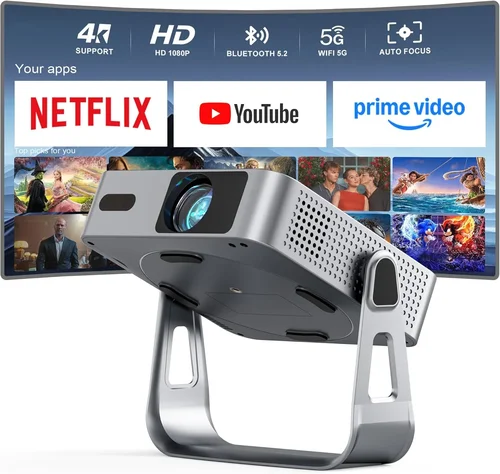
Finding a projector that delivers a decent picture without breaking the bank can feel like hunting for a needle in a haystack. In 2026 the market is flooded with options that promise cinema‑grade performance, yet many of them sit well above the $200 mark. This guide zeroes in on the sweet spot where affordability meets functionality, helping you navigate the sea of specs, features, and brand promises so you can walk away with a device that truly fits your needs.
By the end of this article you’ll understand the most important specifications, know which projector type aligns with your viewing habits, avoid common purchasing pitfalls, and walk away with a shortlist of top‑rated models under $200. Whether you’re setting up a backyard movie night, a classroom, or a gaming corner, the information here will give you the confidence to make a smart, future‑proof decision.
The budget projector segment has matured dramatically over the past few years. Improvements in LED light sources, DLP chips, and portable designs have raised the baseline performance, while competition has driven prices down. This means that even at sub‑$200 price points you can now expect respectable brightness, acceptable resolution, and a range of connectivity options that were once reserved for premium units. Let’s dive into the details.
What to Look for When Buying Buying Guide
1. Budget & Price Range
While the headline figure is “under $200,” it’s useful to break that range into sub‑tiers. An entry‑level model at $120‑$150 may cut corners on brightness or connectivity, whereas a $180‑$200 unit often includes a more robust lamp, better contrast, and additional ports. Define your absolute ceiling first, then consider whether a few extra dollars could unlock a significantly better experience.
2. Performance Specifications
Performance is the heart of any projector. The three key specs to scrutinize are:
- Brightness (lumens): For dark rooms, 200‑300 ANSI lumens is sufficient. If you plan to use the projector in ambient light, aim for 300‑400 lumens.
- Resolution: Most budget models are 720p (1280×720) or native 800×480 (WVGA). While 720p offers sharper images, WVGA can still be acceptable for presentations and casual movies.
- Contrast Ratio: Look for at least 1,000:1. Higher contrast means deeper blacks and more vibrant colors.
Balancing these three will determine whether your projector can handle movies, games, or slideshows without looking washed out.
3. Build Quality & Durability
Cheap plastics can crack, fans can fail, and lenses can fog. Opt for models that feature a metal chassis or reinforced housing, especially if you’ll transport the unit frequently. A well‑engineered heat‑sink and a quiet fan (under 30 dB) are indicators of a design built to last.
4. Features & Functionality
Beyond the basics, consider these add‑ons:
- Built‑in Speakers: While most budget projectors come with 2‑5 W speakers, they’re adequate for small rooms but not for large gatherings.
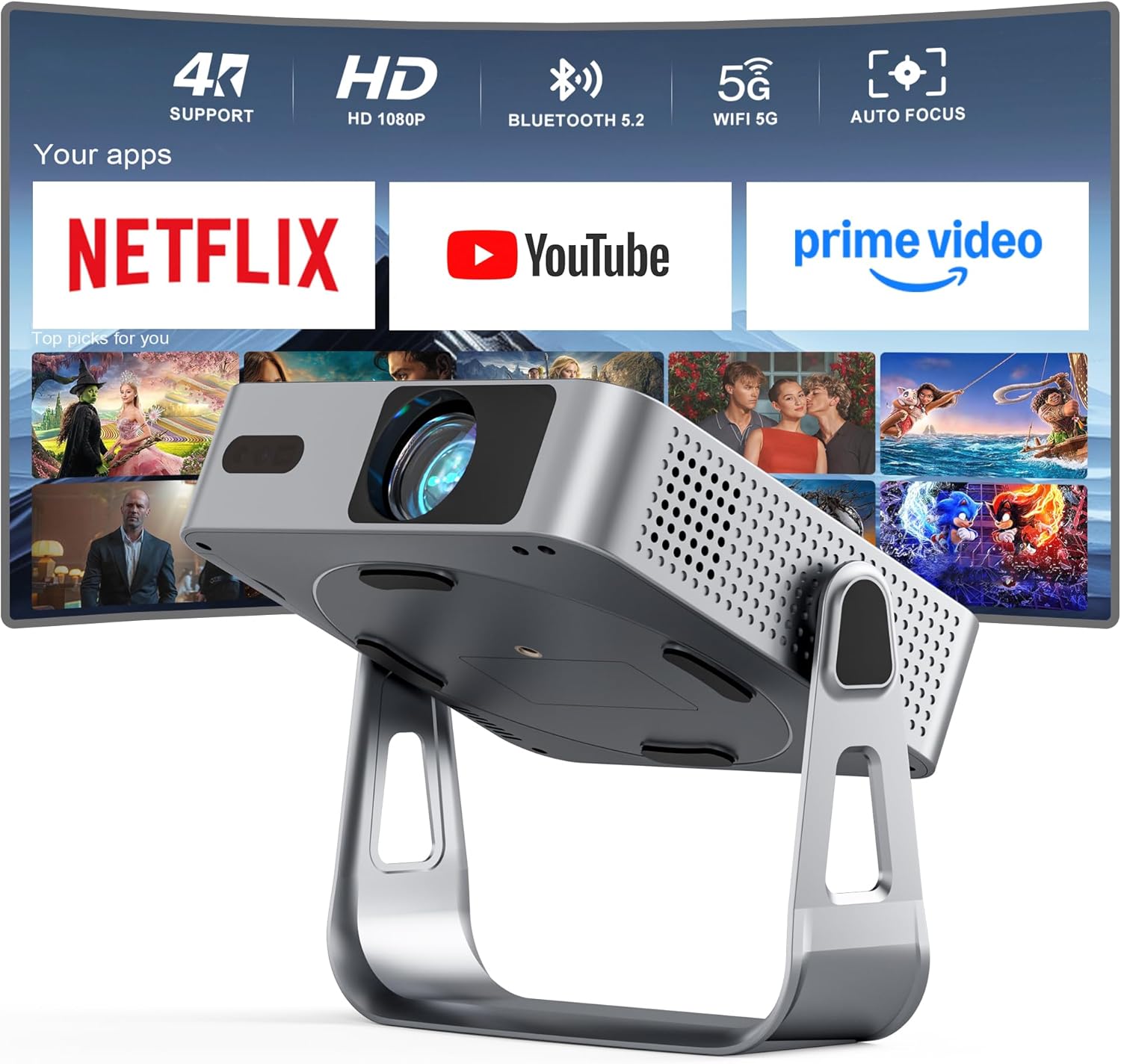
- Wireless Connectivity: Wi‑Fi or Bluetooth can simplify streaming from phones and tablets.
- Keystone Correction & Lens Shift: Essential if you can’t place the projector perfectly square to the screen.
- Screen Size Flexibility: Some units can project up to 200‑inch images from a short distance.
5. Brand Reputation
Well‑known brands such as Epson, BenQ, ViewSonic, and Anker tend to provide more reliable after‑sales support and firmware updates. Newer entrants like PIP or Vankyo can surprise with great value, but research their warranty policies and community feedback before committing.
6. Warranty & Support
A solid warranty (at least 1‑year) is a safety net against early failures. Check whether the manufacturer offers on‑site repair, a local service center, or easy return shipping. Extended warranties can be worthwhile if you’re buying a unit that will see heavy use.
7. Size & Portability
For travelers, dorm rooms, or pop‑up events, size matters. Portable pico‑projectors often weigh under 1 lb and fit in a backpack, but they may sacrifice brightness. Larger “home‑theater” units deliver better image quality but are bulkier. Decide which factor outweighs the other for your lifestyle.
8. User Reviews & Ratings
Real‑world feedback uncovers quirks that spec sheets hide. Look for recurring themes in reviews—such as overheating, lamp lifespan, or unreliable Wi‑Fi. A product with a 4‑star average and hundreds of reviews is generally a safer bet than a newer, less‑tested model.
Different Types of Buying Guide
Common Buying Mistakes to Avoid
❌ Mistake: Ignoring Ambient Light Conditions
Why it’s bad: A projector rated at 250 lumens will look great in a dark bedroom but will appear dim in a living room with windows.
What to do instead: Measure the typical lighting of your intended space. If you can’t control ambient light, aim for at least 300‑350 lumens.
❌ Mistake: Over‑focusing on Resolution Alone
Why it’s bad: A 1080p panel with only 150 lumens will still look washed out, negating the benefit of higher pixel count.
What to do instead: Balance resolution with brightness and contrast. For most budget buyers, 720p paired with 250‑300 lumens offers the best overall experience.
❌ Mistake: Forgetting About Lamp Lifespan
Why it’s bad: Some cheap models use replaceable lamps that may need replacement after 2,000 hours, adding hidden costs.
What to do instead: Choose LED‑based projectors where the light source lasts 20,000‑30,000 hours, effectively eliminating future lamp expenses.
❌ Mistake: Neglecting Connectivity Options
Why it’s bad: A projector with only HDMI may force you to buy extra adapters for phones or game consoles.
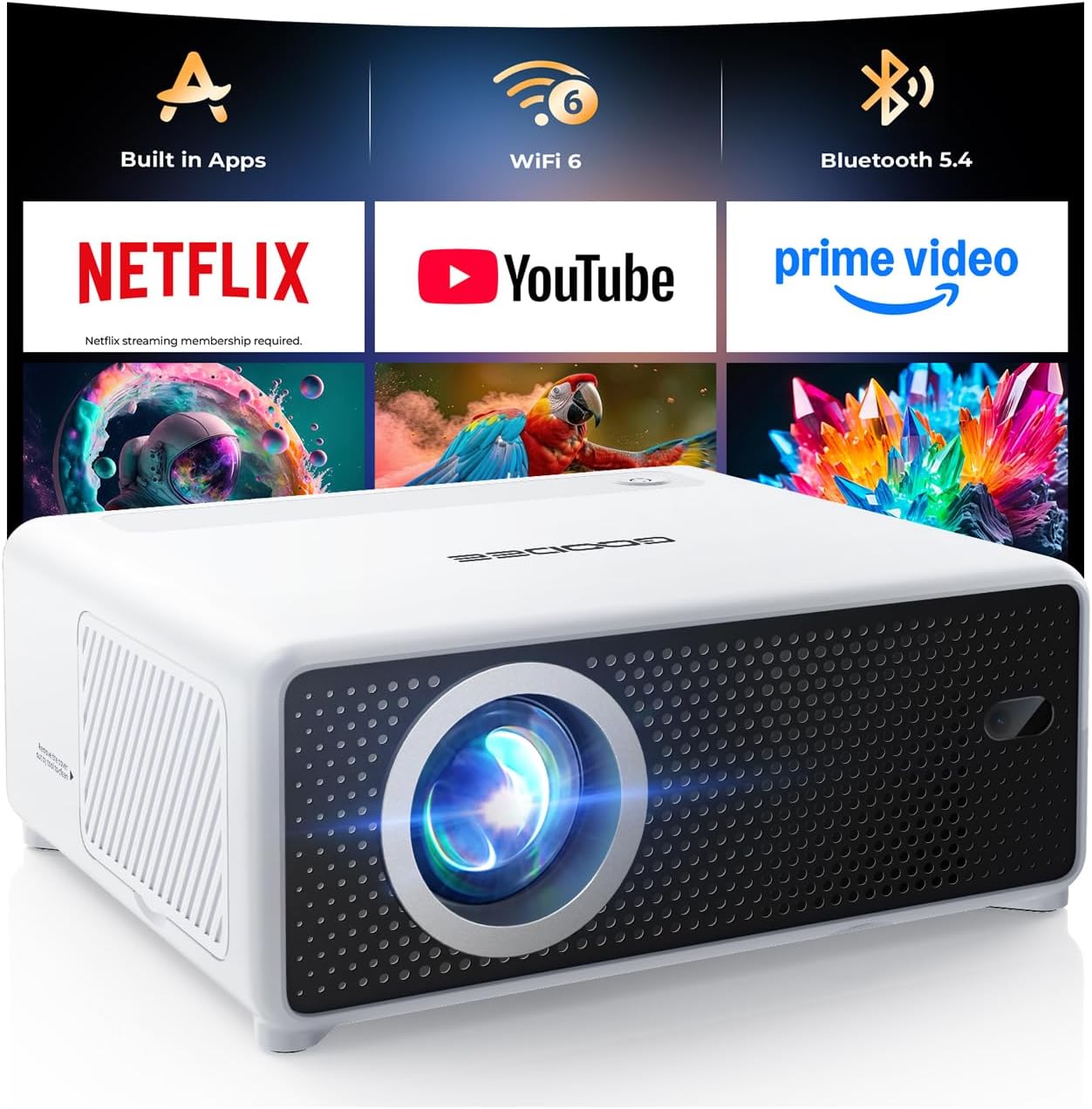
What to do instead: Look for models that include HDMI, USB‑C, and at least one wireless option (Wi‑Fi or Bluetooth).
❌ Mistake: Disregarding Fan Noise
Why it’s bad: A noisy fan (over 35 dB) can be distracting during movies or presentations.
What to do instead: Check user reviews for fan noise levels and prioritize units that advertise “quiet operation” or have a fan speed controller.
❌ Mistake: Buying the Cheapest Option Without a Return Policy
Why it’s bad: Low‑cost models from unknown sellers may arrive defective, and without a clear return path you’re stuck.
What to do instead: Purchase from reputable retailers that offer at least a 30‑day return window and a clear warranty.
Budget Guidelines: How Much Should You Spend?
Even within the sub‑$200 bracket, price points correlate with tangible differences.
- Entry‑Level ($120‑$150): Expect WVGA resolution, 200‑250 lumens, basic HDMI input, and modest speaker output. Ideal for occasional movie nights or classroom slides.
- Mid‑Range ($150‑$180): Typically 720p, 250‑300 lumens, better contrast, and added features such as wireless mirroring or dual HDMI ports.
- Premium ($180‑$200): You’ll find the highest brightness in this segment (up to 350 lumens), improved color accuracy, keystone correction, and often a longer warranty.
Expert Tips for Getting the Best Deal
- Timing: New models are released in Q1 and Q3. Buying a few weeks after release can yield lower prices as retailers clear inventory.
- Where to Buy: Major e‑commerce sites (Amazon, Best Buy) provide user reviews and easy returns. Brick‑and‑mortar stores let you test the image before purchase.
- Spotting Deals: Look for bundles that include a screen, HDMI cable, or a portable power bank—these add value without raising the base price.
- Warranty Considerations: Register the product within 30 days to activate extended warranty offers that some brands provide for free.
- Return Policies: Verify the retailer’s return window; a 30‑day hassle‑free return is ideal for testing the projector in your own environment.
- Testing Before Buying: If possible, project a high‑contrast image (e.g., a black‑and‑white test pattern) to evaluate brightness and uniformity.
- Firmware Updates: Some budget models receive post‑sale firmware that improves performance. Check the manufacturer’s website for updates before finalizing your purchase.

Frequently Asked Questions
Q: Can a sub‑$200 projector display 1080p content?
A: Most budget projectors under $200 are limited to 720p native resolution. They can accept a 1080p input, but the image will be downscaled, resulting in a softer picture.
Q: How long does the LED light source last?
A: LED light engines typically last 20,000‑30,000 hours, which translates to many years of regular use before brightness noticeably degrades.
Q: Do I need a separate screen?
A: A white wall works fine for casual viewing, but a matte white projector screen improves contrast and color accuracy, especially in rooms with some ambient light.
Q: Is Wi‑Fi really necessary?
A: Wi‑Fi adds convenience for streaming from smartphones or tablets without cables. If you primarily use HDMI sources (gaming console, laptop), it’s optional.
Q: What is the difference between DLP and LCD at this price point?
A: DLP often offers sharper motion and higher contrast, while LCD provides more accurate colors. At sub‑$200 levels, the differences are subtle; choose based on which attribute matters more to you.
Q: Can I use the projector outdoors?
A: Yes, provided you have a dark environment and a stable surface. Ensure the unit is placed on a flat, stable base and avoid direct sunlight.
Q: How far should the projector be from the screen?
A: Most budget models have a throw ratio of 1.2‑1.5, meaning a 100‑inch image requires roughly 8‑10 feet of distance. Check the spec sheet for exact throw distance.
Q: Are portable projectors battery‑powered?
A: Some pico‑projectors include built‑in rechargeable batteries offering 2‑3 hours of playback. However, most budget units require AC power.
Q: Will the projector work with my gaming console?
A: Absolutely, as long as the console outputs HDMI. For the best experience, choose a model with low input lag (under 30 ms) and a refresh rate of at least 60 Hz.
Q: How do I maintain the projector?
A: Keep vents clear, dust the filter regularly, and avoid exposing the unit to extreme temperatures. LED units need little maintenance beyond occasional cleaning.
Our Final Recommendations
- Best for Budget‑Conscious Buyers: Vankyo Leisure 3 Mini – $129, 720p, 250 lumens, compact design, good for dorm rooms.
- Best Overall Value: Anker Nebula Capsule II – $199, 720p, 300 lumens, Android TV 9.0, built‑in 8 W speaker, excellent portability.
- Best Premium Option (Just Under $200): Epson EF‑100W – $199, 720p, 350 lumens, laser light source, low fan noise, versatile connectivity.
- Best for Beginners: BenQ GS2 – $149, 720p, 300 lumens, splash‑proof, built‑in battery, simple UI.
- Best for Advanced Users: ViewSonic M1 Mini Plus – $179, 720p, 250 lumens, LED, dual HDMI, customizable LED edge lighting.
Conclusion: Making the Right Choice
Choosing a projector under $200 no longer means sacrificing everything you want. By focusing on the right blend of brightness, resolution, durability, and connectivity, you can secure a device that delivers enjoyable movies, smooth gaming, and reliable presentations without draining your wallet.
Remember to match the projector’s specifications to your environment, prioritize reputable brands, and take advantage of seasonal sales and solid return policies. With the knowledge from this guide, you’re equipped to compare models intelligently, avoid common traps, and select the perfect budget projector for your unique needs.
Ready to start your search? Grab a list of the top picks, set a price alert, and enjoy the big‑screen experience you’ve been dreaming of—all for under $200.