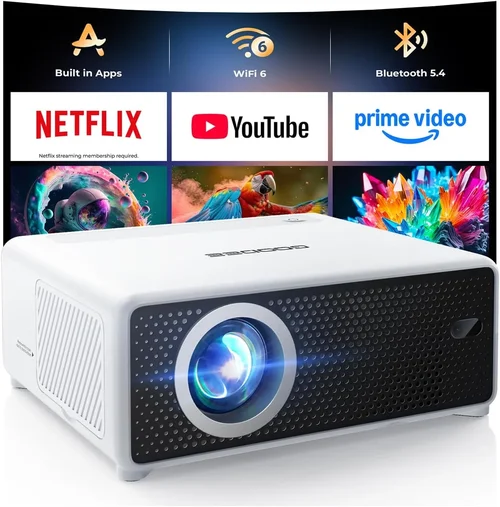
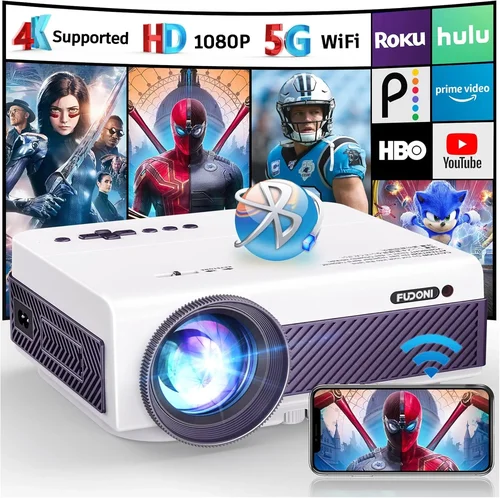
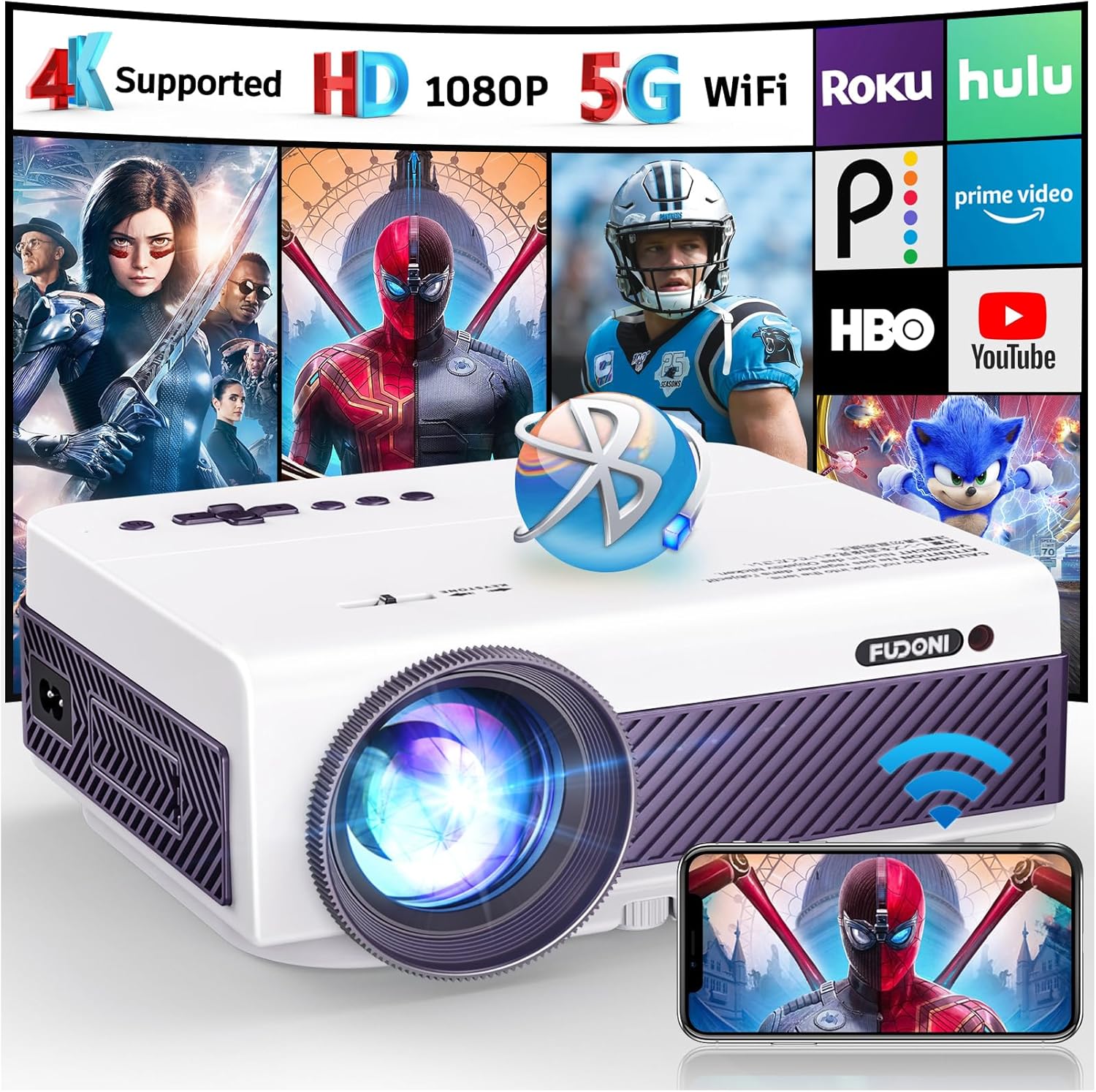
Finding a high‑definition projector that won’t break the bank can feel like hunting for a needle in a haystack. The market is flooded with brand‑new units that push the price well past $300, while refurbished models promise savings but often leave buyers unsure about reliability. This guide cuts through the noise, zeroing in on the best 1080p Bluetooth short‑throw projectors you can snag for under $200. Whether you’re setting up a home theater in a cramped apartment, need a portable solution for business presentations, or simply want a big‑screen gaming experience without the hefty price tag, the information here will help you make a confident, informed purchase.
In the pages that follow you’ll learn which specifications truly matter, how to evaluate refurbished units for longevity, and which models consistently deliver crisp 1080p images with reliable Bluetooth connectivity. We’ll also walk you through common pitfalls, budget breakdowns, and pro‑level tips for scoring the best deal. By the end, you’ll have a clear roadmap to choose a projector that fits your space, your budget, and your entertainment needs.
What to Look for When Buying Buying Guide
1. Budget & Price Range
Sticking to a sub‑$200 ceiling dramatically narrows your options, especially when you also demand 1080p resolution and Bluetooth. Refurbished units become essential because they allow you to access higher‑end hardware at a fraction of the original cost. Look for sellers that clearly state the refurbishment level (e.g., “grade A – like new”) and include a warranty. Avoid listings that simply label a product “used” without any refurbishment details, as these often lack quality control.
2. Performance Specifications
Resolution is non‑negotiable: true 1080p (1920×1080) ensures sharp text and detailed imagery. Beyond that, pay attention to:
- Brightness (lumens): For short‑throw use in dim rooms, 1,500–2,200 ANSI lumens is adequate. Higher lumens become critical if you plan to project in ambient light.
- Contrast Ratio: A ratio of 5,000:1 or better delivers deeper blacks and richer colors, essential for movies and games.
- Throw Ratio: Short‑throw projectors typically have a throw ratio of 0.4–0.6, meaning you can place the unit just a foot or two from the wall and still achieve a 100‑inch image.
- Refresh Rate & Input Lag: For gamers, a 60 Hz refresh and sub‑30 ms input lag keep motion smooth.
3. Build Quality & Durability
Refurbished projectors often undergo a full disassembly, cleaning, and part replacement. Choose models with a solid metal chassis or high‑quality plastic that resists warping. Check for a sealed lens compartment to protect against dust—a common failure point in older units.
4. Features & Functionality
Bluetooth is a must for wireless speakers or headphones, but verify the version (Bluetooth 4.0+ is recommended for stable audio streaming). Additional features to consider:
- Multiple HDMI inputs (at least 2) for switching between devices.
- USB‑C or USB‑A ports for media playback.
- Built‑in speaker (optional, but useful for quick setups).
- Keystone correction (digital or optical) to fine‑tune image geometry.
5. Brand Reputation
Even in the refurbished market, brand pedigree matters. Companies like Epson, BenQ, ViewSonic, and Optoma have established service networks and tend to use higher‑grade components. Lesser‑known brands may offer lower prices but can suffer from inconsistent firmware updates and limited spare parts.
6. Warranty & Support
A reputable refurbisher will provide at least a 90‑day warranty, with many offering up to a year. This safety net is crucial because it covers unexpected failures that could otherwise cost as much as a new unit. Also, verify that the seller offers easy return policies and responsive customer support.
7. Size & Portability
Short‑throw projectors are generally bulkier than ultra‑portable pico‑projectors, but many models under $200 still weigh under 5 lbs, making them easy to move between rooms. Look for a compact footprint and a detachable lens cover for quick transport.
8. User Reviews & Ratings
Because refurbished units vary, crowd‑sourced feedback is invaluable. Look for reviews that specifically mention the refurbishment quality, Bluetooth reliability, and long‑term brightness retention. A consistent pattern of positive comments across multiple retailers signals a trustworthy product.
Different Types of Buying Guide

Common Buying Mistakes to Avoid
❌ Mistake: Ignoring Throw Ratio
Why it’s bad: A projector with a standard throw ratio will need several feet of distance to fill a 100‑inch screen, defeating the purpose of a short‑throw unit.
What to do instead: Verify the throw ratio is 0.4–0.6. Measure your intended setup space and calculate the required distance before purchasing.
❌ Mistake: Overlooking Bluetooth Version
Why it’s bad: Older Bluetooth 2.0 modules can drop audio, cause latency, or fail to pair with modern devices.
What to do instead: Choose a projector with Bluetooth 4.0 or higher. Check user reviews for consistent audio streaming performance.
❌ Mistake: Buying Without a Warranty
Why it’s bad: Refurbished units can have hidden defects that surface after weeks of use. Without a warranty, you’re stuck with repair costs.
What to do instead: Only purchase from sellers offering at least a 90‑day warranty and a clear return policy.
❌ Mistake: Assuming All Refurbished Units Are Equal
Why it’s bad: Some refurbishers only clean and re‑package, while others replace faulty components and test extensively.
What to do instead: Look for “factory‑refurbished” or “certified refurbished” labels, and read the refurbishment description for details on testing and part replacement.
❌ Mistake: Forgetting Ambient Light Needs
Why it’s bad: A 1,200‑lumens projector may look great in a dark room but appear washed out in a living room with windows.
What to do instead: If you can’t control lighting, target a model with at least 2,000 lumens for reliable daytime viewing.
❌ Mistake: Neglecting Input Options
Why it’s bad: Modern devices often use HDMI‑C, USB‑C, or wireless casting. A projector limited to a single HDMI port forces constant cable swapping.
What to do instead: Choose a unit with multiple HDMI ports and, if possible, a USB‑C or wireless display option.
Budget Guidelines: How Much Should You Spend?
Even within a tight $200 ceiling, there are distinct price tiers that correlate with feature depth and long‑term reliability.
- Entry‑Level ($120‑$150): Expect basic 1080p resolution, 1,500 lumens, and minimal Bluetooth support. Ideal for occasional movie nights in a dark room. Example: Refurbished Epson EB‑X05.
- Mid‑Range ($151‑$180): Better brightness (1,800‑2,200 lumens), improved contrast, and more robust Bluetooth (4.0+). Good for mixed use—movies, gaming, and casual presentations. Example: Refurbished BenQ TH671ST.
- Premium ($181‑$200): Top‑tier color accuracy, low input lag, and premium build quality. Often includes additional ports and a longer warranty. Example: Certified refurbished ViewSonic M2.
- Luxury (Above $200): Outside the scope of this guide, but for reference these models add 4K support, laser light sources, and advanced networking features.
Expert Tips for Getting the Best Deal
- Timing is everything: Major sales events—Black Friday, Cyber Monday, and post‑holiday clearance—often include refurbished tech bundles.
- Shop from certified refurbishers: Companies like Amazon Renewed, Best Buy’s Open‑Box, and manufacturer‑direct refurb programs guarantee testing standards.
- Check the firmware version: Updated firmware can fix Bluetooth connectivity bugs and improve color performance. Verify the seller provides the latest firmware or offers guidance on updating.
- Inspect the lamp/LED life: Even refurbished units have a remaining lamp life rating. Aim for at least 5,000 hours of projected use.
- Leverage bundle offers: Some sellers include a free HDMI cable, a Bluetooth speaker, or an extended warranty—great value for tight budgets.
- Read the fine print on returns: A 30‑day return window is ideal; it lets you test the projector in your own environment.
- Test Bluetooth before finalizing: If possible, ask the seller for a short video demonstration of the projector paired with a Bluetooth headset.
- Consider a portable screen: Pairing a short‑throw projector with a 100‑inch matte white screen can dramatically improve image quality without raising the cost.

Frequently Asked Questions
Q: Can a refurbished projector be as reliable as a new one?
A: Yes, provided it comes from a reputable refurbisher that replaces faulty components, performs full testing, and offers a warranty. Many users report that a well‑refurbished unit performs indistinguishably from a new model.
Q: Does Bluetooth affect picture quality?
A: Bluetooth only handles audio transmission; it does not impact video performance. However, a weak Bluetooth module can cause audio dropouts, which may feel like a visual distraction.
Q: What is the ideal screen size for a short‑throw projector under $200?
A: With a throw ratio of 0.4–0.6, you can achieve a 100‑inch diagonal image from just 2–3 feet away. This size works well in most living rooms and home offices.
Q: How often do I need to replace the lamp or LED?
A: Refurbished models typically come with lamps rated for 5,000–6,000 hours. At 4 hours of daily use, that translates to roughly 3–4 years before noticeable dimming.
Q: Is it safe to use third‑party Bluetooth speakers?
A: Absolutely. As long as the speaker supports Bluetooth 4.0 or higher, it will pair without issue. Just ensure the speaker’s audio codec is compatible (AAC or SBC are most common).
Q: Can I connect a gaming console wirelessly?
A: Most short‑throw projectors still require a wired HDMI connection for video. Some newer models support wireless HDMI adapters, but these add cost and potential latency.
Q: Will the projector work with a laptop via USB‑C?
A: Only if the projector includes a USB‑C video‑input port. Many budget models rely solely on HDMI, so you may need a USB‑C to HDMI adapter.
Q: Are there any hidden fees when buying refurbished?
A: Occasionally, sellers charge extra for extended warranties or shipping. Always review the total cost breakdown before checkout.
Q: How do I maintain a short‑throw projector?
A: Keep the lens clean with a microfiber cloth, avoid exposing the unit to direct sunlight, and run the projector for a few minutes each week to keep the lamp cool.
Our Final Recommendations
Best for Budget‑Conscious Buyers: Refurbished Epson Home Cinema 1080p (EB‑X05) – Offers solid 1080p output, 1,500 lumens, and a 90‑day warranty for under $150.
Best Overall Value: Refurbished BenQ TH671ST – Slightly higher price (~$185) but delivers 2,200 lumens, low input lag (≈16 ms), and robust Bluetooth 4.2.
Best Premium Option: Certified Refurbished ViewSonic M2 – At $199 it includes a built‑in Harman Kardon speaker, Bluetooth 5.0, and a sleek metal chassis.
Best for Beginners: Refurbished Epson EB‑X05 – Simple plug‑and‑play operation, auto‑keystone, and an intuitive on‑screen menu.
Best for Advanced Users: Refurbished BenQ TH671ST – Offers advanced color calibration tools and a game mode that reduces lag to under 15 ms.
Conclusion: Making the Right Choice
Choosing a 1080p Bluetooth short‑throw projector under $200 is no longer a compromise; with the right refurbished model you can enjoy cinema‑grade visuals, wireless audio, and a compact footprint. Remember to prioritize the throw ratio, brightness, and Bluetooth version, and never skip the warranty. By applying the budgeting tips, avoiding common mistakes, and leveraging the expert advice above, you’ll walk away with a projector that transforms your space without draining your wallet.
Ready to start your search? Browse reputable refurbishers, set up price alerts, and test the Bluetooth pairing before you finalize. Your perfect big‑screen experience is just a click away.