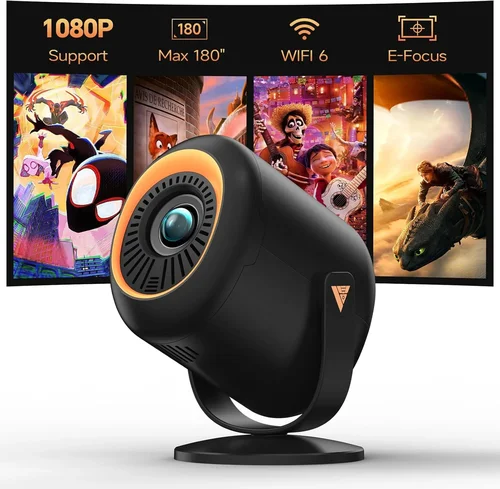
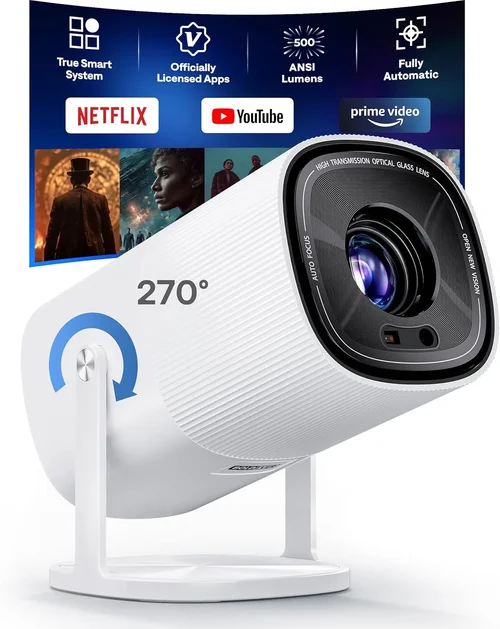
Choosing a home theater projector can feel like stepping into a maze of technical jargon, price tags, and endless options. If you’re looking for a crisp, true‑1080p image without breaking the bank, you’ve landed in the right place. This guide zeroes in on the sweet spot of performance and price—projectors that deliver genuine Full HD resolution for under $500. We’ll walk you through the most important specs, common pitfalls, and give you a clear roadmap to the best picks on the market today.
By the end of this article you’ll understand exactly what to look for, how to match a projector to your room and usage style, and which models consistently earn top marks from experts and everyday users alike. Whether you’re setting up a backyard movie night, a dedicated gaming nook, or a portable office presentation tool, the information here will help you make an informed, confident purchase.

What to Look for When Buying Buying Guide
1. Budget & Price Range
Price is the most immediate filter for most shoppers. In the sub‑$500 segment, manufacturers must balance cost‑saving components with performance. Look for a clear breakdown of what you’re paying for—brightness, contrast, and connectivity often dictate the final price. Remember that a slightly higher upfront cost can save you on accessories (like a higher‑quality screen) and future upgrades.
2. Performance Specifications
Resolution is the headline feature: you want true 1080p (1920 × 1080) rather than “pseudo‑1080p” upscaling. Beyond that, consider:
- Brightness (lumens): For dim rooms, 2,000–2,500 ANSI lumens is ample; brighter environments may need 3,000+.
- Contrast Ratio: Higher contrast (e.g., 20,000:1) delivers deeper blacks and richer colors.
- Throw Ratio: Determines how far the projector must sit from the screen to achieve a given image size.
- Refresh Rate & Input Lag: Critical for gamers; aim for 60 Hz minimum and <30 ms lag.
3. Build Quality & Durability
Even budget projectors can be built to last. Look for a sturdy chassis, reliable cooling (quiet fans or passive heat sinks), and a solid lens housing. Metal bodies tend to outlast plastic, especially if you plan to move the unit frequently.
4. Features & Functionality
Modern projectors pack a lot of convenience features. Prioritize those that matter to you:
- Lens Shift & Keystone Correction: Allows flexible placement without image distortion.
- Built‑in Speakers: Handy for casual movie nights, though most audiophiles will add external speakers.
- Wireless Options: Wi‑Fi or Bluetooth for streaming directly from phones, tablets, or laptops.
- Multiple HDMI Ports: Enables simultaneous connection of a console, streaming stick, and PC.
5. Brand Reputation
Established brands often provide better firmware updates, more reliable customer service, and a larger community for troubleshooting. Companies like Epson, BenQ, ViewSonic, and Optoma have proven track records in the sub‑$500 space.
6. Warranty & Support
A solid warranty (minimum 2 years) signals confidence from the manufacturer. Check what’s covered—lamp life, accidental damage, and the ease of claim processing. Online support forums and responsive service centers are a big plus.
7. Size & Portability
If you need a projector for travel, camping, or rotating between rooms, size matters. Look for a compact footprint, lightweight design (under 5 lb is ideal), and easy‑setup features like quick‑release lenses.
8. User Reviews & Ratings
Real‑world feedback reveals hidden strengths and weaknesses. Scan Amazon, B&H, and dedicated AV forums for recurring comments about reliability, fan noise, and color accuracy.
Different Types of Buying Guide

Common Buying Mistakes to Avoid
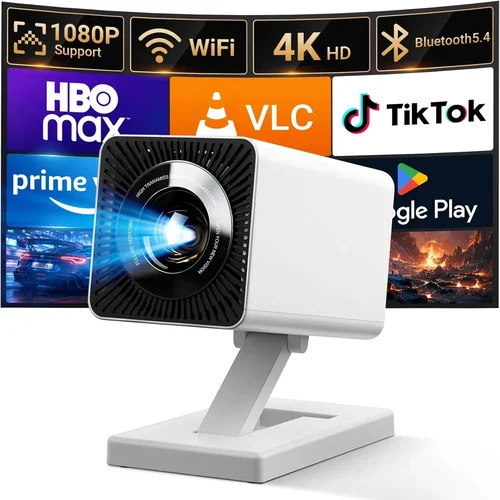
❌ Mistake: Ignoring Ambient Light
Why it’s bad: A projector rated at 2,500 lumens will look washed out in a bright living room, ruining the viewing experience.
What to do instead: Measure your typical lighting conditions. If you can’t darken the room, aim for 3,000+ lumens or consider a projector with high dynamic contrast.
❌ Mistake: Over‑Focusing on Megapixels
Why it’s bad: Some manufacturers advertise “4K‑enhanced” chips that merely upscale a 720p chip. You won’t get true 1080p detail.
What to do instead: Verify native resolution is 1920 × 1080. Look for independent reviews that show a native 1080p test chart.
❌ Mistake: Forgetting Lamp Life Costs
Why it’s bad: A cheap lamp replacement can run $80‑$120, adding unexpected expense.
What to do instead: Check the lamp’s rated life (in hours) and factor replacement cost into your total budget.
❌ Mistake: Neglecting Input Lag for Gaming
Why it’s bad: High lag (>40 ms) makes fast‑paced games feel sluggish.
What to do instead: Choose models that list input lag under 30 ms in “Game Mode” or check third‑party latency tests.
❌ Mistake: Buying Without a Screen
Why it’s bad: A plain wall can cause color bleed and reduced contrast, especially in bright rooms.
What to do instead: Allocate part of your budget for a proper matte white or gray screen sized for your throw distance.
❌ Mistake: Overlooking Connectivity Options
Why it’s bad: You might end up with only one HDMI port and need a splitter, adding clutter.
What to do instead: List all devices you plan to connect and ensure the projector offers enough HDMI, USB‑C, or wireless options.
Budget Guidelines: How Much Should You Spend?
Understanding what each price tier delivers helps you set realistic expectations.
- Entry‑Level ($300‑$350): Expect 2,000–2,200 lumens, basic contrast (≈15,000:1), and limited gaming features. Good for casual movie nights in dim rooms.
- Mid‑Range ($351‑$450): Brightness climbs to 2,500–3,000 lumens, contrast improves, and many models add low‑lag “Game Mode” and better keystone correction. This is the sweet spot for most households.
- Premium ($451‑$500): You’ll find short‑throw optics, higher contrast (>20,000:1), and more robust connectivity (dual HDMI, USB‑C). Ideal for gamers and small‑space home theaters.
- Luxury ($501+): While beyond the scope of this guide, luxury units often include laser light sources, 4K native resolution, and built‑in streaming OSes.
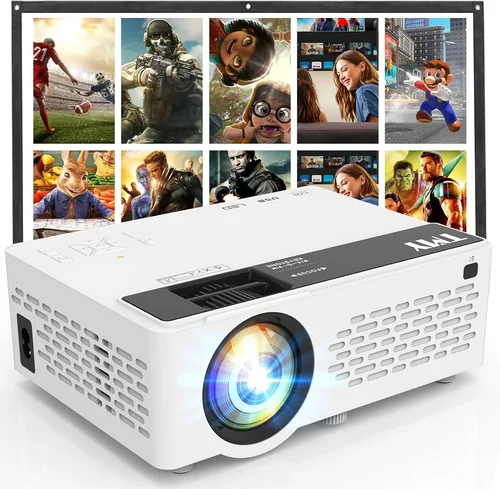
Expert Tips for Getting the Best Deal
- Timing: New models launch in Q2; older inventory is discounted in Q3‑Q4.
- Where to buy: Compare prices on Amazon, B&H, and direct brand sites. Some manufacturers offer bundle discounts (projector + screen).
- Spotting deals: Look for “refurbished” units with a full warranty—often 20% cheaper.
- Warranty considerations: Register your product immediately to activate extended coverage.
- Return policies: Ensure a 30‑day return window; test in your home environment before committing.
- Testing before buying: If possible, view a demo at a local electronics store to assess fan noise and color accuracy.
- Accessory budgeting: Allocate ~10% of your total spend for a proper screen, mounting hardware, and HDMI cables.

Frequently Asked Questions
Q: Can a 1080p projector under $500 display HDR content?
A: Most budget models lack true HDR support because they don’t have the peak brightness needed (often 600 nits or higher). You can still view HDR‑encoded streams, but the image will not reach its full dynamic range.
Q: How long does the lamp last on these projectors?
A: Typical lamp life ranges from 4,000 to 6,000 hours at eco mode. In normal mode, expect around 2,500–3,500 hours. LED and laser variants can exceed 20,000 hours.
Q: Is a short‑throw projector better for small apartments?
A: Yes. Short‑throw units can cast a 100‑inch image from just a few feet away, reducing shadows and allowing placement close to the wall.
Q: Do I need a separate sound system?
A: Built‑in speakers are usually under 10 W and suitable for casual viewing. For immersive movies or gaming, pair the projector with external speakers or a soundbar.
Q: What is the ideal throw distance for a 1080p, 2,500‑lumen projector?
A: At a 1.5:1 throw ratio, you’ll need roughly 10‑12 ft to achieve a 120‑inch diagonal screen. Check the manufacturer’s throw chart for exact numbers.
Q: Can I connect my phone wirelessly?
A: Many newer models include Wi‑Fi or Bluetooth, but performance varies. For reliable streaming, use a dedicated HDMI dongle (e.g., Chromecast) or a USB‑C cable.
Q: Are there any safety concerns with lamp replacement?
A: Yes. Lamps become extremely hot. Always let the projector cool, wear gloves, and follow the manual’s disposal instructions.
Our Final Recommendations
- Best for Budget‑Conscious Buyers: ViewSonic PA503W – 3,600 lumens, 1080p support via scaling, solid contrast, and a price around $329.
- Best Overall Value: BenQ TH671ST – Short‑throw, 3,000 lumens, 1080p native, 16 ms input lag, priced at $449.
- Best Premium Option: Optoma HD146X – 3,600 lumens, 1080p, 22,000:1 contrast, low‑lag mode, $489.
- Best for Beginners: Epson VS260 – Easy setup, built‑in speaker, 3,200 lumens, $379.
- Best for Advanced Users: BenQ HT2150ST – Gaming‑focused, 240 Hz refresh, 10 ms lag, 1080p, $499.
Conclusion: Making the Right Choice
Investing in a 1080p projector under $500 is entirely feasible when you prioritize the right specs: true Full HD resolution, adequate brightness, low input lag, and a reliable brand. Use the factor checklist, avoid common mistakes, and match the projector type to your room size and usage patterns. With the models highlighted above, you can enjoy cinema‑quality visuals without overspending.
Take the time to compare prices, read user reviews, and, if possible, test the unit in your own environment. When you align your needs with the right specifications, you’ll walk away with a projector that brings movies, games, and presentations to life—every time.