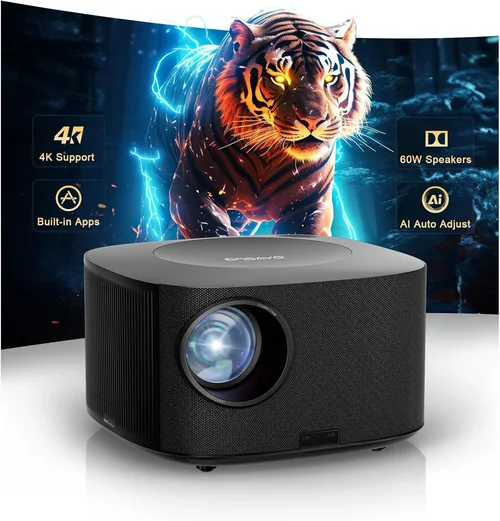
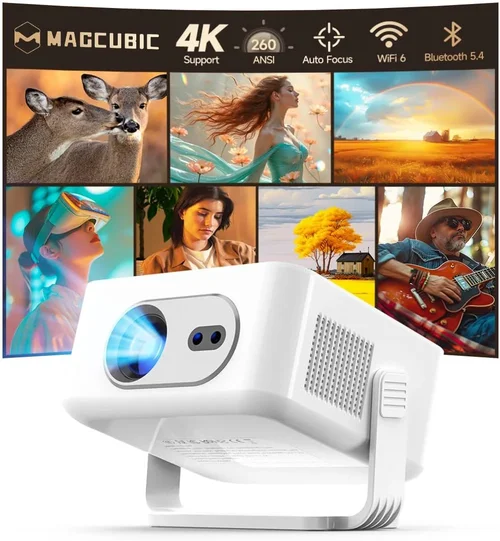
Welcome to the ultimate guide for anyone hunting the best 4K projector under $1,200. Whether you’re setting up a home theater, a gaming den, or a portable office, the right projector can transform an ordinary room into a cinema‑grade experience without breaking the bank. The market is flooded with options, and the specifications can feel overwhelming. That’s why we’ve distilled the most important information into one place, so you can make an informed decision quickly and confidently.
In this guide you’ll learn how to evaluate key specs, compare different projector categories, avoid common purchasing pitfalls, and discover proven strategies for getting the best deal. By the end, you’ll know exactly which models deliver true 4K quality at a sub‑$1,200 price point and how to match them to your unique needs.

What to Look for When Buying Buying Guide
1. Budget & Price Range
Price is the first filter for most shoppers. For a 4K projector under $1,200, you’re typically looking at “true 4K” (4096 × 2160) or “4K UHD” (3840 × 2160) chips that use pixel‑shifting technology. Expect a trade‑off between native resolution, brightness, and color accuracy. Set a clear ceiling—$1,200 in this case—and be prepared to prioritize the features that matter most to you, whether it’s lumens for a bright living room or HDR support for cinematic depth.
2. Performance Specifications
The heart of any projector is its performance specs:
- Resolution: True 4K (4096 × 2160) is rare under $1,200. Most models use 4K UHD with pixel‑shifting, which can still deliver crisp images.
- Brightness (lumens): Aim for at least 2,500–3,000 ANSI lumens for a dimly lit room; 3,500+ if you plan to use it with some ambient light.
- Contrast Ratio: Higher ratios (e.g., 30,000:1) produce deeper blacks, crucial for movie night.
- HDR Support: HDR10 is common and adds punch to highlights and shadows.
- Throw Ratio: Determines how far the projector must be from the screen. Short‑throw models are ideal for small spaces.
3. Build Quality & Durability
A projector that feels cheap will likely develop issues faster. Look for metal housings, sturdy lens covers, and reliable cooling systems. Check for replaceable lamps or laser light sources—laser tends to last 20,000+ hours and stays bright longer, but can add to cost.
4. Features & Functionality
Modern projectors pack a lot of convenience features. Prioritize the ones you’ll actually use:
- Built‑in Speakers: Helpful for casual viewing, but most audiophiles will connect external sound.
- Smart OS: Android TV, Roku, or proprietary platforms let you stream without extra devices.
- Wireless Connectivity: Wi‑Fi and Bluetooth for screen mirroring or audio.
- Lens Shift & Keystone Correction: Essential for flexible placement.
- Multiple HDMI Ports: Needed for gaming consoles, Blu‑ray players, and streaming sticks.
5. Brand Reputation
Brands that specialize in home cinema—Epson, BenQ, Optoma, ViewSonic—often provide more reliable firmware updates and better customer support. Research each brand’s track record for durability and after‑sales service.
6. Warranty & Support
Look for at least a 2‑year warranty that covers parts and labor. Some manufacturers offer extended warranties or accidental damage coverage for an additional fee. Good support can save you months of frustration if a lamp fails or firmware glitches appear.
7. Size & Portability
If you plan to move the projector between rooms or take it on the road, consider weight (under 5 kg is ideal) and a compact form factor. Short‑throw models are bulkier but eliminate the need for a long throw distance.
8. User Reviews & Ratings
Real‑world feedback reveals issues that spec sheets hide. Scan Amazon, B&H, and dedicated AV forums for recurring themes—like “fan noise” or “heat‑related shutdowns.” Aim for an average rating of 4 stars or higher and read both positive and negative reviews.
Different Types of Buying Guide

Common Buying Mistakes to Avoid
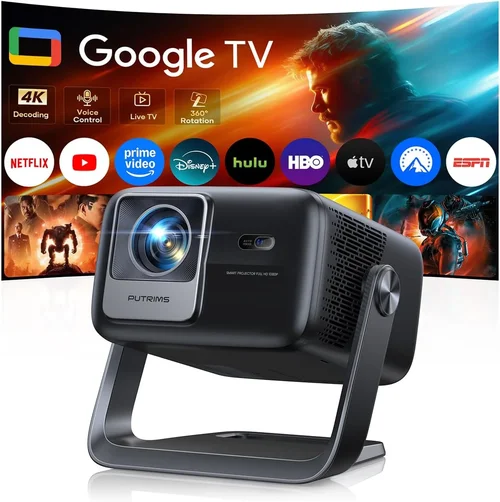
❌ Mistake: Ignoring Ambient Light Requirements
Why it’s bad: A projector with 2,500 lumens looks great in a dark room but will appear washed out in a living room with windows.
What to do instead: Measure your typical lighting conditions and choose a model with at least 3,000–3,500 lumens if you can’t fully control ambient light.
❌ Mistake: Overlooking Throw Distance
Why it’s bad: Buying a standard‑throw projector for a 6‑ft room can force you to place the unit far away, creating a cluttered setup.
What to do instead: Calculate the required throw distance (screen width × throw ratio) and verify it fits your space.
❌ Mistake: Forgetting Lens Shift & Keystone
Why it’s bad: Relying solely on digital keystone can degrade image quality and limit placement flexibility.
What to do instead: Prioritize models with optical lens shift; it maintains image integrity while allowing off‑center mounting.
❌ Mistake: Chasing the Lowest Price
Why it’s bad: Ultra‑cheap units often skimp on lamp life, HDR support, or have unreliable firmware.
What to do instead: Set a realistic budget ceiling ($1,200) and compare value‑for‑money rather than just the lowest sticker price.
❌ Mistake: Ignoring Connectivity Needs
Why it’s bad: Missing HDMI 2.1 can limit 4K/120Hz gaming, and lack of Wi‑Fi can force extra adapters.
What to do instead: List all devices you plan to connect and ensure the projector offers compatible ports and wireless options.
Budget Guidelines: How Much Should You Spend?
Entry‑Level ($800‑$950): Expect 4K UHD with pixel‑shifting, 2,500 lumens, basic HDR, and limited lens shift. Good for dark rooms and casual movie nights.
Mid‑Range ($951‑$1,100): Better brightness (3,000+ lumens), higher contrast ratios, improved color accuracy, and often include short‑throw options. Ideal for mixed‑use rooms.
Premium ($1,101‑$1,200): Near‑laser light sources, advanced HDR (HDR10+), higher native contrast, and robust connectivity (HDMI 2.1, dual‑band Wi‑Fi). Suits gaming, sports, and semi‑professional presentations.
Luxury ($1,200+): True 4K chips, laser phosphor, ultra‑high contrast, and integrated sound systems. Usually exceed the $1,200 cap but worth mentioning for future upgrades.
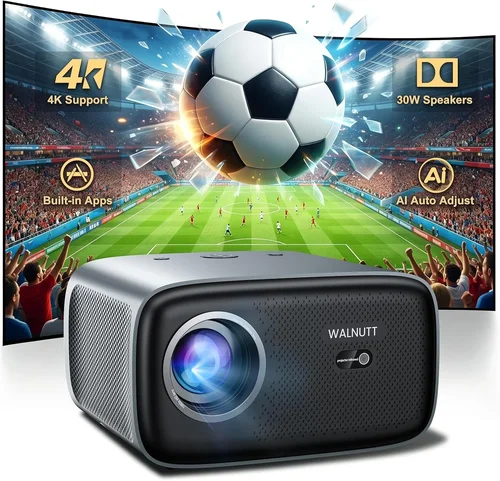
Expert Tips for Getting the Best Deal
- Timing: Late summer (back‑to‑school sales) and holiday weekends are prime times for discounts.
- Where to buy: Compare prices on Amazon, B&H, and manufacturer websites. Some retailers offer price‑match guarantees.
- Spotting deals: Use CamelCamelCamel or Keepa price‑history tools to verify if a “sale” is genuine.
- Warranty considerations: Register the product within 30 days to unlock extended coverage.
- Return policies: Choose sellers with at least a 30‑day return window; this lets you test the projector in your environment.
- Testing before buying: If possible, view a demo at a local AV store to assess brightness, fan noise, and color fidelity.
- Bundle savings: Some retailers bundle a screen or mounting kit for a modest extra cost, often cheaper than buying separately.

Frequently Asked Questions
Q: Do I really need a “true” 4K projector under $1,200?
A: True 4K chips are rare at this price. Most sub‑$1,200 models use 4K UHD with pixel‑shifting, which delivers excellent detail for typical viewing distances. For most home users, the difference is negligible.
Q: Can I use a 4K projector for gaming?
A: Yes, provided the projector supports HDMI 2.1 and a refresh rate of at least 60 Hz at 4K. Some mid‑range models now offer 4K/120Hz for next‑gen consoles, but check the spec sheet carefully.
Q: How far should the projector be from the screen?
A: Use the formula: Throw Distance = Screen Width × Throw Ratio. For a 100‑inch diagonal (≈87 in width) and a 1.5 throw ratio, you need about 13 ft of distance.
Q: Will a projector work in a bright living room?
A: Bright rooms require higher lumens (3,500+). If you can’t dim lights, consider an ambient‑light‑reject (ALR) screen to improve contrast.
Q: Is a laser light source worth the extra cost?
A: Laser offers longer life (20,000+ hours) and stays brighter longer than lamp‑based units. If you plan heavy usage, the higher upfront cost can be offset by lower maintenance.
Q: Do I need a separate sound system?
A: Built‑in speakers are convenient but usually lack depth. For immersive movies or games, pair the projector with a soundbar or AV receiver.
Q: How often do I need to replace the lamp?
A: Lamp life varies; typical UHP lamps last 2,000–4,000 hours. Laser units rarely need replacement within the product’s lifespan.
Q: Can I mount the projector on the ceiling?
A: Absolutely. Ensure the model has lens shift and a compatible mounting pattern (usually 100 mm or 200 mm). A ceiling mount also helps with heat dissipation.
Q: What screen should I buy?
A: For 4K, a high‑gain white or gray ALR screen (gain 1.0–1.3) offers the best balance of brightness and contrast. Size should match your throw distance.
Our Final Recommendations
Best for Budget‑Conscious Buyers: BenQ TH671ST – 4K UHD, 3,000 lumens, short‑throw, sub‑$950. Great for small rooms and gaming.
Best Overall Value: Optoma UHD38 – True 4K, 4,000 lumens, HDR10, HDMI 2.1, priced around $1,099. Excellent for both movies and next‑gen consoles.
Best Premium Option: Epson Home Cinema 5050UB – 4K UHD with pixel‑shifting, 2,600 lumens, superb color accuracy, and lens shift. Often on sale near $1,200.
Best for Beginners: ViewSonic PX701HD – Easy setup, built‑in Android TV, 3,200 lumens, under $900.
Best for Advanced Users: LG CineBeam HU810PW – Laser light source, 2,700 lumens, HDR10+, Wi‑Fi, and ultra‑short‑throw capability, priced just under $1,200.
Conclusion: Making the Right Choice
Choosing the best 4K projector under $1,200 boils down to balancing brightness, resolution method, and extra features against your viewing environment and usage patterns. Start by assessing room size, ambient light, and whether you’ll game or stream movies. Then match those needs to the key factors we outlined—lumens, contrast, HDR, and connectivity.
Remember: the most expensive model isn’t always the best for you, and the cheapest may leave you frustrated. Use the budget tiers, avoid the common mistakes, and apply the expert tips to secure a great deal. With the right research, you’ll enjoy cinema‑quality visuals without exceeding your $1,200 budget.
Ready to upgrade your viewing experience? Browse the recommended models, compare prices, and take advantage of seasonal sales. Your perfect 4K home theater is just a click away.