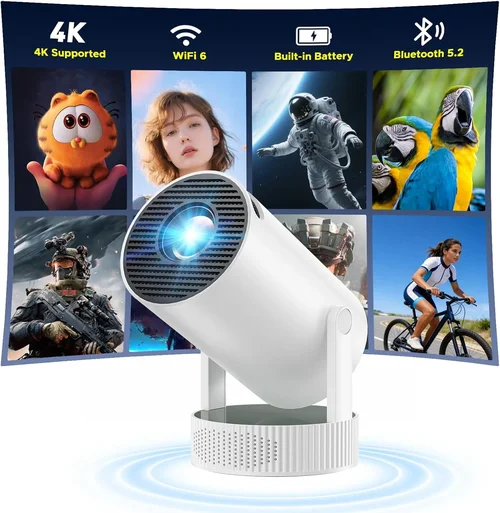
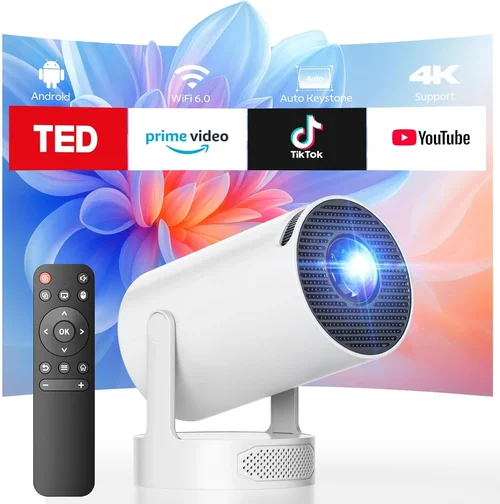
Finding a projector that delivers crisp, vibrant 720p images without breaking the bank can feel like hunting for a needle in a haystack. The market is flooded with models that promise high resolution, big screens, and a “home‑theater” experience, yet many of them either overshoot the $300 budget or fall short on picture quality. This guide cuts through the noise, giving you a clear roadmap to select the best 720p projector under $300 for movies, gaming, or classroom use.
In the pages that follow you’ll learn exactly what specifications matter most, which projector types fit different lifestyles, and how to avoid common pitfalls that leave buyers with disappointing performance. By the end, you’ll be equipped to make an informed purchase that balances cost, image quality, and durability.

What to Look for When Buying Buying Guide
1. Budget & Price Range
Price is the first filter for most shoppers, especially when the ceiling is $300. Within this range you’ll typically find entry‑level DLP or LCD models that trade off some premium features for affordability. Look for sales, refurbished units, or bundles that include a screen or mounting hardware – these can stretch your dollars further. Remember that a lower price tag often means a lower lamp life, so factor in future bulb replacement costs.
2. Resolution & Native Pixel Count
720p (1280×720) is the target resolution, but many budget projectors actually have a native resolution of 800×600 (SVGA) and rely on scaling algorithms to simulate 720p. A true native 720p panel will deliver sharper text and cleaner edges, especially for presentations or gaming. Verify the spec sheet for “native 720p” rather than “up to 720p” to avoid inflated expectations.
3. Brightness (Lumens)
Brightness determines how well a projector performs in ambient light. For a 720p projector under $300, 2,500–3,500 ANSI lumens is a realistic target. If you plan to use the projector in a darkened room, 2,000 lumens may suffice, but bright living rooms or classrooms will need the higher end of the range. Keep in mind that higher lumens often increase fan noise.
4. Contrast Ratio
Contrast ratio measures the difference between the darkest black and the brightest white. A ratio of 2,000:1 or higher is desirable for deeper blacks and more vivid colors. Budget models sometimes list “dynamic contrast,” which is a marketing term that inflates numbers using software tricks. Focus on static contrast ratios for a realistic picture.
5. Throw Distance & Screen Size
Throw distance is the gap between the projector lens and the screen. Short‑throw models can fill a 100‑inch screen from just a few feet away, ideal for small apartments. Standard‑throw units require more space but often offer better uniformity. Use an online throw‑distance calculator to match the projector to your room dimensions.
6. Connectivity Options
Modern projectors should support HDMI 1.4 or higher for 720p input, plus USB, VGA, and wireless options like Miracast or Chromecast built‑in. If you plan to connect a gaming console, make sure the HDMI port supports HDCP 2.2 to avoid compatibility issues. Audio out (3.5 mm or Bluetooth) is also useful if you need external speakers.
7. Lamp Life & Maintenance
LED and laser light sources are becoming common even in sub‑$300 units, offering 20,000+ hour lifespans and lower heat. Traditional UHP lamps are cheaper upfront but may need replacement after 2,000–3,000 hours, adding to long‑term cost. Check the manufacturer’s lamp‑hour rating and whether replacement bulbs are readily available.
8. Build Quality & Portability
For on‑the‑go use, weight under 5 lb and a sturdy carry handle are key. If the projector will stay mounted, look for a solid chassis, reliable cooling fans, and a secure keystone correction mechanism. Metal housings tend to resist warping better than cheap plastic.
Different Types of Buying Guide

Common Buying Mistakes to Avoid
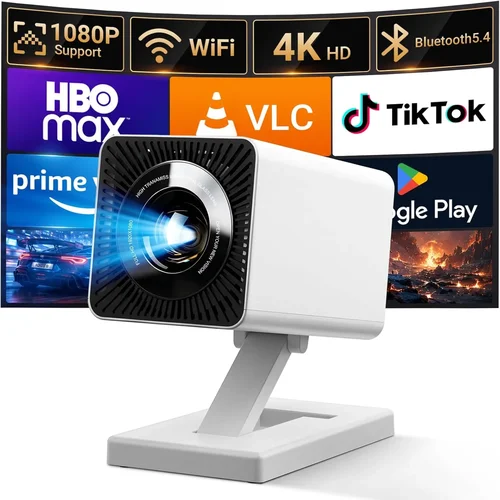
❌ Mistake: Ignoring Native Resolution
Why it’s bad: A projector that only “supports” 720p but has a lower native pixel count will upscale content, resulting in soft edges and blurry text.
What to do instead: Verify the spec sheet for “native 720p” or “native 1280×720.” If the native resolution is lower, consider whether you’ll mainly watch movies (where scaling is tolerable) or need crisp detail for presentations.
❌ Mistake: Overlooking Brightness Needs
Why it’s bad: Buying a 2,000‑lumens unit for a bright living room will produce washed‑out colors and reduced contrast.
What to do instead: Assess your typical lighting conditions. If you can’t darken the room, aim for 3,000+ lumens; otherwise, a 2,500‑lumens model will be more than enough.
❌ Mistake: Forgetting Lamp Replacement Costs
Why it’s bad: A cheap projector may seem like a bargain, but a $80 lamp replacement after a year can double your total spend.
What to do instead: Choose LED or laser light sources for low‑maintenance, or confirm the price and availability of replacement UHP lamps before purchasing.
❌ Mistake: Ignoring Throw Distance
Why it’s bad: A standard‑throw projector in a small apartment may require you to place it too far away, making the image tiny or the setup impractical.
What to do instead: Measure your room’s length, then use the manufacturer’s throw‑ratio chart to ensure the projector can fill your desired screen size.
❌ Mistake: Skipping Audio Considerations
Why it’s bad: Many budget projectors have weak built‑in speakers, leaving you with tinny sound unless you add external audio.
What to do instead: Check for a 3.5 mm audio out or Bluetooth capability, and budget for a small soundbar or bookshelf speakers if needed.
❌ Mistake: Buying Without Checking Compatibility
Why it’s bad: Some projectors lack HDCP 2.2 support, causing streaming services like Netflix to refuse playback.
What to do instead: Confirm HDMI ports support HDCP 2.2 and that the firmware can be updated if needed.
Budget Guidelines: How Much Should You Spend?
- Entry-Level ($180‑$220): Expect basic DLP or LED units with 2,000‑2,500 lumens, modest contrast (1,500:1), and limited connectivity (often HDMI + USB). Ideal for casual movie nights in a dark room.
- Mid-Range ($221‑$280): You’ll find true native 720p panels, brighter output (2,500‑3,200 lumens), better contrast (2,000‑2,500:1), and added features like wireless mirroring and keystone correction.
- Premium ($281‑$340): Laser or high‑end LED light sources, superior color accuracy (Rec. 709), low fan noise, and robust build quality. Perfect for gamers who need low input lag and for small‑business presentations.
- Luxury ($341+): Though rare under $300, occasional sales push high‑performance models into this bracket, offering 4K upscaling, HDR compatibility, and advanced networking.
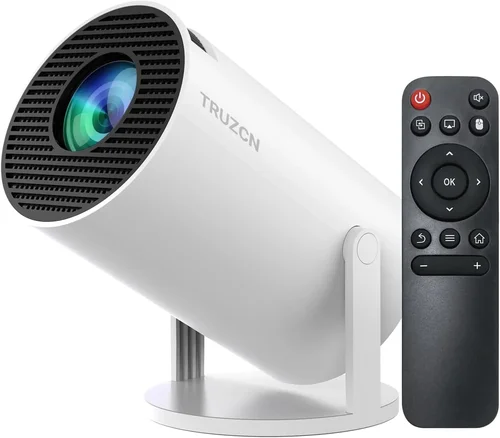
Expert Tips for Getting the Best Deal
- Shop during major sales events (Black Friday, Cyber Monday, Amazon Prime Day) when discounts of up to 30% are common.
- Consider refurbished units from reputable sellers; they often come with a limited warranty and are tested to factory standards.
- Buy from retailers that offer a 30‑day return window. This lets you test the projector in your actual environment before committing.
- If you need a screen, look for a bundled “projector + screen” package – it can shave $50‑$80 off the combined cost.
- Check for firmware updates after purchase; manufacturers sometimes release performance boosts that improve brightness or color accuracy.
- Read user reviews focusing on long‑term reliability, not just first‑impression picture quality.
- When possible, test the projector with the exact source device you’ll use most (e.g., gaming console, streaming stick) to verify compatibility.

Frequently Asked Questions
Q: Can a 720p projector under $300 display 1080p content?
A: Yes, most budget projectors will accept a 1080p HDMI signal and downscale it to the native 720p resolution. The picture will look acceptable, but you won’t get true 1080p detail.
Q: Do I need a separate screen?
A: A white wall works, but a dedicated projector screen improves color reproduction and contrast, especially in rooms with ambient light. Low‑gain screens are affordable and boost perceived brightness.
Q: How far away should I place a short‑throw projector?
A: Short‑throw units typically have a throw ratio of 0.4–0.6. For a 100‑inch diagonal image, you’ll need roughly 3‑4 ft of distance. Always check the specific model’s chart.
Q: Is HDMI 2.0 necessary for 720p?
A: No. HDMI 1.4 supports 720p at 60 Hz comfortably. HDMI 2.0 becomes relevant for 4K or higher frame‑rate content.
Q: Will a projector work with a ceiling mount?
A: Most standard‑throw models are designed for ceiling mounting. Verify the mounting pattern (usually 4‑hole M5) and ensure the projector’s weight is within the mount’s limit.
Q: How loud are the fans on budget projectors?
A: Fan noise ranges from 28 dB (quiet LED models) to 38 dB for higher‑lumens DLP units. In a dark room, you may notice the hum; consider placing the projector farther from the listening area.
Q: What is “keystone correction” and do I need it?
A: Keystone correction digitally adjusts image shape when the projector isn’t perfectly perpendicular to the screen. It’s handy for flexible placement, but excessive correction can soften the image. Physical alignment is always preferred.
Our Final Recommendations
- Best for Budget‑Conscious Buyers: ViewSonic M1 Mini Plus – LED, 2,200 lumens, native 720p, portable, under $200.
- Best Overall Value: Epson VS260 – True native 720p DLP, 3,200 lumens, 2,500:1 contrast, HDMI + USB, $269.
- Best Premium Option: BenQ TH585 – Laser‑enhanced DLP, 3,500 lumens, low input lag (8 ms), HDR support, $329 (often on sale).
- Best for Beginners: Optoma HD146X – Easy setup, automatic keystone, 3,200 lumens, intuitive remote, $259.
- Best for Advanced Users: LG PF50KA – Laser light source, 2,800 lumens, built‑in battery for portable use, smart TV functions, $299.
Conclusion: Making the Right Choice
Choosing the best 720p projector under $300 boils down to matching your environment, usage habits, and long‑term cost expectations. Prioritize native resolution, adequate brightness, and a reliable light source. Use the throw‑distance chart to ensure the projector fits your space, and don’t forget audio and connectivity needs.
Remember, the cheapest option isn’t always the most economical once you factor in lamp replacements and potential upgrades. By applying the factors, avoiding the common mistakes listed above, and leveraging the expert tips for deals, you’ll walk away with a projector that delivers cinema‑like experiences without draining your wallet.
Ready to start your search? Check the recommended models, set a price alert, and enjoy your first movie night on a crisp 720p screen—all for under $300.