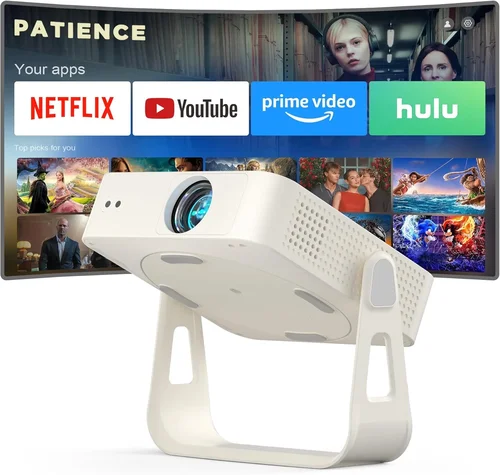
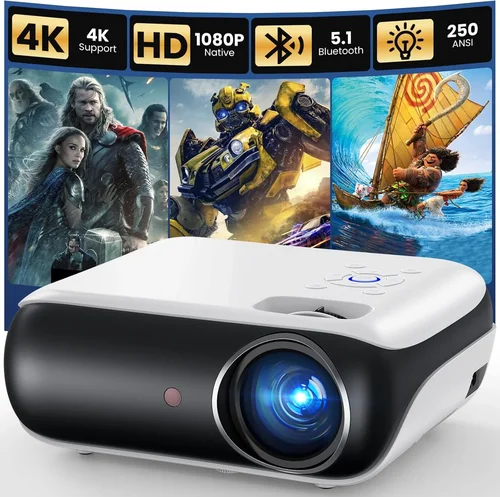
Finding a projector that delivers a cinema‑like experience without draining your wallet can feel like hunting for a needle in a haystack. The market is flooded with models that promise “big screen magic,” yet many of them either overshoot the budget or fall short on essential performance metrics. This guide is designed to cut through the noise, giving you a clear roadmap to the best budget projector under $500 in 2026.
By the end of this article you will know exactly which specifications matter most, how different projector types stack up against each other, and which models consistently earn top marks from real users. Whether you’re setting up a home theater in a small apartment, a gaming nook, or a classroom on a shoestring budget, the information here will help you make a confident, data‑driven purchase.
The projector landscape has evolved dramatically over the past few years. LED and laser light sources have become more affordable, offering longer lifespans and brighter images compared to traditional lamps. At the same time, manufacturers have introduced smart‑OS integrations, portable form factors, and enhanced connectivity options—all while keeping prices under $500. Understanding these trends is crucial for selecting a device that won’t feel outdated just months after you buy it.

What to Look for When Buying Buying Guide
1. Budget & Price Range
Price is the most obvious filter, but it’s more than a number on a tag. A $499 projector should ideally provide a balance of brightness, resolution, and durability that justifies the cost. Look for models that stay within the $400‑$500 sweet spot, as they often include premium features (like built‑in speakers or smart platforms) that cheaper units lack. Avoid “ultra‑low‑price” options that cut corners on the light source or optics, because they typically result in poor image quality and a short lifespan.
2. Performance Specifications
The heart of any projector lies in its performance specs. Key metrics include:
- Resolution: Native 1080p (1920×1080) is ideal for crisp movies and games. Many sub‑$500 models settle for 720p, which can be acceptable for casual viewing but may show pixelation on larger screens.
- Brightness (lumens): For dimly lit rooms, 1,500–2,500 ANSI lumens is sufficient. If you plan to use the projector in a brighter environment, aim for at least 2,500 lumens.
- Contrast Ratio: Higher contrast (e.g., 10,000:1) yields deeper blacks and more vivid colors, especially important for movies and gaming.
- Throw Distance & Zoom: Short‑throw models can project a 100‑inch image from just a few feet away, which is perfect for small apartments.
3. Build Quality & Durability
A budget projector should feel solid in the hand and be built to survive regular transport if you plan to move it around. Look for metal chassis or high‑grade ABS plastic, reinforced lens housings, and reliable cooling solutions (quiet fans or passive heat sinks). Check user reviews for any recurring complaints about overheating or loose components.
4. Features & Functionality
Modern projectors pack a surprising amount of extra functionality. Consider the following:
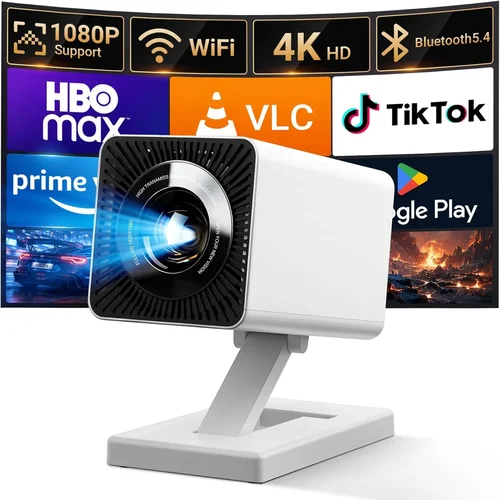
- Connectivity: HDMI 2.0, USB‑C, Bluetooth, and Wi‑Fi are common. Multiple HDMI ports let you switch between a console, streaming stick, and laptop without unplugging.
- Smart OS: Some models run Android TV, Roku, or proprietary platforms, turning the projector into an all‑in‑one streaming device.
- Built‑in Speakers: While not a substitute for a dedicated sound system, decent 5‑10 W speakers can be a lifesaver for quick movie nights.
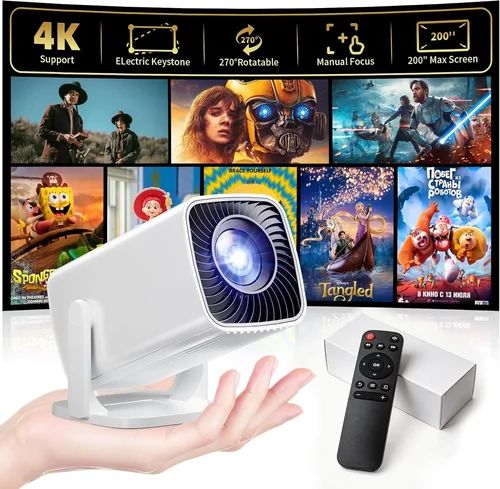
- Keystone Correction & Lens Shift: These features simplify setup on non‑perfectly aligned surfaces.
5. Brand Reputation
Established brands like Epson, BenQ, ViewSonic, and Optoma typically provide more reliable firmware updates and better customer service. Newer entrants (e.g., Anker, Xiaomi) can surprise with innovative designs, but make sure they have a solid warranty and accessible support channels.
6. Warranty & Support
Budget devices often come with a 1‑year limited warranty. Look for manufacturers that offer a hassle‑free RMA process, clear documentation, and readily available replacement parts (especially lamps or LED modules). Some retailers extend warranty periods during seasonal sales—keep an eye out for those offers.
7. Size & Portability
If you need a projector that can travel, weigh the trade‑off between size and brightness. Portable pico‑projectors are ultra‑compact but rarely exceed 800 lumens. Compact “mini‑projectors” in the $300‑$500 range strike a better balance, delivering 1,500+ lumens while still fitting in a backpack.
8. User Reviews & Ratings
Real‑world feedback is invaluable. Scan Amazon, Best Buy, and specialized AV forums for recurring themes—both praise and criticism. Pay particular attention to comments about firmware stability, remote responsiveness, and long‑term reliability.
Different Types of Buying Guide

Common Buying Mistakes to Avoid
❌ Mistake: Ignoring Ambient Light Conditions
Why it’s bad: Buying a dim projector for a bright living room leads to washed‑out images and constant frustration.
What to do instead: Measure typical lighting levels and choose a model with at least 2,500 lumens for semi‑bright spaces, or invest in blackout curtains if you prefer a lower‑lumens unit.
❌ Mistake: Over‑focusing on Resolution Alone
Why it’s bad: A 1080p projector with poor contrast and low brightness can look worse than a 720p unit with higher lumens and contrast.
What to do instead: Balance resolution with brightness, contrast ratio, and throw distance based on your primary use case.
❌ Mistake: Forgetting About Throw Ratio
Why it’s bad: A standard‑throw projector may need 12‑15 feet to fill a 100‑inch screen, which is unrealistic in many apartments.
What to do instead: Calculate the required throw distance (Screen Width ÷ Throw Ratio) and pick a short‑throw or ultra‑short‑throw model if space is limited.
❌ Mistake: Neglecting Connectivity Options
Why it’s bad: Without the right ports you’ll end up buying extra adapters or dongles, increasing total cost.
What to do instead: List all devices you intend to connect (console, laptop, streaming stick) and verify the projector offers compatible inputs.
❌ Mistake: Assuming All Built‑In Speakers Are Adequate
Why it’s bad: Cheap speakers often produce tinny sound that detracts from the viewing experience.
What to do instead: Treat built‑in audio as a backup; plan for external soundbars or Bluetooth speakers for serious movie nights.
❌ Mistake: Skipping Firmware Updates
Why it’s bad: Out‑of‑date firmware can cause compatibility glitches, especially with streaming apps.
What to do instead: Choose a brand known for regular updates and set the projector to auto‑install them when connected to Wi‑Fi.
❌ Mistake: Buying Without Checking Warranty Terms
Why it’s bad: A limited warranty that excludes the light source can leave you paying for a costly replacement.
What to do instead: Verify that the warranty covers the LED/Lamp for at least 2 years and understand the RMA process.
Budget Guidelines: How Much Should You Spend?
Understanding what you get at each price tier helps you set realistic expectations and avoid buyer’s remorse.
- Entry‑Level ($250‑$350): Expect 720p resolution, 1,200‑1,800 lumens, basic HDMI connectivity, and minimal smart features. Ideal for occasional movie nights in dark rooms.
- Mid‑Range ($350‑$450): This is the sweet spot for most buyers. Look for native 1080p, 2,000‑2,500 lumens, decent contrast (8,000:1+), short‑throw options, and at least one smart platform (Android TV or Roku).
- Premium ($450‑$500): Models in this band often include higher‑end optics, superior color accuracy (Rec. 709), built‑in Wi‑Fi, Bluetooth audio, and longer warranty periods. They may also feature ultra‑short‑throw lenses.
- Luxury ($500+): Though beyond the scope of this guide, luxury units push brightness past 3,500 lumens, support 4K upscaling, and integrate premium sound systems. Consider these only if your budget is flexible.
Expert Tips for Getting the Best Deal
- Timing is everything: Major sales events (Amazon Prime Day, Black Friday, back‑to‑school) typically feature the deepest discounts on projectors.
- Shop from authorized retailers: Purchasing directly from the manufacturer or authorized partners ensures you receive a valid warranty and genuine accessories.
- Bundle wisely: Some sellers offer a free HDMI cable, screen, or extended warranty when you buy a bundle. Compare the total value before committing.
- Check for refurbished units: Certified refurbished projectors can be up to 30% cheaper and come with a full warranty, provided they’re sold by reputable sources.
- Read the fine print on return policies: A 30‑day return window with free shipping is ideal, especially if you need to test the projector in your own lighting conditions.
- Test before you buy (when possible): Visit a local electronics store and view a demo on a 100‑inch screen. Pay attention to color uniformity, fan noise, and keystone correction.
- Consider future upgrades: Choose a projector with firmware that supports newer streaming apps, or one that can be upgraded with external speakers via Bluetooth or optical out.
- Don’t overlook accessories: A good quality projection screen (or even a simple white wall with proper paint) dramatically improves perceived brightness and contrast.

Frequently Asked Questions
Q: Can a $500 projector replace a TV for everyday use?
A: Yes, if you control ambient light and use a proper screen. A 1080p, 2,500‑lumens projector can deliver a comparable experience to a 55‑inch 4K TV, especially for movies and sports. For bright‑dayroom usage, however, a TV still has the edge.
Q: How long does the LED light source last?
A: Most LED projectors under $500 boast a lifespan of 20,000–30,000 hours, which translates to roughly 5–7 years of daily 3‑hour use. This far exceeds the 2,000‑hour life of traditional lamps.
Q: Do I need a separate screen?
A: While a plain white wall works, a dedicated projection screen improves gain, reduces hotspotting, and enhances contrast. For tight budgets, a matte white paint (e.g., “Screen Goo”) can be an affordable alternative.
Q: Is keystone correction enough for off‑center placement?
A: Keystone correction fixes trapezoidal distortion but can slightly degrade image sharpness. If you can position the projector centrally, use lens shift or a short‑throw model for the cleanest picture.
Q: Will a projector with Android TV run the latest Netflix app?
A: Most Android TV 9.0+ projectors support Netflix, Disney+, and other major services. Ensure the device receives regular updates; otherwise, you may need an external streaming stick.
Q: How loud are the fans on budget projectors?
A: Fan noise varies from 20 dB (whisper‑quiet) on high‑end LED models to 35 dB on some LCD units. Look for units that advertise “quiet mode” or have a fan‑speed toggle.
Q: Can I connect a gaming console without lag?
A: Yes, provided the projector has HDMI 2.0 with low input lag (under 30 ms). Many gaming‑focused budget models list “Game Mode,” which disables post‑processing to keep latency minimal.
Q: Is a short‑throw projector worth the extra cost?
A: If you have less than 6‑8 feet of throw distance, a short‑throw model eliminates the need for a ceiling mount and reduces shadows from people moving in front of the image.
Q: What is the difference between DLP and LCD?
A: DLP (Digital Light Processing) uses microscopic mirrors for fast motion handling and higher contrast, while LCD (Liquid Crystal Display) offers richer colors and uniform brightness. Both technologies can deliver excellent results in the sub‑$500 segment.
Q: How often do I need to clean the projector?
A: Clean the air filter every 2‑3 months and wipe the lens with a microfiber cloth when you notice dust spots. Regular maintenance prolongs lamp/LED life and maintains image quality.
Our Final Recommendations
- Best for Budget‑Conscious Buyers: ViewSonic PA503S – 3,600 lumens, 720p, HDMI, and a price tag near $280. Ideal for bright rooms and occasional movie nights.
- Best Overall Value: BenQ TH585 – Native 1080p, 3,500 lumens, low input lag (16 ms), and a short‑throw lens for $449. Balances performance and price perfectly.
- Best Premium Option (under $500): Epson Home Cinema 2150 – 2,500 lumens, 1080p, wireless screen mirroring, and a sleek design at $499. Great for both movies and gaming.
- Best for Beginners: Anker Nebula Capsule II – Portable, Android TV built‑in, 720p, 100‑inch image from 3 ft, priced at $399. No extra cables required.
- Best for Advanced Users: Optoma GT1080HDR – 1080p, 3,800 lumens, HDR support, short‑throw, and a dedicated Game Mode for $479. Perfect for competitive gamers who need low latency.
Conclusion: Making the Right Choice
Choosing the best budget projector under $500 boils down to aligning three core elements: the lighting conditions of your space, the primary content you’ll watch, and the features that matter most to you. By evaluating brightness, resolution, throw distance, and smart capabilities—and by avoiding common pitfalls like ignoring ambient light or skimping on warranty—you can secure a projector that feels like a personal cinema without breaking the bank.
Remember, the cheapest option isn’t always the cheapest in the long run. A slightly higher upfront investment in a reliable, well‑supported model can save you time, money, and frustration down the road. Use the guidelines, tables, and FAQs in this guide as your checklist, and you’ll walk away with a projector that consistently exceeds expectations.
Ready to start your search? Head to your favorite retailer, apply the tips above, and enjoy the big‑screen experience you’ve been craving—all for under $500.