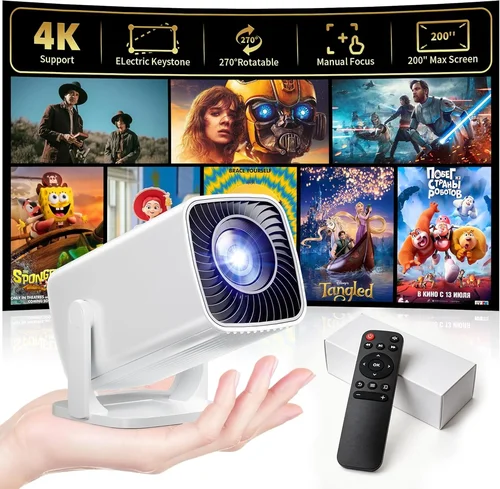
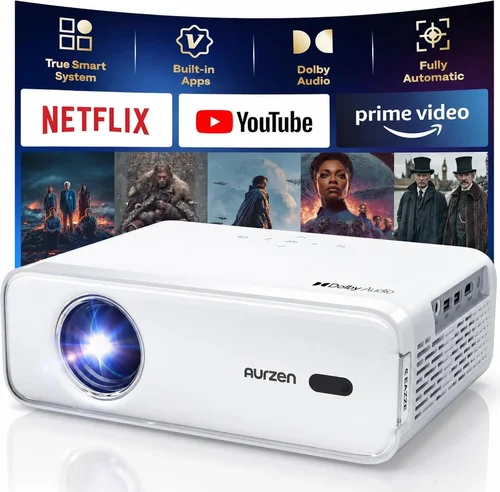
Projectors have become the secret weapon for anyone who wants a cinema‑style experience without breaking the bank. Whether you’re setting up a home theater, turning a bedroom into a gaming den, or need a portable device for business presentations, a good projector under $500 can deliver surprisingly bright, sharp images. This guide walks you through everything you need to know so you can pick the perfect model for your needs without falling for hype.
In the next few minutes you’ll learn how to read projector specs, which features truly matter at a budget price, and where to find the best deals. We’ll also compare the main types of projectors, highlight common pitfalls, and give you a curated list of top picks for 2026. By the end, you’ll be equipped to make a confident, informed purchase that fits your budget and lifestyle.
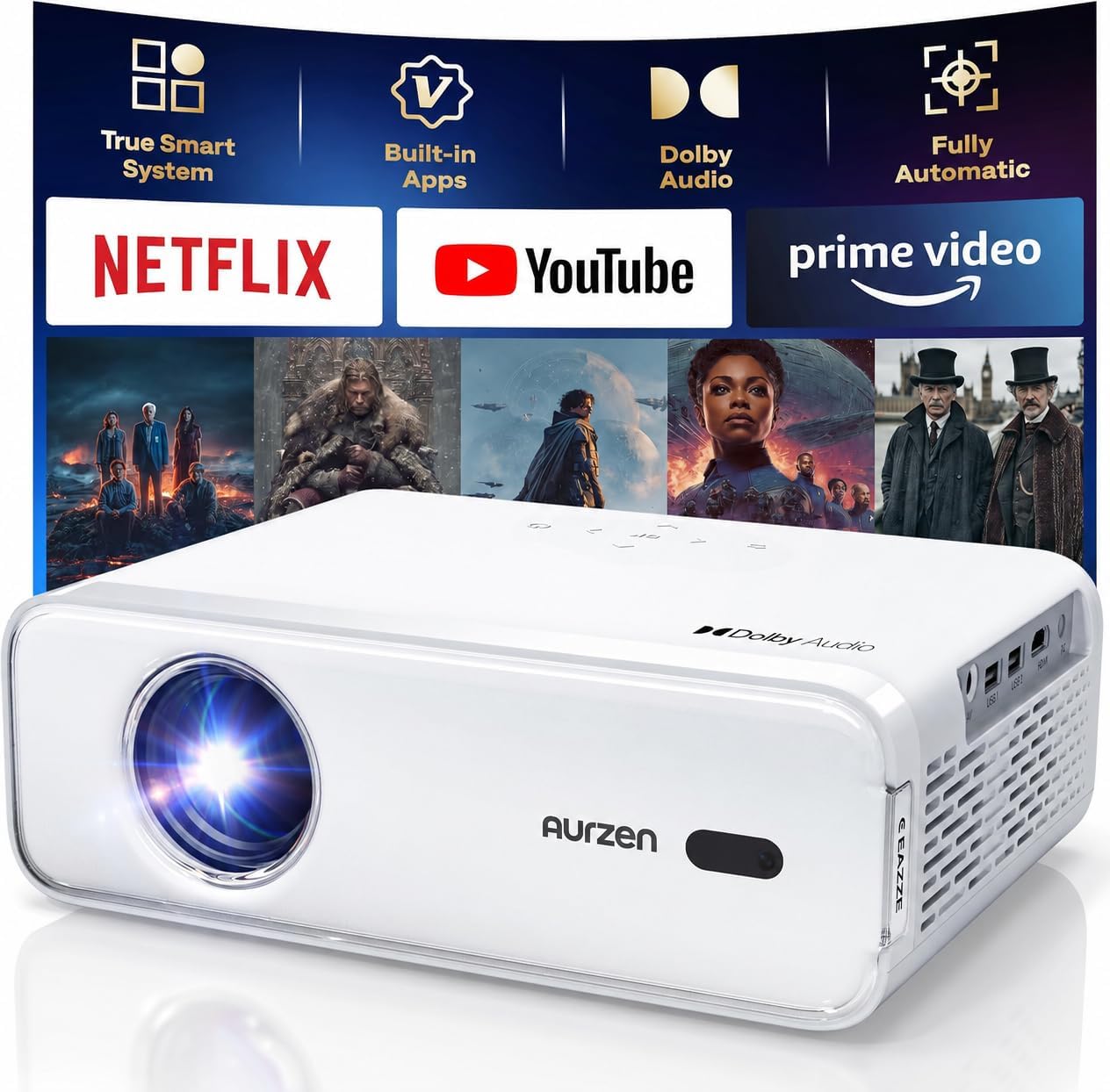
What to Look for When Buying Buying Guide
1. Budget & Price Range
Even within the sub‑$500 category, prices can vary widely from $120 to $499. Your budget determines which trade‑offs you’ll face—higher resolution, brighter output, or more connectivity options. Set a clear ceiling and remember that a slightly higher price often buys a longer lamp life and better warranty coverage, which can save money in the long run.
2. Performance Specifications
Resolution. For movies and gaming, aim for at least 1080p (Full HD) native resolution. Some models use 720p native but upscale content, which can look blurry on larger screens.
Brightness. Measured in lumens, brightness tells you how well the projector will perform in ambient light. In a dark room 1,500–2,000 lumens is adequate; for daytime or living‑room use, look for 2,500+ lumens.
Contrast Ratio. This indicates the difference between the darkest blacks and brightest whites. A ratio of 10,000:1 or higher offers deeper blacks and more vivid colors.
3. Build Quality & Durability
Budget projectors often use plastic housings, but the internal components matter. Look for models with metal lens barrels and robust cooling fans. A solid build reduces vibration, which can affect image stability and prolong lamp life.
4. Features & Functionality
Key features to prioritize:
- Connectivity. HDMI is a must; USB, USB‑C, and wireless (Wi‑Fi or Bluetooth) are bonuses.
- Keystone Correction. Allows you to fix trapezoidal distortion when the projector isn’t perfectly centered.
- Lens Shift. More precise than keystone, but less common in budget models.
- Built‑in Speakers. Useful for casual viewing, though external speakers will always sound better.
5. Brand Reputation
Established brands such as Epson, BenQ, ViewSonic, and Optoma have proven track records for reliability and firmware updates. Newer entrants can surprise with value, but be sure to read post‑purchase support experiences.
6. Warranty & Support
Most budget projectors come with a 1‑year limited warranty covering the lamp and major components. Check if the manufacturer offers extended warranties, easy lamp replacement, and responsive customer service. A good warranty can be the difference between a one‑time purchase and a headache‑free experience.
7. Size & Portability
If you plan to move the projector between rooms or travel, weight and size become critical. Look for models under 2 kg with a compact form factor and a carry case.
8. User Reviews & Ratings
Real‑world feedback reveals issues that spec sheets hide—like noisy fans, premature lamp failure, or software glitches. Prioritize products with a minimum of 200 verified reviews and an average rating above 4.0 stars.
Different Types of Buying Guide

Common Buying Mistakes to Avoid
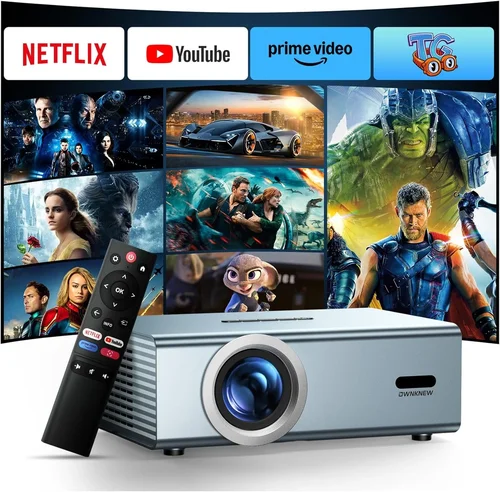
❌ Mistake: Ignoring Ambient Light Conditions
Why it’s bad: Buying a 1,500‑lumens projector for a bright living room results in washed‑out images.
What to do instead: Assess your typical viewing environment. If you can’t control light, target 2,500+ lumens or choose a projector with high contrast and a short‑throw lens.
❌ Mistake: Focusing Solely on Resolution
Why it’s bad: A 1080p projector with low brightness and poor contrast can look worse than a 720p model with higher lumens.
What to do instead: Balance resolution with brightness, contrast, and lamp life. For casual TV watching, 720p may be sufficient if the lamp is bright.
❌ Mistake: Overlooking Lamp Replacement Costs
Why it’s bad: Some budget models have cheap lamps that need replacement after 2,000 hours, costing $80‑$120.
What to do instead: Check the lamp’s rated lifespan and price. LED or laser models have longer lifespans and lower long‑term costs.
❌ Mistake: Buying Without Checking Input Lag
Why it’s bad: Gamers experience laggy controls if the projector’s input lag exceeds 30 ms.
What to do instead: Look for models that advertise “Game Mode” or have measured input lag below 30 ms.
❌ Mistake: Forgetting About Throw Distance
Why it’s bad: A standard‑throw projector may need a 10‑ft distance to fill a 100‑inch screen, which isn’t feasible in small rooms.
What to do instead: Measure your space and choose a projector with the appropriate throw ratio (short‑throw for tight spaces).
Budget Guidelines: How Much Should You Spend?
- Entry‑Level ($120‑$250): Expect 720p resolution, 1,500–2,000 lumens, basic HDMI, and a modest lamp life. Great for occasional movie nights in a dark room.
- Mid‑Range ($251‑$400): Full HD 1080p, 2,500–3,000 lumens, better contrast, and often include wireless screen mirroring. Ideal for mixed‑use (movies, games, presentations).
- Premium ($401‑$500): Near‑Full HD or true 1080p with enhanced color accuracy, low input lag, and robust build. Some models may feature laser light sources for longer life.
- Luxury ($500+): Though outside the guide’s focus, these units push into 4K UHD and laser technology, typically reserved for dedicated home theaters.
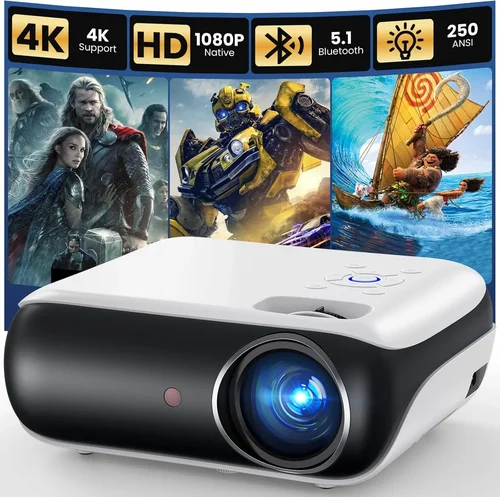
Expert Tips for Getting the Best Deal
- Timing: New models launch in early spring; older inventory is discounted in late summer.
- Where to buy: Compare Amazon, Best Buy, and manufacturer websites. Some retailers offer bundle deals with screens or extra lamps.
- Spotting deals: Look for “refurbished” units with manufacturer warranties—they’re often as good as new at 30‑50% off.
- Warranty considerations: Extend the warranty if you plan heavy usage; many third‑party providers cover lamp replacement for an additional fee.
- Return policies: Ensure a 30‑day return window; test the projector in your intended environment before committing.
- Testing before buying: If possible, view a demo in a store with the same ambient lighting as your home. Pay attention to color uniformity and fan noise.

Frequently Asked Questions
Q: Can I use a budget projector for gaming?
A: Yes, but prioritize low input lag (<30 ms) and a refresh rate of at least 60 Hz. Models marketed as “Game Mode” usually meet these criteria.
Q: How far should the projector be from the screen?
A: It depends on the throw ratio. A standard throw (1.5–2.0) needs about 1.5 ft of distance per foot of screen width. Short‑throw models can sit just a foot away.
Q: Do I need a special screen?
A: A white wall works, but a dedicated projector screen improves brightness and contrast, especially in rooms with ambient light.
Q: What’s the difference between DLP and LCD?
A: DLP offers higher contrast and smoother motion, while LCD provides richer colors and better brightness uniformity. Both can be found under $500.
Q: How long does a lamp last?
A: Typical lamp life ranges from 2,000 to 5,000 hours. LED and laser sources can exceed 20,000 hours, effectively eliminating lamp replacements.
Q: Can I connect my phone wirelessly?
A: Many 2026 budget models support Miracast, AirPlay, or a proprietary app for casting. Check the spec sheet for the exact wireless standards.
Q: Is a higher contrast ratio always better?
A: In theory, yes, but real‑world contrast can be limited by ambient light. Pair a good contrast ratio with adequate brightness for the best picture.
Our Final Recommendations
- Best for Budget‑Conscious Buyers: Vankyo Leisure 3 – 1080p, 3,600 lumens, built‑in speaker, under $200.
- Best Overall Value: Epson Home Cinema 1060 – True 1080p, 3,200 lumens, low input lag, solid warranty, around $380.
- Best Premium Option (Just Under $500): BenQ TH671ST – Short‑throw, 1080p, 3,000 lumens, 16 ms input lag, perfect for gaming and small rooms.
- Best for Beginners: ViewSonic M1 Mini Plus – LED, portable, built‑in battery, easy setup, under $150.
- Best for Advanced Users: Optoma GT1080HDR – High brightness, HDR support, low lag, excellent for home theater and esports.
Conclusion: Making the Right Choice
Choosing a projector under $500 doesn’t have to be overwhelming. Start by defining where and how you’ll use it, then match those needs against the key factors we discussed—brightness, resolution, contrast, and connectivity. Avoid common traps like neglecting ambient light or forgetting lamp costs, and use the expert tips to snag the best deal.
Remember, the “best” projector is the one that fits your space, budget, and viewing habits. Take the time to read real user reviews, test the unit if possible, and protect your investment with a solid warranty. With the right information, you’ll enjoy big‑screen entertainment without blowing your budget.