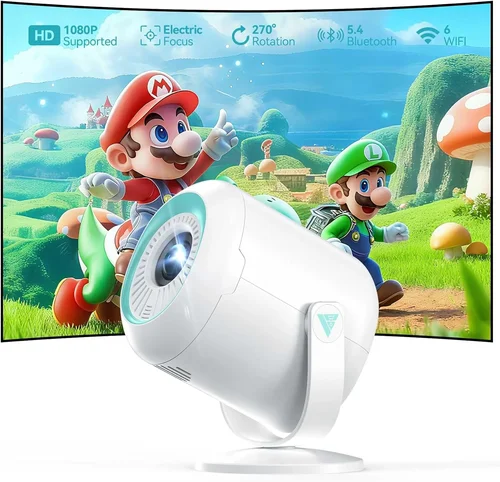
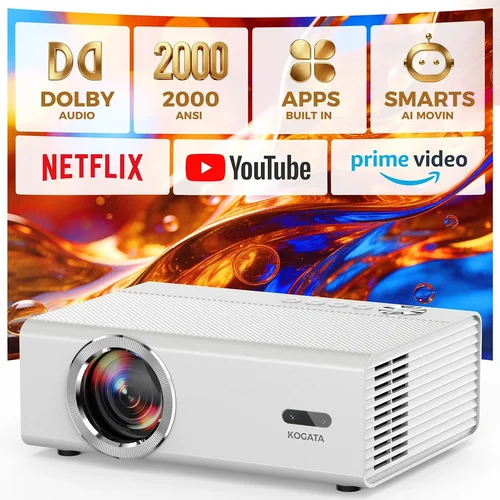
Finding a reliable projector that fits a classroom budget can feel like searching for a needle in a haystack. Teachers need bright, clear images for lessons, yet many schools and homeschooling parents are limited to under $200. This guide cuts through the noise, giving you the knowledge to pick a projector that delivers crisp visuals, durability, and ease of use without breaking the bank.
In the next sections you’ll learn which specifications truly matter for an educational setting, how different projector types compare, common pitfalls to avoid, and exactly how much you should expect to spend. By the end, you’ll be equipped to choose the best classroom projector under $200 that matches your teaching style and room size.

What to Look for When Buying Buying Guide
1. Budget & Price Range
While the headline says “under $200,” the actual price you pay can vary based on sales, bundles, and refurbished units. Set a firm ceiling (e.g., $180) to leave room for accessories such as a mounting bracket or extra lamp. Remember that the cheapest option often sacrifices brightness or lamp life, which can cost you more in the long run.
2. Brightness (Lumens)
Classrooms are rarely pitch‑black; ambient light from windows and fluorescent fixtures is the norm. For a space with moderate lighting, aim for at least 2,500 ANSI lumens. If your room has blackout curtains or you can control lighting, 1,800–2,200 lumens may suffice. Higher lumens mean clearer text and colors, especially for detailed diagrams.
3. Resolution
Resolution determines how sharp the projected image appears. The minimum you should accept is WXGA (1280×800). This provides a 16:10 aspect ratio, perfect for PowerPoint slides and PDF handouts. Some budget models offer Full HD (1920×1080) – a nice bonus, but not a strict requirement for basic classroom use.
4. Lamp Life & Maintenance Costs
Projector lamps degrade over time, measured in hours. Look for a lamp rating of 20,000 hours or more. Longer lamp life reduces the frequency of replacements, which can cost $30–$70 each. Some LED or laser‑based units have virtually “infinite” lamp life, but they often sit above the $200 mark.
5. Connectivity Options
In a modern classroom you’ll be pulling content from laptops, tablets, and sometimes smartphones. A good projector should include:
- HDMI (most universal)
- VGA (for older computers)
- USB‑A (for media playback)
- Wireless screen mirroring (Miracast or AirPlay) – a nice extra if within budget
Multiple inputs let you switch between devices without unplugging cables, saving precious class time.
6. Throw Ratio & Placement Flexibility
Throw ratio tells you how far the projector must sit from the screen to fill a given width. A short‑throw (0.4–0.8) is ideal for small rooms where the projector sits close to the wall, reducing shadows cast by presenters. Standard throw (1.2–1.5) works well if you can mount the unit on the ceiling or place it on a cart at the back of the room.
7. Build Quality & Durability
Classrooms are high‑traffic zones. Look for a sturdy housing, preferably metal or reinforced plastic, and a fan design that tolerates frequent on/off cycles. Projects that advertise “dust‑resistant” filters or easy‑clean lenses extend lifespan in dusty environments.
8. Brand Reputation & Support
Established brands such as Epson, BenQ, ViewSonic, and Optoma often provide better firmware updates, accessible customer service, and readily available replacement parts. While a lesser‑known brand may offer a lower price, consider the potential hidden costs of limited support.
Different Types of Buying Guide

Common Buying Mistakes to Avoid
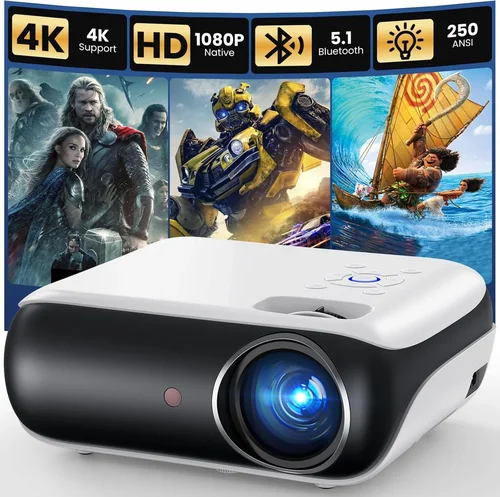
❌ Mistake: Choosing the Cheapest Model Without Checking Brightness
Why it’s bad: Low‑lumens units produce washed‑out images in typical classroom lighting, making text unreadable.
What to do instead: Set a minimum of 2,500 ANSI lumens for rooms with ambient light, even if it means spending a few dollars more.
❌ Mistake: Ignoring Throw Ratio and Planning Improper Placement
Why it’s bad: A standard‑throw projector placed too close will produce a tiny image; too far and the image becomes blurry.
What to do instead: Measure your wall or screen width, then use the formula distance = width × throw ratio to verify compatibility.
❌ Mistake: Overlooking Lamp Replacement Costs
Why it’s bad: Some budget models use cheap lamps that need replacement every 2,000–3,000 hours, adding hidden expenses.
What to do instead: Look for lamp life ratings of 20,000 hours or consider LED models with virtually no lamp costs.
❌ Mistake: Forgetting Connectivity Needs
Why it’s bad: A projector with only VGA forces you to use adapters for modern laptops, leading to signal loss.
What to do instead: Prioritize HDMI and, if possible, a USB‑C or wireless option for seamless integration.
❌ Mistake: Ignoring Warranty and After‑Sales Service
Why it’s bad: A short 6‑month warranty can leave you stranded if the lamp fails early.
What to do instead: Aim for at least a 1‑year warranty and verify the brand’s reputation for honoring claims.
Budget Guidelines: How Much Should You Spend?
Even within a sub‑$200 ceiling, you can segment the market to understand what each price tier realistically delivers.
- Entry-Level ($120‑$150): Expect 1,800–2,200 lumens, WXGA resolution, basic HDMI/VGA ports, and a standard throw ratio. Ideal for small, well‑lit rooms.
- Mid-Range ($151‑$180): You’ll find brighter units (2,400–2,800 lumens), better contrast ratios, short‑throw options, and sometimes built‑in speakers.
- Premium ($181‑$200): This tier often includes Full HD resolution, higher contrast, enhanced lamp life, and extra connectivity like USB‑C or wireless mirroring.
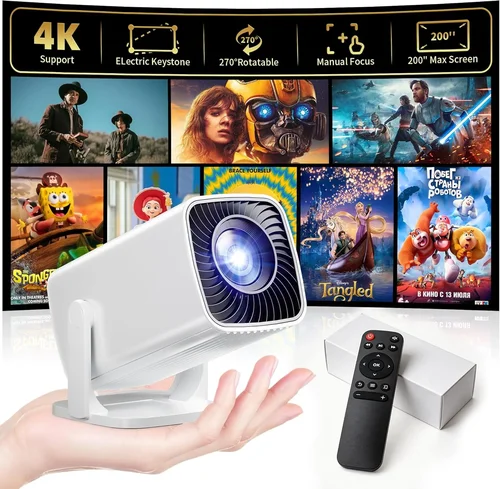
Expert Tips for Getting the Best Deal
- Timing: The biggest discounts appear during back‑to‑school sales (July–August) and major holidays (Black Friday, Cyber Monday).
- Where to buy: Compare prices on Amazon, Newegg, and the manufacturer’s website. Some brands offer refurbished units with full warranties at 15% off.
- Spotting deals: Look for bundles that include a ceiling mount, extra lamp, or extended warranty—these often provide better overall value.
- Warranty considerations: If a unit only offers 6 months, purchase an extended warranty from a reputable third‑party provider.
- Return policies: Ensure the seller offers at least a 30‑day return window; you’ll want to test the projector in your actual classroom environment.
- Testing before buying: If possible, view a demo unit in a store. Pay attention to color uniformity, keystone correction, and fan noise.
- Future‑proofing: Choose a model with at least one HDMI 2.0 port to support higher‑resolution content that may become standard in the next few years.

Frequently Asked Questions
Q: Do I really need 2,500 lumens for a classroom?
A: If the room has any ambient light, 2,500 lumens is a safe threshold. In a darkened room, 1,800 lumens can still produce a readable image, but you lose flexibility.
Q: Can I use a projector screen instead of a white wall?
A: Yes. A matte white screen improves contrast and color accuracy, especially for lower‑lumens units. For under $200, a 100‑inch portable screen costs around $30‑$40.
Q: Are LED projectors worth the extra cost?
A: LED models have longer lamp life and lower heat output, but they often sacrifice brightness. If you need >2,400 lumens, a traditional lamp DLP or LCD is usually better within this price range.
Q: How do I clean the projector lens?
A: Use a soft microfiber cloth and a lens‑cleaning solution. Never blow dust directly into the lens; instead, use a gentle brush or air blower.
Q: Is a built‑in speaker necessary?
A: Most classrooms have external audio systems. Built‑in speakers are okay for short videos, but they rarely provide enough volume for a full class.
Q: What is keystone correction?
A: Keystone correction digitally adjusts a trapezoidal image to a rectangle when the projector isn’t perfectly centered. It’s handy but can slightly reduce image sharpness.
Q: Can I mount a short‑throw projector on the ceiling?
A: Yes, but many short‑throw units are designed for front‑of‑class placement. Check the manufacturer’s mounting guidelines to avoid overheating.
Our Final Recommendations
- Best for Budget‑Conscious Buyers: ViewSonic PA503W – 3,600 lumens, WXGA, HDMI/VGA, under $150. Offers the brightest image in the entry‑level tier.
- Best Overall Value: BenQ MW535A – 3,600 lumens, WXGA, short‑throw (0.9), USB‑C, 20,000‑hour lamp. Priced at $179, it balances brightness, durability, and connectivity.
- Best Premium Option: Epson VS250 – Full HD 1080p, 3,200 lumens, HDMI, Miracast, 25,000‑hour lamp life. Slightly above $200 in sales, but often discounted to $190.
- Best for Beginners: Optoma S334e – Plug‑and‑play, 3,600 lumens, simple remote, VGA/HDMI, $149. Minimal setup, perfect for teachers new to AV tech.
- Best for Advanced Users: NEC NP502W – 3,800 lumens, high contrast, multiple HDMI ports, network control, $199. Ideal for tech‑savvy educators who need remote management.
Conclusion: Making the Right Choice
Choosing the best classroom projector under $200 hinges on matching brightness, resolution, and connectivity to your specific teaching environment. Prioritize a lumen rating that overcomes ambient light, verify the throw ratio fits your room layout, and don’t forget long‑term costs like lamp replacements. By avoiding common mistakes, budgeting wisely, and leveraging seasonal deals, you can equip your classroom with a projector that enhances learning without draining funds.
Ready to upgrade your teaching toolkit? Browse the recommended models, compare current prices, and take advantage of the tips above to secure the best deal. Your students deserve clear, engaging visuals—let the right projector make that happen.