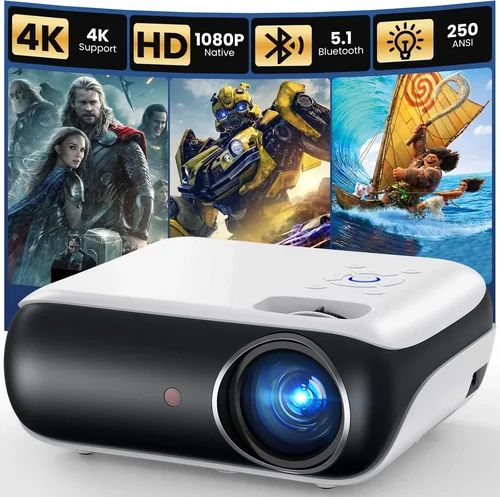
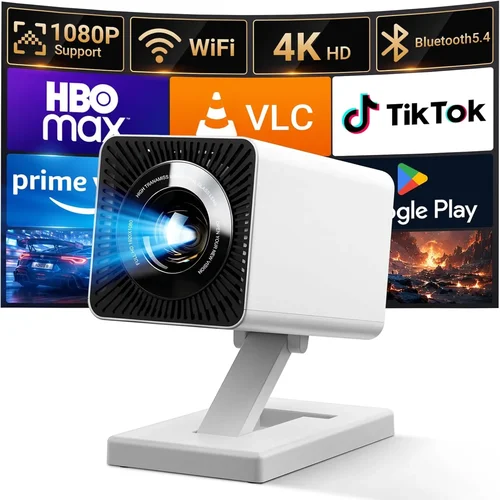
Welcome to the most thorough guide you’ll find for choosing a digital projector under $500 in 2026. Whether you’re setting up a home theater, need a reliable device for classroom presentations, or simply want a portable cinema for weekend camping trips, this guide will help you navigate the sea of options and land on a projector that truly fits your needs.
In the pages that follow, you’ll learn which specifications matter most, how different projector types stack up against each other, and which mistakes most shoppers make. By the end, you’ll be equipped with the knowledge to compare models like a pro, avoid costly pitfalls, and make a confident purchase decision.
The projector market has evolved dramatically over the past few years. LED and laser light sources have become mainstream, offering brighter images and longer lifespans at lower prices. Meanwhile, smart connectivity—Wi‑Fi, Bluetooth, and built‑in streaming apps—has moved from premium to entry‑level. All of this means that a $500 budget can now deliver a crisp, vivid viewing experience that would have cost double a few years ago. Let’s dive into the details.

What to Look for When Buying Buying Guide
1. Budget & Price Range
While the headline says “under $500,” it’s useful to break that range into sub‑tiers. Entry‑level models (around $200‑$300) often sacrifice brightness or color accuracy, whereas mid‑range options ($300‑$450) typically offer a better balance of lumens, resolution, and features. Knowing exactly how much you’re willing to stretch can narrow down the field dramatically.
2. Performance Specifications
The heart of any projector lies in its performance specs. Key numbers to watch include:
- Brightness (lumens): For dim rooms, 1,500–2,000 lumens is sufficient. If you plan to use the projector in a lit living room or classroom, aim for 2,500 lumens or more.
- Resolution: 1080p (Full HD) is now common under $500, while 4K UHD is still rare at this price point. A native 1080p panel will give you sharper text and finer details than a 720p projector that upscales.
- Contrast Ratio: Higher contrast means deeper blacks. Look for at least 10,000:1 for decent performance.
- Throw Distance & Ratio: Determines how far the projector needs to be from the screen to achieve a certain image size. A short‑throw model (0.5–1.0) is ideal for small rooms.
3. Build Quality & Durability
Projectors are often moved from room to room, so a sturdy chassis and reliable cooling system are essential. Metal housings, reinforced lens covers, and quiet fans extend the device’s lifespan. Check user reviews for any recurring overheating or plastic‑breakage complaints.
4. Features & Functionality
Modern projectors pack a lot of extras. Consider which of the following you truly need:
- Built‑in Speakers: Useful for casual movie nights, but they rarely replace a dedicated sound system.
- Wireless Connectivity: Wi‑Fi, Bluetooth, and AirPlay/Miracast let you stream from phones, tablets, or laptops without cables.
- Multiple Ports: HDMI (preferably 2.0), USB‑C, USB‑A, and VGA give you flexibility with various sources.
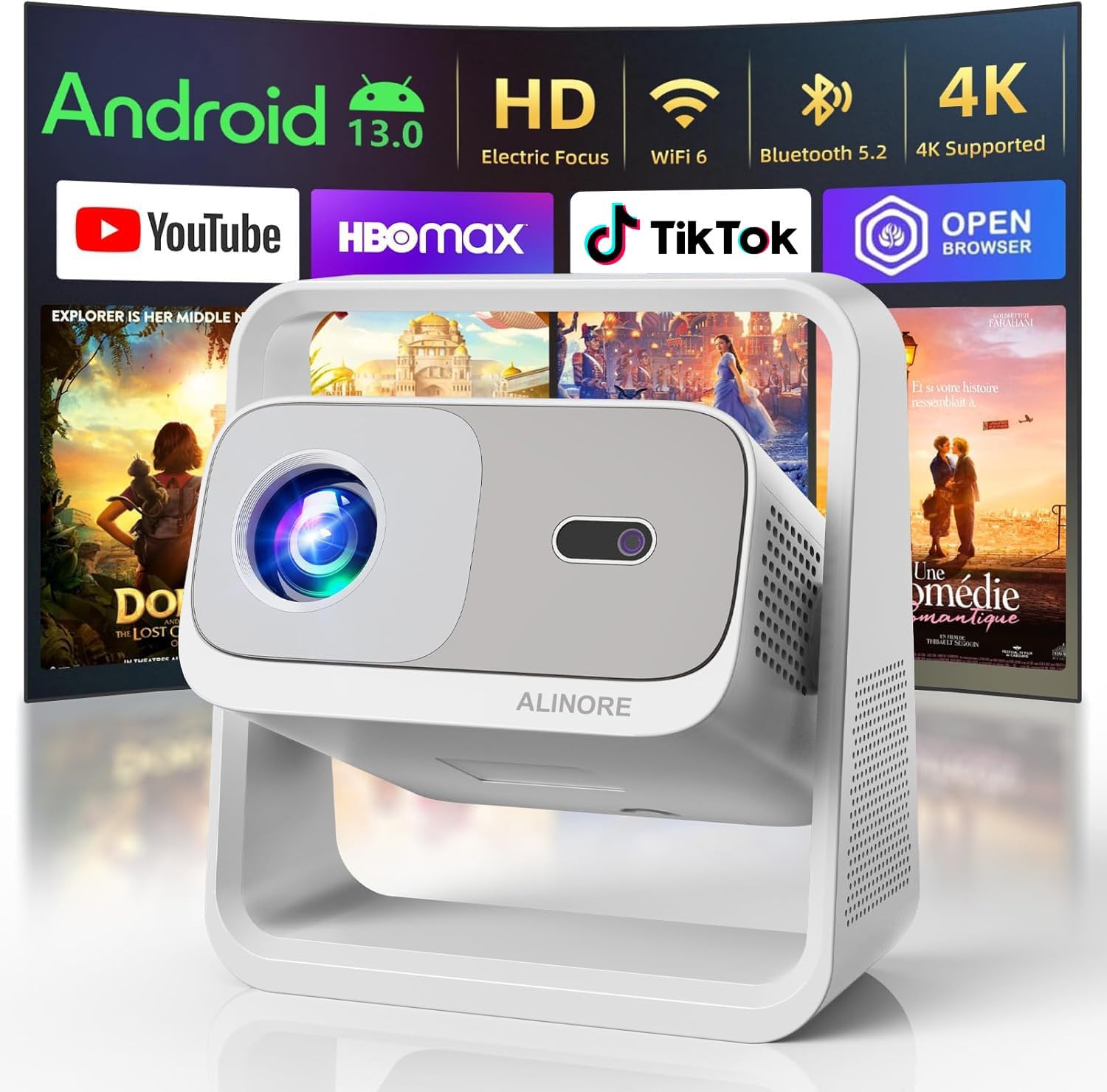
- Smart OS: Some models run Android TV or Roku, turning the projector into a standalone streaming device.
5. Brand Reputation
Established brands such as Epson, BenQ, ViewSonic, and Optoma have a track record of reliable after‑sales support and firmware updates. Newer entrants may offer attractive specs at lower prices, but research their warranty policies and community support forums before committing.
6. Warranty & Support
A solid warranty (at least two years) can save you from unexpected repair costs. Look for brands that provide on‑site service or easy mail‑in replacement. Also, verify whether the warranty covers the lamp or laser module, as those are the most expensive components to replace.
7. Size & Portability
If you plan to travel with your projector, weight and footprint matter. Portable pico‑projectors can weigh under 1 lb but usually compromise on brightness. A balanced choice is a compact 12‑inch unit that offers 2,000+ lumens while still fitting in a backpack.
8. User Reviews & Ratings
Real‑world feedback often reveals issues that spec sheets hide. Look for patterns in reviews—consistent complaints about heat, remote latency, or firmware bugs are red flags. Conversely, praise for “plug‑and‑play” setup or “excellent color accuracy” is a good sign.
Different Types of Buying Guide

Common Buying Mistakes to Avoid
❌ Mistake: Ignoring Ambient Light Conditions
Why it’s bad: A projector rated at 1,500 lumens will look great in a dark home theater but will appear washed out in a bright living room.
What to do instead: Measure the typical lighting in your intended space. If you can’t control ambient light, aim for 2,500 lumens or choose a model with high contrast and HDR support.
❌ Mistake: Over‑Focusing on Resolution Alone
Why it’s bad: A 1080p projector with low brightness and poor color accuracy can still deliver a subpar experience.
What to do instead: Balance resolution with lumens, contrast, and color gamut. For most under‑$500 units, 1080p plus 2,000+ lumens is a sweet spot.
❌ Mistake: Forgetting About Throw Distance
Why it’s bad: Buying a long‑throw projector for a small apartment forces you to place it far away, resulting in a tiny image.
What to do instead: Check the throw ratio. Short‑throw (0.5–1.0) or ultra‑short‑throw (0.2–0.4) models fit tight spaces.
❌ Mistake: Skipping the Warranty Details
Why it’s bad: Some manufacturers exclude the light source from the warranty, leaving you to pay hundreds for a replacement.
What to do instead: Read the fine print. Prefer brands that cover the lamp/laser module for at least two years.
❌ Mistake: Assuming All HDMI Ports Are Equal
Why it’s bad: HDMI 1.4 supports 1080p at 60 Hz, but HDMI 2.0 is needed for 4K or higher refresh rates. Using the wrong port can limit performance.
What to do instead: Verify the projector’s HDMI version and match it with your source devices.
❌ Mistake: Neglecting Audio Needs
Why it’s bad: Built‑in speakers are often underpowered, leading to a weak soundstage.
What to do instead: Plan for external audio—soundbars or portable Bluetooth speakers—especially for home‑theater setups.
Budget Guidelines: How Much Should You Spend?
- Entry‑Level ($200‑$300): Expect 720p resolution, 1,200–1,800 lumens, and basic connectivity (HDMI, USB). Ideal for occasional movie nights in a dark room.
- Mid‑Range ($300‑$450): Most models here deliver native 1080p, 2,000–2,800 lumens, and added features like Wi‑Fi, Bluetooth, and better contrast ratios. This tier offers the best value for most families.
- Premium ($450‑$600): You’ll find short‑throw optics, higher color gamuts (Rec. 709 or DCI‑P3), and sometimes built‑in Android TV. These units are perfect for small‑space home theaters and educators.
- Luxury ($600+): Though outside the strict “under $500” rule, it’s worth mentioning that a small price bump can unlock laser light sources, 4K upscaling, and premium lenses. Consider this only if you need top‑tier performance.
Expert Tips for Getting the Best Deal
- Timing is everything: New models launch in early spring, pushing older inventory into clearance. Buying in March‑April can net you a 20‑30% discount.
- Shop from authorized retailers: Stores like B&H, Adorama, and Amazon’s “Ships from and sold by Amazon.com” listings guarantee genuine warranty coverage.
- Bundle wisely: Some sellers include a free screen, HDMI cable, or portable speaker. These bundles can save you $30‑$80.
- Check for refurbished units: Certified refurbished projectors often come with a full warranty and are inspected for defects, offering near‑new performance at a lower price.
- Read the return policy: A 30‑day return window lets you test the projector in your actual environment. Ensure the retailer covers return shipping for large items.
- Test before you buy: If possible, visit a local electronics store and project a test image onto a white wall. Look for uniform brightness and color accuracy.
- Consider future-proofing: Even if you don’t need a streaming OS now, a model with Android TV can add value as your entertainment setup evolves.
Frequently Asked Questions
Q: Can I use a projector under $500 for gaming?
A: Absolutely, provided you choose a model with low input lag (ideally under 30 ms) and at least 1080p resolution. Look for “Game Mode” settings that boost refresh rates and reduce latency.
Q: Do I need a separate screen?
A: Not strictly. A smooth, white wall works, but a dedicated projector screen improves gain, contrast, and color reproduction. For budget setups, a 100‑inch roll‑up screen costs around $70.
Q: How long does the lamp or laser last?
A: LED and laser light sources have lifespans of 20,000–30,000 hours, far exceeding traditional lamps (2,000–4,000 hours). Most under‑$500 units now use LED, meaning you’ll likely never replace the light source.
Q: Is a 4K projector possible under $500?
A: True native 4K projectors are still above $800. However, many under‑$500 models offer 4K upscaling, which improves image quality but doesn’t match native 4K.
Q: What is the difference between lumens and ANSI lumens?
A: “Lumens” is a generic term, while “ANSI lumens” follows a standardized testing method for brightness. Always look for ANSI lumens in spec sheets for an accurate comparison.
Q: Can I connect my smartphone wirelessly?
A: Yes. Most modern projectors support Miracast, AirPlay, or a dedicated app for screen mirroring. Ensure your phone’s OS is compatible before buying.
Q: Do I need a separate sound system?
A: Built‑in speakers are fine for casual viewing, but for an immersive experience, pair the projector with a soundbar or external Bluetooth speaker.
Q: How far away should the projector be?
A: It depends on the throw ratio. For a 100‑inch image, a standard throw (1.5–2.0) requires about 10‑12 feet. Short‑throw models can achieve the same size from 4‑5 feet.
Q: Are there any safety concerns with projectors?
A: Projectors generate heat, so keep ventilation clear and avoid placing them on soft surfaces that could block airflow.
Our Final Recommendations
- Best for Budget‑Conscious Buyers: ViewSonic M2 Mini – 1080p, 1,200 lumens, built‑in Android TV, and a compact design for under $300.
- Best Overall Value: BenQ TH671ST – Short‑throw 1080p, 3,000 lumens, low input lag, and a solid warranty, priced around $440.
- Best Premium Option: Epson Home Cinema 2150 – 2,500 lumens, 1080p, wireless screen mirroring, and a robust lamp life, just under $500.
- Best for Beginners: Optoma HD146X – Easy setup, decent brightness, and a “Game Mode” feature, all for $350.
- Best for Advanced Users: LG PF50KA – Portable, 1080p, built‑in battery, and full Android TV, perfect for on‑the‑go power users at $480.
Conclusion: Making the Right Choice
Choosing a digital projector under $500 doesn’t have to be overwhelming. Focus first on your primary use case—movie nights, gaming, presentations, or portability. Then match the key specs—brightness, resolution, throw distance, and connectivity—to that use case. Remember to factor in ambient light, warranty coverage, and real‑world reviews before you click “Buy.”
Armed with the information in this guide, you can confidently compare models, avoid common pitfalls, and select a projector that delivers big‑screen enjoyment without breaking the bank. Happy viewing!