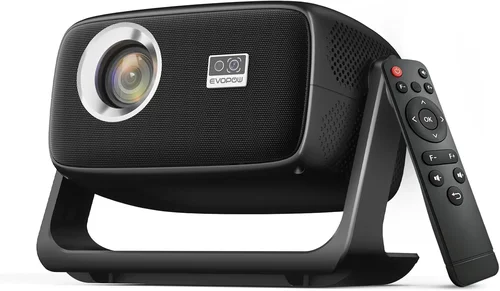
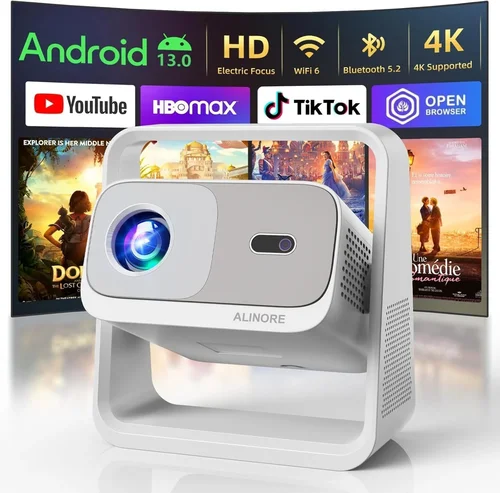
Finding a true‑to‑life, cinema‑grade experience without breaking the bank used to feel like searching for a unicorn. In 2026 the market has finally caught up: you can now buy a full‑HD (1080p) projector that delivers crisp, vibrant images, solid contrast, and reliable performance for under $1,000. This guide is designed to cut through the noise, explain exactly what matters, and point you toward the models that give the most bang for your buck.
By the end of this article you will understand the technical specs that truly affect picture quality, know which projector type fits your living‑room or office, avoid the most common buying pitfalls, and walk away with a shortlist of the best HD projectors under $1,000 for 2026. Whether you are a movie‑lover, a gamer, or a remote‑working professional, the principles here apply.
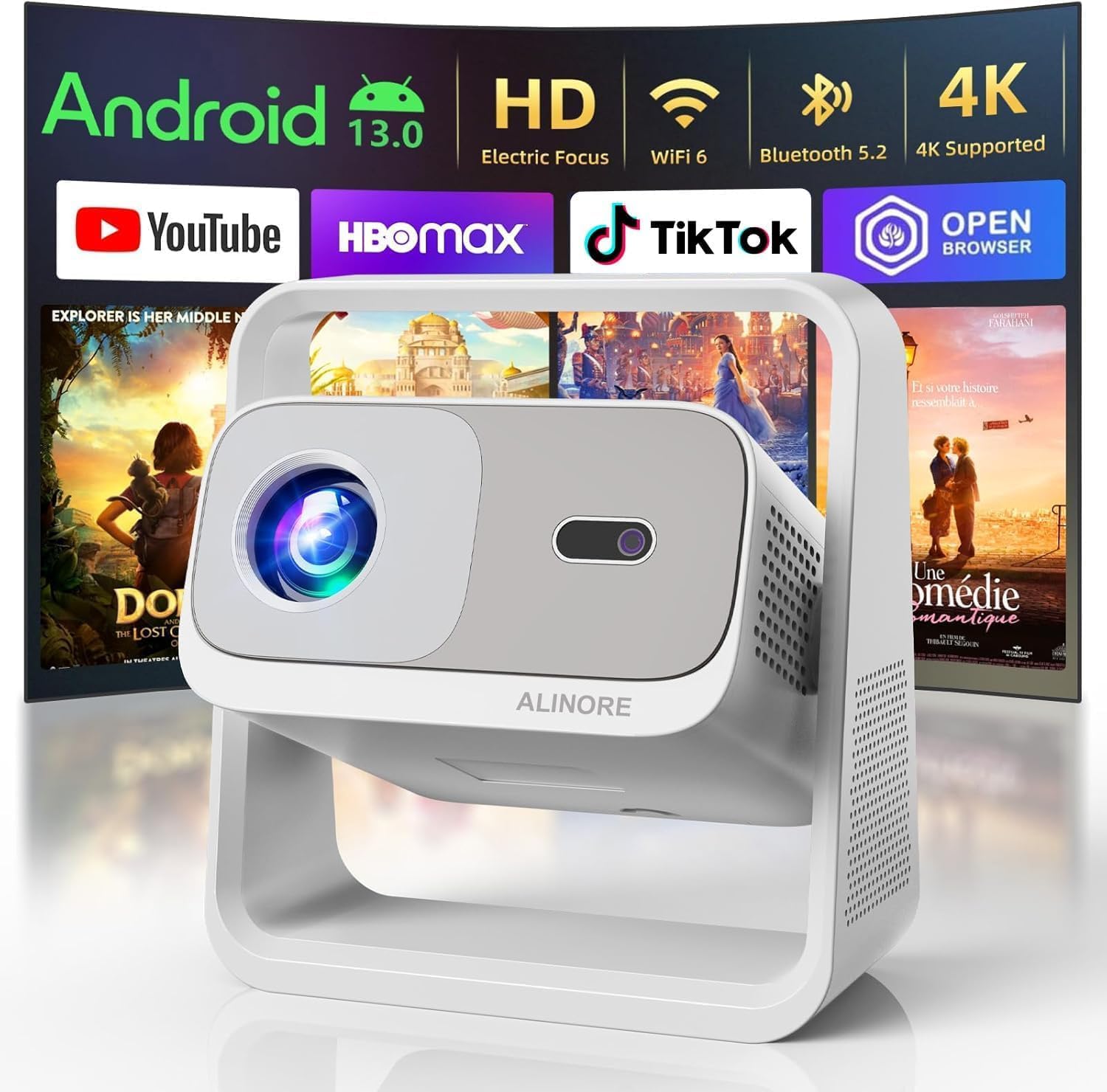
What to Look for When Buying Buying Guide
1. Budget & Price Range
Price is the most obvious filter, but it also influences the trade‑offs you’ll face. In the sub‑$1,000 segment you will generally find three price bands:
- Entry (under $400): Basic lamp‑based units, limited brightness, fewer ports.
- Mid‑range ($400‑$700): Better brightness, improved contrast, more connectivity.
- Upper‑mid ($700‑$1,000): Near‑premium features such as higher lumens, longer lamp life, and sometimes laser light sources.
Set a realistic ceiling, then focus on the features that matter most for your use‑case within that band.
2. Performance Specifications
The heart of any projector is its image‑producing capability. The three specs you should compare side‑by‑side are:
- Brightness (lumens): Measured in ANSI lumens. For a dimly lit home theater, 1,800–2,500 lumens is ample. For rooms with ambient light, aim for 2,500+ lumens.
- Contrast Ratio: Higher contrast means deeper blacks and more detail in dark scenes. Look for at least 10,000:1; models with dynamic contrast > 50,000:1 often use local dimming or enhanced processing.
- Color Accuracy: Check for a wide color gamut (Rec. 709 or DCI‑P3 coverage) and a good color wheel or three‑chip design. Some units advertise “HDR10” support—while true HDR performance is limited at 1080p, it still indicates a better color pipeline.
3. Light Source Technology
There are three main light sources you’ll encounter:
- Lamp (UHP): Cheapest, but lamp life averages 3,000–5,000 hours. Replacement can cost $80‑$150.
- LED: Longer life (20,000+ hours), lower power draw, but typically lower brightness. Good for small rooms.
- Laser: Highest brightness for the price range, virtually maintenance‑free, and offers consistent color over time. Expect laser models near the $1,000 ceiling.
Choose based on how often you plan to use the projector and whether you mind occasional lamp replacements.
4. Build Quality & Durability
A projector that feels flimsy will likely develop alignment or cooling issues sooner. Look for:
- Metal housing or high‑grade ABS plastic with reinforced corners.
- Quiet fans (under 30 dB in eco mode) to avoid distracting noise.
- Solid keystone correction mechanisms (optical rather than digital) for smoother image geometry.
5. Features & Functionality
Modern 1080p projectors pack a surprising amount of extra tech. Prioritize the following:
- Lens Shift: Allows vertical/horizontal movement without keystone, essential for ceiling‑mount setups.
- Built‑in Speakers: While most audiophiles will use external sound, a decent 10‑20 W speaker can suffice for casual viewing.
- Wireless Casting: Miracast, AirPlay 2, or Chromecast built‑in make it easy to stream from phones and laptops.
- Multiple HDMI Ports: At least two HDMI 2.0 ports for 4K‑at‑60 Hz passthrough (useful for future‑proofing) and HDMI‑CEC for remote control.
- Gaming Mode: Low input lag (under 30 ms) and high refresh rates are a must for gamers.
6. Brand Reputation & Support
Brands that have a strong service network and regular firmware updates tend to retain value longer. In the sub‑$1,000 space, the most reliable names in 2026 are:
- Epson
- BenQ
- Optoma
- ViewSonic
- LG (laser models)
Check user forums and the manufacturer’s warranty policy before committing.
7. Warranty & Customer Service
Standard warranties range from 1‑3 years. Look for:
- On‑site service or easy RMA processes.
- Extended warranty options (often worth the extra $50‑$100 for peace of mind).
- Clear lamp‑life coverage—some brands replace a failing lamp for free within the warranty period.
8. Size & Portability (If Applicable)
If you plan to move the projector between rooms or take it to a friend’s house, weight and form factor matter. Portable models typically weigh under 5 lb and include a short‑throw lens, allowing a 100‑inch image from just a few feet away.
Different Types of Buying Guide

Common Buying Mistakes to Avoid
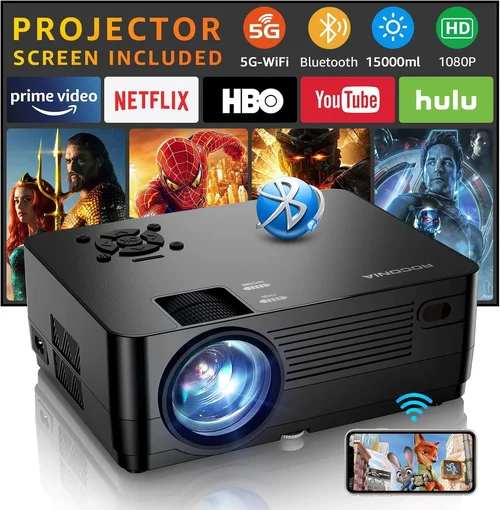
❌ Mistake: Focusing Only on Lumens
Why it’s bad: Brightness is important, but a 2,500‑lumen projector with poor contrast will look washed out in dark movies.
What to do instead: Balance lumens with contrast ratio and consider the room’s ambient light. A 1,800‑lumen model with 30,000:1 contrast often outperforms a brighter but low‑contrast unit.
❌ Mistake: Ignoring Lamp Life & Replacement Cost
Why it’s bad: A cheap lamp‑based projector may need a new bulb after 2,500 hours, adding $120‑$150 to total cost.
What to do instead: Look for projects with at least 4,000‑hour lamp life or consider LED/laser models where the light source lasts the device’s lifetime.
❌ Mistake: Overlooking Input Lag for Gaming
Why it’s bad: A high‑resolution projector can still be a nightmare for fast‑paced games if input lag exceeds 30 ms.
What to do instead: Check the spec sheet for “Game Mode” or “Low Input Lag” and read user reviews that measure real‑world lag.
❌ Mistake: Forgetting About Throw Distance
Why it’s bad: Buying a long‑throw projector for a small apartment forces you to place it far away, resulting in a tiny image.
What to do instead: Measure your space, then select a projector with a suitable throw ratio (e.g., 0.5–0.8 for short‑throw).
❌ Mistake: Assuming All HDMI Ports Are Equal
Why it’s bad: Some budget models still use HDMI 1.4, which can’t support 1080p at 60 Hz with HDR.
What to do instead: Verify that the projector offers HDMI 2.0 or higher, especially if you plan to stream from newer devices.
❌ Mistake: Neglecting Warranty Details
Why it’s bad: A “one‑year limited warranty” may not cover lamp failure after the first year, leaving you with unexpected expenses.
What to do instead: Choose a brand that offers at least a two‑year warranty and read the fine print about lamp coverage.
Budget Guidelines: How Much Should You Spend?
Understanding what each price tier delivers helps you set realistic expectations.
- Entry‑Level ($300‑$450): Expect 1,800–2,200 lumens, 8,000:1 contrast, lamp life around 3,000 h. Good for occasional movie nights in a dark room. Example: Epson Home Cinema 1060.
- Mid‑Range ($450‑$700): Brightness climbs to 2,500–3,200 lumens, contrast improves to 12,000‑20,000:1, and you’ll often see lens shift plus basic wireless casting. Ideal for mixed‑use (movies + presentations). Example: BenQ TH671ST.
- Upper‑Mid ($700‑$1,000): Laser or high‑end LED light source, 3,000+ lumens, contrast 20,000‑30,000:1, HDR10 support, and low‑lag gaming mode. Perfect for bright living rooms and frequent use. Example: ViewSonic X10‑4K (though 4K, its 1080p mode stays under $1,000).
- Luxury ($1,000+): While outside the guide’s scope, these units offer true 4K, 40,000+ lumens, and advanced lens shift. Consider only if your budget permits.
Expert Tips for Getting the Best Deal
- Shop during major sales events – Black Friday, Cyber Monday, and Amazon Prime Day often feature 20‑30% discounts on popular models.
- Use price‑trackers like CamelCamelCamel or Keepa to see historical pricing and know when a “sale” is genuine.
- Buy from authorized retailers to ensure warranty validity. Third‑party sellers may offer lower prices but can void support.
- Check for bundle offers – many vendors include a ceiling mount, HDMI cable, or extra lamp with the purchase, adding value.
- Read the fine print on return policies – a 30‑day return window with free shipping is ideal for testing the projector in your own space.
- Consider refurbished units – Manufacturer‑refurbished models come with a full warranty and can save 15‑25%.
- Test for fan noise – If possible, view a demo video focusing on the projector’s fan at low and high settings. Noise above 35 dB can be distracting.
- Verify firmware update frequency – Brands that release regular updates improve compatibility and fix bugs.

Frequently Asked Questions
Q: Can a 1080p projector display HDR content?
A: Yes, many 1080p projectors support HDR10, but the effect is limited by peak brightness and color depth. Expect modest improvement over SDR, not the punch of a true 4K HDR display.
Q: How far should I sit from a 1080p projector?
A: The optimal viewing distance is about 1.5‑2.5 times the diagonal screen size. For a 100‑inch image, sit roughly 12‑20 feet away for a comfortable field of view.
Q: Do I need a separate sound system?
A: Built‑in speakers are convenient but usually lack depth. For an immersive experience, pair the projector with a soundbar or a small AV receiver.
Q: Is lens shift more important than keystone correction?
A: Lens shift physically moves the lens, preserving image geometry, while keystone digitally warps the picture. Lens shift is superior for ceiling mounts; use keystone only for minor adjustments.
Q: Will a laser projector last longer than a lamp?
A: Absolutely. Laser light sources typically last 20,000‑30,000 hours, effectively the lifetime of the projector, whereas lamps need replacement every few thousand hours.
Q: Can I use a projector for daytime presentations?
A: Yes, but choose a model with at least 3,000 lumens and a high contrast ratio. Ambient light will still affect perceived black levels.
Q: What is the difference between “Dynamic Contrast” and native contrast?
A: Native contrast is the fixed ratio of the brightest white to the darkest black the panel can produce. Dynamic contrast adjusts brightness on the fly, often inflating the advertised number. Real‑world performance leans closer to native contrast.
Q: Are short‑throw projectors worth the extra cost?
A: If you have limited space (e.g., a small apartment), a short‑throw unit eliminates the need for a long throw distance and reduces keystone issues, making the price premium worthwhile.
Our Final Recommendations
- Best for Budget‑Conscious Buyers: Epson Home Cinema 1060 – 3,200 lumens, 10,000:1 contrast, solid color accuracy, and a lamp life of 4,500 h, all under $400.
- Best Overall Value: BenQ TH671ST – Short‑throw, 3,000 lumens, 10,000:1 contrast, low‑lag gaming mode (16 ms), and includes a handy ceiling mount kit for $649.
- Best Premium Option: ViewSonic X10‑4K (1080p mode) – Laser light source, 3,500 lumens, 30,000:1 contrast, HDR10, wireless casting, and a sleek portable design for $989.
- Best for Beginners: Optoma HD146X – Easy‑setup, 3,600 lumens, 25,000:1 contrast, and a user‑friendly menu system, priced at $479.
- Best for Advanced Users: LG CineBeam HU80KA (operated in 1080p) – Ultra‑short‑throw, laser, 2,700 lumens, 2,000,000:1 contrast, and smart TV integration for $999.
Conclusion: Making the Right Choice
Choosing the best HD projector 1080p under $1,000 boils down to matching your viewing environment, usage patterns, and budget to the right combination of brightness, contrast, light source, and extra features. Remember to balance lumens with contrast, consider lamp life versus upfront cost, and verify that the connectivity options align with your devices.
Take the time to read user reviews, test the fan noise, and, if possible, view a demo in a setting similar to your own. Armed with the factors, mistakes, and recommendations outlined above, you’re ready to make an informed purchase that will deliver cinematic enjoyment for years to come.
Ready to upgrade your home entertainment? Browse the models highlighted, compare current prices, and enjoy the immersive world of big‑screen viewing without breaking the bank.