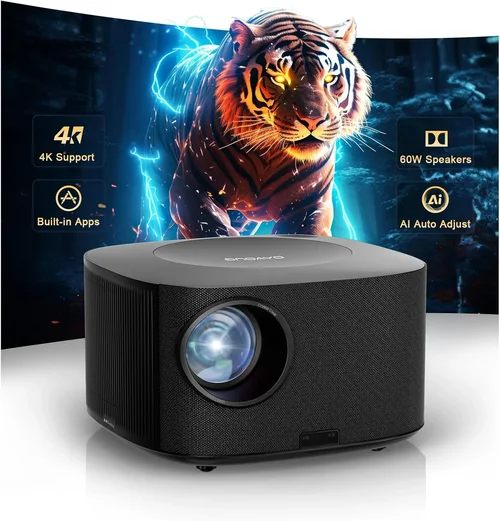
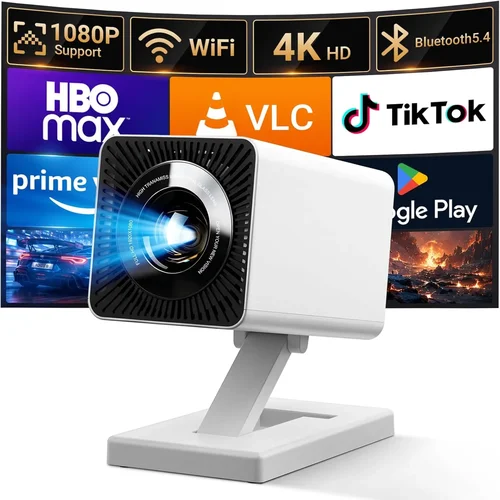
Finding a high‑definition projector that doesn’t break the bank can feel like hunting for a needle in a haystack, especially when the UK market is flooded with models that promise cinema‑like experiences at every price point. This guide cuts through the noise, giving you a crystal‑clear roadmap to the best HD projector under £500. Whether you’re setting up a home cinema in a small flat, creating a portable presentation tool for work, or simply want a big‑screen gaming experience, the right projector can transform the way you view media.
In the next few minutes you’ll discover exactly what to look for, how different projector types stack up, common pitfalls to avoid, and a set of hand‑picked recommendations that deliver the most bang for your buck. By the end of this guide you’ll be equipped to make a confident purchase that matches your budget, space, and performance expectations.

What to Look for When Buying Buying Guide
1. Budget & Price Range
Sticking to a sub‑£500 ceiling forces you to prioritize features that truly matter. While you won’t get 4K resolution at this price, you can still secure 1080p native or high‑quality 720p with excellent colour accuracy. Set a realistic ceiling – think of the total cost of ownership, including bulbs, mounting hardware, and optional accessories.
2. Performance Specifications
Key specs include resolution, brightness (lumens), contrast ratio, and throw distance. For a living‑room setup with ambient light, aim for at least 2,500–3,000 ANSI lumens. A contrast ratio of 10,000:1 or higher ensures deep blacks, essential for movie night. Native 1080p is ideal; look for “Full HD” in the product name.
3. Build Quality & Durability
Projectors in this price band often use plastic housings. Check for solid screws, a sturdy lens cover, and a reliable cooling system. A well‑engineered chassis reduces vibration, which can otherwise blur the image.
4. Features & Functionality
Connectivity options (HDMI, USB‑C, Wi‑Fi, Bluetooth) dictate how easily you can link laptops, consoles, or streaming sticks. Built‑in speakers are a nice bonus, but don’t expect theatre‑level audio – a separate sound system is still recommended. Look for keystone correction, lens shift, and automatic focus for flexible placement.
5. Brand Reputation
Established brands such as Epson, BenQ, Optoma, and ViewSonic have a track record of reliable budget models. They also tend to provide more accessible firmware updates and spare parts.
6. Warranty & Support
A minimum 2‑year warranty is common; however, some manufacturers extend it to 3 years for peace of mind. Verify the length of the lamp warranty – a longer lamp life (up to 5,000 hours) reduces long‑term costs.
7. Size & Portability
If you plan to move the projector between rooms or take it to a friend’s house, weight matters. Models under 2 kg with a compact footprint are ideal for portable use.
8. User Reviews & Ratings
Real‑world feedback highlights issues that spec sheets hide, such as fan noise, firmware quirks, or colour accuracy problems. Prioritise products with a consistent rating of 4 stars or higher on UK retailer sites.
Different Types of Buying Guide

Common Buying Mistakes to Avoid
❌ Mistake: Buying the Highest Lumen Rating Without Considering Contrast
Why it’s bad: A projector that boasts 4,000 lumens but has a low contrast ratio will look washed out in dim rooms.
What to do instead: Balance brightness with a contrast ratio of at least 10,000:1 for deep blacks.
❌ Mistake: Ignoring Throw Distance Requirements
Why it’s bad: You might end up with a tiny image or need to mount the projector far away, which isn’t feasible in a typical UK flat.
What to do instead: Measure your room and choose a projector with a throw ratio that fits your space (e.g., 1.2–1.5 for 100‑inch screens).
❌ Mistake: Overlooking Input Lag for Gaming
Why it’s bad: High input lag makes fast‑paced games feel sluggish.
What to do instead: Look for a “Game Mode” or an input lag below 30 ms.
❌ Mistake: Forgetting About Lamp Replacement Costs
Why it’s bad: Some budget models use short‑life lamps that need replacement every 2,000 hours, adding hidden expense.
What to do instead: Prefer LED or laser light sources for longer life, or verify the lamp warranty.
❌ Mistake: Assuming All HDMI Ports Are Equal
Why it’s bad: Older HDMI 1.4 ports won’t support 1080p at 60 Hz with HDR.
What to do instead: Ensure the projector has HDMI 2.0 or higher for full HD performance.
Budget Guidelines: How Much Should You Spend?
- Entry‑Level (£250‑£350): Expect 720p resolution, 2,500 lumens, basic HDMI input, and modest contrast. Good for occasional movie nights in dark rooms.
- Mid‑Range (£350‑£450): Native 1080p, 3,000+ lumens, better contrast, and added features like wireless screen mirroring and keystone correction.
- Premium (£450‑£500): Higher‑end LED or laser hybrids, 3,500+ lumens, low fan noise, robust connectivity (HDMI 2.0, USB‑C), and longer warranty.
- Luxury (Above £500): Not covered in this guide, but typically includes 4K support and premium optics.
Expert Tips for Getting the Best Deal
- Buy during off‑season (late winter) when demand for home‑theatre gear dips.
- Check refurbished units from manufacturers – they come with full warranties at a lower price.
- Compare bundled accessories; a free HDMI‑Cable or mounting kit adds value.
- Read the fine print on return policies – a 30‑day window is ideal for testing the unit at home.
- Consider a local electronics retailer for in‑store demos; you’ll hear fan noise and see colour accuracy firsthand.
- Register the product on the brand’s website to unlock extended warranty offers.

Frequently Asked Questions
Q: Can I use a projector under £500 for gaming?
A: Yes, provided the model offers low input lag (under 30 ms) and a refresh rate of 60 Hz. DLP projectors often excel in this area.
Q: Do I need a separate sound system?
A: Built‑in speakers are usually limited to 5‑10 W and lack depth. Pair