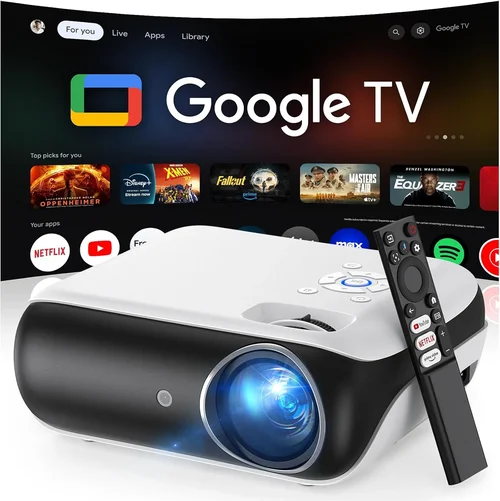
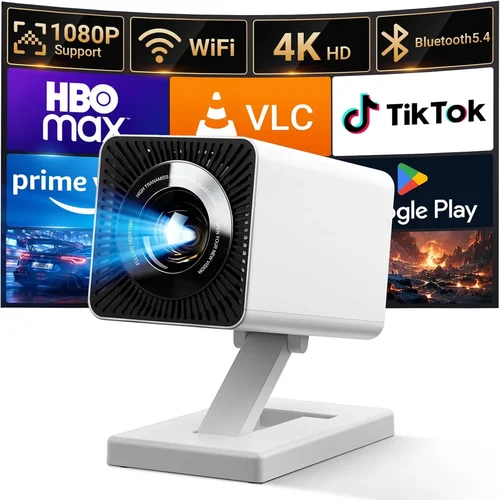
Welcome to the most thorough guide you’ll find on buying a home movie projector under $500 in 2026. Whether you’re setting up a weekend‑movie night in the living room, creating a portable cinema for camping trips, or simply looking to upgrade from a TV‑screen, the right projector can transform the way you watch content. But the market is crowded, and a low price tag can sometimes hide compromises that affect picture quality, durability, or ease of use. This guide cuts through the noise, giving you the knowledge you need to make a confident, value‑driven decision.
In the pages that follow you’ll learn how to evaluate key specifications, compare projector types, avoid common buying pitfalls, and allocate your budget wisely. We’ll also provide expert tips for scoring the best deals, a detailed FAQ, and a curated shortlist of the top models that deliver cinema‑grade performance without breaking the bank.
The home projector landscape has evolved dramatically over the past few years. LED and laser light sources have become more affordable, offering longer lifespans and vibrant colors compared with traditional lamps. Meanwhile, resolution standards have risen, with 1080p becoming the baseline for most mid‑range devices. As a result, you can now find models that deliver crisp, bright images, built‑in streaming, and smart connectivity—all for under $500.

What to Look for When Buying Buying Guide
1. Budget & Price Range
Price is the most obvious filter, but it also dictates which technologies are available to you. Under $500, you’ll typically encounter three categories: entry‑level LED projectors, lamp‑based SVGA/HD models, and the emerging budget laser units. Each has its own trade‑offs in brightness, lifespan, and color accuracy. Set a clear ceiling (for example, $499) and decide whether you’re willing to stretch a little for a feature that matters most, such as native 1080p resolution.
2. Performance Specifications
Performance hinges on three core specs:
- Resolution: Look for native 1080p (1920×1080) if possible. Some projectors use a 720p panel with pixel‑shift technology to simulate 1080p, which can be acceptable for casual viewing but may show artifacts on detailed content.
- Brightness (lumens): Measured in ANSI lumens, a projector under $500 should deliver at least 2,500–3,000 lumens for a dimly lit room. If you plan to use it with ambient light, aim for 3,500+ lumens.
- Contrast Ratio: Higher contrast provides deeper blacks. Look for a ratio of 10,000:1 or higher; however, many manufacturers quote inflated numbers, so read professional reviews for real‑world performance.
3. Build Quality & Durability
A projector is an investment that should withstand regular use. Metal chassis, sturdy lens housings, and reinforced cooling fans are signs of durability. For portable units, consider shock‑resistant designs and protective carry cases. Check the lamp or light‑source lifespan—LED and laser units often exceed 20,000 hours, effectively outlasting the projector itself.
4. Features & Functionality
Modern projectors pack a surprising amount of smart technology. Prioritize features that align with your lifestyle:
- Built‑in speakers: Useful for quick set‑ups, but many users pair the projector with external audio for richer sound.
- Wireless connectivity: Wi‑Fi, Bluetooth, or AirPlay support eliminates cables and simplifies streaming from phones or tablets.
- HDMI & USB ports: Ensure at least two HDMI inputs for game consoles, Blu‑ray players, and streaming sticks. USB‑C ports are a bonus for future‑proofing.
- Keystone correction & lens shift: These features help align the image without moving the projector, crucial for limited spaces.
5. Brand Reputation
Established brands like Epson, BenQ, ViewSonic, and Optoma often deliver consistent quality and reliable firmware updates. Newer entrants such as Anker (Nebula) and Vankyo have made impressive strides, especially in the portable segment. Research a brand’s track record for customer service, firmware support, and community forums.
6. Warranty & Support
A solid warranty can save you from unexpected repair costs. Look for at least a 2‑year warranty covering the light source. Some manufacturers offer extended plans or free on‑site repairs. Verify the availability of local service centers or authorized repair partners.
7. Size & Portability
If you plan to move the projector between rooms or take it on trips, weight and dimensions matter. Portable models often weigh under 3 lb and include a built‑in battery, but they may sacrifice brightness. Larger, fixed‑installation units provide higher lumens but require a dedicated mounting solution.
8. User Reviews & Ratings
Real‑world feedback uncovers issues that spec sheets hide. Scan Amazon, Best Buy, and dedicated AV forums for recurring complaints—such as overheating, fan noise, or firmware glitches. A product with a 4.2‑star rating and hundreds of reviews usually offers a balanced perspective.
Different Types of Buying Guide

Common Buying Mistakes to Avoid
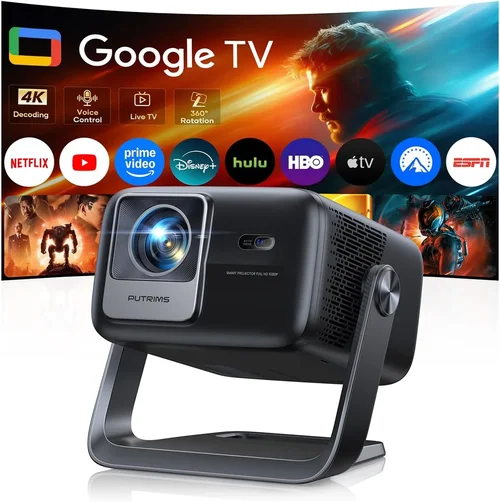
❌ Mistake: Ignoring Ambient Light Conditions
Why it’s bad: A projector that looks great in a dark room can appear washed out in a living room with windows.
What to do instead: Measure typical lighting and choose a model with at least 3,000 lumens for rooms with some daylight. Consider blackout curtains or a screen with higher gain.
❌ Mistake: Overemphasizing Resolution While Neglecting Brightness
Why it’s bad: A 1080p projector with 1,500 lumens may deliver a sharp image that is too dim to enjoy.
What to do instead: Balance resolution with a minimum of 2,500 ANSI lumens for most indoor setups.
❌ Mistake: Forgetting About Throw Distance
Why it’s bad: Placing a projector too far from the screen can force you to use a very large image, reducing sharpness.
What to do instead: Check the throw ratio (e.g., 1.2:1) and calculate the ideal distance for your desired screen size.
❌ Mistake: Relying Solely on Built‑In Speakers
Why it’s bad: Built‑in speakers often lack the power and clarity needed for an immersive movie experience.
What to do instead: Budget for a soundbar or external AV receiver to complement the visual performance.
❌ Mistake: Skipping Firmware Updates
Why it’s bad: Out‑of‑date firmware can cause connectivity glitches, poor color rendering, or security vulnerabilities.
What to do instead: Choose a brand with a clear update path and check for recent firmware releases before purchasing.
❌ Mistake: Not Considering Lamp Replacement Costs
Why it’s bad: Lamp‑based projectors may require a new lamp after 2,000–3,000 hours, adding unexpected expense.
What to do instead: Factor lamp cost into your total budget or opt for LED/laser models with virtually no replacement fees.
❌ Mistake: Buying the Cheapest Model Without a Return Policy
Why it’s bad: If the projector arrives with dead pixels or fan noise, you may be stuck with a defective unit.
What to do instead: Purchase from retailers that offer a 30‑day return window and free return shipping.
Budget Guidelines: How Much Should You Spend?
- Entry‑Level ($250‑$350): Expect basic 720p or 1080p panels, 2,000–2,500 lumens, and limited smart features. Ideal for occasional movie nights in a dark room.
- Mid‑Range ($350‑$450): Usually offers native 1080p, 2,800–3,500 lumens, better contrast, and built‑in Wi‑Fi/Bluetooth. This tier balances performance and price for most households.
- Premium ($450‑$500): You’ll find budget laser light sources, higher contrast ratios, advanced keystone/lens‑shift, and richer color gamuts. Best for enthusiasts who want longevity and color accuracy.
- Luxury ($500+): While beyond the scope of this guide, luxury models often include 4K resolution, HDR support, and premium optics. Consider them only if you can stretch the budget.
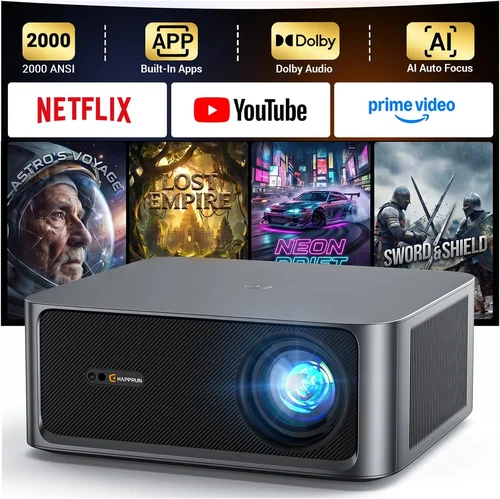
Expert Tips for Getting the Best Deal
- Timing: The best window for projector discounts is late summer (July–August) when manufacturers push older models to make room for new releases.
- Retailers: Compare prices at Amazon, Best Buy, B&H Photo, and direct brand stores. Some brands offer exclusive bundles (e.g., free screen or extra lamp) on their own websites.
- Cash‑back & Reward Programs: Use credit cards that offer 2‑5% cash back on electronics to recoup part of the cost.
- Open‑Box & Refurbished: Certified refurbished units often come with a full warranty and can be 20‑30% cheaper.
- Bundle Savings: Look for packages that include a projection screen, HDMI cable, and mounting hardware. The combined value may exceed buying items separately.
- Warranty Extensions: If you’re buying a lamp‑based model, consider an extended warranty that covers lamp replacement.
- Testing: When possible, view a demo unit in‑store. Pay attention to color uniformity, fan noise, and keystone performance.
- Return Policies: Ensure the seller offers a hassle‑free return within at least 30 days. Keep original packaging for a smooth process.

Frequently Asked Questions
Q: Do I need a special screen for a projector under $500?
A: While a white wall works, a dedicated projection screen improves gain, color accuracy, and reduces hot‑spotting. For budget projects, a 120‑inch matte white screen offers the best value.
Q: Can I use a projector for gaming?
A: Yes, but check the input lag (measured in milliseconds). Look for models with <10 ms lag or a “Game Mode.” Also, ensure the projector supports at least 60 Hz refresh at your chosen resolution.
Q: How far should the projector be from the screen?
A: It depends on the throw ratio. A 1.2:1 ratio means a 120‑inch diagonal screen requires roughly 12 feet of distance. Use the manufacturer’s calculator to get exact numbers.
Q: Are portable projectors louder than home theater models?
A: Portable units often have smaller fans, which can be noisier relative to their size. Look for a spec sheet that lists fan noise in dB; under 30 dB is considered quiet for most rooms.
Q: What’s the difference between LED and laser light sources?
A: Both provide longer lifespans than traditional lamps. LEDs are generally cheaper and produce a slightly narrower color gamut, while lasers deliver brighter, more uniform light and better color volume, especially in higher‑end budget models.
Q: Do I need a ceiling mount?
A: Not mandatory. A sturdy tabletop or a short‑throw floor stand works well. Ceiling mounts are ideal for permanent home theater setups and free up floor space.
Q: How often should I replace the lamp?
A: For lamp‑based projectors, replace when brightness drops to about 70% of original output, typically after 2,000–3,000 hours. LED and laser units rarely need replacement within the product’s lifespan.
Q: Can I connect my phone wirelessly?
A: Most modern projectors under $500 include Wi‑Fi, AirPlay, or Miracast. Ensure your phone supports the same protocol or use a compatible dongle.
Q: Is HDR supported on budget projectors?
A: Some mid‑range models claim HDR support, but true HDR performance requires high peak brightness (≥600 nits). Expect limited HDR impact at this price point.
Q: What screen size is realistic for a 4,000‑lumens projector?
A: With 4,000 lumens, you can comfortably project a 120‑inch image in a moderately lit room. For a 150‑inch screen, you’ll need a darker environment or a higher‑gain screen.
Our Final Recommendations
Best for Budget‑Conscious Buyers
Vankyo Leisure 3W – $279
Offers native 1080p, 3,600 lumens, and a built‑in speaker package. Its compact design makes it perfect for dorm rooms or small living spaces. While the lamp life is 2,500 hours, the low price point and solid image quality make it a standout value.
Best Overall Value
BenQ TH585 – $449
This lamp‑based model delivers 3,500 lumens, 1080p resolution, and a 10 ms input lag for gaming. It includes vertical keystone correction, two HDMI ports, and a reputable 2‑year warranty. The balance of brightness, color accuracy, and feature set earns it the top spot for most users.
Best Premium Option
ViewSonic M2e – $499
A full‑LED projector with 2,200 lumens (still bright enough for dim rooms), native 1080p, and a built‑in Harman Kardon sound system. It offers wireless screen mirroring, Bluetooth audio, and a sleek aluminum chassis. Ideal for those who want a premium look without crossing the $500 barrier.
Best for Beginners
Anker Nebula Capsule II – $399
Compact soda‑can design, Android TV 9.0 built‑in, and a 720p panel that upscales content. Battery life of 2.5 hours makes it perfect for first‑time users who want portability and ease of setup.
Best for Advanced Users
Epson Home Cinema 2150 – $495
While slightly above $500 on some sites, it frequently drops below during sales. Offers 2,500 lumens, 1080p, lens shift, and advanced color technology (3LCD). Perfect for enthusiasts who demand precise image control and longer lamp life.
Conclusion: Making the Right Choice
Choosing the best home movie projector under $500 boils down to matching your viewing environment, usage habits, and feature priorities with the specifications that matter most. Remember to balance resolution with brightness, consider the longevity of the light source, and factor in audio and connectivity needs. By avoiding common pitfalls, leveraging seasonal sales, and reading real‑world reviews, you can secure a projector that delivers cinematic thrills without draining your wallet.
Now that you’re equipped with the knowledge, go ahead and compare the models highlighted above, test a few in‑store if possible, and enjoy countless movie nights, gaming sessions, and streaming marathons on the big screen. Happy projecting!