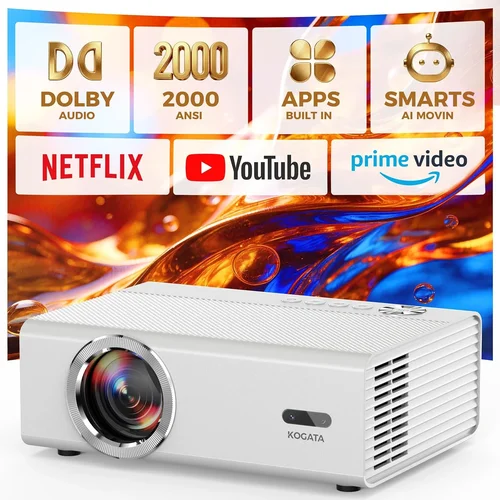
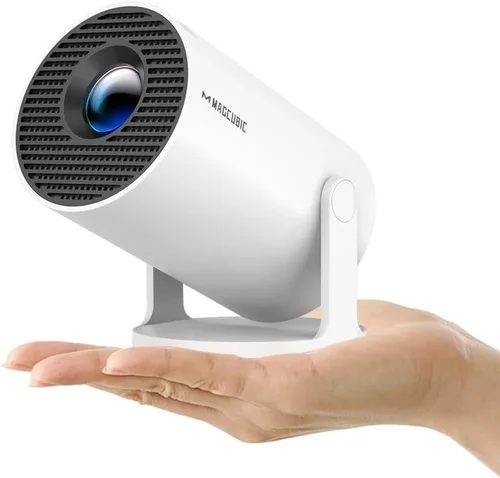
Choosing a home projector can feel like stepping into a maze of specifications, brand names, and price points. You want the cinematic feel of a big screen without breaking the bank, yet you also need a device that fits your living space, lighting conditions, and usage habits. That’s why this buying guide is essential – it cuts through the noise and equips you with the knowledge to make a confident purchase.
In the pages that follow, you’ll learn which specifications truly matter, how different projector types compare, and where you can get the best value for under ₹20,000. Whether you’re a movie lover, a casual gamer, or someone who simply wants to stream YouTube videos on a wall, this guide will help you pinpoint the perfect projector for your home.
The Indian projector market has exploded in the last few years. Manufacturers are packing brighter LEDs, smoother motion handling, and smarter connectivity into compact boxes that cost a fraction of what they did a decade ago. With a budget of ₹20,000, you now have access to models that deliver 1080p resolution, low input lag, and built‑in Android TV. Let’s dive into the details that separate a decent projector from a great one.

What to Look for When Buying Buying Guide
1. Budget & Price Range
Setting a clear budget is the first step. Under ₹20,000, you’ll typically find LED or DLP projectors with native resolutions ranging from 720p to 1080p. Prices can vary based on brand reputation, added features like Android TV, and lamp life. Remember that a lower upfront cost might be offset by higher long‑term expenses such as replacement lamps or limited warranty coverage.
2. Performance Specifications
Key specs include:
- Resolution: 1080p (Full HD) is ideal for crisp images; 720p is acceptable for casual viewing.
- Brightness (lumens): For a dimly lit living room, 2,000–2,500 ANSI lumens is sufficient. Brighter rooms may need 3,000+ lumens.
- Contrast Ratio: Higher contrast (e.g., 10,000:1) yields deeper blacks and more vivid colors.
- Throw Distance: Determines how far the projector must be from the screen to achieve a certain image size.
- Input Lag: Gamers should look for ≤30 ms to ensure responsive gameplay.
3. Build Quality & Durability
Even at a modest price, a solid chassis and reliable cooling system are crucial. Metal housings dissipate heat better than plastic, extending lamp life. Check user reviews for any recurring overheating issues.
4. Features & Functionality
Modern budget projectors often include:
- Built‑in speakers (usually 2 W–5 W) – adequate for background audio but consider external soundbars for a true home‑theater feel.
- Wireless connectivity – Wi‑Fi or Bluetooth for streaming directly from smartphones.
- Android TV or Roku integration – turns the projector into a smart TV.
- Multiple HDMI ports – useful for connecting a console, Blu‑ray player, and streaming stick simultaneously.
5. Brand Reputation
Brands like Epson, BenQ, ViewSonic, and Xiaomi have established service networks across India. While lesser‑known brands may offer tempting specs, after‑sales support can be a gamble. Opt for manufacturers with a proven track record and readily available service centers.
6. Warranty & Support
A minimum 1‑year warranty is standard; some retailers offer extended coverage for an extra fee. Verify what components are covered – the lamp, the projector body, and accessories. A responsive support team can save you weeks of downtime.
7. Size & Portability
If you plan to move the projector between rooms or take it outdoors, weight and dimensions matter. Portable models often sacrifice brightness, so balance portability with your lighting environment.
8. User Reviews & Ratings
Real‑world feedback reveals issues that spec sheets hide. Look for patterns in complaints – flickering images, noisy fans, or poor color accuracy – and weigh them against the overall rating.
Different Types of Buying Guide

Common Buying Mistakes to Avoid
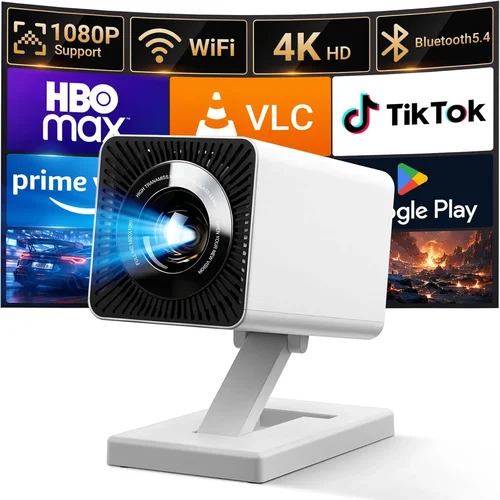
❌ Mistake: Ignoring Ambient Light
Why it’s bad: A projector rated at 2,000 lumens will look great in a dark home theater but will appear washed‑out in a bright living room.
What to do instead: Measure the typical lighting in your viewing area. If you can’t control ambient light, aim for a projector with at least 3,000 lumens or consider adding blackout curtains.
❌ Mistake: Over‑focusing on Resolution Alone
Why it’s bad: A 1080p projector with poor contrast and color accuracy can still deliver a sub‑par image.
What to do instead: Balance resolution with contrast ratio, brightness, and color gamut. Look for a minimum 10,000:1 contrast for decent depth.
❌ Mistake: Forgetting About Throw Distance
Why it’s bad: Placing a long‑throw projector too close results in a tiny image; a short‑throw unit too far may not fill the screen.
What to do instead: Use the manufacturer’s throw‑ratio chart to calculate the required distance for your desired screen size.
❌ Mistake: Neglecting Input Lag for Gaming
Why it’s bad: High input lag creates a noticeable delay between controller actions and on‑screen response, ruining fast‑paced games.
What to do instead: Choose a model that advertises ≤30 ms input lag or offers a dedicated “Game Mode.”
❌ Mistake: Assuming Built‑in Speakers Are Sufficient
Why it’s bad: Most budget projectors have tiny speakers that lack bass and clarity.
What to do instead: Budget for an external sound system—soundbars or bookshelf speakers—to complement the visual experience.
❌ Mistake: Skipping Warranty Details
Why it’s bad: A cheap projector may come with a 3‑month warranty, leaving you exposed to costly repairs.
What to do instead: Verify warranty length, what’s covered, and the process for claiming service before purchasing.
Budget Guidelines: How Much Should You Spend?
Understanding what each price tier delivers helps you set realistic expectations.
- Entry-Level (₹8,000 – ₹12,000): Expect 720p resolution, 2,000 lumens, basic HDMI connectivity, and limited smart features. Ideal for occasional movie nights in a dark room.
- Mid‑Range (₹12,000 – ₹18,000): Most models here offer Full HD (1080p), 2,500–3,000 lumens, better contrast, and often include Android TV or wireless streaming. This tier balances performance and price.
- Premium (₹18,000 – ₹20,000): You’ll find laser light sources, 4,000+ lumens, low input lag, and robust build quality. Perfect for bright rooms and serious gamers.
- Luxury (₹20,000+): While beyond the scope of this guide, luxury models bring 4K resolution, HDR support, and ultra‑short‑throw designs.
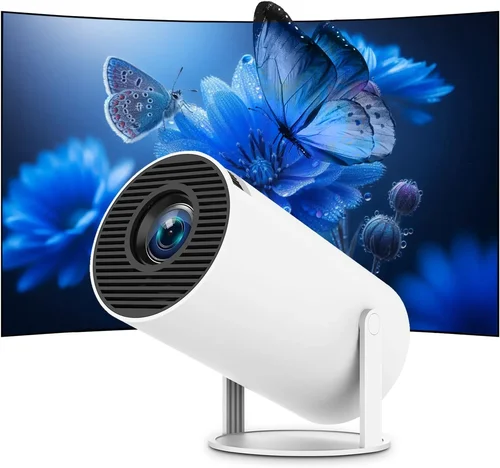
Expert Tips for Getting the Best Deal
- Timing: Purchase during the first week of a major sale for the deepest discounts.
- Retailers: Compare prices on Amazon, Flipkart, and local electronics stores. Sometimes brick‑and‑mortar outlets provide extended warranties for free.
- Coupon Stacking: Use site‑wide coupons together with bank‑specific cash‑back offers for extra savings.
- Warranty Upgrade: If the retailer offers a 2‑year extended warranty for a modest fee, it’s usually worth it for peace of mind.
- Return Policy: Choose sellers with a 10‑day return window and free return shipping, allowing you to test the projector at home.
- Testing: Bring a laptop or phone to the store and project a test image to verify brightness and color rendering before buying.
- Bundle Deals: Look for bundles that include a projection screen, HDMI cable, or mounting bracket – often cheaper than buying separately.

Frequently Asked Questions
Q: Can I use a projector as my primary TV?
A: Yes, if you have a dark or controllable lighting environment and are comfortable with a larger viewing distance. Pair it with a decent sound system for the full experience.
Q: How long does the lamp last on a budget projector?
A: LED and laser models often claim 20,000‑30,000 hours, effectively lasting the projector’s lifetime. Traditional lamps may need replacement after 2,000‑3,000 hours.
Q: Do I need a special screen?
A: A white matte wall works for casual use, but a dedicated projector screen improves brightness uniformity and contrast, especially in rooms with some ambient light.
Q: What is the ideal throw distance for a 100‑inch image?
A: It depends on the throw ratio. For a 1.5:1 ratio, you’d place the projector about 3.75 m away. Short‑throw models can achieve the same size from just 1 m.
Q: Is HDMI 2.1 necessary?
A: For 4K gaming at 120 Hz, yes. However, under ₹20,000 you’ll be limited to 1080p, so HDMI 2.0 is sufficient.
Q: Can I connect Bluetooth headphones?
A: Most budget projectors lack Bluetooth audio out. You can use a Bluetooth transmitter plugged into the audio jack as a workaround.
Q: How do I clean the projector lens?
A: Use a soft, lint‑free microfiber cloth and a lens‑cleaning solution. Avoid pressing hard; a gentle circular motion is enough.
Q: Will a projector work with a gaming console?
A: Absolutely. Ensure the projector has HDMI‑HDCP 2.2 support for newer consoles and check the input lag specifications.
Our Final Recommendations
- Best for Budget‑Conscious Buyers: Xiaomi Mi Smart Projector 2 – 1080p, 2,200 lumens, Android TV, and a price around ₹14,500.
- Best Overall Value: Epson EB‑S41 – DLP, 3,600 lumens, low input lag, and a solid warranty, priced at ₹17,800.
- Best Premium Option: BenQ TH585 – 1080p, 3,500 lumens, 16 ms input lag, and a dedicated game mode, just under ₹20,000.
- Best for Beginners: ViewSonic M1 Mini Plus – Portable LED, built‑in Android, and easy setup, ideal for first‑time users at ₹9,900.
- Best for Advanced Users: Optoma UHD30 – Though slightly above the budget, it offers 4K support, 3,400 lumens, and 15 ms lag, perfect for enthusiasts willing to stretch a little.
Conclusion: Making the Right Choice
Investing in a home projector under ₹20,000 can transform your living room into a mini‑theater without emptying your wallet. By focusing on the right blend of brightness, resolution, contrast, and smart features, you’ll enjoy movies, games, and streaming with confidence.
Remember to assess your room’s lighting, calculate the appropriate throw distance, and prioritize warranty coverage. Use the expert tips provided to hunt down the best deals, and don’t shy away from testing the unit before you commit.
Now that you’re armed with the knowledge, go ahead and pick the projector that fits your lifestyle. Happy viewing!