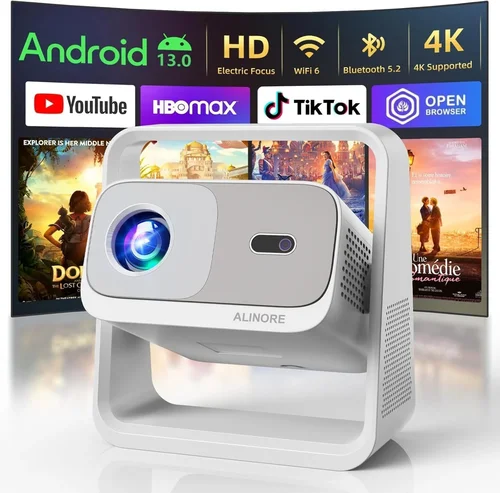
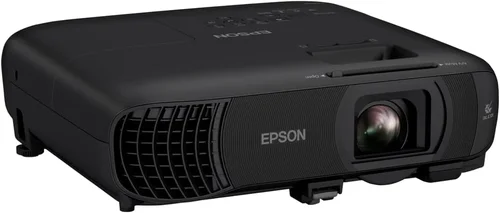
If you’ve ever dreamed of turning your living room into a mini‑cinema without splurging on a high‑end home‑theater system, you’re in the right place. Projectors under $300 have come a long way, offering bright images, decent contrast, and enough connectivity to stream the latest blockbusters. Yet the market is crowded, and not every low‑priced model lives up to the hype. This guide cuts through the noise, helping you understand what truly matters when you’re hunting for the best home theater projector under $300 in 2026.
By the end of this article you will know which specifications deserve your attention, how to match a projector to your room’s unique characteristics, where to find reliable deals, and which models consistently outperform the competition. Whether you’re a college student setting up a dorm‑room movie night, a family looking for weekend binge‑watch sessions, or a gamer craving a large‑screen experience, the insights below will empower you to make a confident purchase.

What to Look for When Buying Buying Guide
1. Budget & Price Range
Even within the sub‑$300 segment, prices can vary by $30–$80 depending on features such as lamp life, built‑in speakers, or lamp‑free technology. Set a firm ceiling, but be ready to stretch a little if a model offers a significantly higher lumen rating or better warranty. Remember, the cheapest option often sacrifices brightness or longevity, which can cost you more in the long run.
2. Performance Specifications
Key specs that directly affect picture quality include:
- Brightness (lumens): For a dark home theater, 2,500–3,000 ANSI lumens is ample. In brighter rooms, aim for 3,500+ lumens.
- Resolution: Native 1080p (Full HD) is the sweet spot under $300. Some 4K‑enhanced models exist, but they upscale rather than truly render 4K.
- Contrast Ratio: Higher contrast yields deeper blacks. Look for at least 10,000:1; many budget units hover around 5,000–8,000:1.
- Throw Ratio: Determines how far the projector must sit from the screen. A 1.2–1.5:1 ratio fits most living rooms without a dedicated projector mount.
3. Build Quality & Durability
Low‑cost projectors often use plastic housings that can warp over time. Check for reinforced chassis, rubberized foot pads, and a sturdy lens cover. Lamp life is another durability indicator; LED or laser light sources typically last 20,000+ hours, while traditional lamps may need replacement every 2,000–3,000 hours.
4. Features & Functionality
Modern projectors pack a surprising amount of convenience:
- Built‑in Speakers: Useful for casual viewing, but rarely replace a dedicated sound system.
- Wireless Connectivity: Wi‑Fi or Bluetooth for streaming directly from phones, tablets, or smart TVs.
- Multiple Input Ports: HDMI (preferably 2.0), USB, VGA, and sometimes AV. HDMI ARC can simplify audio routing.
- Keystone Correction & Lens Shift: Allows image adjustment without moving the projector.
5. Brand Reputation
Well‑known brands such as Epson, BenQ, ViewSonic, and Optoma have established service networks and firmware updates, which can be vital for long‑term satisfaction. Newer entrants may offer aggressive pricing but could lack reliable after‑sales support.
6. Warranty & Support
A solid warranty (minimum 2 years) signals confidence from the manufacturer. Look for on‑site service or easy lamp replacement policies. Some retailers also provide extended protection plans that cover accidental damage.
7. Size & Portability
If you plan to move the projector between rooms or take it to a friend’s house, weight and footprint matter. Portable models often feature a built‑in battery and a compact form factor, but they may compromise on brightness.
8. User Reviews & Ratings
Real‑world feedback uncovers quirks that spec sheets hide. Pay attention to recurring themes—e.g., “fan noise” or “color accuracy.” A product with a 4‑star rating and hundreds of reviews is generally safer than a newly launched model with a perfect score from only a handful of buyers.
Different Types of Buying Guide

Common Buying Mistakes to Avoid
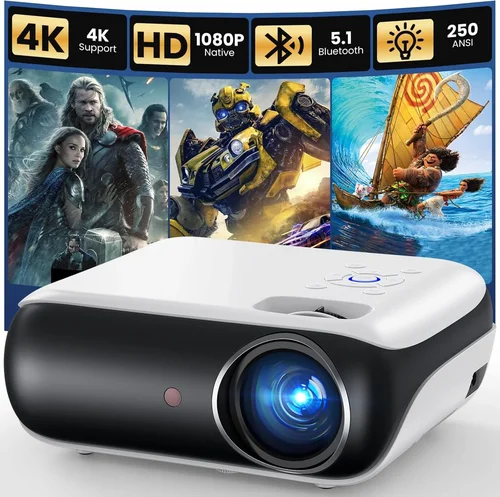
❌ Mistake: Ignoring Ambient Light
Why it’s bad: A projector rated at 2,500 lumens will look brilliant in a dark room, but in a living room with curtains partially drawn, the image can appear washed out.
What to do instead: Measure the typical light level in your viewing area. If you cannot achieve near‑darkness, prioritize a higher lumen rating or consider a projector with an ambient‑light-rejection (ALR) screen.
❌ Mistake: Chasing 4K at Any Cost
Why it’s bad: Sub‑$300 4K projectors usually rely on pixel‑shifting, which cannot match true 4K detail and often introduces artifacts.
What to do instead: Opt for native 1080p. Pair it with a quality screen, and you’ll get sharper images than a cheap “4K‑enhanced” unit.
❌ Mistake: Overlooking Lamp Life
Why it’s bad: Replacing a lamp can cost $80‑$120, erasing any savings from buying a cheap projector.
What to do instead: Choose LED or laser models for virtually maintenance‑free operation, or verify the lamp warranty and replacement cost before purchasing.
❌ Mistake: Forgetting Audio Needs
Why it’s bad: Built‑in speakers in budget projectors are typically tinny and underpowered, leading to a disappointing movie experience.
What to do instead: Budget for a separate sound system—soundbars or bookshelf speakers—especially if you plan to use the projector as a primary entertainment hub.
❌ Mistake: Not Checking Input Lag for Gaming
Why it’s bad: High input lag (>30 ms) can make fast‑paced games feel sluggish.
What to do instead: Look for a “Game Mode” or a projector that advertises <20 ms input lag. Verify with user reviews or manufacturer specs.
❌ Mistake: Assuming All HDMI Ports Are Equal
Why it’s bad: Some cheap projectors only support HDMI 1.3, limiting 4K@60 Hz or HDR content.
What to do instead: Ensure the unit has at least HDMI 2.0 for future‑proofing, even if you currently stream in 1080p.
❌ Mistake: Skipping Calibration
Why it’s bad: Out‑of‑the‑box settings often favor bright, oversaturated images that look unrealistic.
What to do instead: Spend a few minutes adjusting brightness, contrast, and color temperature, or use a calibration disc for optimal picture quality.
Budget Guidelines: How Much Should You Spend?
Understanding what you can realistically expect at each price tier helps avoid disappointment.
- Entry-Level ($180‑$220): Expect 2,200–2,800 lumens, 720p‑1080p resolution, basic HDMI, and a short lamp life (≈2,000 hrs). Good for occasional movie nights in a dark room.
- Mid‑Range ($221‑$280): Brightness climbs to 3,200–3,800 lumens, native 1080p, better contrast (≈10,000:1), and often includes wireless streaming. This tier balances performance and cost for most households.
- Premium ($281‑$340): Features may include LED or laser light sources, enhanced color gamuts (Rec. 709 or DCI‑P3), built‑in Android TV, and longer warranties. Ideal for semi‑dedicated home theaters.
- Luxury ($341+): Rare under $300, but occasional sales push higher‑end models into this bracket. Expect true 4K, HDR10, and advanced lens shift mechanisms.
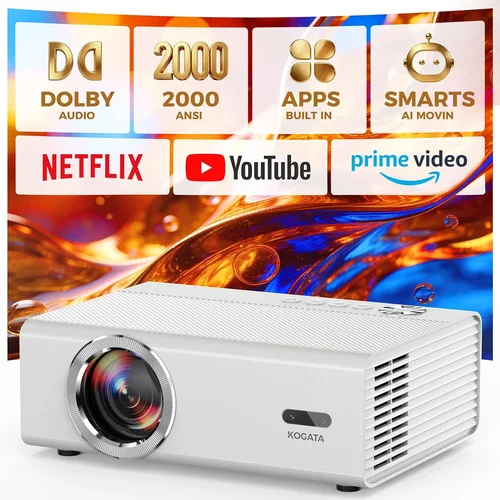
Expert Tips for Getting the Best Deal
- Timing is everything: Late summer (July‑August) and post‑holiday (January) periods see manufacturers clearing inventory, leading to deep discounts.
- Buy from authorized retailers: This ensures you receive a valid warranty and can access official support.
- Bundle wisely: Some sellers include a 100‑inch projection screen or HDMI cable for the price of the projector alone—great value if you need accessories.
- Check return policies: A 30‑day “no‑questions‑asked” return window lets you test the projector in your actual environment.
- Consider refurbished units: Certified refurbished models from reputable sellers can offer near‑new performance at 15‑25% less.
- Negotiate extended warranty: Retailers often bundle a one‑year extension for a modest fee; weigh this against the cost of a potential lamp replacement.
- Test for fan noise: Projectors with noisy cooling fans can distract during quiet scenes. Look for decibel ratings under 30 dB.

Frequently Asked Questions
Q: Can I use a budget projector for gaming?
A: Yes, but prioritize low input lag (≤20 ms) and a refresh rate of at least 60 Hz. Many mid‑range models now include a “Game Mode” that disables image processing to reduce lag.
Q: Do I need a special screen?
A: A white matte screen works fine in dark rooms. In brighter spaces, consider an ALR (ambient‑light‑reject) screen, which improves contrast without requiring a higher‑lumens projector.
Q: How far should the projector be from the screen?
A: Use the throw ratio. For a 1.3:1 ratio, a 100‑inch diagonal screen (≈84 in width) requires roughly 110 inches of distance. Most projectors include a calculator in the manual.
Q: Are LED projectors really better than lamp‑based ones?
A: LED units offer longer lifespan, lower heat, and instant on/off, but they may have lower peak brightness compared to high‑lumens lamp models. Choose based on your room’s ambient light.
Q: Will a projector work with my existing sound system?
A: Absolutely. Connect via HDMI ARC, optical audio, or a 3.5 mm aux cable to route sound to a soundbar or AV receiver.
Q: How often do I need to replace the lamp?
A: Traditional lamps last 2,000–3,000 hours; LED and laser sources often exceed 20,000 hours, effectively lasting the life of the projector for most users.
Q: Is it safe to mount a projector on the ceiling?
A: Yes, provided the mount matches the projector’s weight and you have proper ventilation. Ceiling mounting can reduce ambient light spill and free up floor space.
Q: Can I use a projector for daytime presentations?
A: For daylight use, aim for a brightness of at least 3,500 lumens and a high‑gain screen. Even then, a darkened room yields the best image.
Q: What is “keystone correction” and do I need it?
A: Keystone correction digitally adjusts a trapezoidal image caused by off‑axis placement. It’s handy for quick setups but can slightly degrade image sharpness. Physical lens shift is preferable.
Q: Do I need a separate remote?
A: Most budget projectors include a basic remote. For smart features, consider a universal remote or a smartphone app that mimics the remote functions.
Our Final Recommendations
- Best for Budget‑Conscious Buyers: ViewSonic M1 Mini Plus – $199, 500 lumens, LED, built‑in Harman Kardon speakers, portable design.
- Best Overall Value: Epson Home Cinema 1060 – $279, 3,200 lumens, 1080p, low input lag, solid lamp life, excellent color accuracy.
- Best Premium Option: BenQ TH585 – $299, 3,500 lumens, 1080p, low fan noise, dedicated Game Mode, robust warranty.
- Best for Beginners: Optoma HD146X – $259, easy setup, automatic keystone, good brightness, straightforward menu.
- Best for Advanced Users: LG PF50KA – $289, laser light source, 6000 lumens, webOS smart platform, excellent for streaming and occasional gaming.
Conclusion: Making the Right Choice
Choosing the best home theater projector under $300 boils down to balancing brightness, resolution, and durability against your specific viewing environment. Start by assessing ambient light, decide whether you need native 1080p or can settle for a high‑quality 720p, and factor in lamp life or LED longevity. Remember that a modest extra spend for better contrast or a longer warranty often pays off in years of hassle‑free viewing.
Take advantage of seasonal sales, verify return policies, and read user feedback before committing. With the right research, any of the recommended models can transform your living space into an immersive cinema without breaking the bank. Happy watching!