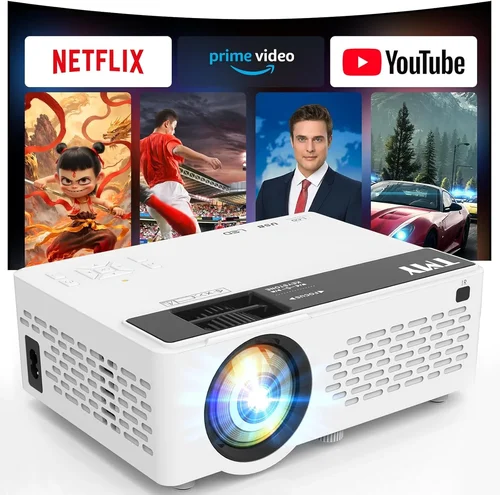
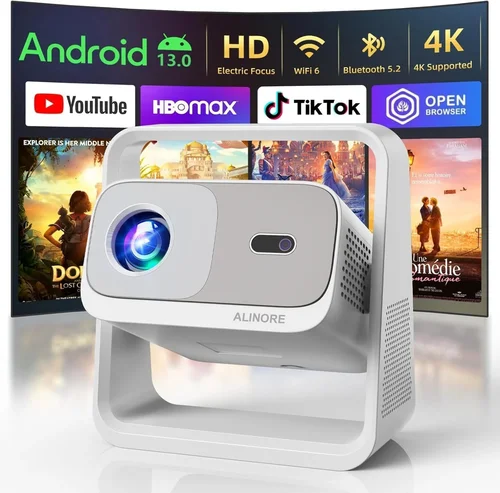
Choosing a home‑theater projector under $800 can feel like navigating a maze of specs, brands, and sales pitches. You want a big, cinematic picture without breaking the bank, but the market is packed with options that promise “4K‑like” quality, ultra‑short‑throw lenses, and smart‑TV features—all for the same price tag. This guide cuts through the noise, giving you a clear roadmap so you can buy with confidence.
In the next several minutes you’ll learn exactly what to look for, how different projector types stack up, common pitfalls to dodge, and where to find the best deals. By the end, you’ll have a shortlist of top‑rated models that deliver a true theater experience without exceeding your $800 budget.
The projector landscape in 2026 has evolved dramatically. LED and laser light sources are now common in the sub‑$800 segment, offering longer lifespans and brighter images than traditional lamps. At the same time, manufacturers have improved contrast ratios and added built‑in streaming apps, making projectors more versatile than ever. Understanding these trends is the first step toward a smart purchase.
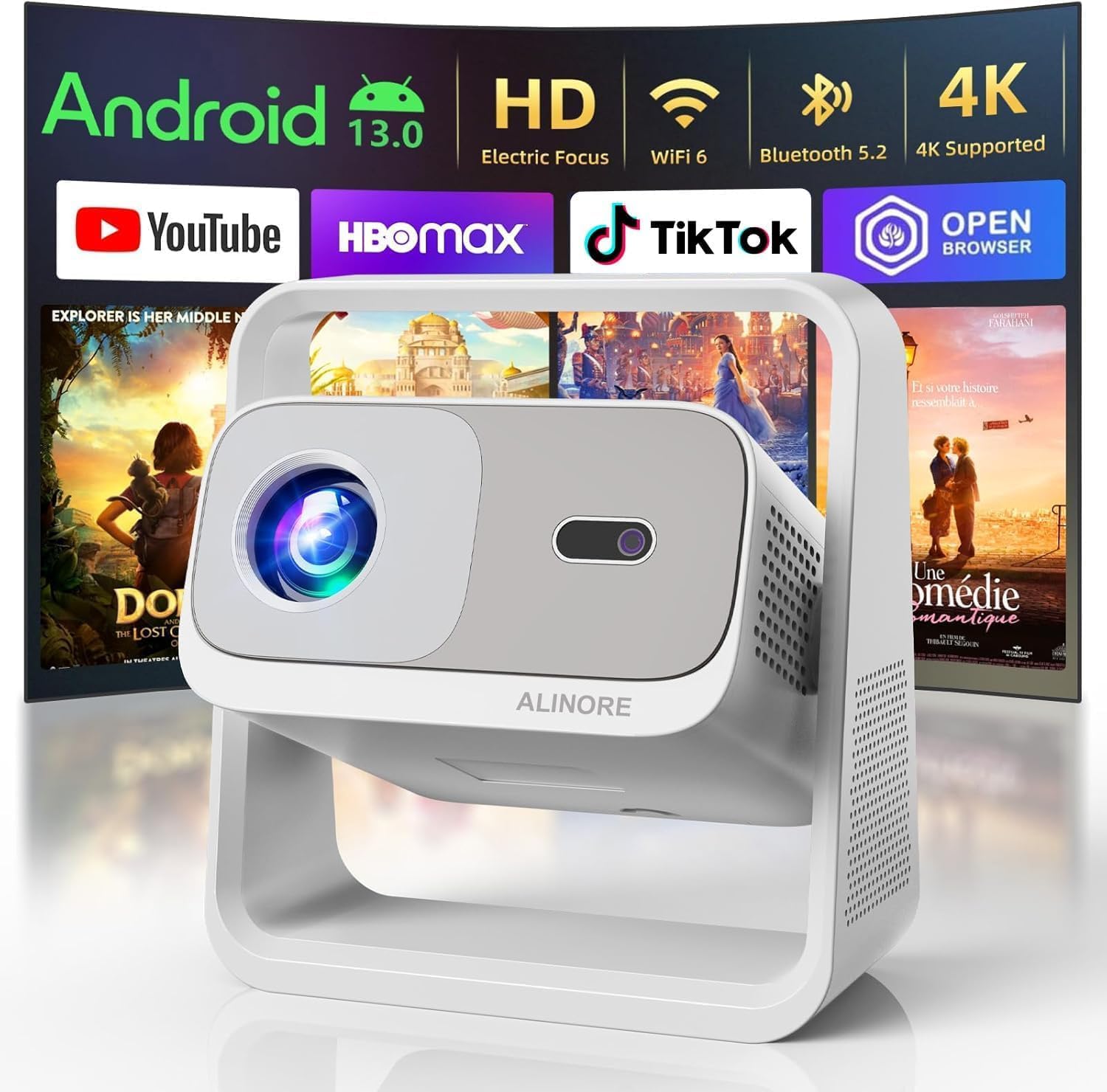
What to Look for When Buying Buying Guide
1. Budget & Price Range
Even within the sub‑$800 bracket, prices can vary by $100‑$200 based on features like laser light sources or built‑in speakers. Set a firm ceiling—$800 in this case—but also decide how much flexibility you have for occasional sales or refurbished units. Remember that the cheapest option may lack essential performance specs, while a $750 model could include premium upgrades that justify the extra spend.
2. Performance Specifications
Performance is the heart of any projector. Focus on these key metrics:
- Brightness (lumens): For a dedicated home theater room with controlled lighting, 2,000‑2,500 ANSI lumens is sufficient. If you plan to watch in a brighter living room, aim for 2,800‑3,200 lumens.
- Contrast Ratio: Higher contrast delivers deeper blacks and more vivid colors. Look for at least 10,000:1; laser models often exceed 20,000:1.
- Resolution: Native 1080p (Full HD) is the sweet spot under $800. Some “4K‑enhanced” models use pixel‑shifting, but true 4K remains out of reach at this price.
- Color Accuracy: A wide color gamut (sRGB 100% or DCI‑P3 70%+) ensures movies look natural.
- Throw Ratio: Determines how far the projector needs to be from the screen. Short‑throw (≤1.5:1) is ideal for small rooms; standard throw (1.5‑2.5:1) works for larger spaces.
3. Build Quality & Durability
A projector is an investment. Look for sturdy metal housings, reinforced lens caps, and reliable cooling systems. Models with fan‑less designs (often LED or laser) run quieter and have fewer moving parts that can fail.
4. Features & Functionality
Beyond the picture, consider these add‑ons:
- Built‑in Speakers: Useful for casual viewing, but rarely replace a dedicated sound system.
- Smart Platform: Android TV, Roku, or proprietary OS can eliminate external streaming boxes.
- Connectivity: HDMI 2.0+, USB‑C, Wi‑Fi, Bluetooth, and Ethernet ports give flexibility.
- Lens Shift & Keystone Correction: Essential for precise image placement without physically moving the projector.
- Gaming Mode: Low input lag (≤16 ms) is a boon for console gamers.
5. Brand Reputation
Brands like Epson, BenQ, ViewSonic, and Optoma have proven track records for reliability and service. Newer entrants (e.g., Anker Nebula, Xiaomi) may offer innovative features but can have limited warranty networks.
6. Warranty & Support
Look for at least a 2‑year warranty covering the light source and major components. Some manufacturers offer extended plans or on‑site service, which can be a lifesaver if the projector fails during a movie night.
7. Size & Portability
If you need a projector that moves between rooms or travels, weight under 5 lb and a compact footprint are key. Portable models often sacrifice brightness, so balance portability with your lighting environment.
8. User Reviews & Ratings
Real‑world feedback uncovers issues that spec sheets hide. Look for consistent praise on brightness, longevity, and ease of setup, and watch out for repeated complaints about fan noise or firmware glitches.
Different Types of Buying Guide

Common Buying Mistakes to Avoid
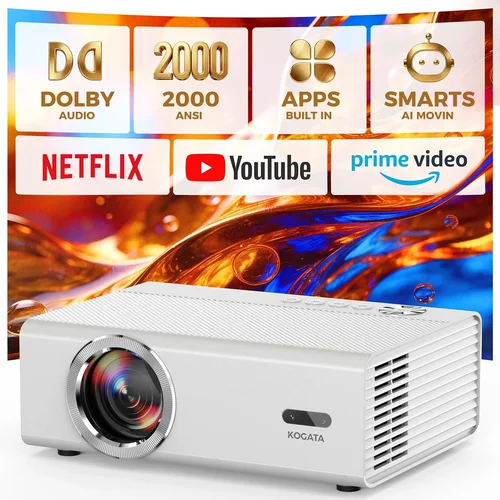
❌ Mistake: Ignoring Ambient Light Conditions
Why it’s bad: Selecting a projector with low lumens for a bright living room will result in a washed‑out picture.
What to do instead: Measure typical room lighting and choose a brightness level that exceeds it by at least 20 %.
❌ Mistake: Chasing “4K‑Enhanced” Labels
Why it’s bad: Pixel‑shifting tricks cannot match true 4K detail and often inflate price.
What to do instead: Stick to native 1080p models under $800; they deliver sharper, more reliable images.
❌ Mistake: Overlooking Input Lag for Gaming
Why it’s bad: High lag makes fast‑paced games feel unresponsive.
What to do instead: Look for a “Game Mode” or input lag ≤16 ms if you plan to connect consoles.
❌ Mistake: Forgetting Lens Shift & Keystone
Why it’s bad: Without these, you may need to mount the projector at an awkward angle, causing distortion.
What to do instead: Choose a model with at least ±10° lens shift and digital keystone correction.
❌ Mistake: Neglecting Warranty Terms
Why it’s bad: A cheap projector may have a limited 1‑year warranty that excludes the lamp.
What to do instead: Verify that the warranty covers the light source for at least 2 years.
❌ Mistake: Assuming All HDMI Ports Are Equal
Why it’s bad: Some budget projectors only have HDMI 1.3, limiting HDR support.
What to do instead: Ensure the projector offers HDMI 2.0 or higher for full HDR and 4K‑upscaled content.
Budget Guidelines: How Much Should You Spend?
- Entry‑Level ($500‑$600): Expect 2,000 lumens, basic 1080p, limited smart features. Great for occasional movie nights in dark rooms.
- Mid‑Range ($600‑$750): Balanced brightness (2,500‑2,800 lumens), better contrast, built‑in streaming, and often laser or high‑efficiency LED light sources.
- Premium ($750‑$800): Laser light engines, 3,000+ lumens, advanced color gamuts, low fan noise, and robust gaming modes.
- Luxury ($800+): True 4K, ultra‑short‑throw, high‑end optics—generally beyond the scope of this guide but worth noting for future upgrades.
Expert Tips for Getting the Best Deal
- Timing: Shop in late summer (back‑to‑school) or early spring when manufacturers release new lines and older inventory is discounted.
- Where to Buy: Compare prices on Amazon, Best Buy, and manufacturer sites. Use price‑trackers like CamelCamelCamel to spot historic lows.
- Bundle Savings: Some retailers include a free screen or HDMI cable with purchases over $650—add real value.
- Refurbished Units: Certified refurbished models from the brand’s official outlet often come with full warranties at 15‑20 % off.
- Check Firmware: A recent firmware update can fix color banding or improve HDR performance; verify the model’s update history before buying.
- Return Policy: Ensure at least a 30‑day return window so you can test the projector in your home environment.
- Test Before Buying: If possible, view a demo room or request a “test unit” from the retailer to evaluate brightness and fan noise.

Frequently Asked Questions
Q: Can I use a projector under $800 for HDR content?
A: Yes, but look for HDR10 support and a contrast ratio above 10,000:1. Laser or high‑efficiency LED models handle HDR better because they maintain brightness across the dynamic range.
Q: Do I need a separate sound system?
A: Built‑in speakers are convenient for casual viewing, but they lack the depth needed for a true theater experience. Pair the projector with a soundbar or a 5.1 surround system for immersive audio.
Q: How far should the projector be from the screen?
A: Use the throw ratio specification. For a 100‑inch image on a 16:9 screen, a standard throw (1.5:1) requires roughly 12‑13 ft of distance, while a short‑throw (0.8:1) needs only 6‑7 ft.
Q: Will the lamp need replacement soon?
A: LED and laser light sources last 20,000‑30,000 hours, effectively a lifetime for most users. Lamp‑based projectors under $800 may need a replacement after 2,000‑3,000 hours.
Q: Is a portable projector a good choice for a fixed home theater?
A: Portable units excel in flexibility but typically sacrifice brightness and contrast. For a dedicated room, a stationary model with higher lumens is preferable.
Q: How important is HDMI 2.0?
A: HDMI 2.0 enables 4K‑upscaled content at 60 Hz and full HDR. While not essential for 1080p, it future‑proofs your setup for newer streaming devices.
Q: Can I mount a projector on the ceiling yourself?
A: Most mid‑range models include mounting kits and detailed instructions. Ensure the mount can support the projector’s weight and allow for lens shift adjustments.
Q: What screen should I pair with a sub‑$800 projector?
A: A 120‑inch matte white screen provides a good balance of brightness and color accuracy. For rooms with some ambient light, consider a gray‑gain screen to boost contrast.
Q: Do I need a separate remote?
A: Most projectors come with a basic IR remote. For smart‑TV functions, a Bluetooth or Wi‑Fi remote (often sold separately) offers better navigation.
Q: How does temperature affect projector lifespan?
A: High ambient temperatures can shorten lamp life and increase fan noise. Keep the room below 75 °F (24 °C) and ensure adequate ventilation.
Our Final Recommendations
- Best for Budget‑Conscious Buyers: BenQ TH585 – 3,500 lumens, 1080p, low input lag, and a price around $560.
- Best Overall Value: Epson Home Cinema 2150 – 2,500 lumens, 1080p, lens shift, wireless screen mirroring, typically $680.
- Best Premium Option: Optoma UHD38 (often discounted to $795) – Laser light source, 4,000 lumens, HDR10, 120 Hz gaming mode.
- Best for Beginners: ViewSonic M2 – Portable LED, built‑in Harman Kardon speakers, Android TV, $750.
- Best for Advanced Users: LG HU80KA (refurbished under $800) – Ultra‑short‑throw, 2,500 lumens, 4K‑enhanced, premium optics.
Conclusion: Making the Right Choice
Investing in a home‑theater projector under $800 is entirely feasible when you focus on the right specs, understand your viewing environment, and avoid common pitfalls. Prioritize brightness and contrast for the room’s lighting, verify native 1080p resolution, and consider future‑proof features like HDMI 2.0 and low input lag.
Take the time to compare models, read user feedback, and watch for seasonal discounts. With the recommendations and tips above, you’re equipped to select a projector that delivers cinematic magic without stretching your wallet.
Ready to transform your living room into a cinema? Start browsing the models listed, check current deals, and enjoy movie nights like never before.