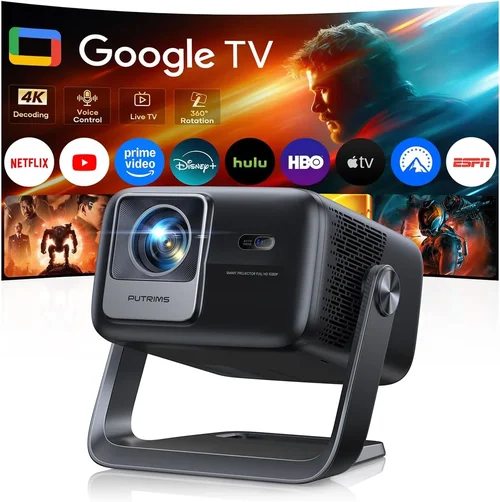
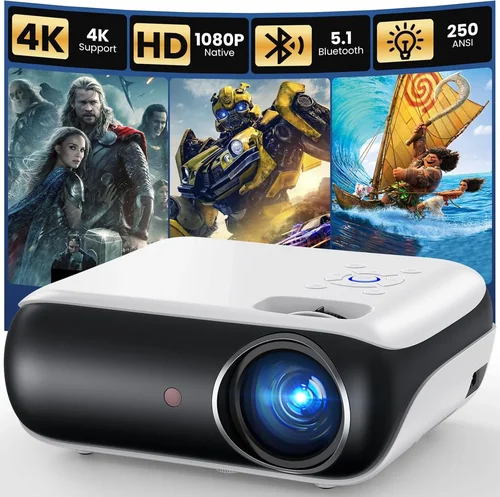
Home theater projectors have become the centerpiece of many living rooms, offering cinema‑quality experiences without the monthly subscription fees. Yet the market is crowded, and finding a model that delivers big‑screen excitement while staying under $2,500 can feel like searching for a needle in a haystack. This guide cuts through the noise, giving you the knowledge you need to pick a projector that fits your space, budget, and viewing habits.
By the end of this article you will understand the most important specifications, know which projector type aligns with your room conditions, avoid common pitfalls, and walk away with a shortlist of the best home theater projectors under $2,500 for 2026. Whether you’re a casual movie night host or a budding cinephile, the information here will help you make a confident, future‑proof purchase.

What to Look for When Buying Buying Guide
1. Budget & Price Range
Setting a clear budget is the first step. Projectors under $2,500 can vary dramatically in performance, so you need to decide what compromises you’re willing to accept. A tighter budget often means a lower native resolution or a reduced brightness rating, but you can still find models with excellent contrast ratios and reliable lamp life. Keep an eye on bundled accessories—some manufacturers include a high‑quality screen or mounting hardware, which can add real value.
2. Performance Specifications
Three specs dominate the buying decision: resolution, brightness (measured in lumens), and contrast ratio. For a true home‑theater feel, aim for at least a native 1080p (Full HD) resolution; 4K UHD models are increasingly available under $2,500 and deliver sharper detail, especially on larger screens. Brightness of 2,000–2,500 ANSI lumens is a sweet spot for dim rooms, while 2,500–3,000 lumens gives you flexibility in brighter environments. Contrast ratio determines how deep the blacks appear—look for a ratio of 15,000:1 or higher for richer shadows.
3. Build Quality & Durability
A projector is an investment that should last 5‑7 years with proper care. Metal chassis, reinforced lens housings, and quality cooling fans are indicators of durability. Check the lamp or laser light source lifespan; laser units often exceed 20,000 hours and maintain consistent brightness, reducing long‑term maintenance costs.
4. Features & Functionality
Modern projectors pack a suite of convenience features. Look for:
- Lens shift (vertical and horizontal) for flexible placement without keystone distortion.
- Zoom capability to fine‑tune screen size from a fixed mount.
- HDR support (HDR10 or Dolby Vision) for enhanced color depth.
- Integrated speakers—useful for small rooms, though external audio is still recommended.
- Wireless connectivity (Wi‑Fi, Bluetooth, or AirPlay) for streaming without cables.
5. Brand Reputation
Established brands such as Epson, BenQ, Optoma, and ViewSonic have proven track records for reliability and after‑sales service. Newer entrants may offer cutting‑edge technology at lower prices, but research warranty terms and community feedback before committing.
6. Warranty & Support
A solid warranty can save you thousands. Look for at least a 2‑year parts‑and‑labor guarantee, with the option to purchase an extended plan. Quick, localized support—phone, chat, or authorized service centers—makes troubleshooting far less stressful.
7. Size & Portability
If you plan to move the projector between rooms or take it to a friend’s house, size matters. Compact “short‑throw” models can sit just a foot from the screen, ideal for small spaces. For permanent home‑theater installations, a larger, heavier unit is acceptable as long as you have a stable mount.
8. User Reviews & Ratings
Real‑world feedback often reveals issues that specifications don’t cover—fan noise, firmware bugs, or heat‑related dimming. Scan multiple review sources and prioritize models with consistent five‑star ratings across reputable retailers.
Different Types of Buying Guide

Common Buying Mistakes to Avoid
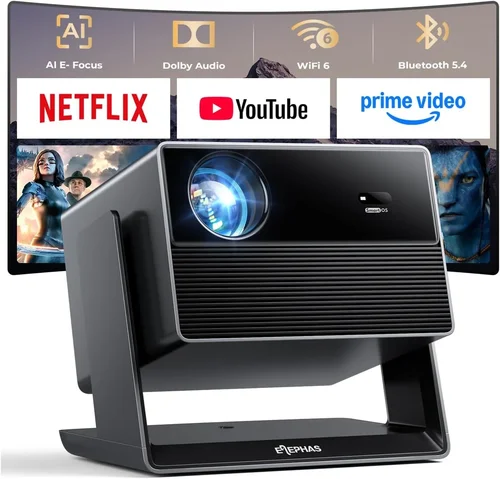
❌ Mistake: Ignoring Ambient Light
Why it’s bad: A projector rated at 2,000 lumens will look great in a dark room but appear washed out in a living room with daylight.
What to do instead: Measure typical lighting conditions and choose a projector with at least 2,500 lumens for rooms with some ambient light. Consider a screen with high gain to boost perceived brightness.
❌ Mistake: Overlooking Throw Distance
Why it’s bad: Buying a standard‑throw unit for a tiny apartment may force you to place the projector too far away, resulting in a tiny image.
What to do instead: Use an online throw‑distance calculator or consult the manufacturer’s chart. If space is limited, opt for a short‑throw model.
❌ Mistake: Forgetting Lens Shift
Why it’s bad: Without lens shift you may need to angle the projector, causing keystone distortion and reduced image quality.
What to do instead: Prioritize models with vertical and horizontal lens shift for a clean, rectangular picture.
❌ Mistake: Choosing Low‑Resolution Upscaling
Why it’s bad: Many budget projectors claim “4K” but only upscale from 1080p, leading to soft edges on high‑detail content.
What to do instead: Verify native resolution—look for true 4K (3840×2160) panels. If you must settle for upscaling, ensure the projector has a high‑quality processor.
❌ Mistake: Ignoring Fan Noise
Why it’s bad: A projector that hums at 40 dB can distract from dialogue and cinema ambience.
What to do instead: Check decibel ratings in reviews and consider models with eco‑mode or larger cooling fans that run quieter.
❌ Mistake: Skipping Warranty Details
Why it’s bad: A short warranty can leave you paying for lamp replacements out of pocket.
What to do instead: Choose a projector with at least a 2‑year warranty and confirm the coverage for the light source.
Budget Guidelines: How Much Should You Spend?
Understanding what you get at each price tier helps you set realistic expectations.
- Entry‑Level ($1,200 – $1,600): Expect 1080p resolution, 2,000–2,300 lumens, and basic HDR. Good for casual movie nights in dark rooms.
- Mid‑Range ($1,600 – $2,200): Access to true 4K UHD or high‑performance 1080p models with 2,500+ lumens, better contrast (15,000:1+), and lens shift. Ideal for most home theaters.
- Premium ($2,200 – $2,500): Laser light sources, 4K resolution, advanced color processing, and robust connectivity (HDMI 2.1, Wi‑Fi 6). Suited for enthusiasts who want cinema‑grade performance.
- Luxury ($2,500+): While outside the guide’s scope, this tier includes ultra‑short‑throw 4K laser models with built‑in soundbars and premium warranties.
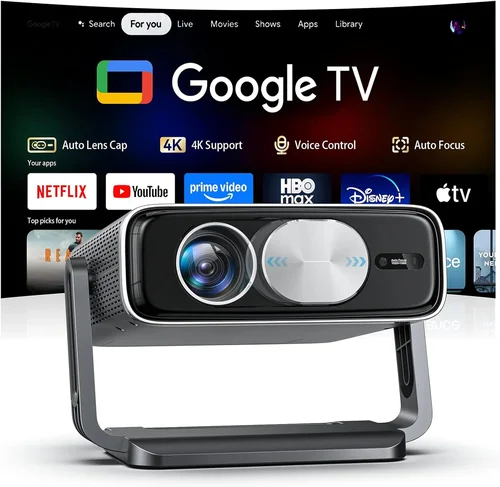
Expert Tips for Getting the Best Deal
- Timing: New models are typically released in Q1. Buying a few months later often yields price cuts on the previous generation.
- Where to buy: Authorized retailers (Best Buy, B&H, Adorama) provide easy returns and bundled screen offers. Online marketplaces can be cheaper but verify the seller’s reputation.
- Bundle savings: Look for packages that include a motorized screen, ceiling mount, or extended warranty—these can add $200‑$400 of value.
- Check firmware updates: Manufacturers regularly release patches that improve colour accuracy and reduce fan noise. A projector with active support is a smarter long‑term buy.
- Test in‑store: If possible, view a demo unit in a dimmed room. Pay attention to black levels and colour vibrancy.
- Negotiate: Some brick‑and‑mortar stores will match online pricing or throw in a free HDMI cable when you ask.

Frequently Asked Questions
Q: Do I need a special screen for a projector under $2,500?
A: While a plain white wall works, a dedicated projector screen improves gain and uniformity. For most budgets, a 120‑inch 16:9 matte white screen offers the best balance of brightness and colour accuracy without breaking the bank.
Q: Can I use a gaming console with these projectors?
A: Absolutely. Look for HDMI 2.0 or 2.1 ports with low input lag (under 20 ms) and a refresh rate of 120 Hz if you plan to game at 4K. Some models also feature Game Mode that automatically optimizes settings.
Q: How often do I need to replace the lamp?
A: Lamp‑based projectors typically last 2,000–4,000 hours, depending on usage and brightness settings. Laser models exceed 20,000 hours and rarely need replacement.
Q: Is a higher contrast ratio always better?
A: Yes, but only if the projector can maintain that contrast in real‑world lighting. Look for dynamic contrast technologies that adjust backlight based on scene content.
Q: What is the ideal screen size for a 100‑inch diagonal?
A: At a standard 4:3 aspect ratio, 100 inches translates to about 87 inches wide. For a 16:9 widescreen, the width is roughly 87 inches and height 49 inches, providing an immersive cinematic feel while keeping viewing distance comfortable (1.5–2.5 times the screen width).
Q: Do I need a separate audio system?
A: Integrated speakers are convenient but often lack depth. Pairing the projector with a soundbar or a 5.1 surround system dramatically improves the movie‑night experience.
Q: How important is HDR support?
A: HDR expands colour and contrast range, delivering more lifelike images. If you watch a lot of HDR content (Netflix, Disney+, Blu‑ray), prioritize a projector with HDR10 or Dolby Vision support.
Our Final Recommendations
- Best for Budget‑Conscious Buyers: Epson Home Cinema 2150 – 1080p, 2,500 lumens, vertical lens shift, and a solid 2‑year warranty for around $1,300.
- Best Overall Value: BenQ HT3550 – True 4K UHD, 2,000 lumens, HDR10, excellent colour accuracy, and a decent price point of $2,099.
- Best Premium Option: Optoma CinemaX P2 – Ultra‑short‑throw laser, 4K, 3,000 lumens, built‑in 40 W soundbar, priced at $2,499.
- Best for Beginners: ViewSonic PX747‑4K – 4K, 3,500 lumens, easy setup, and a user‑friendly menu for under $1,500.
- Best for Advanced Users: LG HU85LA – 4K laser, 2,700 lumens, 0.25:1 ultra‑short‑throw, advanced colour management, and a sleek design at $2,499.
Conclusion: Making the Right Choice
Choosing the best home theater projector under $2,500 boils down to matching your room’s lighting, desired screen size, and feature preferences with the specifications that matter most—resolution, brightness, contrast, and durability. Remember to factor in accessory costs, warranty coverage, and real‑world user feedback.
Take the time to measure your space, calculate throw distance, and decide whether a short‑throw or standard model fits best. Armed with the factors and recommendations outlined in this guide, you’re ready to enjoy blockbuster‑level entertainment without breaking the bank.
Ready to start shopping? Use the model suggestions above as a starting point, compare current prices, and don’t forget to check for bundled screen deals. Your perfect cinematic experience is just a click away.