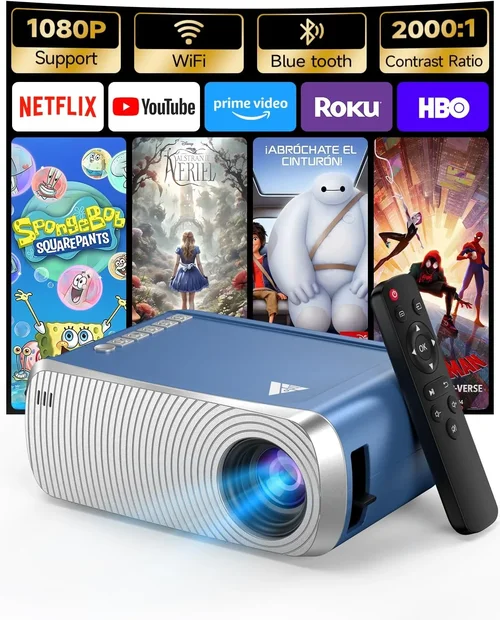
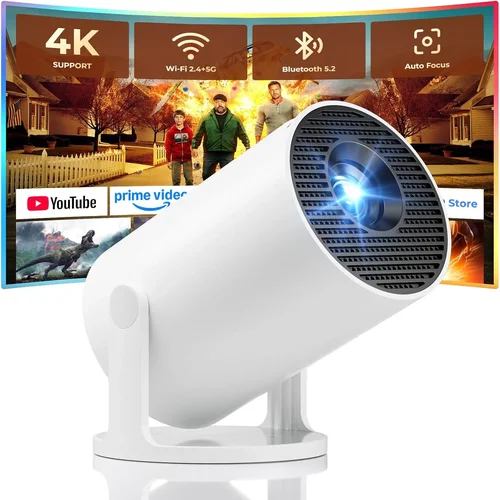
Finding a projector that works perfectly with your iPhone without breaking the bank can feel like hunting for a needle in a haystack. The market is flooded with tiny pico‑projectors, portable LED units, and even full‑size home‑theater models that claim “iPhone compatibility.” Yet, not every cheap option delivers a clear picture, reliable connectivity, or the durability you need for on‑the‑go use. This guide cuts through the noise, giving you a clear roadmap so you can choose the best iPhone projector under $100 that actually meets your expectations.
In the pages that follow, you’ll learn which technical specs matter most, how to match a projector to your lifestyle, and where to snag the best deals. We’ll also compare the main categories of low‑cost projectors, warn you about common pitfalls, and present a curated shortlist of top performers. Whether you’re a student wanting to binge‑watch lecture slides, a traveler looking for a portable movie night, or a business professional needing a quick‑connect presentation tool, this guide equips you with the knowledge to buy confidently.
The budget projector segment has evolved dramatically over the past three years. Advances in LED brightness, built‑in batteries, and wireless casting technologies have made it possible to enjoy a decent 80‑inch image from a device that fits in your pocket—all for less than $100. However, trade‑offs still exist, particularly around resolution, throw distance, and sound quality. Understanding these trade‑offs is the first step toward making an informed purchase that won’t leave you frustrated after the first use.

What to Look for When Buying Buying Guide
1. Budget & Price Range
When you set a hard limit of $100, you’re already narrowing the field to entry‑level models. Within that bracket, prices can still range from $45 to $99, and each incremental dollar often buys a noticeable upgrade—whether it’s a brighter LED, a larger built‑in battery, or a more robust connectivity suite. Decide early whether you’re willing to stretch a few dollars for extra brightness or longer playback time, or if you need to stay strictly under a specific figure.
2. Performance Specifications
Key specs that directly affect viewing experience include:
- Brightness (lumens): For indoor use in dim rooms, 80‑120 lumens is acceptable. If you plan to project in a lit living room or a café, aim for 150+ lumens.
- Resolution: Most sub‑$100 units are 320×240 (QVGA) or 480×320 (HVGA). While not Full HD, a higher native resolution reduces pixelation, especially on larger screens.
- Contrast Ratio: A higher contrast ratio yields deeper blacks and more vivid colors. Look for at least 500:1.
- Throw Distance: Short‑throw projectors can fill a wall from a foot away, ideal for small apartments. Check the throw ratio (e.g., 1.2:1) to gauge how far you need to place the device.
3. Build Quality & Durability
Portable projectors travel a lot, so a sturdy chassis, reinforced lens cover, and a reliable hinge are non‑negotiable. Models with ABS plastic housing and rubberized edges survive the occasional bump better than thin polycarbonate shells. If you’ll be using the projector outdoors, look for water‑resistant seals or at least a dust‑proof design.
4. Features & Functionality
Beyond basic video playback, modern budget projectors pack useful extras:
- Wireless Casting: Apple AirPlay, Miracast, or a dedicated iOS app enable screen mirroring without cables.
- Built‑in Battery: A 2‑hour battery lets you watch a movie without a power outlet; a 4‑hour pack is a bonus for longer sessions.
- Audio Output: Integrated speakers are usually modest (1‑2 W). Consider a 3.5 mm headphone jack or Bluetooth for better sound.
- Multiple Inputs: HDMI, USB‑C, and micro‑HDMI ports increase compatibility with other devices.
5. Brand Reputation
Even in the low‑price segment, certain brands have built trust through consistent quality and responsive support. Companies like Anker (PowerVision), AAXA, and Vankyo have solid reputations, while newer entrants may offer aggressive pricing but limited after‑sales service. Research brand forums and check how quickly they address firmware updates or warranty claims.
6. Warranty & Support
A one‑year limited warranty is standard for budget projectors. Verify what the warranty covers—most include defects in materials and workmanship but exclude accidental damage. Look for brands that provide clear return policies, easy access to replacement parts, and responsive email or chat support.
7. Size & Portability
Weight and dimensions matter if you’ll carry the projector in a backpack. Many under‑$100 units weigh between 300‑600 g and measure roughly 4‑5 inches tall. Compact designs often sacrifice battery size, so balance portability against runtime based on your use case.
8. User Reviews & Ratings
Real‑world feedback uncovers issues that specs sheets hide. Look for reviews that mention iPhone compatibility specifically—some projectors claim “iOS support” but actually require a third‑party adapter. Pay attention to recurring complaints about overheating, flickering, or laggy wireless connections.
Different Types of Buying Guide

Common Buying Mistakes to Avoid
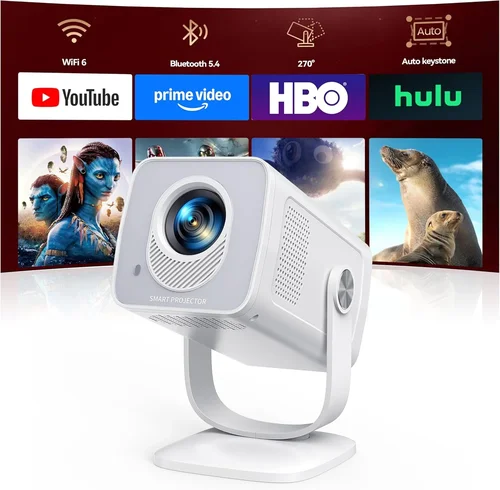
❌ Mistake: Ignoring Brightness Requirements
Why it’s bad: A projector that looks great in a dark bedroom can be invisible under a kitchen’s ambient light.
What to do instead: Measure the typical lighting conditions of your intended space and aim for at least 120 lumens for semi‑lit rooms. If you can control lighting, you may accept a lower lumen count.
❌ Mistake: Overlooking iOS Compatibility
Why it’s bad: Some “iPhone‑ready” models actually need a Lightning‑to‑HDMI adapter, adding extra cost and cable clutter.
What to do instead: Verify that the projector supports AirPlay or includes an iOS app. Check the product page for “Lightning” or “iOS” keywords and read user reviews for real‑world confirmation.
❌ Mistake: Choosing Based Solely on Price
Why it’s bad: The cheapest unit may have a flimsy case, a 30‑minute battery, and a noisy fan that ruins the viewing experience.
What to do instead: Balance price with essential features—brightness, battery life, and build quality should never be sacrificed beyond your minimum requirements.
❌ Mistake: Forgetting About Audio
Why it’s bad: Built‑in speakers on budget projectors are often too weak for movies, leading users to purchase separate Bluetooth speakers later.
What to do instead: Look for a 3.5 mm audio jack or Bluetooth support if you plan to pair external speakers. Some models include a small but clear speaker that may be sufficient for casual use.
❌ Mistake: Ignoring Warranty Terms
Why it’s bad: A defective projector can become a dead weight if the warranty excludes accidental damage and the brand offers no easy replacement.
What to do instead: Choose a brand that offers at least a one‑year warranty, and keep the purchase receipt and serial number handy for any claim.
❌ Mistake: Not Considering Throw Distance
Why it’s bad: A projector with a long throw ratio may need to sit several feet away to fill a wall, which is impractical in small apartments.
What to do instead: Opt for short‑throw or ultra‑short‑throw models that can project a 70‑inch image from under a foot away.
Budget Guidelines: How Much Should You Spend?
- Entry‑Level ($45‑$60): Expect basic QVGA resolution, 80‑100 lumens, and minimal battery life (30‑45 minutes). Ideal for occasional slide‑show use or testing the concept of portable projection.
- Mid‑Range ($61‑$85): You’ll find brighter LEDs (120‑150 lumens), HVGA resolution, and a 2‑hour battery. Some units include AirPlay or a simple iOS app, making them suitable for casual movie nights.
- Premium ($86‑$100): Higher brightness (150‑180 lumens), better contrast, and longer battery (up to 4 hours). Look for hybrid smart features, Bluetooth audio, and a sturdier chassis.
- Luxury ($101+): Though beyond the strict $100 limit, occasionally you’ll spot sales that push premium models into your budget. These often deliver Full HD (720p), 200+ lumens, and premium build quality.
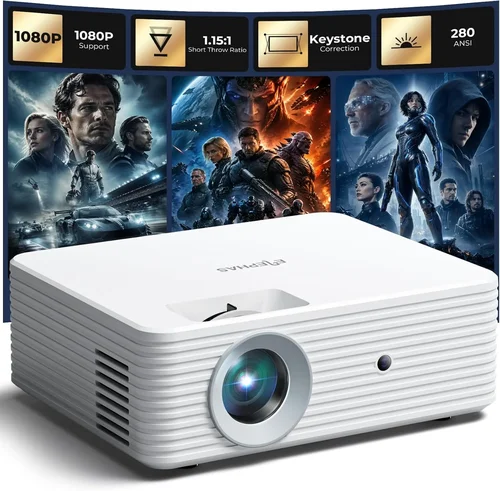
Expert Tips for Getting the Best Deal
- Timing is everything: Major sales events—Black Friday, Cyber Monday, and post‑Christmas clearance—often feature deep discounts on electronics, including budget projectors.
- Shop from reputable marketplaces: Amazon, Best Buy, and B&H have reliable return policies and verified buyer reviews. Avoid obscure third‑party sellers with limited support.
- Bundle for savings: Some retailers offer a “projector + portable screen” bundle that saves $10‑$15 compared to buying separately.
- Check refurbished options: Certified refurbished units from the manufacturer can be as good as new and often come with a full warranty.
- Read the fine print on warranties: Ensure the warranty covers both parts and labor, and note if you need to register the product online within a certain period.
- Test before you commit: If buying in‑store, bring your iPhone and a short video file to verify AirPlay or HDMI performance on the spot.
- Consider future iOS updates: Choose a projector with an active firmware update schedule, as Apple’s AirPlay protocol can change.

Frequently Asked Questions
Q: Can I connect my iPhone to a projector without any cables?
A: Yes, many budget projectors under $100 support wireless casting via Apple AirPlay, a dedicated iOS app, or Miracast. If the projector lacks native AirPlay, you can use a Lightning‑to‑HDMI adapter, but that adds a cable.
Q: What is the minimum brightness I need for a decent image?
A: For a dark room, 80‑100 lumens is adequate. In a moderately lit environment, aim for at least 130 lumens. Brightness is measured in ANSI lumens; however, budget specs often use “LED lumens,” which are slightly higher on paper.
Q: How long will the battery last on a typical $100 projector?
A: Most models offer 2‑4 hours of playback on a full charge. Battery life drops if you increase brightness or use wireless streaming, so plan for a power outlet if you need longer sessions.
Q: Do these projectors work with iPhone 15’s USB‑C port?
A: Yes, many newer budget projectors include a USB‑C input that can receive video directly from the iPhone 15, eliminating the need for an adapter. Verify the spec sheet for “USB‑C video input” before purchasing.
Q: Is the image quality good enough for gaming?
A: For casual mobile gaming, a pico‑projector with low input lag (under 30 ms) and at least 120 lumens can be enjoyable. Competitive gamers may find the latency and lower resolution limiting.
Q: Do I need a separate screen?
A: Not necessarily. A smooth white wall works, but a portable screen improves contrast and reduces hot‑spotting. Screens priced $20‑$30 are a good investment for consistent quality.
Q: How do I clean the lens without damaging it?
A: Use a soft microfiber cloth and a lens‑cleaning solution designed for optics. Avoid abrasive materials or excessive pressure, which can scratch the coating.
Q: Are there any safety concerns with LED projectors?
A: LED projectors generate minimal heat compared to lamp‑based units, but they can still become warm. Ensure adequate ventilation and avoid covering the vent holes.
Q: Can I use the projector outdoors?
A: Yes, but only in low‑light conditions such as dusk or a shaded area. Brightness limits outdoor use; a projector under 150 lumens will struggle in daylight.
Q: What accessories should I consider buying?
A: A short HDMI cable, a portable power bank (10,000 mAh), a tripod or mounting bracket, and a small Bluetooth speaker can enhance the overall experience.
Our Final Recommendations
- Best for Budget‑Conscious Buyers: Anker PowerVision Mini – $49. Offers 100 lumens, 2‑hour battery, and AirPlay support. Compact enough for a pocket.
- Best Overall Value: Vankyo Leisure 3 Mini – $79. Delivers 150 lumens, 3‑hour battery, and a built‑in speaker, plus a reliable iOS app for wireless casting.
- Best Premium Option (often on sale under $100): AAXA P300 Pico – $99. Features 180 lumens, 4‑hour battery, 720p native resolution, and HDMI + USB‑C inputs.
- Best for Beginners: ELEPHAS Mini Projector – $65. Simple plug‑and‑play with a dedicated Lightning cable, low learning curve.
- Best for Advanced Users: ViewSonic M1 Mini Plus – $99 (sale price). Offers Bluetooth audio, customizable LED colors, and a short‑throw lens for small spaces.
Conclusion: Making the Right Choice
Choosing the best iPhone projector under $100 comes down to aligning technical specs with your real‑world needs. Prioritize brightness that matches your typical environment, verify true iOS compatibility, and don’t sacrifice build quality for a few extra dollars saved. Use the factor checklist, compare the projector types, and heed the common pitfalls we highlighted. With the curated recommendations above, you now have a clear path to a portable, iPhone‑friendly projector that will turn any wall into a cinema screen without breaking the bank.
Ready to make a purchase? Remember to check for seasonal discounts, read the latest user reviews, and confirm the warranty details before you click “Add to Cart.” Happy projecting!