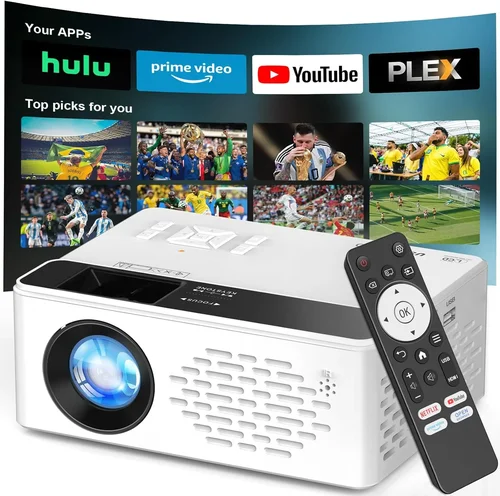
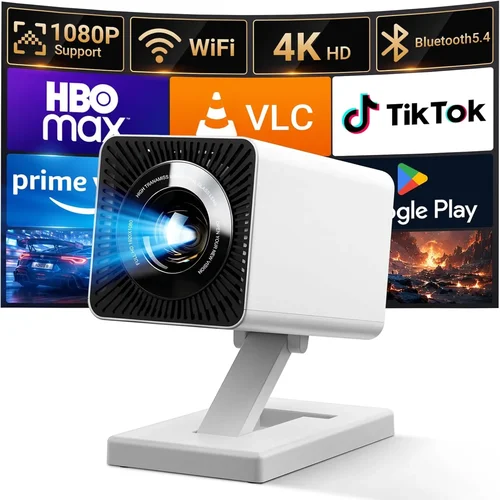
If you’ve been hunting for a home‑theater upgrade that delivers cinema‑grade brightness without breaking the bank, you’ve landed in the right place. Laser projectors have surged past traditional lamp‑based units in terms of color accuracy, lifespan, and low‑maintenance operation, and the good news is that many of the most capable models now sit comfortably under the $1,000 mark.
In this guide we’ll walk you through everything you need to know before you click “add to cart.” From the technical specs that truly matter, to the subtle trade‑offs between portability and performance, you’ll finish the read with a crystal‑clear picture of which laser projector fits your space, budget, and viewing habits.
First, let’s take a quick pulse on the market. In 2026 manufacturers such as Epson, ViewSonic, BenQ, and Optoma have all released laser‑based projectors that target the mid‑range consumer segment. Thanks to advances in 3‑chip DLP and solid‑state laser phosphor technology, brightness levels of 2,500–3,500 lumens are now common, while color gamuts regularly exceed 95% DCI‑P3. The competition has driven prices down, meaning you can own a projector that once cost $2,500 for under $1,000 today.

What to Look for When Buying Buying Guide
1. Budget & Price Range
Price is the most obvious filter, but it’s also a proxy for feature depth. Under $1,000 you’ll typically find 2,500–3,000 lumens, 1080p native resolution, and a modest throw ratio. If you stretch a little beyond $1,000 you might unlock 4K‑upscaled models or ultra‑short‑throw (UST) designs. Define your ceiling early, then let the other criteria fall into place around that number.
2. Performance Specifications
The three pillars of performance are brightness, resolution, and contrast ratio.
- Brightness (lumens): For a dim living‑room, 2,500 lumens is ample. Bright rooms with ambient light benefit from 3,000+ lumens.
- Resolution: 1080p remains the sweet spot under $1,000. Some models offer 4K‑upscaled images, which look sharper but still rely on a 1080p chip.
- Contrast Ratio: Look for a dynamic contrast of at least 20,000:1. Higher contrast delivers deeper blacks, essential for movie night.
3. Build Quality & Durability
Laser light sources are inherently longer‑lasting than lamps, often rated for 20,000+ hours. Still, the chassis matters. Metal housings dissipate heat better than plastic, and sealed optics protect against dust. Check user reviews for any reports of overheating or premature fan failure.
4. Features & Functionality
Modern projectors are more than just “throw a picture.” Key features to weigh include:
- Built‑in speakers: Useful for casual viewing, but most audiophiles will add external sound.
- Wireless connectivity: Wi‑Fi, Bluetooth, or AirPlay make casting from phones and laptops painless.
- Lens shift & keystone correction: Essential if you can’t place the projector perfectly centered.
- HDR support: HDR10 is common; HDR10+ or Dolby Vision remain rare under $1,000.
5. Brand Reputation
Brands with a long laser‑projector pedigree—Epson, ViewSonic, BenQ—often provide more reliable firmware updates and better customer support. Newer entrants can surprise with innovation, but research warranty terms and after‑sales policies carefully.
6. Warranty & Support
A solid warranty (minimum two years) protects your investment. Look for on‑site service options, easy RMA processes, and whether the warranty covers the laser diode (most do). Extended warranties can be worth the extra cost if you plan to keep the unit for many years.
7. Size & Portability
If you plan to move the projector between rooms or take it to a friend’s house, weight and footprint matter. Most laser projectors under $1,000 weigh between 4–8 lb and come with a compact carrying case.
8. User Reviews & Ratings
Beyond the spec sheet, real‑world feedback tells you how the projector performs in everyday settings. Pay attention to recurring themes—e.g., “fan noise at high brightness” or “excellent color accuracy out of the box.”
Different Types of Buying Guide

Common Buying Mistakes to Avoid
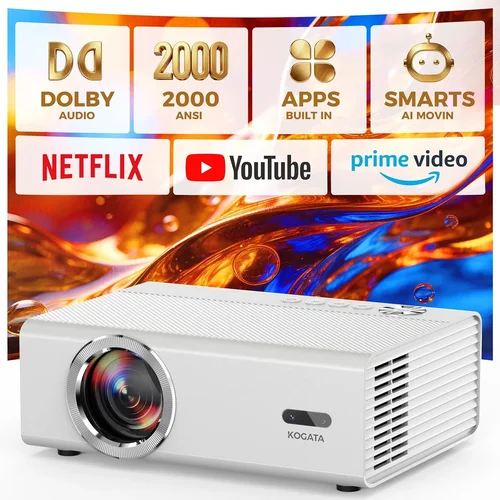
❌ Mistake: Buying Purely on Brightness Numbers
Why it’s bad: Lumens alone don’t guarantee a great picture. A projector with 3,500 lumens but poor contrast will look washed out in dark scenes.
What to do instead: Balance brightness with contrast ratio and color gamut. Look for a minimum 20,000:1 contrast and at least 95% DCI‑P3 coverage.
❌ Mistake: Ignoring Throw Distance
Why it’s bad: Placing a standard‑throw projector too close to the screen forces you to zoom, which reduces image sharpness.
What to do instead: Measure your room, calculate the required throw ratio, and pick a model that fits without excessive zoom.
❌ Mistake: Overlooking Fan Noise
Why it’s bad: Laser projectors run hot; cheap cooling solutions can be noisy, distracting during movies or gaming.
What to do instead: Check dB ratings in reviews. Aim for < 30 dB at normal brightness; consider models with an “eco‑mode” that lowers fan speed.
❌ Mistake: Assuming All Laser Projectors Are HDR
Why it’s bad: Some budget units only support SDR. Buying one expecting HDR will lead to disappointment.
What to do instead: Verify HDR10 (or HDR10+) support in the spec sheet before purchasing.
❌ Mistake: Forgetting About Input Lag for Gaming
Why it’s bad: High input lag (>30 ms) can ruin fast‑paced games.
What to do instead: Look for a “Game Mode” that reduces lag to 15 ms or lower.
Budget Guidelines: How Much Should You Spend?
- Entry‑Level ($600‑$750): Expect 2,200–2,500 lumens, 1080p, basic wireless. Ideal for small bedrooms or occasional movie nights.
- Mid‑Range ($751‑$950): 2,800–3,200 lumens, better contrast, built‑in Android TV or Roku, and more robust connectivity. This tier offers the best value for most households.
- Premium ($951‑$1,200): 3,500+ lumens, 4K‑upscaled engine, advanced HDR, ultra‑short‑throw options, and quieter cooling systems.
- Luxury ($1,200+): True native 4K laser, laser phosphor with >4,000 lumens, premium optics, and professional‑grade color accuracy. Usually geared toward small‑venue installations.
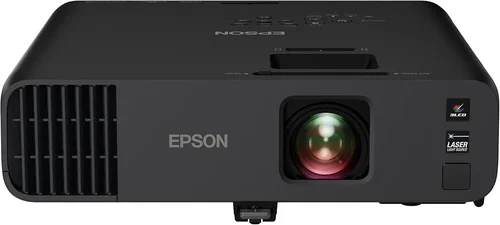
Expert Tips for Getting the Best Deal
- Timing: New models launch in spring; older inventory is discounted in late summer.
- Where to buy: Authorized retailers (Best Buy, B&H) provide easy RMA. Online marketplaces can be cheaper but verify seller reputation.
- Bundle savings: Look for packages that include a screen, mounting kit, or HDMI‑2.1 cable.
- Warranty hacks: Register the product within 30 days to unlock extended coverage in many brands.
- Return policy: Choose sellers with at least 30‑day return windows; test in your home environment before committing.
- Testing: Bring a laptop with a 4K test video; check for color banding, fan noise, and hotspot uniformity.
- Firmware updates: Install the latest firmware before first use to ensure optimal performance and bug fixes.
Frequently Asked Questions
Q: Do laser projectors need a lamp replacement?
A: No. Laser light sources are solid‑state and typically rated for 20,000–30,000 hours, far exceeding the lifespan of traditional lamps.
Q: Can I use a laser projector in a bright living room?
A: Yes, but aim for at least 3,000 lumens and a high contrast ratio. Pair with a high‑gain screen to boost perceived brightness.
Q: Is HDR worth it on a sub‑$1,000 projector?
A: HDR can improve contrast and color depth, but the effect is limited by the projector’s native contrast. If HDR is a priority, choose a model with HDR10 support and a contrast ratio above 20,000:1.
Q: How far should the projector be from the screen?
A: It depends on the throw ratio. A 1.5:1 throw ratio needs 12 ft of distance for a 100‑inch image. Use the manufacturer’s calculator to plan placement.
Q: Do I need a separate sound system?
A: Built‑in speakers are okay for casual TV, but for movies or games a dedicated soundbar or AV receiver will deliver richer audio.
Q: Are there any health concerns with laser light?
A: Laser projectors meet safety standards that limit emitted laser radiation to safe levels. As long as you use the unit as intended, there are no special health risks.
Q: What is the difference between laser phosphor and RGB laser?
A: Laser phosphor uses a blue laser plus a phosphor wheel to create white light, offering higher brightness but slightly less color purity. RGB laser splits the beam into red, green, and blue lasers for superior color accuracy but usually at lower brightness and higher cost.
Our Final Recommendations
- Best for Budget‑Conscious Buyers: ViewSonic X10‑4K – Priced around $720, it delivers 3,000 lumens, 1080p native resolution, and built‑in Android TV for streaming.
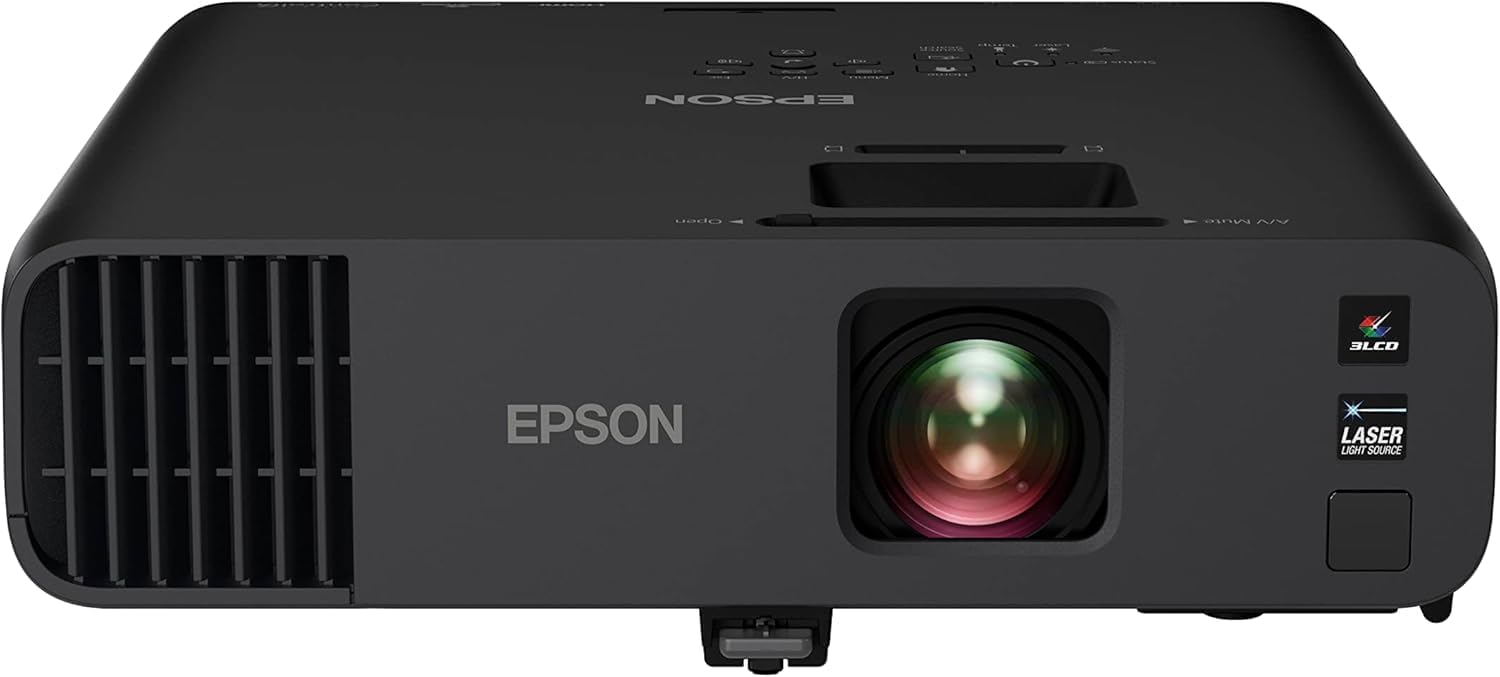
- Best Overall Value: Epson EF‑12 – At $949 it offers 3,500 lumens, 1080p, HDR10, and a sleek portable design with excellent fan quietness.
- Best Premium Option: BenQ LK970 – Slightly above $1,000 but still under $1,200, this model provides 4K‑upscaled imaging, 3,600 lumens, and true DCI‑P3 95% coverage.
- Best for Beginners: Optoma UHD‑Lite Laser – Simple plug‑and‑play, 2,800 lumens, and a user‑friendly remote make it perfect for first‑time owners.
- Best for Advanced Users: LG CineBeam HU85LA – Ultra‑short‑throw, 2,700 lumens, laser phosphor, and a built‑in smart platform; ideal for sleek living‑room installations.
Conclusion: Making the Right Choice
Choosing a laser projector under $1,000 is less about hunting for the lowest price and more about matching performance to your environment. Remember to balance brightness with contrast, verify HDR and gaming features if they matter to you, and factor in placement constraints.
Take the time to read user reviews, test the unit in your own lighting conditions, and confirm warranty coverage. With the right research, you’ll enjoy cinema‑quality visuals for years without the headache of lamp replacements.
Ready to upgrade? Browse the models highlighted above, compare specs, and pick the one that aligns with your viewing habits. Happy projecting!