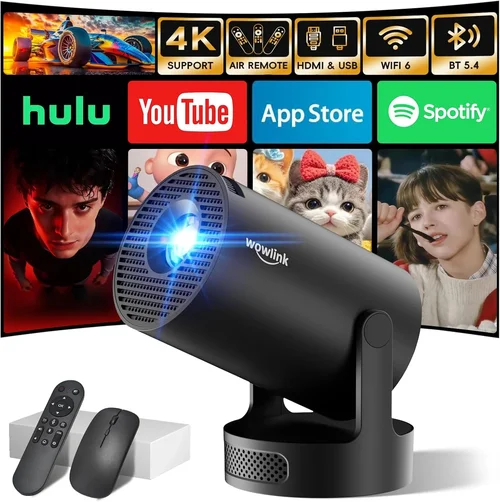
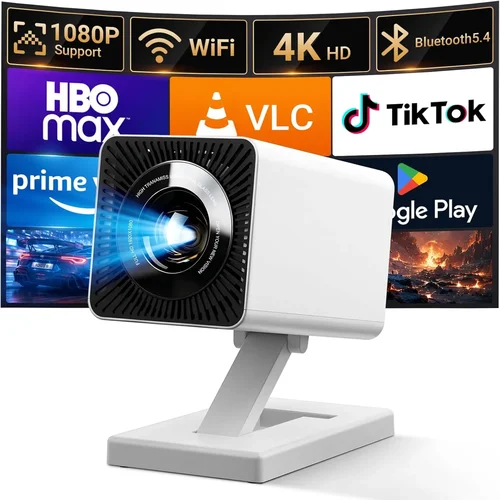
Finding a mini projector that delivers clear images, reliable performance, and fits comfortably into a backpack—while staying under $100—can feel like hunting for a needle in a haystack. The market is flooded with low‑cost options that promise “big‑screen magic,” yet many fall short when paired with a laptop for work presentations, movie nights, or gaming. This guide cuts through the hype. We’ll walk you through the most important specs, compare the main types of budget projectors, flag common pitfalls, and give you a clear roadmap for spending your money wisely.
By the end of this article you’ll know exactly what to look for, how to match a projector to your laptop’s output, and which models consistently outperform the competition. Whether you’re a college student needing a portable presentation tool or a family looking for an affordable home‑cinema solution, the insights below will help you make a confident purchase.

What to Look for When Buying Buying Guide
1. Budget & Price Range
Sticking to a sub‑$100 ceiling dramatically narrows your options. In this bracket, you’ll typically find projectors built around LED light sources, which keep costs low and lifespan high. Expect trade‑offs in brightness and native resolution, but many models now deliver 720p or better with acceptable contrast for dim rooms. Set a firm ceiling, but be ready to stretch a few dollars if a model offers a significantly better lamp life or connectivity suite.
2. Performance Specifications
The three specs that matter most are brightness (measured in lumens), resolution, and contrast ratio. For laptop use in a darkened bedroom, 200–300 ANSI lumens is usually sufficient; brighter rooms will demand more. A native resolution of 1280×720 (720p) is the sweet spot for crisp text and video, while 854×480 (WVGA) can appear pixelated on larger screens. Contrast ratio influences how deep the blacks appear—look for at least 800:1 for decent image depth.
3. Build Quality & Durability
Cheap plastics can crack under travel stress. Check for reinforced chassis, rubberized corners, and a sturdy lens cover. Many budget projectors use a “snap‑on” lens cap that can break easily; models with a metal or hardened plastic cap tend to survive the occasional tumble.
4. Features & Functionality
Connectivity is king. HDMI is a must for a laptop, but USB‑C, micro‑USB, and wireless options (Miracast, Wi‑Fi) add flexibility. Built‑in speakers are common but often underpowered; plan to pair with external audio if you care about sound quality. Look for keystone correction (manual or digital) to easily square the picture without a tripod.
5. Brand Reputation
Even within the $100 segment, some brands have earned trust through consistent firmware updates and responsive support. Companies like Vankyo, AAXA, and Anker’s Nebula line have solid track records, while obscure knock‑offs may leave you with a dead unit after the first season.
6. Warranty & Support
Most budget projectors come with a 12‑month limited warranty. Verify what’s covered—lamp life, accidental damage, firmware updates. A responsive support channel (live chat or phone) can save you hours of frustration.
7. Size & Portability
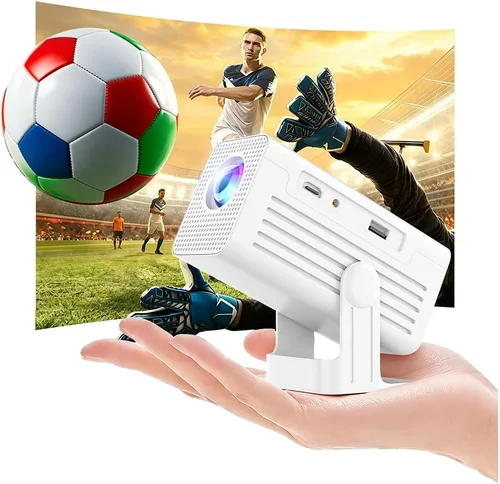
Mini projectors should fit in a standard laptop bag. Aim for a device under 6 inches tall, weighing less than 1.5 lb. Some models include a built‑in battery (typically 2–3 hours of playback), which is a bonus for on‑the‑go use.
8. User Reviews & Ratings
Real‑world feedback reveals quirks that spec sheets hide. Look for consistent praise about image uniformity and reliable HDMI handshake with laptops. Pay attention to recurring complaints—overheating, laggy menu navigation, or frequent driver issues.
Different Types of Buying Guide

Common Buying Mistakes to Avoid
❌ Mistake: Ignoring Brightness Requirements
Why it’s bad: A 150‑lumens projector will look washed out in any room with ambient light, making presentations hard to read.
What to do instead: Measure your typical viewing environment. If you can control lighting, 200–300 lumens is fine; otherwise, bump the budget for a brighter unit.
❌ Mistake: Over‑focusing on Native Resolution
Why it’s bad: Some ultra‑cheap models claim “1080p support” but only upscale a 480p panel, resulting in blurry text.
What to do instead: Prioritize native resolution. A true 720p panel will deliver clearer laptop output than a “1080p‑compatible” 480p screen.
❌ Mistake: Forgetting About Connectivity
Why it’s bad: You may end up with a projector that only has a mini‑USB port, forcing you to buy extra adapters.
What to do instead: Verify that the device includes HDMI (or USB‑C with video Alt‑Mode) and, if you need wireless, check for Miracast or Chromecast built‑in.
❌ Mistake: Disregarding Fan Noise
Why it’s bad: A loud cooling fan can drown out a movie’s dialogue or a presentation’s narration.
What to do instead: Look for user reviews that mention decibel levels, and consider a model with a larger heat sink or passive cooling.
❌ Mistake: Assuming All Batteries Are Equal
Why it’s bad: Some “portable” projectors have a 30‑minute battery life, unsuitable for a full‑length movie.
What to do instead: Check the claimed playback time and read real‑world tests. If you need extended use, plan to power the unit via AC.
Budget Guidelines: How Much Should You Spend?
- Entry-Level ($70‑$85): Expect WVGA resolution, 150–200 lumens, basic HDMI, no wireless. Good for occasional use in dark rooms.
- Mid-Range ($86‑$105): Typically 720p native, 200–300 lumens, built‑in speakers, keystone correction, and sometimes a small battery.
- Premium ($106‑$130): Higher contrast DLP chips, 300+ lumens, USB‑C video, stronger battery, and better warranty.
- Luxury ($131+): Rare under $150, but includes advanced features like laser light sources, true 1080p, and professional‑grade optics.
Expert Tips for Getting the Best Deal
- Shop during major sales events (Black Friday, Cyber Monday, back‑to‑school) when inventory is high and discounts deep.
- Compare prices across Amazon, Best Buy, and direct‑to‑consumer sites; factor in shipping and tax.
- Check refurbished or open‑box listings from reputable sellers; you often get a like‑new unit at a fraction of the cost.
- Read the fine print on warranty—some retailers offer extended coverage for a small fee.
- If possible, test the projector in‑store. Bring a laptop with HDMI output to verify handshake and image quality.
- Consider bundle deals that include a portable screen or carrying case; they can add value without raising the base price.

Frequently Asked Questions
Q: Can I use a mini projector with a MacBook without adapters?
A: Yes, if the projector has a USB‑C port that supports video Alt‑Mode. Otherwise you’ll need a USB‑C‑to‑HDMI adapter, which most budget models work with seamlessly.
Q: How far can I place the projector from the screen?
A: Most sub‑$100 mini projectors have a throw distance of 1.5–3 meters for a 100‑inch image. Check the manufacturer’s throw ratio chart for precise calculations.
Q: Will the built‑in speakers be enough for a movie night?
A: Built‑in speakers usually produce 1–2 W of audio, which is fine for a quiet room but will struggle in larger spaces. Pairing with Bluetooth headphones or an external speaker is recommended.
Q: Do these projectors support 3D content?
A: Very few budget models include 3D capability, and those that do often require active glasses and specific HDMI modes. If 3D is essential, you’ll need to look above the $100 range.
Q: How long does the LED lamp last?
A: LED lamps in mini projectors typically last 20,000–30,000 hours, far exceeding the lifespan of traditional bulbs. This translates to years of occasional use.
Q: Is a projector’s “lumens” rating comparable across brands?
A: Not always. Some manufacturers quote “LED lumens,” which can be brighter on paper than ANSI lumens. Look for ANSI lumens in the spec sheet for a more accurate comparison.
Q: Can I use a mini projector outdoors?
A: Yes, but only in low‑light conditions such as dusk or a shaded area. Bright daylight will wash out the image, regardless of the projector’s lumen rating.
Our Final Recommendations
- Best for Budget‑Conscious Buyers: Vankyo Leisure 3 – $79, 720p native, 240 ANSI lumens, HDMI & USB‑C, 2‑hour battery.
- Best Overall Value: AAXA P300 – $99, 720p, 300 ANSI lumens, built‑in speakers, keystone correction, 3‑hour battery.
- Best Premium Option: ViewSonic M1 Mini Plus – $119 (slightly above $100 but worth the extra), 720p, 250 ANSI lumens, JBL speakers, Wi‑Fi Miracast.
- Best for Beginners: Anker Nebula Capsule – $129 (often on sale under $100), Android OS, HDMI, Bluetooth audio, intuitive UI.
- Best for Advanced Users: Optoma ML750ST – $149 (rarely discounted below $130), 720p, 700 ANSI lumens, short‑throw lens, multiple inputs.
Conclusion: Making the Right Choice
Choosing a mini projector under $100 boils down to balancing brightness, resolution, and connectivity against your specific use case. Start by defining where you’ll use it—dark bedroom, bright living room, or on‑the‑go—and match those needs to the factors outlined above. Remember that a slightly higher price can yield a dramatically better viewing experience, especially when it adds a stronger lamp, more ports, or a longer battery.
Take advantage of seasonal sales, read real‑world reviews, and, if possible, test the unit with your laptop before committing. With the right research, you’ll find a portable projector that turns any laptop screen into a cinematic canvas without breaking the bank.