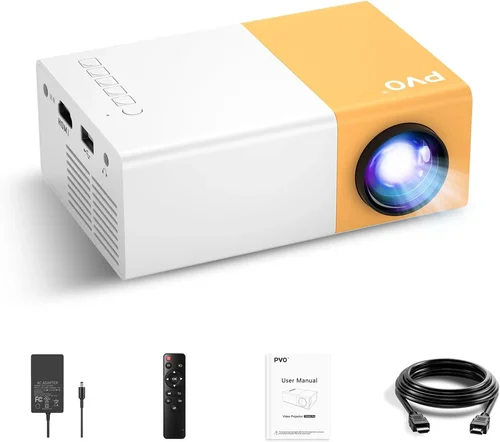
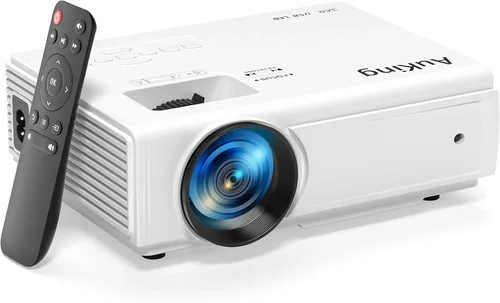
Welcome to the ultimate guide for anyone hunting the best mini projector under $200. Whether you’re setting up a backyard movie night, need a portable screen for work presentations, or simply want a compact device for gaming on the go, this guide will steer you clear of the noise and help you find a projector that truly delivers. The mini projector market has exploded over the past few years, with manufacturers cramming more brightness, sharper resolution, and smarter connectivity into ever‑smaller housings—all while keeping price tags under $200. That’s great news, but it also means the choices can feel overwhelming.
In the pages that follow, you’ll learn exactly what specifications matter most, which features are nice‑to‑have versus essential, and how to match a projector’s strengths with your personal use‑case. We’ll break down the different categories of mini projectors, point out common pitfalls, and give you a clear budget roadmap. By the end, you’ll be equipped to pick a device that fits your pocket and your lifestyle without second‑guessing your purchase.

What to Look for When Buying Buying Guide
1. Budget & Price Range
Price is the most obvious filter, especially when you’ve set a $200 ceiling. However, the cheapest option isn’t always the best value. Look for a balance between cost and core performance metrics such as brightness and resolution. A $150 projector that offers 2,500 lumens and 1080p support will generally outshine a $90 model that only reaches 800 lumens. Keep an eye on seasonal sales—major retailers often discount mini projectors during Black Friday, back‑to‑school, and holiday periods, allowing you to snag a higher‑tier model within your budget.
2. Performance Specifications
Three specs dominate the viewing experience:
- Brightness (lumens): For indoor use in a dimly lit room, 1,500–2,500 ANSI lumens is sufficient. If you plan to project in brighter environments, aim for the higher end of that range.
- Resolution: Native 720p (1280×720) is the baseline for decent clarity. Some models claim 1080p but actually use pixel‑doubling; read the fine print.
- Contrast Ratio: Higher contrast means deeper blacks and more vibrant colors. Look for at least 1,000:1 for a respectable picture.
Balancing these three will give you a clear, vibrant image without breaking the bank.
3. Build Quality & Durability
Mini projectors travel a lot, so they need to withstand the occasional bump. Aluminum bodies dissipate heat better than cheap plastic, extending lamp life. Check for reinforced corners and a sturdy lens cover. Many users report that models with a metal heat sink stay cooler during long movie marathons, which directly translates to longer lifespan.
4. Features & Functionality
Modern mini projectors are packed with extras. Prioritize these based on your needs:
- Connectivity: HDMI is a must; USB‑C is a bonus for newer phones. Wi‑Fi and Bluetooth enable wireless streaming from phones, tablets, and laptops.
- Built‑in Speakers: While most mini projectors have modest audio, a decent 2‑3 W speaker can suffice for casual viewing. For richer sound, budget for external speakers.
- Battery Life: If you intend to use the projector unplugged, look for models offering at least 2–3 hours of playback on a single charge.
- Keystone Correction & Focus: Automatic keystone saves time, but manual adjustment is often more accurate and cheaper.
5. Brand Reputation
Established brands such as Anker, ViewSonic, and Epson have solid support networks and consistent quality control. Newer entrants like Vankyo or AAXA can surprise with great specs, but research their warranty policies and read multiple user reviews before committing.
6. Warranty & Support
A one‑year warranty is standard in this price segment. Verify what it covers—lamp replacement, accidental damage, or only manufacturing defects. Good customer support can turn a minor hiccup into a painless experience, while a lackluster service department can leave you stranded with a dead unit.
7. Size & Portability
Mini projectors should fit in a backpack or even a large pocket. Dimensions under 5 inches on the longest side and a weight below 1 lb make true portability possible. Some models even come with a built‑in handle or a detachable case for easy transport.
8. User Reviews & Ratings
Real‑world feedback is priceless. Look for patterns in reviews—consistent complaints about overheating, for instance, are red flags. Pay attention to the number of reviews; a product with 500+ five‑star ratings usually has a proven track record.
Different Types of Buying Guide
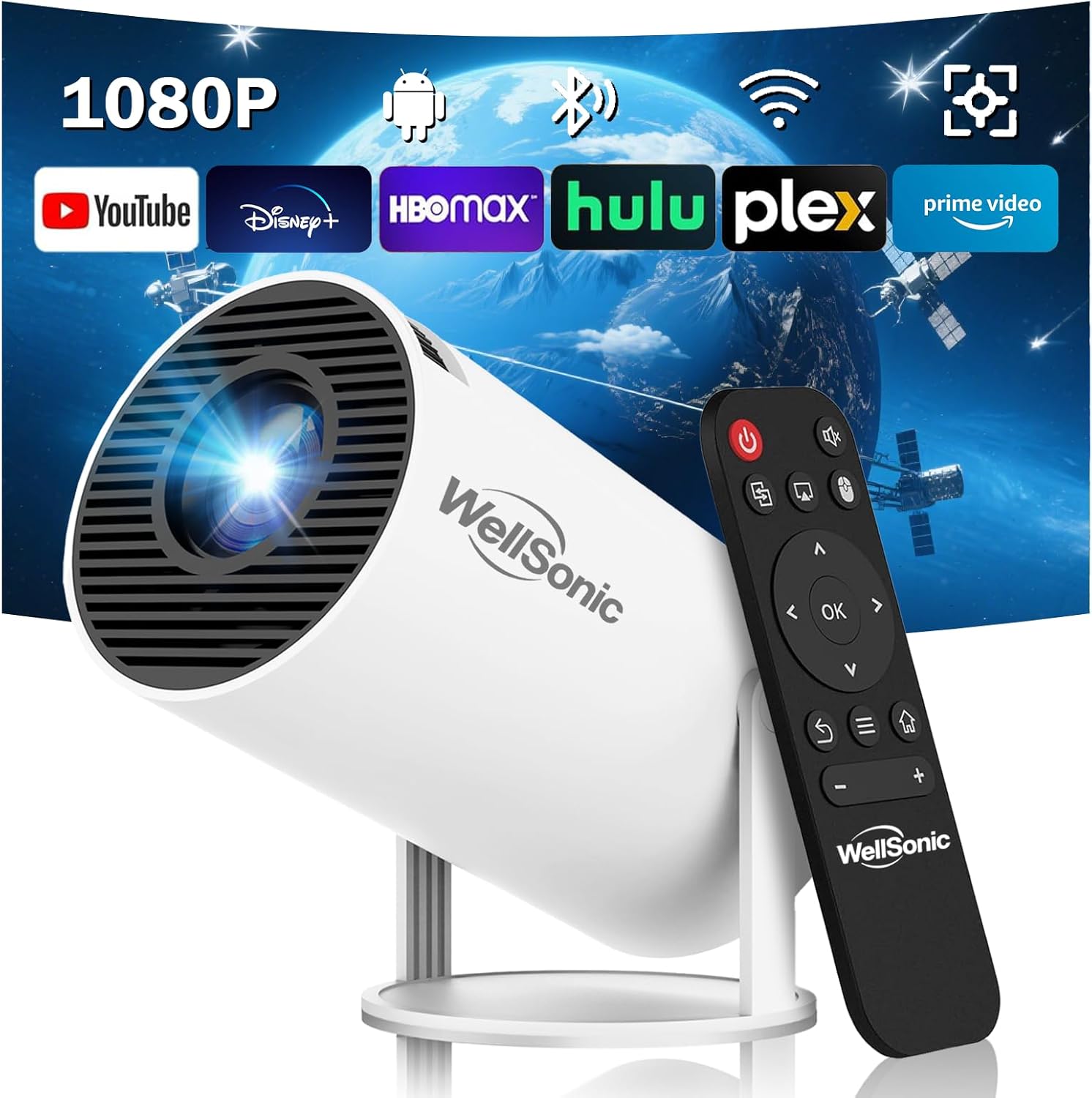
Common Buying Mistakes to Avoid
❌ Mistake: Ignoring Brightness Requirements
Why it’s bad: A projector that’s too dim will produce washed‑out images, especially in rooms with ambient light.
What to do instead: Measure the typical lighting conditions of your viewing space. For living‑room use with some light, target at least 2,000 lumens. If you’ll always be in a dark room, 1,500 lumens may suffice.
❌ Mistake: Overlooking Native Resolution
Why it’s bad: Some manufacturers advertise “1080p support” but actually upscale a 720p panel, resulting in blurry text and fuzzy details.
What to do instead: Check the spec sheet for “native 720p” or “native 1080p.” If only upscaling is listed, manage expectations or spend a bit more for true 1080p.
❌ Mistake: Forgetting About Lamp Life
Why it’s bad: LED lamps last longer than traditional bulbs, but cheap units can still degrade quickly, leading to dimmer images after a few months.
What to do instead: Choose models that guarantee at least 20,000 hours of LED life and read user reviews for real‑world longevity.
❌ Mistake: Dismissing Connectivity Options
Why it’s bad: A projector without the right ports forces you to buy adapters, adding cost and clutter.
What to do instead: List the devices you’ll connect (phone, laptop, gaming console) and verify the projector offers HDMI, USB‑C, or wireless casting that matches those devices.
❌ Mistake: Assuming All Speakers Are Adequate
Why it’s bad: Built‑in speakers in budget mini projectors are often tinny and lack bass, ruining the movie‑night vibe.
What to do instead: If audio matters, prioritize a model with a 3 W speaker or budget for a compact Bluetooth speaker.
❌ Mistake: Buying Without Checking Return Policies
Why it’s bad: Mini projectors can be hit‑or‑miss; a unit that looks great online may arrive with a dead lamp.
What to do instead: Purchase from retailers offering at least a 30‑day return window and free return shipping.
Budget Guidelines: How Much Should You Spend?
- Entry-Level ($100 – $130): Expect 720p resolution, 1,200–1,800 lumens, basic HDMI, and modest battery life. Ideal for occasional use in dark rooms.
- Mid-Range ($131 – $170): You’ll find true 720p panels, 2,000+ lumens, better contrast, and added features like Wi‑Fi or Bluetooth. This tier covers most casual users.
- Premium ($171 – $200): Look for native 1080p, 2,500+ lumens, advanced keystone correction, and longer battery runs. Perfect for frequent travelers and small‑group presentations.
- Luxury ($200+): While outside the strict $200 limit, some sales push premium models into reach. These units may include laser light sources, built‑in Android OS, and premium audio.
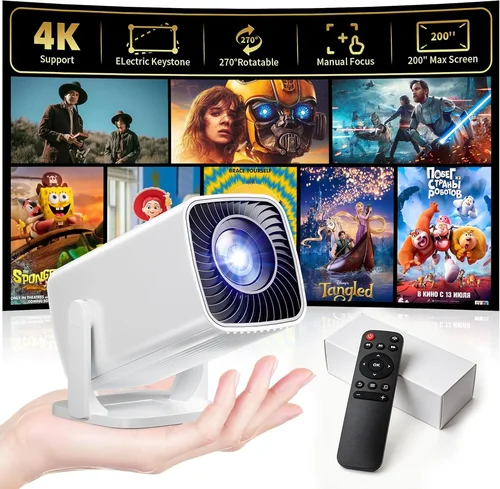
Expert Tips for Getting the Best Deal
- Timing is everything: Major sales events (Black Friday, Cyber Monday, Amazon Prime Day) often feature deep discounts on electronics.
- Shop from authorized dealers: This ensures you receive a valid warranty and reduces the risk of counterfeit units.
- Bundle wisely: Some retailers offer a free HDMI cable or portable screen when you purchase a projector. These add real value.
- Check refurbished options: Certified refurbished units can be up to 30% cheaper and still carry a manufacturer warranty.
- Read the fine print on return policies: A 30‑day hassle‑free return is ideal; avoid “final sale” listings.
- Test before you commit: If possible, visit a local electronics store and view the projector in action. Bring a laptop or phone to check connectivity.
- Consider future accessories: A good tripod, a portable screen, and a compact Bluetooth speaker can dramatically improve the experience without breaking your budget.

Frequently Asked Questions
Q: Can a mini projector under $200 replace a TV?
A: For occasional movie nights in a dark room, yes. However, TVs still win in brightness, color accuracy, and convenience for daily use. Mini projectors excel when you need portability or a large image on a budget.
Q: How loud are mini projectors?
A: Most budget models use fans that run between 30–45 dB, which is noticeable in very quiet settings. Look for “quiet mode” or fan‑speed controls if you plan to use the projector for dialogue‑heavy content.
Q: Do I need a separate screen?
A: Not strictly. A plain white wall works, but a dedicated screen (portable or pull‑down) improves contrast and color vibrancy, especially in rooms with ambient light.
Q: What is the difference between LED and laser light sources?
A: LED lamps are common in sub‑$200 units, offering long life and low heat. Laser projectors deliver higher brightness and color gamut but are rare in this price range due to cost.
Q: How long does the battery last?
A: Battery life varies from 1.5 hours to 3 hours on a single charge. Using lower brightness settings and disabling Wi‑Fi can extend runtime.
Q: Can I use a mini projector for gaming?
A: Yes, especially DLP models with low input lag (under 30 ms). Ensure the projector supports at least 60 Hz refresh rate for smooth gameplay.
Q: Is a warranty worth it?
A: Absolutely. A one‑year warranty protects against premature LED failure and manufacturing defects. Keep the receipt and register the product online if required.
Q: Do I need a remote control?
A: Most mini projectors include a basic remote for power, volume, and source selection. For advanced settings, the on‑device menu or a smartphone app may be more convenient.
Q: Are there any health concerns?
A: Prolonged exposure to bright light can cause eye strain. Use the projector at a comfortable distance (typically 2–3 m) and take regular breaks.
Our Final Recommendations
- Best for Budget‑Conscious Buyers: Vankyo Leisure 3 – Offers 2,400 lumens, native 720p, and HDMI/USB‑C connectivity for under $130.
- Best Overall Value: Anker Nebula Capsule II – Slightly above $200 on sale, but frequently drops into the $180‑$200 range. Features Android TV, 720p resolution, 720 lumens, and a built‑in 8 W speaker.
- Best Premium Option: ViewSonic M1 Mini Plus – True 1080p, 2,500 lumens, Wi‑Fi casting, and a sleek aluminum body. Prices hover around $199 during promotions.
- Best for Beginners: AAXA P300 – Simple plug‑and‑play, 1,500 lumens, 720p, and a respectable 2‑hour battery life. Easy to set up with any device.
- Best for Advanced Users: BenQ GV1 – Offers low input lag, 720p, 200 lumens (ideal for dark rooms), and a robust app ecosystem for streaming and mirroring.
Conclusion: Making the Right Choice
Choosing the best mini projector under $200 boils down to understanding your primary use‑case, matching key specs like brightness and resolution, and being mindful of build quality and support. By focusing on the factors outlined in this guide, avoiding the common mistakes, and leveraging the budgeting tips, you’ll be able to select a device that turns any wall into a cinema‑grade screen without draining your wallet.
Now that you’re armed with knowledge, go ahead and compare the models that fit your budget, read a few user reviews, and make a purchase that brings big‑screen entertainment wherever you go. Happy viewing!