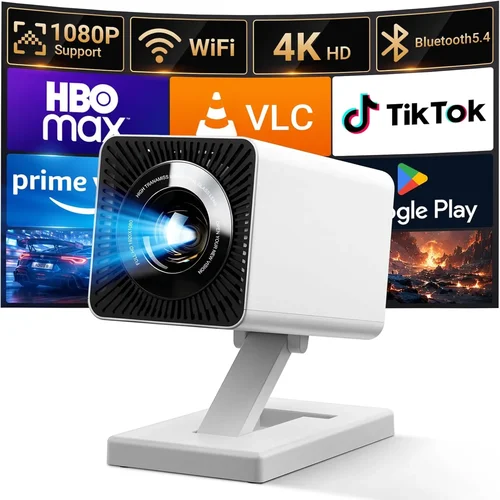
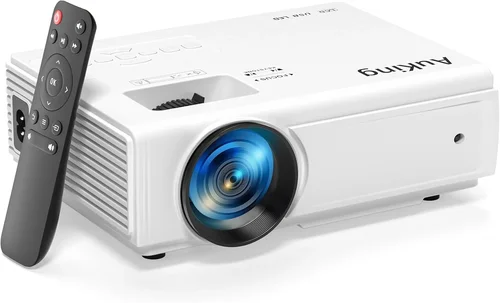
Finding a tiny projector that can actually deliver a decent picture without breaking the bank feels a bit like hunting for a unicorn. Yet, in 2026 the market is flooded with compact devices that promise cinema‑quality visuals from the size of a matchbox. This guide cuts through the hype, helping you understand which specs truly matter, which compromises are acceptable, and which models actually stand up to daily use.
By the end of this article you’ll know exactly what to look for, how to avoid common pitfalls, and which mini projectors under $200 give you the best bang for your buck. Whether you’re a student setting up a dorm‑room movie night, a remote worker needing a portable second screen, or a family searching for a budget‑friendly backyard cinema, the information here will empower you to make a confident purchase.
The mini projector segment has evolved dramatically over the past few years. LED light sources have become brighter, battery life has stretched to the point where you can watch a full‑length film off‑grid, and built‑in Android TV platforms are no longer a luxury. All of this is now available at sub‑$200 price points, but not every model delivers the same value. Let’s explore the landscape.

What to Look for When Buying Buying Guide
1. Budget & Price Range
Your budget is the starting line. Mini projectors under $200 vary widely in performance. The lowest tier often sacrifices brightness and connectivity, while the upper tier of this price bracket can include features like Wi‑Fi streaming and respectable lumen output. Decide how much you’re willing to spend and then match that to the features you truly need.
2. Performance Specifications
Key specs include:
- Brightness (lumens): For indoor use in low‑light rooms, 150‑250 ANSI lumens is adequate. If you plan to use the projector in a brighter environment, aim for at least 300 lumens.
- Resolution: Native 720p (1280×720) is common under $200 and offers a clear image. Some models upscale to 1080p, but the base resolution remains the same.
- Contrast Ratio: Higher contrast means deeper blacks. Look for a ratio of 1500:1 or better.
- Throw Distance & Screen Size: Most mini projectors have a throw ratio of 0.8‑1.2, allowing a 100‑inch image from 3‑4 feet away.
3. Build Quality & Durability
These devices are meant to be portable, so they should survive the occasional bump. Aluminum or high‑grade ABS housings provide better heat dissipation and resistance to wear. Check for reinforced lens covers and a sturdy hinge mechanism.
4. Features & Functionality
Consider the following extras:
- Built‑in Speakers: While most mini projectors have modest 2‑5 W speakers, a model with stereo sound can reduce the need for external audio.
- Wireless Connectivity: Wi‑Fi, Bluetooth, and Miracast enable screen casting from phones and laptops without cables.
- Android TV / Smart OS: An integrated smart platform gives you direct access to Netflix, YouTube, and other apps.
- Ports: HDMI (often micro‑HDMI), USB‑C, USB‑A, and a 3.5 mm audio jack are standard. Some models also include an SD card slot.
5. Brand Reputation
Established brands (Anker, Vankyo, AAXA, Epson) tend to offer more reliable firmware updates and accessible customer service. Newer entrants can surprise with innovation, but researching after‑sales support is crucial.
6. Warranty & Support
A minimum 12‑month warranty is advisable. Look for manufacturers that provide easy RMA processes, responsive email support, and downloadable firmware updates. A solid warranty can save you from costly repairs.
7. Size & Portability
Weight under 1 lb and dimensions that fit in a backpack are ideal for on‑the‑go use. Some models even come with a built‑in battery, turning the projector into a true handheld cinema.
8. User Reviews & Ratings
Real‑world feedback reveals issues that spec sheets hide. Prioritize products with a minimum of 4‑star rating across 200+ reviews, and read both positive and negative comments to gauge consistency.
Different Types of Buying Guide

Common Buying Mistakes to Avoid
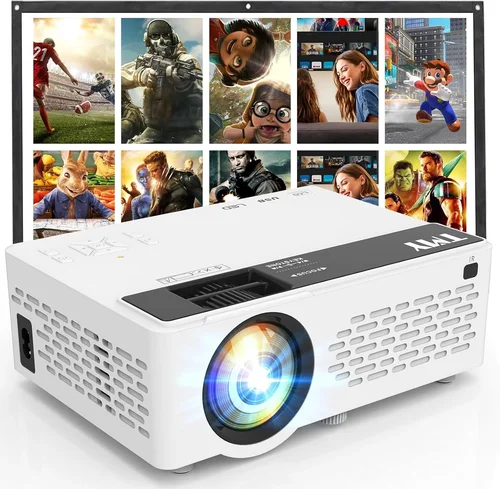
❌ Mistake: Ignoring Brightness Needs
Why it’s bad: A projector rated at 120 lumens will look washed out in any room with ambient light.
What to do instead: Measure your typical viewing environment. If you cannot guarantee complete darkness, target at least 250 lumens.
❌ Mistake: Overlooking Input Lag for Gaming
Why it’s bad: High latency can make fast‑paced games feel unresponsive.
What to do instead: Look for a “Game Mode” or a latency spec below 30 ms. HDMI‑only models often have lower lag than Wi‑Fi‑only units.
❌ Mistake: Forgetting Battery Life
Why it’s bad: A projector that only lasts 45 minutes on a charge defeats the purpose of portability.
What to do instead: Choose a model with at least 2‑hour battery runtime, or plan to carry a power bank.
❌ Mistake: Assuming All “HD” Projectors Are 1080p
Why it’s bad: Many budget units advertise “HD” but only provide 720p native resolution, leading to blurry text.
What to do instead: Verify the native resolution in the specs. If you need crisp text for presentations, prioritize 720p or higher.
❌ Mistake: Neglecting Warranty and Support
Why it’s bad: Mini projectors contain delicate moving parts; a short warranty can leave you stranded.
What to do instead: Stick to brands offering at least a one‑year warranty and clear RMA instructions.
❌ Mistake: Buying the Cheapest Model Without Testing
Why it’s bad: Ultra‑cheap units often suffer from poor color accuracy and early failure.
What to do instead: Purchase from retailers with a solid return policy and test the projector within the trial period.
Budget Guidelines: How Much Should You Spend?
Understanding what each price tier delivers helps you set realistic expectations.
- Entry-Level ($100‑$130): Expect 120‑180 lumens, 720p upscaling, basic HDMI input, mono speaker, and limited smart features. Ideal for occasional use in dark rooms.
- Mid-Range ($131‑$170): Brightness climbs to 250‑300 lumens, native 720p, built‑in Android TV, dual speakers, and battery life of 2‑3 hours. This tier offers the best value for most users.
- Premium ($171‑$200): 300+ lumens, enhanced contrast, better color gamut, longer battery (up to 4 hrs), and often a more robust lens system. Perfect for frequent travelers and small‑room home theaters.
- Luxury ($200+): Though beyond the scope of this guide, these models may include 4K support, laser light sources, and professional‑grade optics.
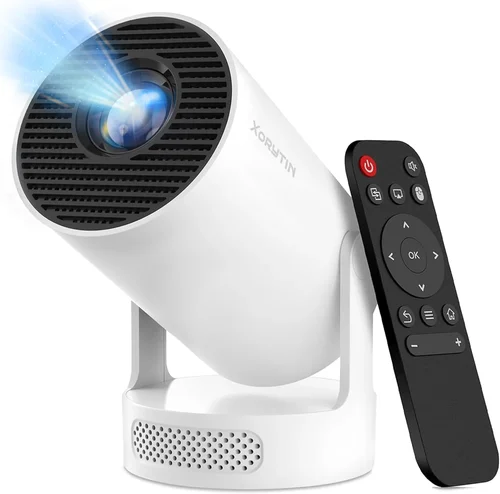
Expert Tips for Getting the Best Deal
- Timing is everything: The best discounts appear during Black Friday, Cyber Monday, and post‑Christmas clearance. Mid‑year “Amazon Prime Day” also yields deep cuts.
- Compare refurbished units: Certified refurbished models from the manufacturer can shave $30‑$50 off the price while retaining the full warranty.
- Bundle for savings: Some sellers offer a bundle with a portable screen, HDMI cable, and a power bank for a modest additional cost.
- Check regional pricing: Prices can vary by country due to taxes. If you travel or have friends abroad, a cross‑border purchase might be cheaper.
- Read the fine print on return policies: A 30‑day hassle‑free return window is ideal. Ensure you can test the projector in your intended environment.
- Test latency before committing: If gaming is a priority, plug a console into the demo unit in‑store and look for ghosting or input lag.
- Consider future firmware updates: Brands that push regular Android TV updates keep the smart experience fresh.
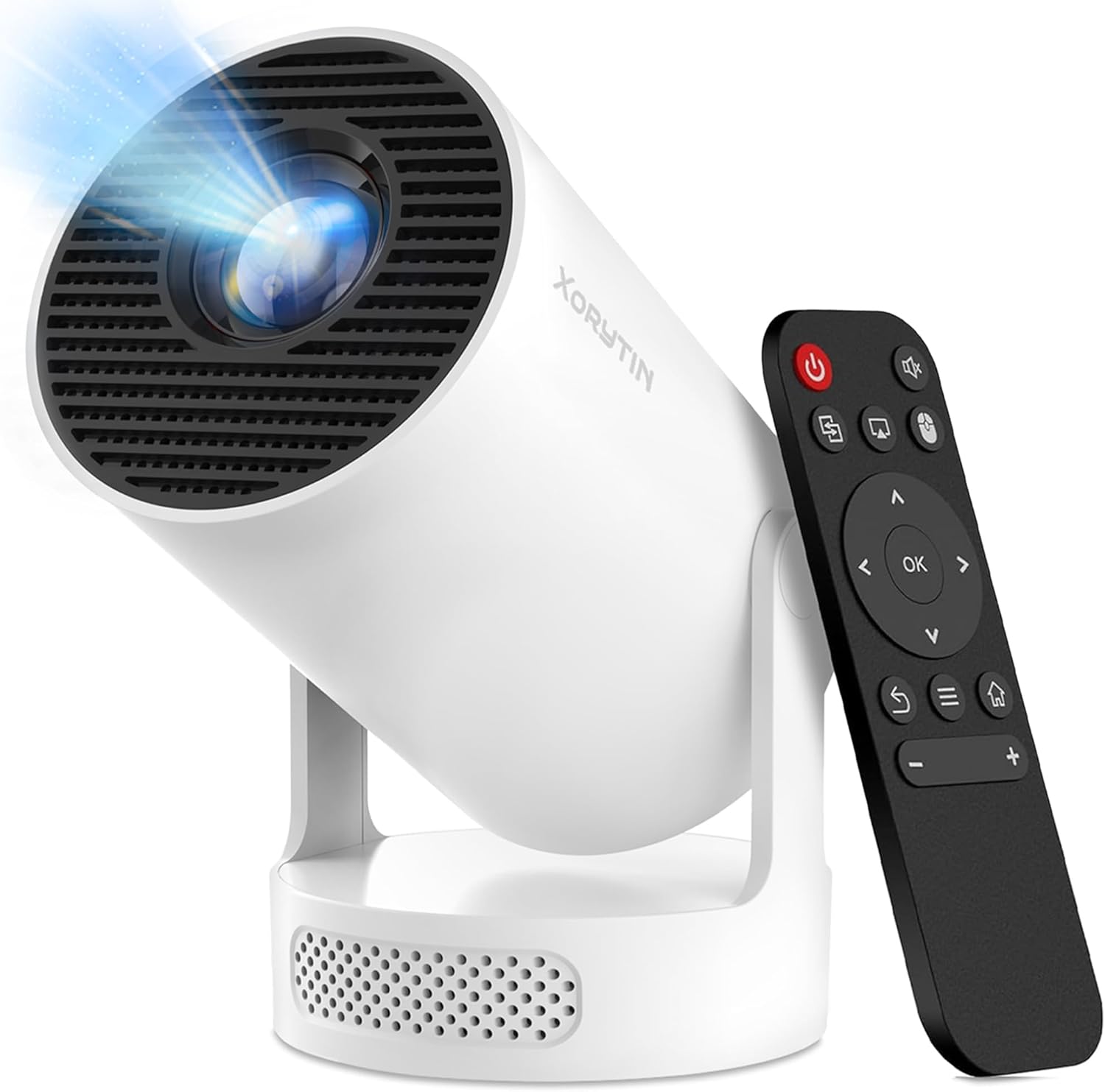
Frequently Asked Questions
Q: Can a mini projector under $200 replace a TV?
A: It can serve as a secondary screen for casual viewing, but it won’t match a TV’s brightness or HDR capabilities. For a dark bedroom or occasional movie night, it works well.
Q: Do I need a separate screen?
A: Not strictly. A plain white wall works, but a portable screen improves contrast and reduces hot‑spotting, especially in rooms with ambient light.
Q: How long does the LED lamp last?
A: Most LEDs in this segment are rated for 20,000‑30,000 hours, far exceeding the lifespan of traditional bulbs.
Q: Is Wi‑Fi streaming reliable on cheap models?
A: It varies. Look for models that support 5 GHz Wi‑Fi and have a dedicated streaming app. Otherwise, using a USB‑C to HDMI adapter can be more stable.
Q: Can I connect a gaming console?
A: Yes, via HDMI. For the lowest latency, choose a model that advertises “Game Mode” or has a direct HDMI input without processing.
Q: Are external speakers necessary?
A: Built‑in speakers are fine for casual viewing, but for a true cinema feel, a small Bluetooth or wired speaker will dramatically improve audio.
Q: How far can I place the projector from the wall?
A: Most mini projectors have a throw ratio around 1:1, meaning a 100‑inch image can be achieved from roughly 8‑10 feet. Check the specific model’s throw distance chart.
Q: Do these projectors work with laptops?
A: Absolutely. Most have HDMI or USB‑C ports compatible with Windows, macOS, and ChromeOS laptops.
Q: What is the best way to clean the lens?
A: Use a soft microfiber cloth and a lens‑safe cleaning solution. Avoid harsh chemicals that could damage the coating.
Our Final Recommendations
- Best for Budget‑Conscious Buyers: Vankyo Leisure 3 Mini – $119, 200 lumens, 720p, HDMI + USB‑C, decent battery life.
- Best Overall Value: Anker Nebula Capsule II – $179, 300 lumens, Android TV 720p, 2.5‑hour battery, solid build.
- Best Premium Option: ViewSonic M1+ – $199, 300 lumens, built‑in Harman Kardon speakers, Android TV, 2‑hour battery.
- Best for Beginners: APEMAN Mini Projector – $129, easy plug‑and‑play, HDMI, decent brightness.
- Best for Advanced Users: BenQ GV1 – $199, 250 lumens, 2‑hour battery, Wi‑Fi, Bluetooth, and a handy carry case.
Conclusion: Making the Right Choice
Choosing a mini projector under $200 is less about chasing the lowest price and more about aligning specs with your real‑world needs. Prioritize brightness that matches your viewing environment, ensure the native resolution meets your content type, and verify that the device offers the connectivity you require.
Remember: a higher lumen rating will dramatically improve daytime performance, while a robust Android TV platform can eliminate the need for extra streaming hardware. Use the budget breakdown to set expectations, avoid the common mistakes listed, and apply the expert tips to secure the best possible deal.
Now that you’re equipped with the knowledge, go ahead and pick the model that fits your lifestyle. Happy viewing!