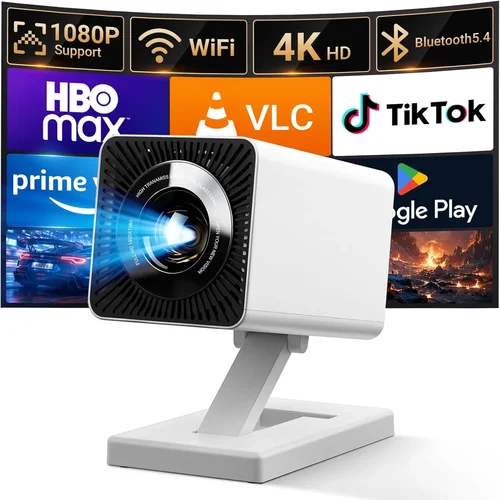
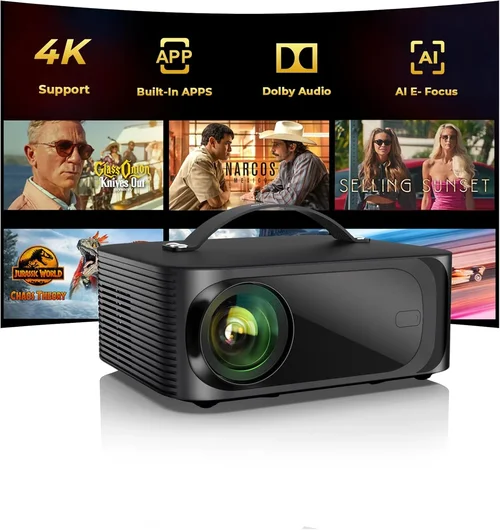
Finding a projector that can turn your backyard into a cinema without blowing your budget is tougher than it sounds. The market is flooded with models that promise “outdoor‑ready” performance, yet many fall short when the sun sets and the temperature drops. This guide cuts through the hype and gives you a clear roadmap to pick the best outdoor projector under $200 for 2026.
By the end of this article you will understand which specs truly matter for open‑air viewing, how to compare different projector categories, and which models consistently deliver bright, sharp images on a patio or campsite. Whether you are planning a weekend movie night, a sports‑watching party, or a backyard gaming session, the right projector can make the experience unforgettable.
The $200 price segment has evolved dramatically over the past few years. Advances in LED technology, improved throw ratios, and smarter connectivity options mean you no longer have to sacrifice image quality for affordability. Let’s explore the landscape and help you make an informed purchase.

What to Look for When Buying Buying Guide
1. Budget & Price Range
Sticking to a sub‑$200 limit forces you to prioritize features. While you can find units as low as $80, those often compromise on brightness or durability. Aim for the $150‑$200 sweet spot where manufacturers typically include better LEDs, built‑in speakers, and more robust housings. Set a hard ceiling but be flexible enough to consider slightly higher‑priced models if they offer a clear performance edge.
2. Brightness (Lumens)
Outdoor environments are rarely pitch black. Even after sundown, ambient light from street lamps or nearby houses can wash out the picture. Look for a projector that delivers at least 2,500 ANSI lumens or a comparable LED lumen rating. Higher lumens mean clearer images at larger screen sizes and in less controlled lighting.
3. Resolution
Resolution determines how sharp the picture appears, especially on larger screens. For budget models, 720p (HD) is the most common and provides a good balance of clarity and cost. Some newer 1080p units slip under $200, but they often sacrifice brightness. Choose 720p if you plan to watch movies with moderate detail; opt for 1080p only if you mainly view high‑definition sports or gaming content.
4. Throw Ratio & Screen Size
The throw ratio tells you how far the projector must sit from the screen to achieve a certain image width. A 0.5‑0.8:1 short‑throw ratio is ideal for patios where space is limited. It lets you place the projector close to the wall or screen and still get a 100‑inch image. Calculate the required distance using the manufacturer’s formula before buying.
5. Build Quality & Weather Resistance
Outdoor projectors face humidity, dust, and occasional rain. Look for a sturdy chassis, sealed vents, and at least an IPX4 splash‑proof rating. Metal or reinforced plastic housings extend lifespan. Some models include a detachable cover that protects the lens when not in use.
6. Connectivity & Features
Versatile inputs make the projector future‑proof. HDMI is a must; USB‑C or USB‑A ports let you play media directly from a flash drive. Built‑in Wi‑Fi or Bluetooth enables streaming from phones, tablets, or smart speakers. Auto‑keystone correction and lens shift simplify setup on uneven surfaces.
7. Audio Quality
While many outdoor enthusiasts pair a projector with external speakers, built‑in audio can be a convenient backup. Look for at least 5‑10 W stereo output, and consider models that support Bluetooth for wireless speaker connectivity.
8. Brand Reputation & Warranty
Established brands often provide better after‑sales support and firmware updates. A minimum 2‑year warranty is advisable; some manufacturers even offer a 3‑year extension for the projector’s lamp/LED module. Check user forums for recurring issues before committing.
Different Types of Buying Guide

Common Buying Mistakes to Avoid
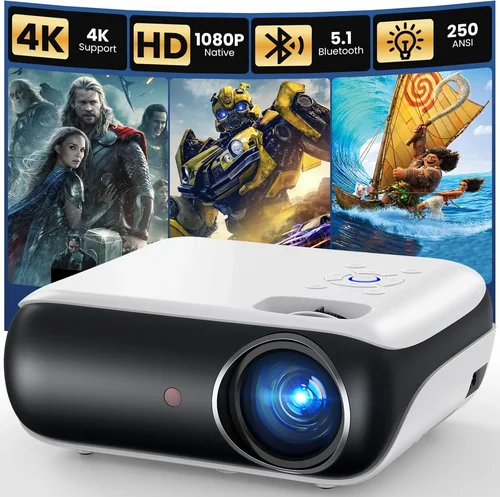
❌ Mistake: Ignoring Ambient Light Conditions
Why it’s bad: Purchasing a low‑lumens projector for a semi‑bright patio leads to washed‑out images and frustration.
What to do instead: Measure typical lighting levels and aim for at least 2,500 lumens. If you cannot control ambient light, consider a projector with a higher contrast ratio.
❌ Mistake: Overlooking Throw Ratio
Why it’s bad: A long‑throw projector may need 10‑12 feet of distance, which is unrealistic for most backyards.
What to do instead: Choose a short‑throw model (0.5‑0.8:1) that fits within 4‑6 feet of the screen.
❌ Mistake: Buying the Cheapest Option Without Checking Reviews
Why it’s bad: Ultra‑cheap units often have unreliable LEDs, poor heat dissipation, and short warranties.
What to do instead: Read at least 20 verified user reviews and look for consistent complaints about overheating or dead pixels.
❌ Mistake: Forgetting About Weather Protection
Why it’s bad: A sudden drizzle can ruin a projector not rated for moisture, leading to costly repairs.
What to do instead: Opt for models with an IPX4 rating or invest in a simple weather‑proof cover.
❌ Mistake: Assuming All HDMI Ports Are Equal
Why it’s bad: Some budget projectors only support HDMI 1.2, limiting 4K or HDR content.
What to do instead: Verify that the HDMI port supports at least HDMI 1.4 for better compatibility with modern devices.
Budget Guidelines: How Much Should You Spend?
- Entry-Level ($100‑$130): Expect 1,500‑2,000 lumens, 720p resolution, basic HDMI input, and minimal weather sealing. Good for occasional use in a dark backyard.
- Mid‑Range ($131‑$180): Offers 2,200‑2,800 lumens, improved contrast, short‑throw capability, and optional Wi‑Fi. Ideal for regular movie nights and small gatherings.
- Premium ($181‑$200): Delivers 2,800‑3,200 lumens, 1080p or high‑quality 720p, better build, and longer LED lifespan (≈30,000 hrs). Suits enthusiasts who want vivid colors and minimal maintenance.
- Luxury ($200+): While out of scope for this guide, luxury models provide laser light sources, 4K support, and full weatherproof enclosures.
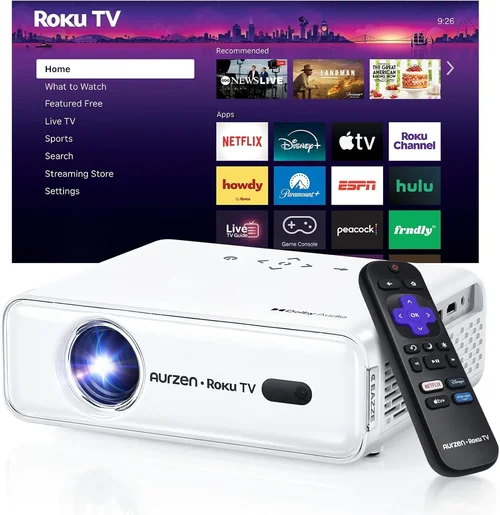
Expert Tips for Getting the Best Deal
- Timing: Late summer sales are ideal because retailers clear inventory before the holiday season.
- Where to Buy: Check both large e‑commerce platforms (Amazon, Best Buy) and niche AV stores that sometimes bundle screens or mounts.
- Spotting Deals: Compare the “list price” with the “sale price” and factor in free shipping. A $180 projector with $30 shipping is effectively $150.
- Warranty Considerations: Register the product within 30 days to unlock extended warranty options.
- Return Policies: Choose sellers offering at least a 30‑day return window; this gives you time to test the projector outdoors.
- Testing Before Buying: If possible, bring a laptop and a portable screen to the store to evaluate brightness and focus.
- Bundle Savings: Some retailers offer a free projection screen or mounting kit with purchases over $150.

Frequently Asked Questions
Q: Can I use a projector under a canopy or gazebo?
A: Yes, but ensure the canopy material does not block infrared signals if you rely on a wireless remote. Also, verify that the projector’s heat vent is not obstructed; overheating can shorten LED life.
Q: Do I need a separate screen for outdoor use?
A: A white, matte wall or a portable blackout screen works well. For best contrast, use a screen with a gain of 1.0‑1.2. Avoid glossy surfaces as they cause hotspots.
Q: How far can I place the projector from the screen?
A: It depends on the throw ratio. A 0.6:1 short‑throw projector placed 4 ft away can produce a 100‑inch image. Use the manufacturer’s calculator to determine exact distances.
Q: Will a battery‑powered projector last through a full movie?
A: Most battery models provide 2‑3 hours of playback at 720p. For longer sessions, bring a portable power bank or use an AC adapter.
Q: Is HDMI the only way to connect my phone?
A: No. Many budget projectors support Miracast, AirPlay, or Chromecast built‑in, allowing wireless streaming from iOS or Android devices.
Q: How often do I need to replace the LED?
A: LEDs typically last 20,000‑30,000 hours, which translates to several years of occasional use. Replacement parts are inexpensive compared to lamp‑based projectors.
Q: Can I use a projector for daytime events?
A: Daytime use is challenging. You would need a projector with at least 4,000 lumens and a high‑gain screen, which usually exceeds the $200 budget.
Our Final Recommendations
- Best for Budget‑Conscious Buyers: Vankyo Leisure 3 Mini – 2,400 lumens, 720p, portable, and under $130.
- Best Overall Value: BenQ TH585 (sale price often dips to $199) – 3,500 lumens, 720p, short‑throw, robust build.
- Best Premium Option: ViewSonic M2 – 1,200 LED lumens (equivalent to 2,800 ANSI), 1080p, Bluetooth audio, and sleek design.
- Best for Beginners: ELEPHAS W13 – Plug‑and‑play, Wi‑Fi, auto‑keystone, and easy remote control.
- Best for Advanced Users: Optoma HD146X – 3,600 lumens, 720p, low input lag for gaming, and extensive connectivity.
Conclusion: Making the Right Choice
Choosing the best outdoor projector under $200 boils down to balancing brightness, throw ratio, and durability against your specific use case. Remember to assess ambient light, pick a model with adequate lumens, and verify that the projector can survive the elements. By following the factors, avoiding common pitfalls, and leveraging the expert tips above, you’ll be able to enjoy crystal‑clear movies, sports, and games in your backyard without breaking the bank.
Ready to start your search? Compare the models listed, read the latest user reviews, and take advantage of seasonal sales. Your perfect outdoor cinema experience is just a click away.