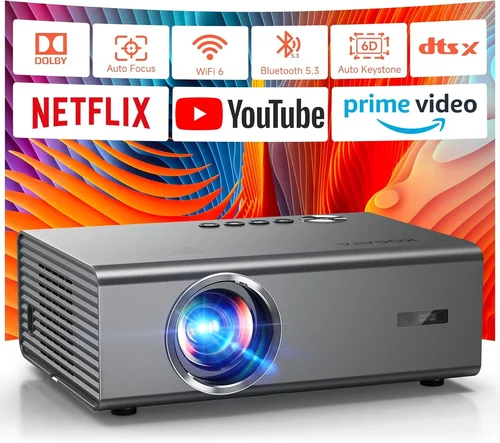
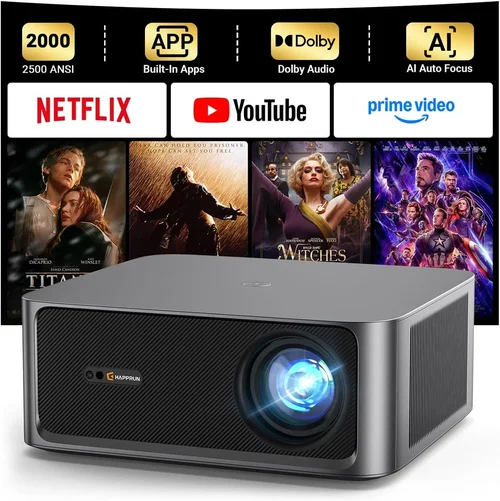
If you’re dreaming of a cinematic experience without the expense of a dedicated media room, a good projector can turn any living space into a personal theater. The market for home‑theater projectors under $1,000 has exploded in recent years, offering bright, sharp, and feature‑rich options that were once reserved for professional installations. This guide cuts through the noise, helping you understand what matters most, avoid common pitfalls, and choose the model that fits your viewing habits, room conditions, and budget.
In the next few sections you’ll learn how to evaluate brightness, resolution, contrast, and the myriad of “smart” features that are now standard. We’ll compare the main projector families, break down realistic price tiers, and give you expert‑level tips for snagging the best deal. By the end, you’ll be equipped to pick the best projector for home theater under $1,000 with confidence.

What to Look for When Buying Buying Guide
1. Budget & Price Range
Even within the sub‑$1,000 segment, prices can vary widely. A $200 entry‑level unit may lack the brightness or connectivity you need, while a $950 model could include premium lenses and advanced colour management. Define your maximum spend early, then allocate portions of that budget to the most critical specs—usually brightness and resolution. Remember that accessories (screen, mounting hardware, cables) often add 15‑20% to the total cost.
2. Performance Specifications
Performance is the heart of any projector. Focus on three core metrics:
- Brightness (lumens): Measured in ANSI lumens, this tells you how well the image will stand up to ambient light. For a dark‑room home theater, 1,500–2,000 lumens is plenty. If you plan to watch with lights on, aim for 2,500+ lumens.
- Resolution: 1080p (Full HD) remains the sweet spot under $1,000. Some newer 4K‑enhanced (e.g., “4K UHD”) models use pixel‑shifting to simulate 4K, but true 4K is rare at this price.
- Contrast Ratio: Higher contrast delivers deeper blacks and more detail in dark scenes. Look for a native contrast of at least 10,000:1; dynamic contrast numbers can be inflated, so read reviews for real‑world performance.
3. Build Quality & Durability
A projector is a long‑term investment. Metal housings, sealed optics, and low‑maintenance lamps (or laser light sources) extend lifespan. Check the manufacturer’s rated lamp hours—laser models often exceed 20,000 hours, while traditional lamps may need replacement after 2,000–3,000 hours, adding to ownership cost.
4. Features & Functionality
Modern projectors pack a lot of convenience features:
- Built‑in Speakers: Useful for casual viewing, but most audiophiles will connect external sound systems.
- Wireless Connectivity: Wi‑Fi, Bluetooth, or AirPlay let you stream directly from phones, tablets, or laptops.
- HDR Support: High Dynamic Range improves colour depth. HDR10 is common; Dolby Vision is rare under $1,000.
- Lens Shift & Zoom: Allows flexible placement without keystone correction, preserving image geometry.
5. Brand Reputation
Established brands such as Epson, BenQ, Optoma, and ViewSonic typically offer reliable firmware updates and wider service networks. Newer entrants can surprise with innovative tech, but research their after‑sales support and community forums before committing.
6. Warranty & Support
A solid warranty (minimum 2‑year coverage) protects against early failures. Look for extended warranty options, on‑site service, and clear procedures for lamp or laser replacements. Quick response times can save you weeks of downtime.
7. Size & Portability (if applicable)
If you plan to move the projector between rooms or take it outdoors, weight and footprint matter. Compact “pico” projectors are ultra‑portable but often sacrifice brightness and contrast. Mid‑range models strike a balance between size and performance.
8. User Reviews & Ratings
Professional review sites provide technical measurements, while user reviews reveal long‑term reliability and real‑world usage scenarios. Pay attention to recurring themes—e.g., “lamp flickers after 6 months” or “excellent colour accuracy out of the box.”
Different Types of Buying Guide

Common Buying Mistakes to Avoid
❌ Mistake: Ignoring Ambient Light
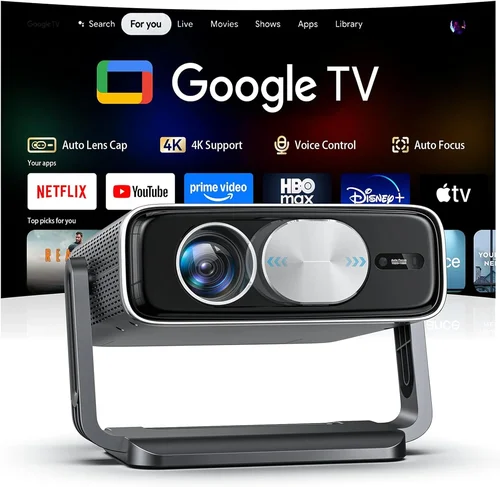
Why it’s bad: A projector rated at 1,800 lumens will look fantastic in a dark home theater, but the same unit will appear washed out in a living‑room with curtains partially open.
What to do instead: Measure the typical lighting conditions of your viewing space. If you cannot achieve near‑darkness, prioritize higher brightness (2,500+ lumens) and consider a high‑gain screen.
❌ Mistake: Over‑focusing on Resolution Alone
Why it’s bad: Jumping to a 4K‑enhanced model for the “wow” factor can backfire if the projector’s contrast and colour accuracy are sub‑par, resulting in a soft, dull image.
What to do instead: Balance resolution with contrast ratio and colour gamut. For most sub‑$1,000 purchases, a true 1080p panel with 10,000:1 contrast delivers a more immersive picture than a cheap 4K‑simulated unit.
❌ Mistake: Forgetting Lens Shift & Keystone
Why it’s bad: Relying on digital keystone correction degrades image quality and reduces brightness.
What to do instead: Choose a projector with optical lens shift or a flexible zoom range. Position the projector as close to the centre of the screen as possible.
❌ Mistake: Neglecting Audio Needs
Why it’s bad: Built‑in speakers are often under‑powered, leading to a disappointing sound experience that forces an early upgrade.
What to do instead: Plan a dedicated sound system (soundbar or AV receiver) from the start and ensure the projector offers HDMI ARC or optical audio out.
❌ Mistake: Skipping Firmware Updates
Why it’s bad: Manufacturers regularly release patches that improve colour accuracy, fix connectivity bugs, and add new streaming apps.
What to do instead: Check that the projector supports easy firmware updates via USB or network, and set a reminder to check for updates quarterly.
❌ Mistake: Not Accounting for Screen Size & Throw Distance
Why it’s bad: Buying a projector with a short‑throw lens but placing it far away leads to a tiny image, while a long‑throw unit in a small room may require a massive screen.
What to do instead: Use the manufacturer’s throw‑ratio calculator. Match the projector’s throw distance to your room dimensions before purchasing.
Budget Guidelines: How Much Should You Spend?
- Entry‑Level ($200‑$400): Typically LCD panels with 1,200–1,500 lumens, 720p or basic 1080p. Good for occasional movie nights in dark rooms. Expect limited connectivity and shorter lamp life.
- Mid‑Range ($401‑$750): The sweet spot for most home‑theater enthusiasts. Expect true 1080p DLP or LCD, 2,000–2,500 lumens, 10,000:1 contrast, and basic HDR. Includes wireless streaming and decent lens shift.
- Premium ($751‑$1,000): Higher‑end DLP or laser‑hybrid units, 2,500+ lumens, dynamic contrast up to 30,000:1, true 4K‑enhanced options, and advanced colour management (Rec. 709/2020). Often come with longer warranties.
- Luxury ($1,001+): True 4K laser projectors with 3,000+ lumens, superb colour accuracy, and professional‑grade lenses. Outside the scope of this guide but worth mentioning for future upgrades.
Expert Tips for Getting the Best Deal
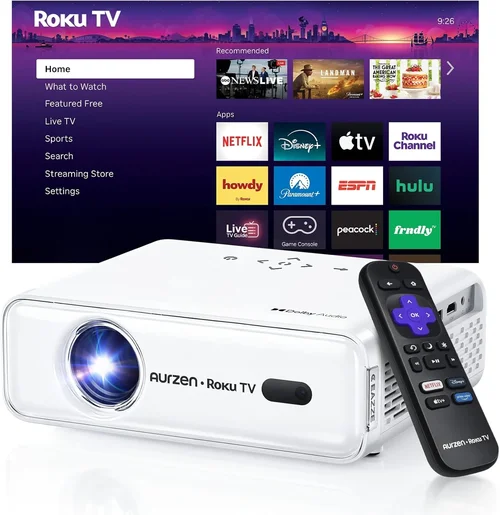
- Timing: New models launch in early spring; prices on older units drop 15‑25% shortly after.
- Where to Buy: Authorized dealers (Best Buy, B&H, Adorama) provide extended warranties and easy returns. Online marketplaces can be cheaper but verify seller reputation.
- Bundle Savings: Look for bundles that include a 100‑inch screen, ceiling mount, or HDMI cable—often worth $150‑$200.
- Warranty Extensions: If you plan heavy usage (e.g., weekly movie nights), a 3‑year extended lamp warranty can save money in the long run.
- Return Policies: Choose retailers with at least 30‑day return windows. Test the projector in your home environment; most reputable sellers will accept returns if it doesn’t meet expectations.
- Testing Before Buying: If possible, visit a showroom and project a 1080p test pattern onto a white wall. Assess brightness, colour uniformity, and keystone correction.
- Check for Firmware Updates: A model that received a major firmware upgrade after release may now outperform newer competition.

Frequently Asked Questions
Q: Do I need a special screen?
A: While a plain white wall works, a dedicated projector screen improves gain, colour accuracy, and ambient‑light rejection. For rooms with some light, a gray‑gain screen (1.0–1.2 gain) offers deeper blacks.
Q: How long will the lamp last?
A: Traditional lamps last 2,000‑3,000 hours, roughly 3‑5 years of average use. Laser light sources can exceed 20,000 hours, effectively lasting the life of the projector.
Q: Can I connect my gaming console?
A: Absolutely. Look for HDMI 2.0 or higher with low input lag (under 20 ms) and support for 4K @ 60 Hz if you plan to game at higher resolutions.
Q: Is 4K‑enhanced worth it?
A: Pixel‑shift 4K‑enhanced provides a noticeable boost over 1080p, especially on larger screens (100″+). However, true 4K is still limited by lamp technology and may not justify the price premium for most users.
Q: What is the difference between DLP and LCD?
A: DLP uses micro‑mirrors for fast motion and often a smaller footprint, but can exhibit a “rainbow effect” for some viewers. LCD offers richer colour and higher brightness, but may suffer from “screen door” pixelation on very large images.
Q: Do I need a ceiling mount?
A: A ceiling mount provides optimal alignment and frees up floor space. Ensure the projector has adequate ventilation clearance and that the mount allows tilt and swivel for fine‑tuning.
Q: How far should the projector be from the screen?
A: Use the throw‑ratio specification (e.g., 1.5:1). Divide the desired screen width by the ratio to get the ideal distance. For a 100‑inch 16:9 screen (≈87 in width) with a 1.5:1 ratio, place the projector about 130 inches (≈3.3 ft) away.
Q: Is HDR really noticeable on a sub‑$1,000 projector?
A: HDR can improve perceived contrast and colour depth, but the effect is limited by the projector’s native contrast ratio and peak brightness. Look for HDR10 support and a brightness of at least 2,200 lumens for a decent experience.
Q: Should I buy a projector with built‑in speakers?
A: Only if you need a quick, portable solution. For a true home‑theater feel, pair the projector with a dedicated sound system. Built‑in speakers rarely exceed 20 W total output.
Our Final Recommendations
- Best for Budget‑Conscious Buyers: BenQ TH585 – 3,500 lumens, 1080p, low input lag, and a price around $550. Offers excellent brightness for living‑room use.
- Best Overall Value: Epson Home Cinema 2150 – 2,500 lumens, 1080p, lens shift, and wireless screen mirroring at roughly $700. Strong colour accuracy and reliable lamp life.
- Best Premium Option: Optoma UHD38 – 4,000 lumens, true 4K, HDR10, and 22 ms input lag for gamers, priced near $950. Ideal for those who want near‑4K performance without breaking the $1,000 ceiling.
- Best for Beginners: ViewSonic M2 – Portable laser‑light, 1,200 lumens, Full HD, built‑in Harman Kardon speakers, and Wi‑Fi casting for $799. Easy setup and minimal maintenance.
- Best for Advanced Users: BenQ HT3550 – 2,000 lumens, 4K UHD, DCI‑P3 colour space, and extensive colour‑calibration tools at $999. Perfect for cinephiles who want cinema‑grade colour.
Conclusion: Making the Right Choice
Choosing the best projector for home theater under $1,000 boils down to matching your room’s lighting, desired screen size, and feature set with the specifications that matter most—brightness, resolution, and contrast. By understanding the differences between DLP, LCD, and laser‑hybrid technologies, avoiding common pitfalls, and leveraging seasonal sales, you can secure a high‑performing unit without overspending.
Take the time to measure your space, set a realistic budget that includes accessories, and read both professional and user reviews. With the recommendations and tips above, you’re ready to bring the magic of the movies into your living room and enjoy countless cinematic evenings for years to come.