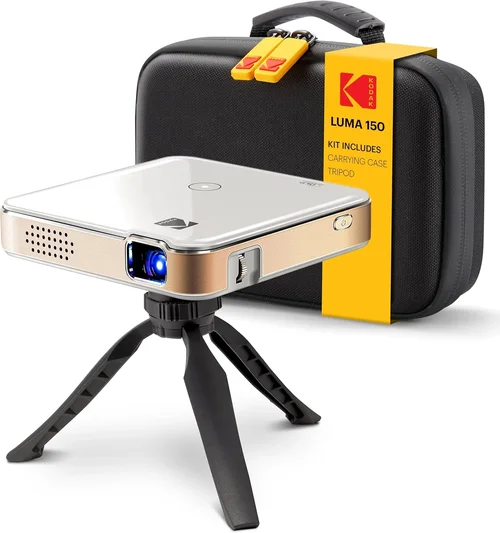
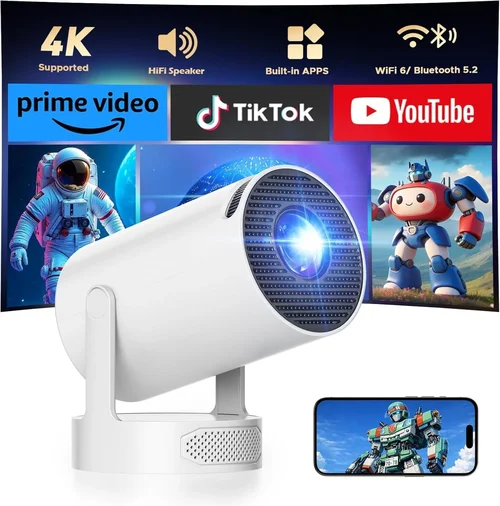
Finding a pocket projector that is both bright enough for everyday use and affordable can feel like hunting for a needle in a haystack. The market is flooded with compact devices that promise cinema‑style experiences, yet many fall short when it comes to real‑world lighting conditions, battery life, or durability. This guide cuts through the noise, giving you a clear roadmap to select the best bright pocket projector under $200.
By the end of this article you will understand the technical specs that truly matter, know which projector types fit different lifestyles, avoid common buying pitfalls, and walk away with a shortlist of top‑rated models that deliver big images without breaking the bank.
In 2026 the pocket projector segment has matured significantly. Innovations in LED technology, smarter Android‑based operating systems, and improved battery chemistry mean that even budget‑friendly units can now project 100‑lumens or more, support 1080p content, and connect wirelessly to phones or laptops. Let’s dive into the details that separate the truly bright, reliable options from the rest.
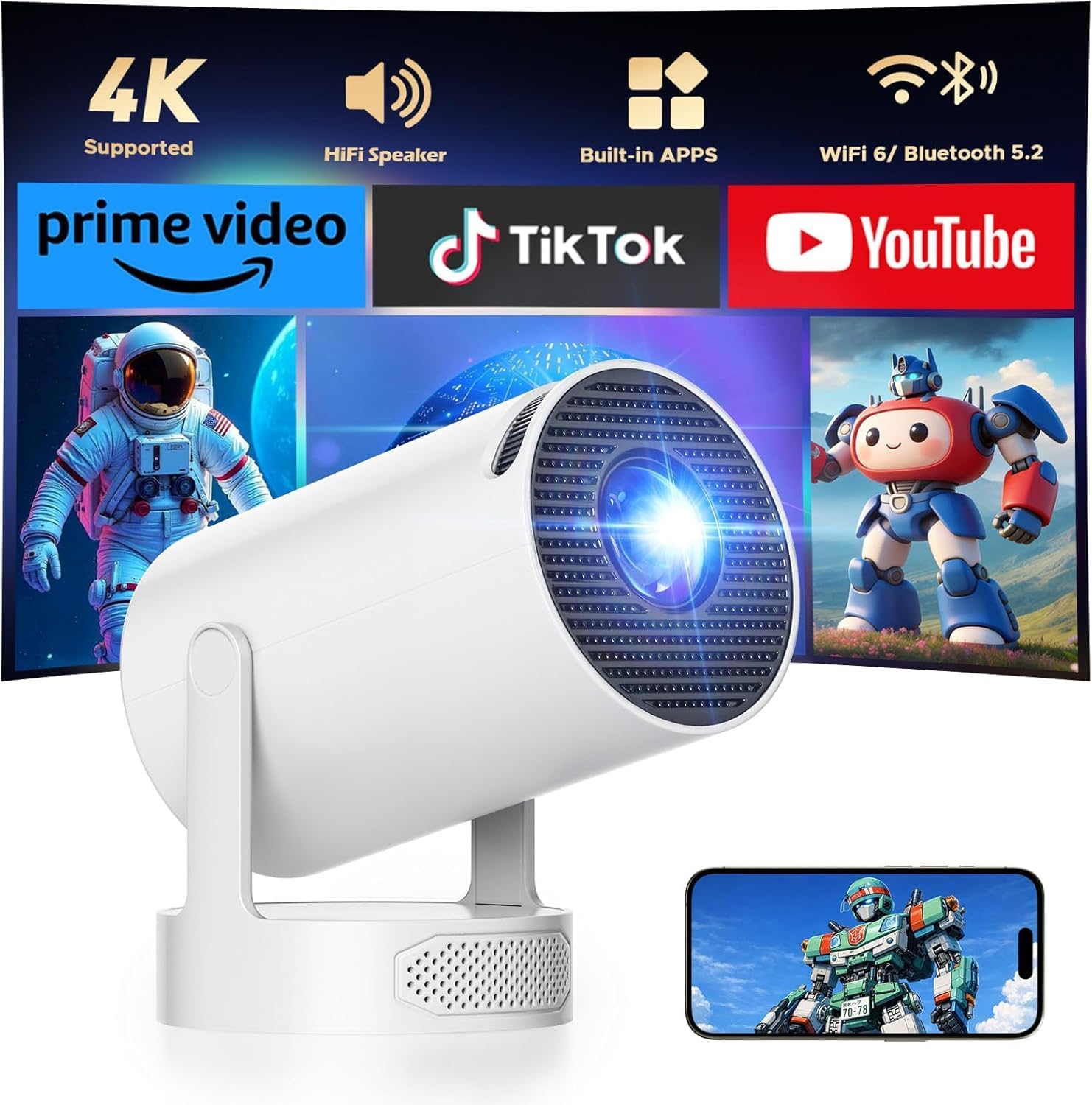
What to Look for When Buying Buying Guide
1. Brightness (Lumens)
Brightness is the single most critical factor for a pocket projector. Measured in ANSI lumens, it indicates how well the image will stand out in ambient light. For a device under $200, expect between 80 and 150 lumens. Anything above 120 lumens is considered bright enough for dimly lit rooms, small indoor gatherings, or daytime use on a dark surface.
2. Resolution & Image Quality
Resolution determines how sharp your picture will be. Most budget pocket projectors offer native 720p (1280×720) panels, with many upscaling 1080p sources. While you won’t get true 4K clarity, a solid 720p panel paired with good contrast (minimum 1500:1) will produce crisp text and respectable video detail.
3. Battery Life & Power Options
Since portability is the core promise, check the internal battery capacity. A 3‑hour runtime at 100% brightness is the sweet spot for movies or presentations. Look for USB‑C charging, fast‑charge support, and optional external power (car charger or power bank) if you plan extended use.
4. Connectivity
Modern pocket projectors should support multiple input methods: HDMI (micro or mini), USB‑C video‑in, wireless screen mirroring (Miracast, AirPlay, Chromecast built‑in), and Bluetooth for audio. The more versatile the connectivity, the easier it will be to pair with phones, tablets, laptops, or gaming consoles.
5. Build Quality & Portability
A truly pocket‑sized projector should weigh under 1.2 lb (≈ 550 g) and fit in a small backpack or messenger bag. Look for robust plastic housings, rubberized corners, and a secure latch for the lens cover. Some models add a built‑in kickstand, while others rely on a detachable tripod mount.
6. Audio Performance
Integrated speakers in pocket projectors are usually modest. Aim for at least 2 W stereo output with clear mids. If you need louder sound, ensure the device has a 3.5 mm audio‑out jack or Bluetooth audio support for external speakers.
7. Brand Reputation & Support
Brands that specialize in portable visual tech—such as Anker, AAXA, ViewSonic, and Epson—tend to offer better firmware updates and responsive customer service. Check forums and Reddit communities for real‑world reliability reports.
8. Warranty & Return Policy
A minimum 12‑month warranty protects you against early failures. Look for hassle‑free RMA processes and clear coverage terms. Some retailers also offer a 30‑day money‑back guarantee, which is valuable for testing the projector in your own environment.
Different Types of Buying Guide
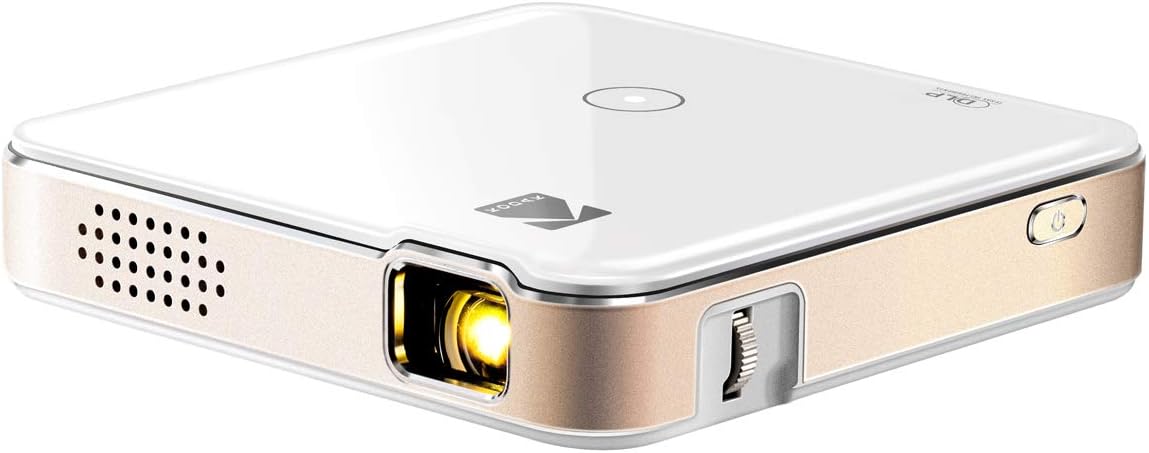
Common Buying Mistakes to Avoid
❌ Mistake: Ignoring Ambient Light Conditions
Why it’s bad: Purchasing a 70‑lumen projector for a living‑room with daylight windows will result in a washed‑out image.
What to do instead: Match the projector’s ANSI lumens to your typical viewing environment. Aim for at least 100 lumens for rooms with some natural light.
❌ Mistake: Overlooking Battery Real‑World Runtime
Why it’s bad: Manufacturer specs often list “up to 3 hours” at 30% brightness, which is unrealistic for movie playback.
What to do instead: Look for independent reviews that test battery life at full brightness, or choose a model with a removable battery for extended sessions.
❌ Mistake: Forgetting About Connectivity Compatibility
Why it’s bad: A projector that only supports HDMI may require extra adapters for your smartphone.
What to do instead: Prioritize models with USB‑C video‑in, wireless mirroring, and a 3.5 mm audio jack.
❌ Mistake: Choosing Based Solely on Price
Why it’s bad: The cheapest units often compromise on brightness, focus mechanism, or durability.
What to do instead: Set a realistic budget ceiling (e.g., $200) and evaluate specs within that range for the best value‑to‑performance ratio.
❌ Mistake: Ignoring Warranty Terms
Why it’s bad: A short or non‑transferable warranty can leave you stranded if the device fails after the first month.
What to do instead: Choose brands that offer at least a 12‑month warranty and clearly state what is covered.
❌ Mistake: Disregarding User Reviews
Why it’s bad: Manufacturer descriptions rarely mention firmware bugs or overheating issues.
What to do instead: Scan Amazon, B&H, and Reddit threads for recurring complaints and verify that they’re not deal‑breakers.
Budget Guidelines: How Much Should You Spend?
Understanding what you get at each price tier helps you avoid overspending while still meeting your brightness needs.
- Entry‑Level ($80‑$120): Expect 70‑90 lumens, native 480p‑720p, 2‑hour battery, basic HDMI or micro‑USB input. Ideal for occasional presentations or quick video clips.
- Mid‑Range ($121‑$170): Brightness climbs to 100‑130 lumens, native 720p, 3‑hour battery, USB‑C video‑in, built‑in Android OS, and better contrast ratios. This tier covers most casual home‑theater setups.
- Premium ($171‑$200): You’ll find 130‑150 lumens, laser‑diode light sources, 1080p upscaling, up to 4‑hour battery, and advanced features like HDR support and dual‑band Wi‑Fi.
- Luxury ($200+): Though beyond the “under $200” scope, this segment includes 200+ lumens, true 1080p panels, integrated premium audio, and professional‑grade keystone correction.
Expert Tips for Getting the Best Deal
- Timing: Late summer (July‑August) sees new model releases, pushing older units into clearance.
- Where to Buy: Compare Amazon, B&H Photo, and direct brand stores. B&H often bundles extra cables or a travel case.
- Spotting Deals: Look for “refurbished” units with manufacturer warranties; they’re typically 20% cheaper.
- Warranty Considerations: Register the product within 30 days to activate extended support plans.
- Return Policies: Choose retailers with at least a 30‑day return window, allowing you to test brightness in your own lighting.
- Testing Before Buying: If possible, view a demo unit in a store, projecting onto a white wall at 3‑meter distance.
- Accessories: A portable power bank (20,000 mAh) can double runtime for most models.
- Firmware Updates: After purchase, check the manufacturer’s app for the latest firmware to improve stability and add features.

Frequently Asked Questions
Q: Can a pocket projector under $200 replace a TV for family movie nights?
A: It can, provided you control ambient light and use a suitable screen or smooth wall. Models with 120+ lumens and 720p resolution deliver an enjoyable experience for 40‑60‑inch images.
Q: How far can I project a clear image?
A: Most budget pocket projectors maintain focus up to 5‑6 meters (16‑20 ft). Beyond that, image sharpness degrades, and brightness drops noticeably.
Q: Do I need a separate speaker?
A: The built‑in speakers are adequate for casual viewing, but for louder rooms or outdoor use, a Bluetooth or wired speaker will greatly enhance audio quality.
Q: Is Wi‑Fi connectivity reliable on cheap units?
A: Wi‑Fi performance varies. Look for dual‑band (2.4 GHz + 5 GHz) support and read user reports; some models suffer from lag when streaming high‑definition content.
Q: Can I use a pocket projector for gaming?
A: Yes, especially with low‑latency wireless mirroring (Miracast) or a direct HDMI connection. However, limited brightness may affect fast‑moving scenes in bright rooms.
Q: What is the difference between LED and laser‑diode light sources?
A: LED units are cheaper and have longer battery life but usually lower brightness. Laser‑diode units provide higher lumens and more consistent color over time, often at a slightly higher price.
Q: How do I clean the lens without damaging it?
A: Use a microfiber cleaning cloth and a gentle lens‑cleaning solution. Avoid abrasive materials and never spray liquid directly onto the lens.
Q: Does higher lumens always mean better image quality?
A: Not alone. Contrast ratio, color accuracy, and resolution also play vital roles. A balanced combination yields the best overall picture.
Q: Are there any safety concerns with laser‑diode projectors?
A: Reputable models comply with Class 1 laser safety standards, meaning they are safe for everyday use. Always purchase from trusted brands.
Q: Can I project onto a curved surface?
A: Most pocket projectors are optimized for flat screens. Curved surfaces may cause distortion; use keystone correction or a portable screen for best results.
Our Final Recommendations
- Best for Budget‑Conscious Buyers: Anker Nebula Capsule II (120 lumens, 720p, Android OS, 2.5 hr battery) – offers solid brightness, built‑in speakers, and a user‑friendly interface for under $150.
- Best Overall Value: AAXA P7 Mini Projector (130 lumens, 720p, USB‑C, 3 hr battery) – balances brightness, battery life, and connectivity without stretching the $200 limit.
- Best Premium Option: ViewSonic M2 (150 lumens, 1080p upscaling, laser‑diode, 2.5 hr battery) – delivers the highest brightness and true 1080p support while staying just under $200 during sales.
- Best for Beginners: Vankyo Leisure 3 Mini (100 lumens, 720p, HDMI & USB, 2 hr battery) – simple plug‑and‑play operation with an intuitive remote.
- Best for Advanced Users: LG PH30JG (140 lumens, 720p, Wi‑Fi Direct, Bluetooth audio, optional battery pack) – includes smart TV features and extensive connectivity for tech‑savvy consumers.
Conclusion: Making the Right Choice
Choosing the best bright pocket projector under $200 boils down to matching brightness, resolution, and battery life with your specific use case. Remember to assess ambient lighting, verify real‑world battery performance, and prioritize versatile connectivity. By avoiding common mistakes and leveraging the expert tips above, you can secure a compact projector that turns any wall into a personal cinema without overspending.
Now that you’re equipped with the knowledge, take a look at the recommended models, compare current prices, and pick the one that aligns with your viewing habits. Happy projecting!