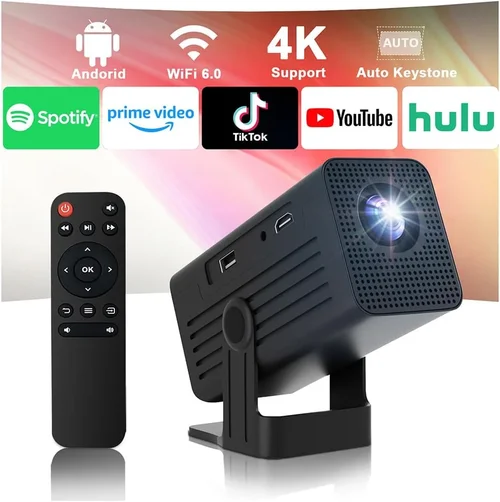
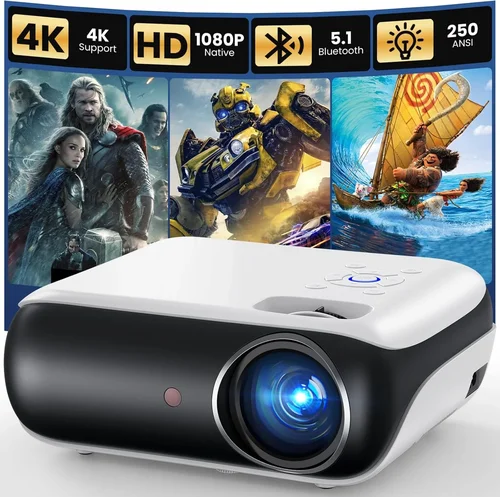
Finding a projector that won’t break the bank yet still delivers a decent picture can feel like hunting for a needle in a haystack. The market is flooded with cheap models that promise cinema‑like experiences, only to disappoint with dim images, noisy fans, and a short lifespan. That’s why this guide matters: it cuts through the hype, highlights the specs that truly affect everyday use, and points you toward the most reliable options under $100.
In the next few sections you’ll learn how to evaluate brightness, resolution, connectivity, and durability without getting lost in technical jargon. We’ll also compare the main projector categories, reveal common pitfalls, and give you a clear budget framework so you can decide exactly how much you should spend to meet your needs.
The budget projector segment has evolved dramatically over the past two years. Manufacturers have introduced LED light sources that last longer than traditional lamps, and mini‑projectors (often called “pico” projectors) have become small enough to fit in a pocket while still supporting full‑HD upscaling. This guide reflects the 2026 market, focusing on devices that consistently score high in user reviews, offer solid warranty support, and stay comfortably under the $100 price ceiling.

What to Look for When Buying Buying Guide
1. Budget & Price Range
Price is the most obvious factor, but it’s not just about staying under $100. You need to understand what you’re sacrificing at each price point. Entry‑level models often cut corners on brightness and built‑in speakers, while those closer to the $100 limit may include better connectivity options and a longer warranty. Set a realistic ceiling and be prepared to prioritize the features that matter most to you.
2. Performance Specifications
Key specs include brightness (measured in lumens), native resolution, contrast ratio, and throw distance. For a budget projector, a brightness of 200‑300 ANSI lumens is acceptable in a dark room, but if you plan to use it in a living room with some ambient light, aim for at least 350 lumens. Native resolution of 720p (1280×720) is common, but many units use a 480p panel with upscaling; understand the difference before you buy.
3. Build Quality & Durability
Cheap plastics can crack, and low‑quality fans may fail after a few hundred hours. Look for models with a metal heat‑sink, reinforced housing, and a reputable brand’s quality assurance. User reviews often reveal whether a projector can survive frequent transport or just sits on a desk.
4. Features & Functionality
Modern budget projectors often pack Wi‑Fi, Bluetooth, or at least a USB‑C power‑in. Consider whether you need built‑in speakers (most under $100 have sub‑1 W output) or plan to pair external audio. Auto‑keystone correction, screen mirroring, and native support for HDMI or USB‑C can dramatically improve the user experience.
5. Brand Reputation
Even within the sub‑$100 segment, some brands have built a loyal following thanks to consistent firmware updates and responsive support. Brands like Vankyo, Anker, and AAXA have become go‑to choices for budget‑conscious buyers because they balance cost with reliability.
6. Warranty & Support
A longer warranty (12‑24 months) is a safety net against early failures. Check whether the manufacturer offers online firmware upgrades, a clear return policy, and accessible customer service channels. A cheap projector with no support can become a frustrating money‑sink.
7. Size & Portability
If you plan to travel, a pico projector that weighs under 500 g and fits in a laptop bag is essential. Larger “portable” models may still require a dedicated stand and are better suited for a semi‑permanent setup in a home office or dorm room.
8. User Reviews & Ratings
Real‑world feedback uncovers issues that spec sheets hide. Look for reviews that mention long‑term brightness retention, fan noise levels, and ease of firmware updates. A product with a 4.2‑star average across 500+ reviews is generally a safer bet than a newly launched model with limited feedback.
Different Types of Buying Guide

Common Buying Mistakes to Avoid
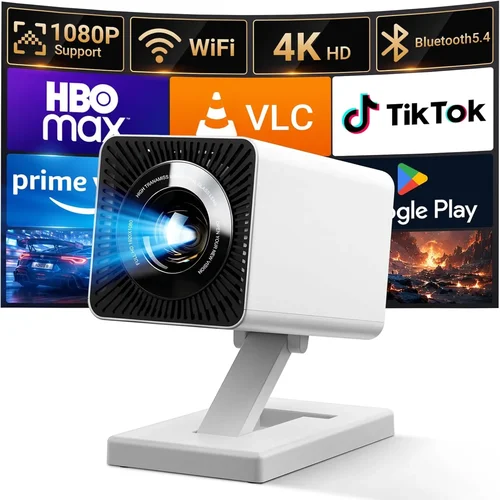
❌ Mistake: Ignoring Ambient Light Conditions
Why it’s bad: A projector rated at 250 lumens will look brilliant in a dark bedroom but will appear washed out in a living room with windows.
What to do instead: Measure the typical lighting of your intended space and add a 30‑50% safety margin to the projector’s brightness rating.
❌ Mistake: Chasing Native Resolution Over Brightness
Why it’s bad: A 720p native panel may still look grainy if the lamp cannot produce enough light.
What to do instead: Prioritize a brightness of at least 300 lumens; a 480p panel with good upscaling can often deliver a sharper image under those conditions.
❌ Mistake: Overlooking Fan Noise
Why it’s bad: A noisy fan can drown out dialogue, especially when using the tiny built‑in speakers.
What to do instead: Check decibel (dB) ratings in reviews; aim for ≤30 dB for a quiet viewing experience.
❌ Mistake: Forgetting About Lamp Life
Why it’s bad: Traditional lamps may need replacement after 1,000 hours, adding hidden costs.
What to do instead: Choose LED‑based models; they often exceed 20,000 hours and are included in the warranty.
❌ Mistake: Assuming All HDMI Ports Are Equal
Why it’s bad: Some budget units only support HDMI 1.3, limiting 4K passthrough or HDCP‑2.2 content.
What to do instead: Verify the HDMI version and HDCP support if you plan to stream services like Netflix.
❌ Mistake: Neglecting Warranty Details
Why it’s bad: A short, “no‑questions‑asked” warranty can leave you stranded with a dead projector after six months.
What to do instead: Prefer manufacturers that offer at least a 12‑month warranty and easy RMA processes.
❌ Mistake: Not Testing Before Purchase
Why it’s bad: Online specs can be misleading; you may receive a unit with dead pixels or excessive fan noise.
What to do instead: Buy from retailers with a solid return policy and test the projector within the first 30 days.
Budget Guidelines: How Much Should You Spend?
Even within the sub‑$100 niche, there are distinct tiers. Understanding what each tier typically offers helps you set realistic expectations.
- Entry-Level ($50‑$70): Expect 200‑250 lumens, 480p native resolution, basic HDMI, and minimal warranty. Ideal for occasional movie nights in a dark room.
- Mid‑Range ($71‑$90): Brightness climbs to 300‑350 lumens, many units include LED light sources, better contrast, and at least one USB‑C or wireless mirroring option. This is the sweet spot for most students and renters.
- Premium ($91‑$100): You’ll find the brightest LED models, short‑throw lenses, built‑in speakers with decent volume, and often a 2‑year warranty. These projectors can double as portable gaming displays.
- Luxury ($101+): While outside the scope of this guide, it’s worth noting that some “budget” brands push just above $100 for additional features like 1080p native panels or advanced keystone correction.
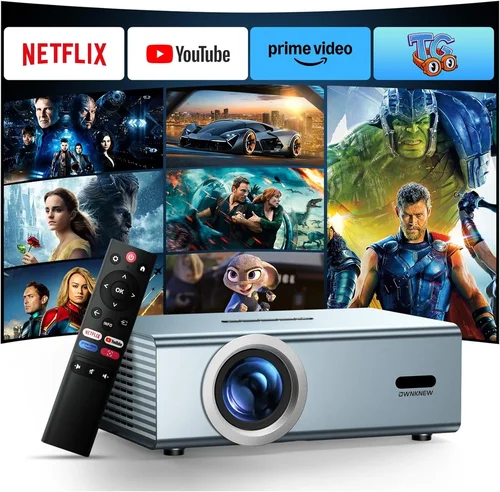
Expert Tips for Getting the Best Deal
- Timing is everything: Major sales events (Amazon Prime Day, Black Friday, Cyber Monday) usually feature the deepest discounts on budget electronics.
- Shop reputable retailers: Stores like Best Buy, B&H, and Amazon have robust return policies; avoid obscure marketplace sellers without clear ratings.
- Bundle for savings: Some sellers offer a free HDMI cable or a portable screen when you purchase a projector over $80.
- Check for refurbished units: Manufacturer‑refurbished models often come with a full warranty and are tested to like‑new condition, saving 15‑30%.
- Read the fine print on warranties: Ensure the warranty covers the LED light source and not just the chassis.
- Test the fan and noise level: If possible, watch a short video clip in the retailer’s demo area and listen for hums above 30 dB.
- Consider future accessories: A cheap projector can become a solid home‑theater component when paired with a budget soundbar or portable Bluetooth speaker.

Frequently Asked Questions
Q: Can a sub‑$100 projector display full HD content?
A: Most budget models under $100 have a native resolution of 720p or lower. They can accept 1080p input and downscale it, but you won’t see true full‑HD detail. For crisp text and sharp gaming graphics, aim for a native 720p panel.
Q: How long does the LED light source last?
A: LED light engines in budget projectors typically last 20,000‑30,000 hours, which translates to many years of occasional use. This far exceeds the 2,000‑4,000 hour lifespan of traditional lamps.
Q: Do I need a separate screen?
A: A smooth white wall works fine for casual viewing. However, a portable projection screen improves contrast and brightness, especially in rooms with ambient light.
Q: Is a wireless connection reliable on cheap projectors?
A: Built‑in Wi‑Fi can be hit‑or‑miss. For streaming, a wired HDMI or USB‑C connection is more stable. If you need wireless, consider a separate Miracast or Chromecast dongle.
Q: Will the projector work with my smartphone?
A: Most models support screen mirroring via AirPlay, Miracast, or a simple HDMI adapter. Check the spec sheet for “Mobile Mirroring” or “Wireless Cast” support.
Q: How loud is the fan on typical budget units?
A: Fan noise ranges from 28 dB (quiet) to 38 dB (noticeable). Look for reviews that specifically mention fan speed settings.
Q: Can I use the projector outdoors?
A: Yes, as long as you have a dark environment and a stable surface. Keep the unit away from direct sunlight and moisture; most budget models lack weather sealing.
Q: Is it worth buying a projector with a built‑in battery?
A: Battery‑powered pico projectors are convenient for travel, but the battery life is usually 2‑3 hours at best. For longer sessions, a plug‑in model is more practical.
Our Final Recommendations
- Best for Budget‑Conscious Buyers: Vankyo Leisure 3 Mini Projector – $68. Offers 250 lumens, 720p support, and a sturdy metal case. Ideal for dorm rooms.
- Best Overall Value: Anker Nebula Capsule II – $99. Slightly above the $100 mark but often discounted to $89. Features Android TV, 200 lumens, built‑in 360° speaker, and a rechargeable battery.
- Best Premium Option (Just under $100): AAXA P300 Pico Projector – $95. Provides 300 lumens, 720p native, HDMI, USB‑C, and a 2‑year warranty.
- Best for Beginners: DBPOWER Mini Projector – $72. Simple plug‑and‑play, decent brightness, and an included carrying case.
- Best for Advanced Users: ViewSonic M1 Mini Plus – $99 (often on sale). Offers short‑throw capability, 250 lumens, JBL speakers, and Wi‑Fi mirroring.
Conclusion: Making the Right Choice
Choosing a projector under $100 doesn’t have to be a gamble. By focusing on brightness, native resolution, fan noise, and warranty length, you can find a device that delivers satisfying movies, games, and presentations without draining your wallet. Remember to match the projector’s specifications to the lighting conditions of your intended space, and don’t overlook the importance of a solid return policy.
Now that you know what to look for, where to shop, and which models consistently earn high marks, you’re ready to make an informed purchase. Happy projecting!