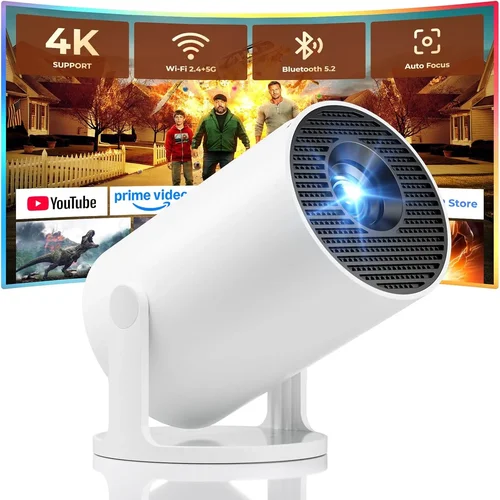
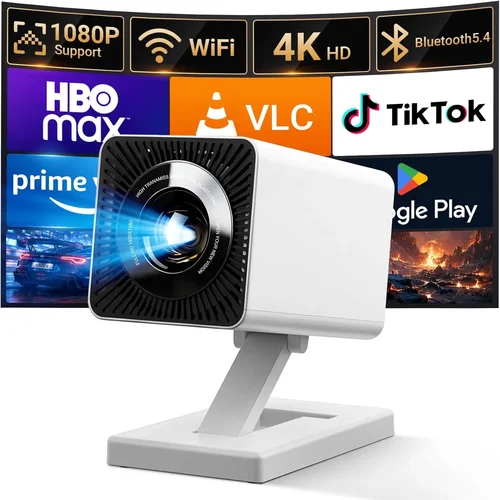
Choosing the right projector for your business can feel like navigating a maze of technical jargon, price tags, and conflicting reviews. Yet, a well‑chosen projector can turn a dull boardroom into a dynamic collaboration hub, impress clients, and boost productivity. This guide cuts through the noise, giving you a clear roadmap to find the best business projector under $500 in 2026.
By the end of this article you will understand the most important specifications, know which projector type fits your environment, avoid common pitfalls, and walk away with a shortlist of top‑rated models that deliver professional performance without breaking the bank.
The budget projector market has evolved dramatically over the past few years. Advances in LED and laser light sources, improved contrast ratios, and smarter connectivity options mean that even sub‑$500 units can now project crisp 1080p images, support wireless mirroring, and last for thousands of hours. Let’s dive into the factors that separate a reliable business tool from a disappointing rental‑room stand‑in.

What to Look for When Buying Buying Guide
1. Budget & Price Range
While the headline says “under $500,” it’s still wise to set a realistic ceiling based on your specific needs. A $250 projector might handle basic slide decks, but you may sacrifice brightness and connectivity. Conversely, a $480 model often includes upgraded optics, longer lamp life, and more versatile ports. Identify the minimum features you can live without and allocate the remaining budget toward those that will impact daily use the most.
2. Performance Specifications
The three pillars of projector performance are brightness (lumens), resolution, and contrast ratio.
- Brightness: For well‑lit conference rooms, aim for at least 3,000 ANSI lumens. In darker meeting spaces, 2,000 lumens can be sufficient.
- Resolution: Native 1080p (1920×1080) is now common under $500 and provides clear text and detailed graphics. Some models still use 720p, which may look pixelated on large screens.
- Contrast Ratio: A higher ratio (e.g., 15,000:1) yields deeper blacks and more vibrant colors—crucial for data visualizations that rely on contrast.
3. Build Quality & Durability
Business environments demand equipment that can survive frequent set‑ups, transport, and occasional bumps. Look for metal housings, reinforced lens covers, and sealed ventilation that resists dust. Projects with a minimum lamp or LED lifespan of 20,000 hours reduce long‑term maintenance costs.
4. Features & Functionality
Modern projectors are more than just light sources. Key features to prioritize include:
- Wireless Connectivity: Wi‑Fi or Bluetooth for screen mirroring from laptops, tablets, and smartphones.
- Multiple Input Ports: HDMI, USB‑C, VGA, and sometimes Ethernet for flexible source options.
- Keystone Correction & Lens Shift: Enables easy setup on non‑ideal surfaces without distortion.
- Built‑in Speakers: While not a replacement for a sound system, decent speakers (2–5 W) can handle short presentations without extra hardware.
5. Brand Reputation
Established brands such as Epson, BenQ, ViewSonic, and Optoma have a track record of reliable after‑sales support and firmware updates. Newer entrants may offer attractive specs at lower prices, but verify user reviews and warranty terms before committing.
6. Warranty & Support
A solid warranty (minimum two years) that covers lamp/LED failure, accidental damage, and provides easy access to replacement parts can save you hundreds of dollars. Check whether the manufacturer offers on‑site service or a local authorized service center.
7. Size & Portability
If you need to move the projector between conference rooms or take it to client sites, weight and footprint matter. Portable “pico” models can be under 2 lb but often compromise on brightness. A balanced choice is a compact, suitcase‑style unit around 5 lb that still meets brightness needs.
8. User Reviews & Ratings
Real‑world feedback reveals hidden strengths and weaknesses—like noisy fans, firmware bugs, or unexpected heat issues. Scan reviews on Amazon, B&H, and professional AV forums, paying attention to comments about reliability over time.
Different Types of Buying Guide

Common Buying Mistakes to Avoid
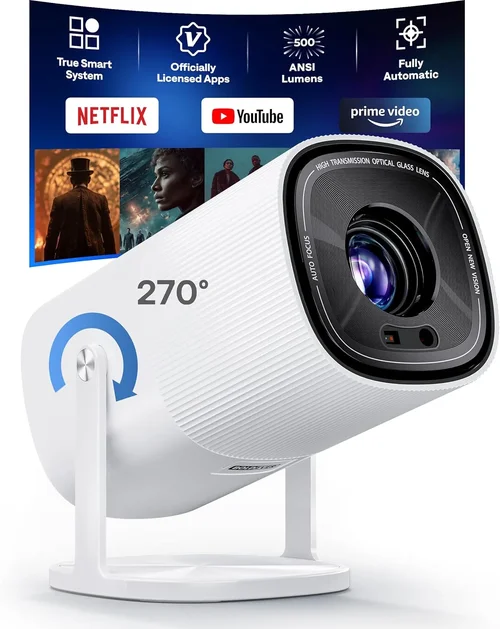
❌ Mistake: Focusing Solely on Price
Why it’s bad: The cheapest unit may lack essential brightness or connectivity, leading to extra purchases later.
What to do instead: Set a minimum spec checklist (e.g., 3,000 lumens, HDMI, 1080p) and compare only models that meet those thresholds.
❌ Mistake: Ignoring Ambient Light Conditions
Why it’s bad: A projector rated at 2,500 lumens will look washed out in a well‑lit boardroom.
What to do instead: Measure typical room lighting and choose a lumen rating 20‑30% higher than the brightest condition.
❌ Mistake: Overlooking Input Compatibility
Why it’s bad: If your laptops only have USB‑C, a projector with only VGA will require adapters, adding clutter and potential signal loss.
What to do instead: Verify that the projector offers the same ports as your most common devices, or supports wireless mirroring.
❌ Mistake: Forgetting About Maintenance Costs
Why it’s bad: Replacing a traditional lamp can cost $100‑$150, negating the low purchase price.
What to do instead: Prioritize LED or laser light sources with lifespans of 20,000+ hours.
❌ Mistake: Neglecting Warranty Details
Why it’s bad: A short warranty may leave you responsible for costly repairs after the first year.
What to do instead: Choose brands that offer at least a two‑year warranty and easy claim processes.
Budget Guidelines: How Much Should You Spend?
- Entry‑Level ($200‑$300): Typically 720p resolution, 2,500 lumens, basic HDMI input. Suitable for small, dim rooms or occasional use.
- Mid‑Range ($300‑$400): Native 1080p, 3,000‑3,500 lumens, built‑in speakers, wireless screen share. Ideal for most small‑to‑medium conference rooms.
- Premium ($400‑$500): High‑brightness LED or laser, advanced keystone/lens shift, multiple HDMI ports, robust warranty. Best for high‑traffic environments and future‑proofing.
- Luxury ($500+): Ultra‑short‑throw, 4K resolution, HDR support, integrated Android OS. Overkill for most budget‑conscious businesses.
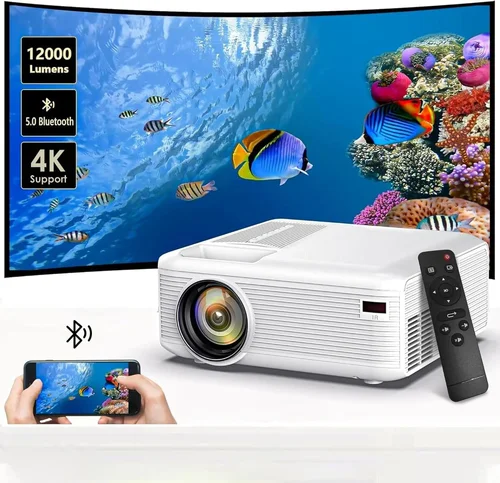
Expert Tips for Getting the Best Deal
- Timing: Major sales events—Black Friday, Cyber Monday, and back‑to‑school—usually feature deep discounts on projectors.
- Retailers: Compare prices on Amazon, B&H, and Newegg. Don’t forget specialized AV stores; they sometimes have exclusive floor‑model pricing.
- Refurbished Units: Certified refurbished models from the manufacturer can be 15‑30% cheaper and still carry a full warranty.
- Bundle Savings: Look for packages that include a projection screen, mounting kit, or extra cables.
- Warranty Extensions: If you plan heavy usage, a modest extension (e.g., $30 for an extra year) can be worth the peace of mind.
- Return Policies: Choose sellers with at least a 30‑day return window; this allows you to test the projector in your actual meeting room.
- Testing: Bring a laptop and a test video to the store. Verify brightness, focus, and any lag in wireless mirroring before purchasing.

Frequently Asked Questions
Q: Can a sub‑$500 projector display 4K content?
A: Most budget models under $500 are limited to 1080p native resolution. They can accept a 4K source but will downscale it, resulting in no real 4K benefit.
Q: How important is the lamp life for an LED projector?
A: LED projectors typically advertise 30,000‑40,000 hours of life, which translates to many years of daily use without replacement—making them ideal for businesses seeking low‑maintenance solutions.
Q: Do I need a separate screen?
A: While a white wall works in a pinch, a proper projection screen improves contrast and color accuracy, especially in rooms with ambient light.
Q: Is wireless mirroring reliable for business presentations?
A: Modern Wi‑Fi Direct or Miracast implementations are generally stable for static slides and videos. For mission‑critical presentations, keep a wired HDMI backup.
Q: What is the difference between keystone correction and lens shift?
A: Keystone correction digitally adjusts the image, which can slightly reduce sharpness. Lens shift physically moves the lens, preserving image quality.
Q: Can I mount a portable pico projector on the ceiling?
A: Most pico units are designed for tabletop use. Ceiling mounting is possible with third‑party brackets but may void the warranty and affect heat dissipation.
Q: How do I clean a projector lens?
A: Use a soft, lint‑free microfiber cloth and a lens‑cleaning solution. Never spray liquid directly on the lens; apply it to the cloth first.
Q: Is HDR worth it on a budget projector?
A: HDR requires higher brightness and contrast than most sub‑$500 projectors can deliver. For typical business slides, HDR offers minimal benefit.
Our Final Recommendations
- Best for Budget‑Conscious Buyers: ViewSonic M1 Mini Plus – $229, LED light source, 1080p, built‑in JBL speakers, portable design.
- Best Overall Value: Epson EX3260 – $349, 3,600 lumens, 1080p, HDMI + VGA, low‑maintenance lamp, solid warranty.
- Best Premium Option (under $500): Optoma UHD30 – $489, 3,600 lumens, 1080p with HDR support, 0.4 ms response for video demos, extensive connectivity.
- Best for Beginners: BenQ MW535A – $299, easy‑setup menu, wireless screen share via Miracast, 3,600 lumens.
- Best for Advanced Users: LG PF50KA – $479, laser light source, 1080p, battery‑operated, webOS for streaming, ideal for on‑the‑go demos.
Conclusion: Making the Right Choice
Investing in a business projector under $500 doesn’t mean settling for subpar performance. By focusing on brightness, native resolution, reliable connectivity, and a solid warranty, you can secure a device that enhances meetings, impresses clients, and endures daily use. Remember to assess your room’s lighting, match the projector’s input ports to your devices, and consider long‑term maintenance costs.
Use the checklist and tips in this guide, test a few models if possible, and choose the one that aligns with your workflow and budget. A well‑chosen projector is an investment in clearer communication and smoother collaboration—two assets any business can afford.