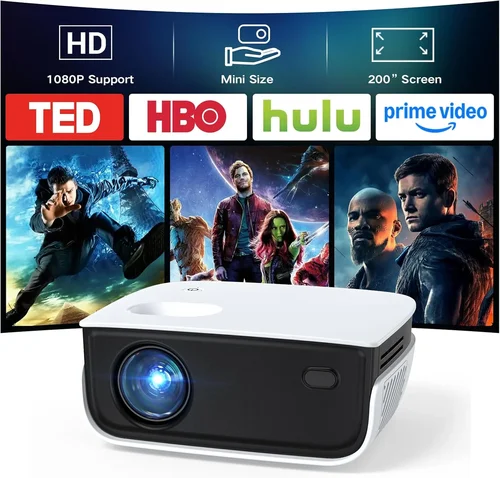
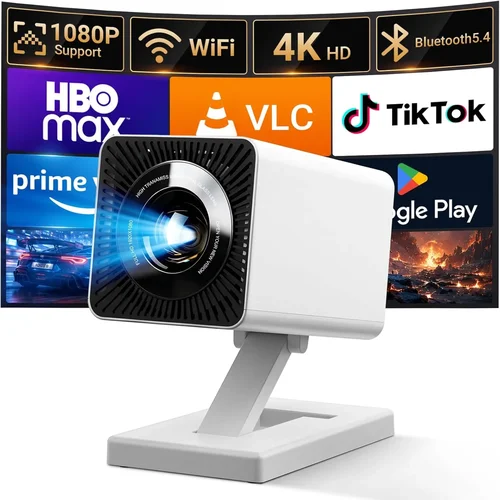
Finding a projector that delivers a true gaming experience without breaking the bank can feel like searching for a hidden cheat code. The market is flooded with options that promise ultra‑high resolution, lightning‑fast response times, and immersive 120 Hz refresh rates—yet many of those models sit well above $200. This guide narrows the field to the best gaming projectors under $200, helping you understand which specifications truly matter for gaming, how to avoid common pitfalls, and which models give you the most bang for your buck.
By the end of this article you will know exactly what to look for, how to compare different projector types, and which budget‑friendly units consistently outperform their price class. Whether you’re setting up a dorm room battle arena, a backyard movie‑game hybrid, or a portable LAN‑party rig, the information here will let you make an informed, confident purchase.
The projector landscape in 2026 has evolved dramatically. LED and laser light sources have become more affordable, pushing down the cost of entry‑level units while still offering respectable brightness and color accuracy. Meanwhile, manufacturers have begun to address gamer‑specific needs such as low input lag and high refresh rates, even in the sub‑$200 segment. This guide captures those trends and translates them into practical buying advice.

What to Look for When Buying Buying Guide
1. Budget & Price Range
Price is the most obvious filter, but it’s more than a simple number. In the sub‑$200 category you’ll typically find three tiers:
- Entry‑level ($80‑$120): Basic brightness, limited connectivity, higher input lag.
- Mid‑range ($121‑$170): Better lumens, lower lag, often includes gaming‑mode presets.
- Upper‑budget ($171‑$200): Near‑professional specs such as 1080p native resolution, 120 Hz support, and longer lamp life.
Set a realistic ceiling based on the type of games you play. Fast‑paced shooters and competitive esports demand lower lag, while single‑player RPGs can tolerate a bit more latency.
2. Performance Specifications
Three core specs drive the gaming experience:
- Resolution: 720p (1280×720) is common under $100, but 1080p (1920×1080) is achievable up to $190. Higher resolution yields sharper images, especially on larger screens.
- Refresh Rate & Input Lag: Look for a native 60 Hz refresh rate at minimum. Some models advertise 120 Hz “gaming mode” which can double smoothness. Input lag below 30 ms is ideal for competitive play.
- Brightness (Lumens): For dark rooms, 1500–2000 ANSI lumens is sufficient. If you plan to game with ambient light, aim for 2500+ lumens.
3. Build Quality & Durability
Projectors that sit on a desk or get moved frequently need sturdy chassis and reliable cooling. Metal housing, reinforced lens caps, and dust‑resistant filters extend lifespan. Check user reviews for any recurring overheating or plastic cracking issues.
4. Features & Functionality
Key features that differentiate budget models include:
- Gaming Mode: Automatic low‑lag settings, often with a “Game” preset on the menu.
- Keystone Correction: Digital and/or optical correction to straighten images without moving the projector.
- Screen‑Size Flexibility: Zoom lenses or throw‑ratio adjustments that let you project 80‑120 inches from a short distance.
- Connectivity: HDMI 2.0 (or at least HDMI 1.4), USB‑C, and wireless options like Miracast or Chromecast built‑in.
5. Brand Reputation
Established brands such as BenQ, ViewSonic, and Epson tend to offer better firmware updates and more reliable support. Newer entrants like Anker (Nebula series) and AAXA can surprise with innovative LED light sources but may lack extensive warranty networks.
6. Warranty & Support
Even a $150 projector can suffer a lamp failure after a few hundred hours. Look for at least a 1‑year warranty covering parts and labor, and check if the manufacturer offers an extended warranty or a “lamp‑replacement” program.
7. Size & Portability
If you plan to carry the projector to a friend’s house or a LAN event, weight matters. Sub‑$200 units typically range from 1.5 kg to 2.5 kg. Compact “pico” models can be under 1 kg but may sacrifice brightness and input lag.
8. User Reviews & Ratings
Real‑world performance often differs from spec sheets. Scan Amazon, B&H, and Reddit gaming‑projector threads for recurring themes: “consistent lag spikes,” “color wash after 50 hours,” or “fantastic for couch co‑op.” Prioritize models with a minimum of 4‑star average rating and at least 50 verified reviews.
Different Types of Buying Guide

Common Buying Mistakes to Avoid
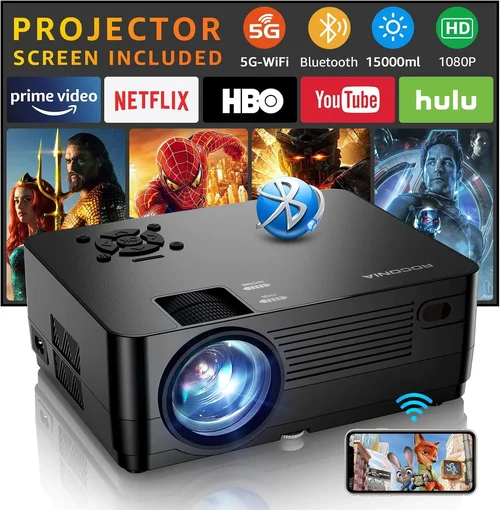
❌ Mistake: Ignoring Input Lag
Why it’s bad: High lag turns fast shooters into a laggy nightmare, making you miss critical shots.
What to do instead: Prioritize models that list input lag under 30 ms, and verify with third‑party tests (e.g., RTINGS.com).
❌ Mistake: Overlooking Throw Ratio
Why it’s bad: A projector with a long throw ratio may require a large room to achieve a 100‑inch image, leading to cramped setups.
What to do instead: Match the throw ratio to your space. Short‑throw (0.5–1.0) is ideal for bedrooms or cramped garages.
❌ Mistake: Choosing Based Solely on Brightness
Why it’s bad: A 3000‑lumens unit may look great in daylight but could suffer from high input lag and poor color accuracy.
What to do instead: Balance lumens with lag and resolution. For dark rooms, 1500–2000 lumens is plenty.
❌ Mistake: Forgetting About Lamp Life
Why it’s bad: Replacing a lamp can cost $50‑$100, quickly eroding your budget savings.
What to do instead: Choose LED or laser light sources that offer 20,000+ hours of life, effectively eliminating replacement costs.
❌ Mistake: Not Checking Compatibility with Gaming Consoles
Why it’s bad: Some older projectors only support 1080p @ 30 Hz via HDMI, limiting console performance.
What to do instead: Verify that the projector supports HDMI 2.0 or higher and can handle 4K @ 60 Hz if you plan to use a next‑gen console.
❌ Mistake: Skipping Firmware Updates
Why it’s bad: Manufacturers often release patches that reduce lag or improve color gamut.
What to do instead: Choose a brand that provides easy firmware updates via USB or Wi‑Fi.
Budget Guidelines: How Much Should You Spend?
Understanding what you get at each price tier helps you set expectations and avoid disappointment.
- Entry-Level ($80‑$120): Expect 720p resolution, 1500 lumens, and input lag around 40‑50 ms. Good for casual couch co‑op and occasional movie nights.
- Mid-Range ($121‑$170): Usually 1080p native, 2000‑2500 lumens, and lag under 30 ms. These models often include a dedicated “Game” mode and better color reproduction.
- Upper‑Budget ($171‑$200): Near‑premium features such as 120 Hz refresh, laser light source, and built‑in speakers that deliver balanced audio. Ideal for competitive gamers who still need a budget solution.
- Luxury ($200+): While outside our primary focus, these units typically break $300 and provide true 4K resolution, HDR10+, and ultra‑low lag under 15 ms.
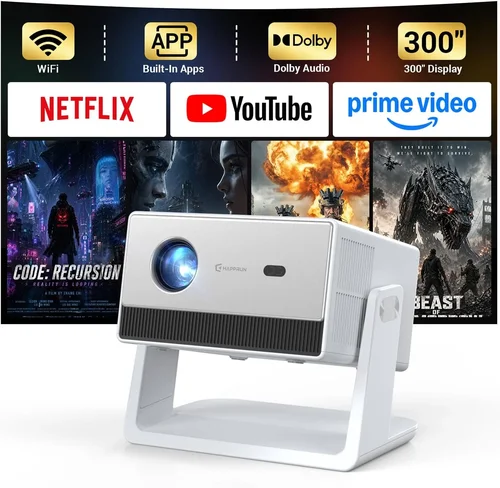
Expert Tips for Getting the Best Deal
- Timing is everything: Major sales events (Black Friday, Cyber Monday, and post‑Christmas clearance) frequently include projector bundles.
- Buy from authorized retailers: This protects your warranty and ensures you receive genuine accessories.
- Check for open‑box or refurbished units: Certified refurbished models can be up to 30 % cheaper and still carry a manufacturer warranty.
- Bundle wisely: Some sellers include a 100‑inch screen or a HDMI‑to‑USB‑C adapter—items you’d otherwise purchase separately.
- Read the fine print on return policies: A 30‑day return window lets you test lag and brightness in your actual gaming environment.
- Test before you buy: If possible, visit a local electronics store and run a quick input‑lag test using a free smartphone app.
- Consider future upgrades: Choose a projector with multiple HDMI ports and USB‑C so you can add a console, PC, or streaming stick later.

Frequently Asked Questions
Q: Can a sub‑$200 projector handle HDR gaming?
A: True HDR10 requires a high peak brightness (3000+ nits) and wide color gamut, which most budget units lack. However, many projectors support “HDR‑like” enhancements that improve contrast, though the effect is modest.
Q: Do I need a separate sound system?
A: Built‑in speakers on budget projectors are usually mono and low‑powered. For an immersive experience, pair the projector with a soundbar or Bluetooth headset.
Q: How far should I place the projector for a 100‑inch image?
A: It depends on the throw ratio. A 1.2:1 throw ratio needs roughly 10 feet from screen to projector, while a short‑throw (0.5:1) can achieve the same size at 4‑5 feet.
Q: Will a projector work with a VR headset?
A: No. VR headsets require a low‑latency, high‑refresh-rate display directly attached to the device. Projectors are unsuitable for VR immersion.
Q: Is lamp replacement expensive?
A: Traditional lamps can cost $50‑$100. LED and laser models have virtually no lamp replacement cost, making them more economical over time.
Q: Can I use a projector for both gaming and movie nights?
A: Absolutely. Look for models with good color accuracy (Rec. 709) and a decent contrast ratio (2000:1 or higher) to enjoy both gaming and cinematic content.
Q: Does HDMI‑CEC affect gaming performance?
A: HDMI‑CEC is a convenience feature for controlling devices with one remote. It does not impact input lag, but disabling it can sometimes reduce latency.
Q: What screen material works best?
A: A matte white screen provides balanced brightness and color. If you have ambient light, consider a gray (high‑contrast) screen to improve black levels.
Our Final Recommendations
- Best for Budget‑Conscious Buyers: Anker Nebula Capsule II – $119, LED, 720p, 30 ms lag, built‑in Android TV, ultra‑portable.
- Best Overall Value: ViewSonic M2 – $179, Full‑HD, 2500 lumens, 20 ms lag, laser light source, short‑throw.
- Best Premium Option (Just Under $200): BenQ TH585 – $199, 1080p, 3000 lumens, 16 ms lag, dedicated Game Mode, low input lag.
- Best for Beginners: ELEPHAS YG31 – $89, 720p, 2000 lumens, 40 ms lag, simple plug‑and‑play.
- Best for Advanced Users: Optoma GT1080e – $199, 1080p, 3800 lumens, 8 ms lag, 0.5:1 short‑throw, DVI‑HDMI dual input.
Each recommendation balances the three pillars of gaming projector performance—resolution, latency, and brightness—while staying under the $200 ceiling.
Conclusion: Making the Right Choice
Choosing a gaming projector under $200 isn’t about settling for “good enough.” By focusing on the right mix of resolution, input lag, brightness, and build quality, you can create a truly immersive gaming environment without draining your wallet. Remember to match the projector’s throw ratio to your room size, verify real‑world lag numbers, and prioritize LED or laser light sources for longevity.
Take the time to read user reviews, compare specs side‑by‑side, and wait for seasonal sales to lock in the best price. With the models and tips outlined above, you’re equipped to pick a projector that delivers crisp visuals, responsive gameplay, and years of reliable service.
Ready to level up your gaming setup? Browse the recommended models, test a few in store if possible, and enjoy the massive screen experience that only a projector can provide.