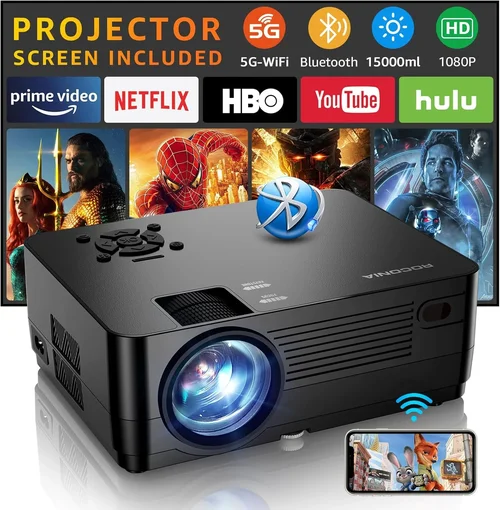
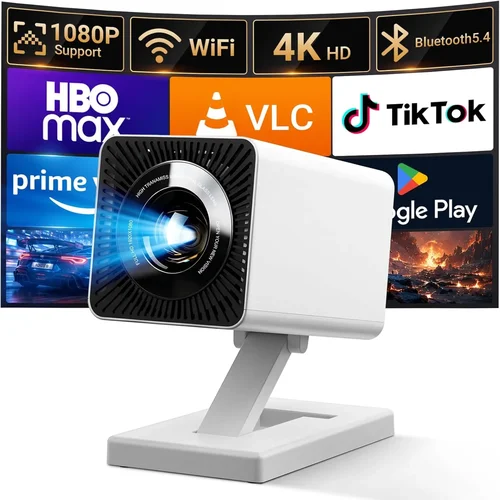
Choosing the right HD projector under $500 can feel like navigating a maze of specs, brand promises, and price tags. You want a device that delivers crisp images for movie nights, sharp presentations for the office, and the flexibility to move from room to room—all without breaking the bank. This guide cuts through the confusion, giving you a clear roadmap so you can buy with confidence.
In the pages that follow, you’ll learn which technical specs truly matter, how different projector types stack up against each other, and which common pitfalls to sidestep. We’ll also break down budget tiers, share insider tips for snagging the best deals, and hand‑pick top models for a variety of needs. Whether you’re a casual streamer, a remote‑working professional, or a budding gamer, you’ll find the information you need to pick the best HD projector under $500.
The HD projector market has exploded over the past few years. Advances in LED and laser light sources, coupled with smarter image processing, mean you can now get 1080p resolution, low lag, and vibrant colors at a fraction of the price that used to be reserved for high‑end home‑theater rigs. Yet, not every budget‑friendly projector lives up to the hype. That’s why understanding the underlying technology—and matching it to your real‑world use cases—is essential before you click “Add to Cart.”

What to Look for When Buying Buying Guide
1. Budget & Price Range
Even within the sub‑$500 segment, prices can vary widely. Some models hover just under $300, while others sit close to the $500 ceiling, offering premium features like higher brightness or built‑in speakers. Start by setting a strict maximum you’re willing to spend, then allocate that budget across the most critical features for your use case. Remember that a lower price often means compromises in lamp life, contrast ratio, or connectivity options.
2. Performance Specifications
Key specs include native resolution, brightness (measured in ANSI lumens), contrast ratio, and refresh rate. For an HD projector, native 1080p (1920×1080) is ideal; many budget models use 720p panels with upscaling, which can look softer. Brightness of 2,500–3,500 lumens is sufficient for dim living rooms, while a higher figure is needed for well‑lit spaces. A contrast ratio of at least 10,000:1 helps deliver deeper blacks, crucial for movies. If you plan to game, look for a refresh rate of 60 Hz or higher and low input lag (under 30 ms).
3. Build Quality & Durability
Projectors in this price range often use plastic housings to keep costs down. Look for sturdy hinges, a solid mounting interface, and a well‑ventilated chassis to prevent overheating. A longer lamp life—ideally 20,000 hours for LED or laser units—means fewer replacements and lower total‑ownership cost.
4. Features & Functionality
Modern projectors pack a surprising amount of functionality. Wi‑Fi or Bluetooth connectivity enables wireless streaming from phones, tablets, or laptops. Built‑in speakers are convenient, but they rarely replace a dedicated sound system. Keystone correction (both vertical and horizontal) and lens shift help align the image without physical adjustments. Some models also support HDR, which expands color depth for more lifelike pictures.
5. Brand Reputation
Established brands such as Epson, BenQ, ViewSonic, and Optoma have a track record of reliable performance and solid after‑sales support. Newer entrants can offer aggressive pricing, but it’s wise to research warranty terms and read user forums to gauge long‑term reliability.
6. Warranty & Support
A robust warranty—ideally two years or more—covers defects and premature lamp failures. Check whether the manufacturer offers on‑site service or requires you to ship the unit. Support channels like live chat, phone, and a comprehensive knowledge base can save you hours of frustration.
7. Size & Portability
If you need a projector that travels between rooms or takes on the road, weight and footprint matter. Pico‑projectors are ultra‑compact but often sacrifice brightness and contrast. Mid‑range models balance portability with performance, typically weighing between 3–5 lb and offering a short throw distance for small spaces.
8. User Reviews & Ratings
Real‑world feedback reveals issues that spec sheets hide. Look for consistent themes in reviews—such as overheating, fan noise, or poor color accuracy. A high average rating (4 stars or above) across multiple retail sites is a good indicator of overall satisfaction.
Different Types of Buying Guide

Common Buying Mistakes to Avoid
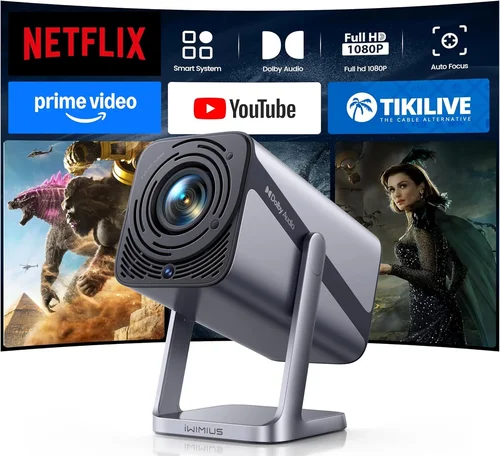
❌ Mistake: Ignoring Ambient Light Conditions
Why it’s bad: A projector rated at 2,500 lumens may look brilliant in a dark home theater, but the same unit can appear washed out in a bright living room.
What to do instead: Measure the typical lighting in your intended space. If you can’t control ambient light, aim for at least 3,000 lumens or consider a projector with a high contrast ratio and HDR support.
❌ Mistake: Overlooking Lamp Type
Why it’s bad: Traditional UHP lamps require frequent replacement, adding hidden costs.
What to do instead: Choose LED or laser light sources when possible—they last longer, stay cooler, and maintain consistent brightness over time.
❌ Mistake: Forgetting About Throw Distance
Why it’s bad: Placing a long‑throw projector too close to the screen results in a distorted, blurry image.
What to do instead: Check the projector’s throw ratio and calculate the required distance for your screen size. Short‑throw models are ideal for small rooms.
❌ Mistake: Assuming All Ports Are Equal
Why it’s bad: HDMI 1.4 cannot support 1080p at 60 Hz with HDR, while HDMI 2.0 can.
What to do instead: Verify that the unit includes HDMI 2.0 or higher, plus USB‑C or wireless options if you plan to stream from modern devices.
❌ Mistake: Ignoring Fan Noise
Why it’s bad: A noisy fan can distract from movies and presentations.
What to do instead: Look for specifications that list fan noise in dB (ideally below 30 dB) and read user reviews for real‑world impressions.
❌ Mistake: Skipping the Warranty Fine Print
Why it’s bad: Some manufacturers exclude lamp failures from the warranty, leaving you with unexpected repair costs.
What to do instead: Read the warranty terms carefully. Prefer brands that cover the light source for the full warranty period.
Budget Guidelines: How Much Should You Spend?
- Entry‑Level ($200 – $300): Expect 720p resolution, 2,000–2,500 lumens, and basic connectivity (HDMI, VGA). Ideal for casual streaming in dark rooms.
- Mid‑Range ($300 – $400): Most models hit native 1080p, 2,500–3,200 lumens, and include Wi‑Fi or Bluetooth. Good balance for movies, presentations, and occasional gaming.
- Premium ($400 – $500): Look for low input lag (<30 ms), higher brightness (>3,200 lumens), HDR support, and advanced keystone or lens‑shift features. Suitable for gamers and bright‑room use.
- Luxury ($500+): Though outside the scope of this guide, luxury units often bring 4K resolution, laser light sources, and built‑in soundbars.
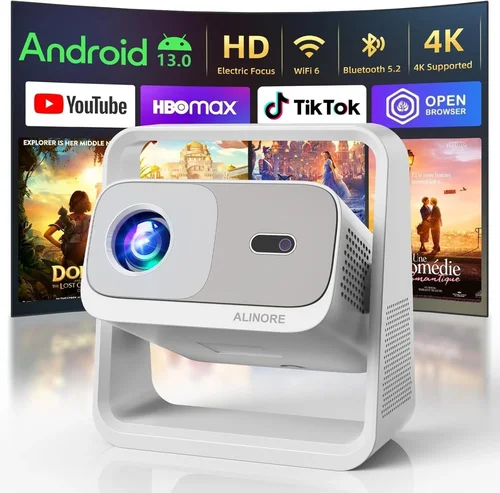
Expert Tips for Getting the Best Deal
- Timing is everything: Major discounts appear during Black Friday, Cyber Monday, and back‑to‑school periods (July‑August).
- Shop refurbished: Manufacturer‑refurbished units carry full warranties at 20‑30% off retail.
- Bundle for savings: Some retailers offer a free screen or HDMI cable when you purchase a projector over $350.
- Check return policies: A 30‑day return window lets you test the projector in your own space.
- Compare total cost of ownership: Factor in lamp replacements, mounting hardware, and optional sound systems.
- Read the fine print on “lumens”: Some brands quote “LED‑equivalent lumens,” which can be higher than true ANSI lumens.
- Test before you buy: If possible, view a demo in a store with a similar ambient light level to your home.
Frequently Asked Questions
Q: Can I use a projector under $500 for gaming?
A: Yes, but focus on models with low input lag (under 30 ms) and a refresh rate of 60 Hz or higher. Look for “Game Mode” presets, which often reduce processing latency.
Q: Do I need a separate screen?
A: Not mandatory. A smooth, white wall works, but a dedicated screen improves brightness and contrast, especially in rooms with ambient light.
Q: How far should the projector be from the screen?
A: It depends on the throw ratio. For a 100‑inch image, a 1.5:1 throw ratio needs ~12 ft of distance, while a short‑throw (0.5:1) can sit just 5 ft away.
Q: Are HDMI cables enough for 1080p HDR?
A: Yes, provided the cable is high‑speed (HDMI 2.0 or higher). Older cables may limit bandwidth, causing reduced color depth.
Q: Will the projector work with my Android phone?
A: Most budget projectors include Miracast or Chromecast built‑in, allowing wireless casting from Android devices.
Q: How long does the lamp actually last?
A: LED and laser light sources typically last 20,000–30,000 hours. Traditional UHP lamps average 2,000–5,000 hours before brightness drops.
Q: Is a higher contrast ratio always better?
A: Generally, yes, because it means deeper blacks. However, real‑world contrast can be affected by ambient light and screen material, so consider both contrast and brightness together.
Q: Can I mount the projector on the ceiling?
A: Most models include standard ¼‑inch mounting holes. Ensure the lens shift or keystone correction can handle the offset angle.
Q: Should I buy a projector with built‑in speakers?
A: Built‑in speakers are convenient but often lack bass and clarity. For a true home‑theater feel, pair the projector with an external sound system.
Our Final Recommendations
- Best for Budget‑Conscious Buyers: ViewSonic M1 Mini Plus – $229, LED light source, 720p, 120 lumens, built‑in dual Harman Kardon speakers, portable design.
- Best Overall Value: BenQ TH671ST – $449, 1080p, 3,000 lumens, 0.69 short‑throw ratio, low 16 ms input lag, excellent for gaming and movies.
- Best Premium Option Under $500: Epson Home Cinema 1060 – $499, 1080p, 3,200 lumens, 3LCD technology, lens shift, robust connectivity.
- Best for Beginners: Optoma HD146X – $379, 1080p, 3,600 lumens, easy setup wizard, good color accuracy.
- Best for Advanced Users: LG PF50KA – $499, 1080p LED, 600 lumens (bright enough for dark rooms), battery‑operated, wireless screen share, built‑in smart TV platform.
Conclusion: Making the Right Choice
Finding the best HD projector under $500 boils down to matching core specifications—resolution, brightness, contrast, and input lag—to the environment where you’ll use it. Assess your room’s lighting, decide whether portability or fixed installation matters more, and weigh the importance of extra features like wireless streaming or built‑in audio.
Remember, the most expensive model isn’t automatically the best for you. By focusing on the factors outlined in this guide, avoiding common mistakes, and leveraging the expert tips for deals, you’ll walk away with a projector that delivers crisp, immersive visuals without stretching your wallet.
Ready to bring the big‑screen experience home? Browse the recommended models, compare prices, and take advantage of seasonal sales. Your perfect HD projector is just a few clicks away.