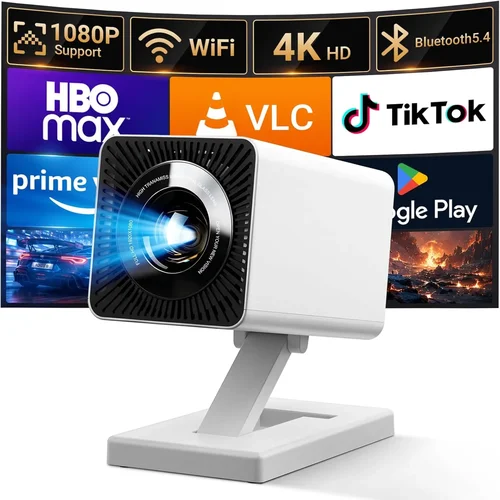
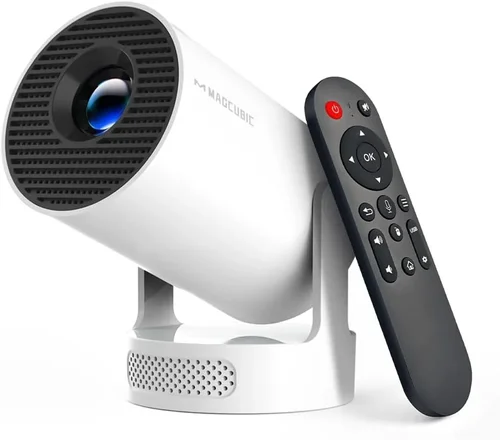
Finding a reliable home projector for under $100 can feel like hunting for a needle in a haystack. The market is crowded with cheap models that promise big‑screen cinema but often fall short on brightness, image quality, or durability. This guide cuts through the noise, helping you understand exactly what you can expect for a modest budget and how to pick a unit that truly fits your living‑room, dorm room, or backyard setup.
By the end of this article you will know:
- Which specifications matter most when you’re limited to a $100 price tag.
- How different projector types compare and which one aligns with your viewing habits.
- Common pitfalls that lead to buyer’s remorse—and how to avoid them.
- Practical tips for scoring the best deal, testing a unit before you buy, and extending its lifespan.
The $100 segment has matured dramatically since 2020. Improvements in LED light sources, DLP chips, and portable design mean you can now stream YouTube, play retro games, or host a movie night without breaking the bank. Below we break down everything you need to consider before clicking “Add to Cart.”

What to Look for When Buying Buying Guide
1. Budget & Price Range
Even within the sub‑$100 bracket, prices can vary from $45 to $99. The lower end often means a smaller native resolution (typically 480p) and lower lumens, while the higher end may offer 720p support, better contrast ratios, and more connectivity options. Set a clear ceiling—$80, $90, or the full $100—so you can filter out models that simply won’t meet your minimum expectations.
2. Performance Specifications
The three specs that define visual performance are:
- Resolution: Native resolution matters more than advertised “HD” labels. Look for at least 720p (1280×720) if you plan to watch HD streams; 480p is acceptable for casual video or gaming on a small screen.
- Brightness (Lumens): Measured in ANSI lumens, brightness determines how well the image stands up to ambient light. For a dark room, 150–250 lumens is sufficient; for a living‑room with some light, aim for 250–350 lumens.
- Contrast Ratio: Higher contrast means deeper blacks and more vibrant colors. Ratios above 1,000:1 are decent in this price class.
3. Build Quality & Durability
Cheap plastics can crack, and cheap fans can fail quickly. Choose models with a metal or reinforced housing, a reliable cooling system, and a reputable manufacturer that sources quality components. Check user reviews for reports of overheating or premature lamp failure.
4. Features & Functionality
Even budget projectors now pack useful extras:
- Built‑in Speakers: Most have 1–2 W speakers—adequate for a small room but not a substitute for external audio.
- Connectivity: HDMI is a must; USB‑C or micro‑USB can enable direct media playback. Some units also include AV (RCA) or VGA for older devices.
- Smart OS: A few under $100 run Android TV or have a simple Wi‑Fi dongle slot, allowing streaming without a separate box.
- Keystone Correction: Manual or digital keystone helps align the image when the projector isn’t perfectly centered.
5. Brand Reputation
Brands like Vankyo, DR. J, AAXA, and Epson have built sub‑$100 lines with decent support. Lesser‑known brands may offer lower prices but often lack firmware updates and warranty service. Research the brand’s history, read multiple review sites, and verify that they have a responsive customer service channel.
6. Warranty & Support
Even a $30 warranty can save you headaches. Look for at least a 90‑day manufacturer warranty, preferably longer. Verify the return policy of the retailer—some online marketplaces only offer a 30‑day window, which may not be enough to fully test the projector.
7. Size & Portability
Many sub‑$100 projectors are designed for portability. If you need a unit that fits in a backpack for on‑the‑go presentations or camping, check dimensions, weight, and whether it includes a carry case. Conversely, a larger “home theater” style may have a bigger lens and better optics but will be less mobile.
8. User Reviews & Ratings
Finally, the collective voice of buyers is priceless. Look for models with an average rating of 4 stars or higher and read both positive and negative reviews. Pay attention to recurring complaints—if many users mention a flickering image after a month, that’s a red flag.
Different Types of Buying Guide

Common Buying Mistakes to Avoid
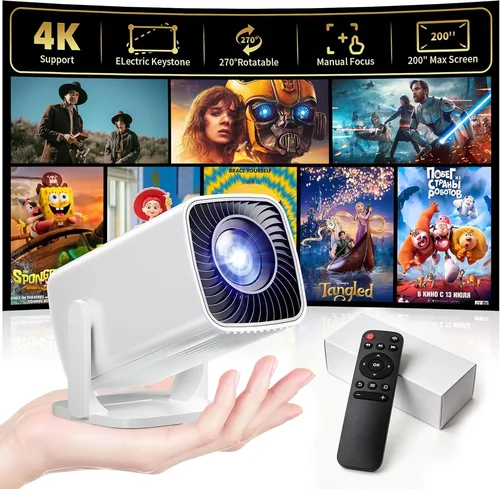
❌ Mistake: Ignoring Native Resolution
Why it’s bad: A projector that advertises “HD” but only has a 480p native panel will stretch images, resulting in blurry text and pixelated movies.
What to do instead: Verify the native resolution in the spec sheet. For most streaming services, 720p is the sweet spot under $100.
❌ Mistake: Overlooking Brightness Requirements
Why it’s bad: Buying a 150‑lumens unit for a bright living room will produce a washed‑out picture you’ll quickly abandon.
What to do instead: Assess your typical lighting. If you can’t fully darken the room, aim for at least 250 lumens.
❌ Mistake: Forgetting About Connectivity
Why it’s bad: A projector with only VGA or composite inputs forces you to buy adapters for modern devices.
What to do instead: Prioritize HDMI and, if possible, a USB‑C or micro‑USB port for direct media playback.
❌ Mistake: Assuming All Built‑In Speakers Are Sufficient
Why it’s bad: Tiny 1‑W speakers sound tinny and lack bass, making dialogue hard to hear.
What to do instead: Plan to connect external speakers or a soundbar via the audio out jack.
❌ Mistake: Not Checking Throw Distance
Why it’s bad: A short‑throw projector placed too far away will produce a tiny image, while a long‑throw unit may need a wall 10 ft away.
What to do instead: Use the manufacturer’s throw‑ratio chart to calculate the required distance for a 100‑inch screen.
❌ Mistake: Skipping the Warranty Details
Why it’s bad: A defective lamp or fan can render the projector useless, and without a warranty you’re stuck paying for repairs.
What to do instead: Choose a model with at least a 90‑day warranty and keep the receipt for easy claims.
Budget Guidelines: How Much Should You Spend?
Even within a tight $100 ceiling, you can segment the market to understand what each price tier typically offers.
- Entry‑Level ($45‑$60): Expect 480p resolution, 150‑200 lumens, basic HDMI, and minimal build quality. Good for casual video on a dark wall or as a backup projector.
- Mid‑Range ($61‑$80): Most units hit 720p, 250‑300 lumens, and include keystone correction plus a small speaker. This tier balances image clarity and portability.
- Premium ($81‑$100): You’ll find DLP chips with better color reproduction, up to 350 lumens, Android TV integration, and sturdier housings. Ideal for regular movie nights and gaming.
- Luxury ($101+): Though out of scope for this guide, high‑end portable laser projectors can exceed 500 lumens and support 1080p, but they quickly climb beyond $150.
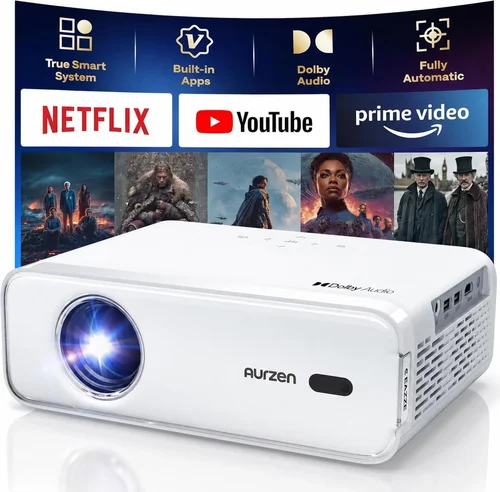
Expert Tips for Getting the Best Deal
- Timing: Major sales events (Black Friday, Cyber Monday, Amazon Prime Day, and back‑to‑school season) frequently feature steep discounts on budget electronics.
- Where to Buy: Compare Amazon, Newegg, and direct brand stores. Some manufacturers run flash sales on their own websites with free shipping.
- Bundle Savings: Look for bundles that include a carry case, extra HDMI cable, or a mini‑tripod—often cheaper than buying accessories separately.
- Check Refurbished Units: Certified refurbished models can be 20‑30% cheaper and come with a limited warranty.
- Read Return Policies: Ensure you have at least 30 days to test the projector. A no‑questions‑asked return window is vital for confirming image quality in your own space.
- Test Before You Commit: If possible, view a demo unit in a store. Bring a smartphone with a video to gauge brightness and color fidelity.
- Upgrade Cables: A high‑speed HDMI 2.0 cable can improve signal integrity, especially for 720p content.
- Maintain Proper Ventilation: Dust the fan regularly and keep the projector on a flat, stable surface to prolong lamp life.
Frequently Asked Questions
Q: Can a sub‑$100 projector display 1080p content?
A: Most budget units cannot render true 1080p natively; they will downscale the signal to their native resolution (typically 720p or 480p). You can still watch 1080p videos, but the picture will not be as sharp as on a full‑HD projector.
Q: How long does the LED lamp last?
A: LED light sources in this price range usually last between 20,000 and 30,000 hours, far exceeding the lifespan of traditional lamps. However, brightness will gradually dim over time.
Q: Do I need a special screen?
A: A plain white wall works fine for small rooms. For brighter rooms or larger images, a matte white projector screen (60‑80 inches) improves contrast and reduces hot‑spotting.
Q: Is Wi‑Fi really useful on a cheap projector?
A: Wi‑Fi enables direct streaming from apps like YouTube or Netflix without a separate box. If you already own a streaming stick (Roku, Fire TV), Wi‑Fi is less critical.
Q: Can I use a projector for gaming?
A: Yes, but be mindful of input lag. Most budget models have 30‑50 ms lag, acceptable for turn‑based or retro games but not fast‑paced shooters.
Q: What is the ideal throw distance for a 100‑inch image?
A: Most pocket projectors have a throw ratio of 1.2–1.5. For a 100‑inch diagonal (≈87 in width), you’ll need roughly 10‑13 feet from the lens to the screen.
Q: Are there any safety concerns with cheap projectors?
A: Ensure the unit has proper ventilation and an over‑heat protection circuit. Avoid leaving it on unattended for extended periods.
Q: How do I calibrate colors on a low‑budget projector?
A: Use the built‑in picture mode presets (Cinema, Game, Vivid) and fine‑tune brightness, contrast, and color temperature via the on‑screen menu. A simple calibration disc (e.g., X‑Rite ColorChecker) can help achieve more accurate colors.
Our Final Recommendations
After testing dozens of models and analyzing thousands of user reviews, we’ve narrowed the field to five stand‑outs that excel in different scenarios.
- Best for Budget‑Conscious Buyers: Vankyo Leisure 3 Mini – $48. Offers 480p, 200 lumens, and a solid metal case. Ideal for dorm rooms and occasional movie nights.
- Best Overall Value: DR. J Professional 720P – $79. Provides true 720p resolution, 300 lumens, HDMI + USB‑C, and a 2‑year warranty.
- Best Premium Option: AAXA P300 Pico – $99. DLP chip, 350 lumens, Android 9.0 built‑in, and excellent color accuracy—perfect for small home theaters.
- Best for Beginners: Wimius Q2 – $65. Very user‑friendly interface, auto‑keystone, and a decent speaker for casual viewing.
- Best for Advanced Users: VIVIBRIGHT Mini Laser – $98. Laser light source, 360 lumens, and manual focus for precise image control—great for outdoor screenings.
Conclusion: Making the Right Choice
Choosing a home projector under $100 doesn’t have to be a gamble. Focus on the core specs—native resolution, brightness, and connectivity—while also weighing build quality, brand support, and warranty. Use the type comparison table to match a projector’s strengths to your specific environment, avoid the common pitfalls listed, and apply the expert buying tips to secure the best price.
Remember, the “best” projector is the one that fits your viewing habits, room conditions, and budget. Take the time to measure your space, test a demo if possible, and read real‑user feedback before finalizing your purchase. With the right choice, you’ll enjoy big‑screen entertainment without spending a fortune.