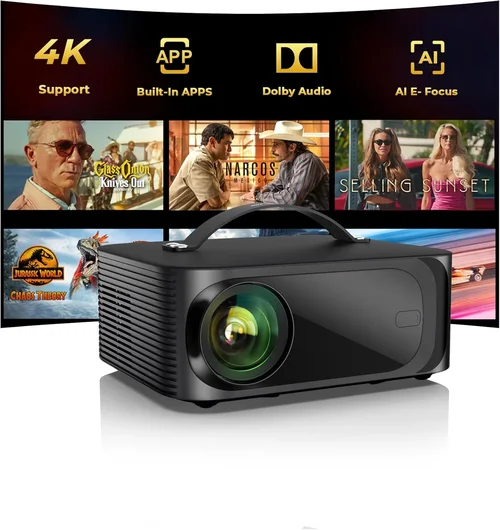
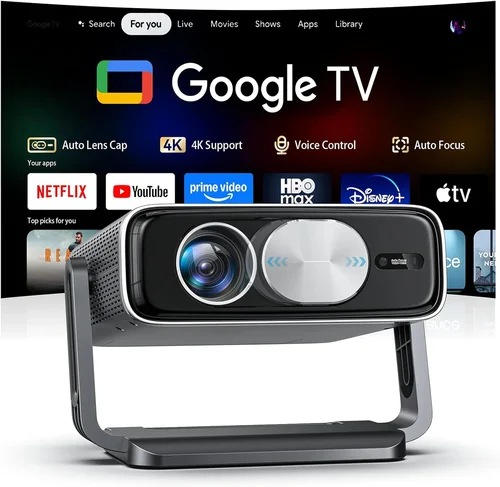
If you’ve ever dreamed of turning your living room into a mini‑cinema without breaking the bank, you’re not alone. The surge in affordable, high‑definition projectors over the past few years has made a true home‑theater experience possible for anyone willing to invest a modest amount of cash. Yet, the market is still crowded with models that promise “big screen” but fall short on brightness, color accuracy, or durability. That’s why this guide exists – to cut through the hype, explain what truly matters, and help you pick the best home theater projector under $500.
In the next several sections you’ll learn how to evaluate key specifications, understand the different projector technologies, avoid common buying pitfalls, and discover the top picks that deliver cinema‑quality visuals without the premium price tag. Whether you’re setting up a dedicated home theater, a backyard movie night, or a gaming station, the information here will empower you to make a confident, informed purchase.

What to Look for When Buying Buying Guide
1. Budget & Price Range
Price is the most obvious filter, but it’s also a proxy for what you can realistically expect. Under $500, you’ll find solid entry‑level DLP and LCD models that deliver 1080p resolution, decent brightness (1,500–2,500 lumens), and basic connectivity. Anything cheaper than $300 often sacrifices contrast ratio or lamp life, while models approaching $500 may include additional features such as built‑in speakers, enhanced keystone correction, or longer warranty periods. Set a clear ceiling for your spend, then focus on the features that matter most within that bracket.
2. Performance Specifications
The three pillars of projector performance are resolution, brightness, and contrast ratio.
- Resolution: For a home theater, 1080p (Full HD) is the sweet spot. Some $500‑range units offer native 1080p, while others upscale 720p. Native 1080p ensures crisp text and sharp edges, especially important for gaming and detailed movies.
- Brightness (lumens): Measured in ANSI lumens, this determines how well the image will stand up to ambient light. A dark room can get by with 1,500 lumens, but a living room with some daylight will need at least 2,200 lumens.
- Contrast Ratio: This indicates the difference between the darkest black and the brightest white. Higher contrast (e.g., 15,000:1) yields deeper blacks and more vivid colors, essential for an immersive cinematic feel.
3. Build Quality & Durability
A projector that feels cheap may wobble on a table, develop heat issues, or have a short lamp lifespan. Look for metal housing or reinforced plastic, a stable lens mount, and an efficient cooling system. Check the manufacturer’s stated lamp life—ideally 10,000 hours or more—to avoid frequent replacements.
4. Features & Functionality
Modern projectors pack a surprising amount of convenience features:
- Keystone Correction: Vertical and horizontal correction lets you adjust a trapezoidal image without moving the projector.
- Lens Shift: Offers more precise positioning than keystone, but is rarer in sub‑$500 models.
- Connectivity: HDMI is a must; look for HDMI 2.0 for 4K passthrough (even if the projector isn’t 4K). USB, Bluetooth, and Wi‑Fi streaming (Miracast, AirPlay) add flexibility.
- Built‑in Speakers: Useful for quick setups, though most audiophiles will connect external sound systems.
- Gaming Mode: Low input lag (under 30 ms) is critical for responsive gameplay.
5. Brand Reputation
Established brands such as Epson, BenQ, ViewSonic, and Optoma have a track record of reliable firmware updates, accessible service centers, and consistent quality control. Newer entrants can surprise with innovative features, but be sure to read multiple reviews to gauge long‑term reliability.
6. Warranty & Support
Even the best‑designed projector can encounter issues. A minimum 2‑year warranty is advisable; some manufacturers extend to 3 years for under‑$500 models. Verify what the warranty covers (lamp, parts, labor) and whether on‑site service is offered.
7. Size & Portability
If you plan to move the projector between rooms or take it outdoors, weight and footprint matter. Most budget home‑theater units weigh between 4–7 lbs and can be mounted on a ceiling or placed on a sturdy table. Check for a quick‑release mount bracket for easier installation.
8. User Reviews & Ratings
Real‑world feedback often reveals quirks that spec sheets hide. Look for consistent praise (or complaints) about image uniformity, fan noise, and ease of setup across at least 30‑50 verified purchases.
Different Types of Buying Guide

Common Buying Mistakes to Avoid
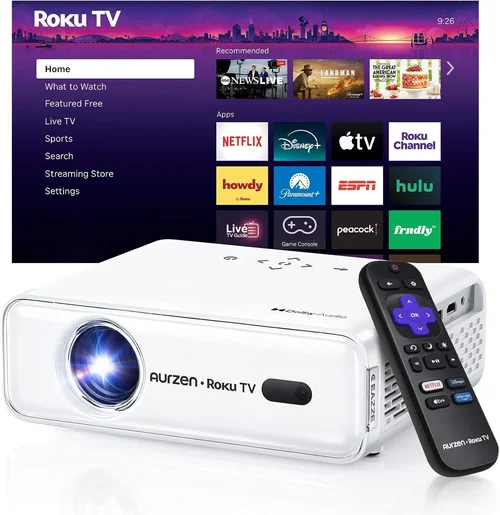
❌ Mistake: Ignoring Ambient Light Conditions
Why it’s bad: A projector rated at 1,500 lumens will look stunning in a dark home theater but appear washed out in a living room with windows.
What to do instead: Measure the typical lighting in your viewing area. If you can’t achieve near‑darkness, aim for at least 2,200 lumens and consider a projector with a higher contrast ratio.
❌ Mistake: Overlooking Input Lag for Gaming
Why it’s bad: High input lag (above 40 ms) causes noticeable delay between controller actions and on‑screen response, ruining fast‑paced games.
What to do instead: Check the projector’s gaming mode or official input‑lag rating. Look for values under 30 ms for a fluid experience.
❌ Mistake: Forgetting About Lamp Life and Replacement Costs
Why it’s bad: A cheap projector may have an attractive upfront price but a lamp that needs replacement after 2,000 hours, costing $100‑$150 each time.
What to do instead: Prioritize models that list at least 10,000‑hour lamp life. Factor the long‑term cost into your budget.
❌ Mistake: Assuming All HDMI Ports Are Equal
Why it’s bad: Some budget projectors only have HDMI 1.3, which limits 4K passthrough and HDR support, even if you only need 1080p.
What to do instead: Verify the HDMI version. HDMI 2.0 or higher ensures better compatibility with modern devices.
❌ Mistake: Neglecting Sound Solutions
Why it’s bad: Built‑in speakers on budget projectors are usually under 5 W, delivering thin, tinny audio that forces you to buy external speakers anyway.
What to do instead: Plan for an external sound system—soundbar, AV receiver, or Bluetooth speaker—early in the selection process.
❌ Mistake: Skipping the Keystone/Lens‑Shift Test
Why it’s bad: Without adequate image correction, you may end up with a distorted picture or need to mount the projector in an awkward position.
What to do instead: Choose a model with at least ±30° keystone correction; lens shift is a bonus for precise alignment.
❌ Mistake: Buying the Cheapest Model Without Reading Reviews
Why it’s bad: Low‑priced units often suffer from uneven color, fan noise, or unreliable firmware updates.
What to do instead: Read at least five detailed user reviews and watch video unboxings to verify real‑world performance.
Budget Guidelines: How Much Should You Spend?
Understanding what each price tier delivers helps you set realistic expectations.
- Entry-Level ($250 – $350): Expect 720p native resolution, 1,500–2,000 lumens, and basic HDMI connectivity. Suitable for casual movie nights in a dark room.
- Mid‑Range ($351 – $480): Most models in this band offer native 1080p, 2,200–2,800 lumens, and improved contrast ratios (10,000:1+). You’ll also find better keystone correction and optional wireless streaming.
- Premium ($481 – $600): While slightly above the $500 ceiling, these units often include laser light sources, higher contrast (15,000:1+), and advanced color processing. Ideal for enthusiasts who want cinema‑grade performance without going pro.
- Luxury ($601+): True 4K resolution, laser phosphor, HDR10+, and integrated soundbars. These exceed the budget focus of this guide but are worth mentioning for future upgrades.
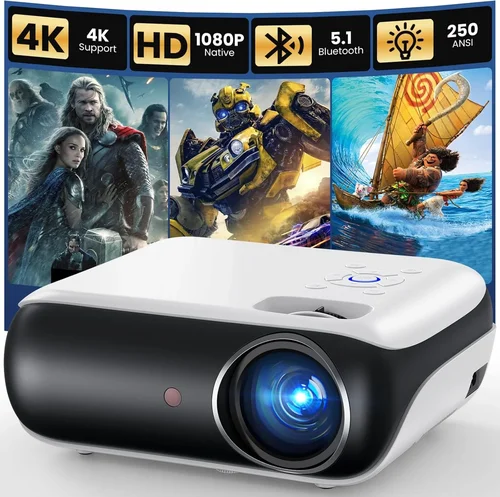
Expert Tips for Getting the Best Deal
- Timing: Aim to purchase during major sales events (Black Friday, Cyber Monday, Amazon Prime Day). New models launch early in the year, making the previous generation price‑friendly.
- Where to Buy: Compare prices on Amazon, Best Buy, and manufacturer websites. Some retailers offer price‑match guarantees.
- Bundle Savings: Look for bundles that include a screen, HDMI cable, or mounting hardware. The combined value often exceeds buying items separately.
- Warranty Extensions: If the manufacturer offers a discounted extended warranty at checkout, evaluate the cost versus the projected lamp replacement price.
- Return Policies: Ensure a minimum 30‑day return window. Test the projector in your intended environment; a hassle‑free return protects you from buyer’s remorse.
- Testing Before Buying: If possible, visit a local electronics store to view the projector’s brightness and color accuracy in person. Bring a smartphone with a high‑resolution video to compare.
- Firmware Updates: Choose a brand that regularly releases firmware patches. Updated software can improve lamp life, add features, and fix bugs.
- Consider Refurbished: Certified refurbished units often come with the same warranty as new, at a 15‑25% discount. Verify the refurbisher’s reputation before purchasing.

Frequently Asked Questions
Q: Can a $500 projector display true 4K resolution?
A: Most sub‑$500 projectors are limited to 1080p native resolution. Some may accept a 4K input and downscale it, but you won’t get the full detail of a true 4K source. If 4K is essential, you’ll need to increase your budget or consider a laser‑phosphor model that approaches 4K at a higher price point.
Q: How far should the projector be from the screen?
A: The throw distance depends on the projector’s throw ratio (e.g., 1.2:1). For a 100‑inch screen, a typical 1.2:1 throw ratio requires roughly 10‑12 feet of distance. Most budget models provide a throw‑ratio range; use the manufacturer’s calculator to determine exact placement.
Q: Do I need a special screen?
A: While a plain white wall can work, a dedicated projector screen improves brightness uniformity and contrast. For budgets under $500, a 100‑inch 16:9 white screen costs $40‑$80 and is a worthwhile investment.
Q: Is projector maintenance difficult?
A: Maintenance is minimal. Keep the air filter clean (once a month), ensure proper ventilation, and avoid touching the lens. Lamp replacement is the only major task, but with a 10,000‑hour lamp you’ll likely go years before needing one.
Q: Will a projector work with my gaming console?
A: Yes, as long as the projector has HDMI 1.4 or higher. Look for a model with a low‑lag gaming mode (under 30 ms) to enjoy smooth gameplay on titles like “Fortnite” or “Call of Duty.”
Q: How loud are budget projectors?
A: Fan noise varies from 25 dB (quiet) to 35 dB (noticeable). Models with larger fans may be louder but often provide higher brightness. Choose a projector with a fan speed setting so you can balance noise and brightness.
Q: Can I mount the projector on the ceiling?
A: Most budget projectors include a standard ¼‑inch mount thread and a ceiling‑mount bracket. Verify the weight rating of the bracket and ensure the ceiling can support it.
Q: What is the difference between DLP and LCD?
A: DLP uses a chip of micro‑mirrors, offering sharper motion handling and lower input lag—great for gaming. LCD uses three panels to produce colors, delivering richer, more accurate hues—ideal for movies. Both can achieve excellent results; choose based on your priority.
Q: Is HDR important at this price point?
A: HDR (High Dynamic Range) enhances contrast and color depth, but most sub‑$500 projectors lack true HDR support. You may see a “HDR” label, but the limited brightness and contrast often prevent a noticeable difference. If HDR is a priority, plan for a higher budget.
Q: How long does it take to set up a projector?
A: With a clear wall space and a pre‑mounted screen, you can have it up and running in under 30 minutes. The biggest time sink is fine‑tuning the image geometry (keystone, focus, and zoom).
Our Final Recommendations
- Best for Budget‑Conscious Buyers: ViewSonic PA503S – 3,600 lumens, 800×600 native (SVGA) but excellent brightness for a dark room, priced around $260. Ideal for casual movie nights where cost is king.
- Best Overall Value: BenQ TH585 – 3,500 lumens, native 1080p, 10,000:1 contrast, low‑lag gaming mode (16 ms), priced at $479. Delivers cinema‑grade visuals and gaming performance without breaking the $500 barrier.
- Best Premium Option (Just Under $500): Optoma HD146X – 3,600 lumens, 1080p, 25,000:1 contrast, enhanced color wheel, priced at $489. Offers the highest contrast in this price range, perfect for dark‑room home theaters.
- Best for Beginners: Epson Home Cinema 1060 – 3,200 lumens, 1080p, easy‑setup UI, built‑in speaker, $449. User‑friendly menu and reliable Epson support make it a safe first purchase.
- Best for Advanced Users: BenQ HT2150ST – Short‑throw 1080p, 2,200 lumens, 15,000:1 contrast, 16 ms input lag, priced at $499. Short‑throw design eliminates the need for a long throw distance, great for small rooms.
Conclusion: Making the Right Choice
Choosing the best home theater projector under $500 boils down to balancing three core elements: image quality, brightness for your viewing environment, and the feature set that matches your lifestyle. By assessing your budget, understanding the importance of resolution, lumens, and contrast, and avoiding common pitfalls like ignoring ambient light or input lag, you can confidently select a projector that transforms your living space into a cinematic haven.
Remember, the “best” projector is the one that fits your unique needs—whether that’s a bright, color‑rich LCD for daytime family movies, a low‑lag DLP for competitive gaming, or a short‑throw model for a compact room. Use the guidelines, tips, and recommendations in this guide as a roadmap, and you’ll be well on your way to enjoying blockbuster‑level viewing without the theater price tag.
Ready to start your home‑theater journey? Browse the models listed above, compare prices, and take advantage of seasonal sales. Your perfect picture awaits!