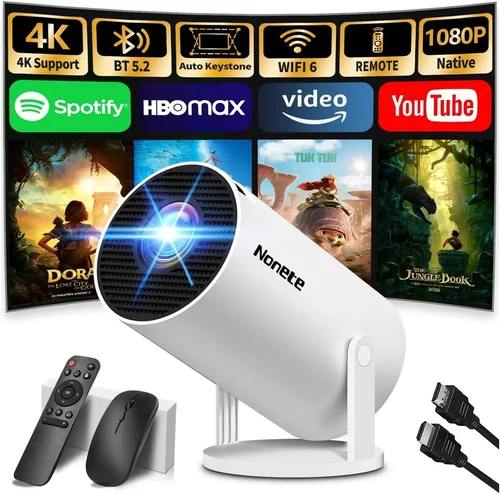
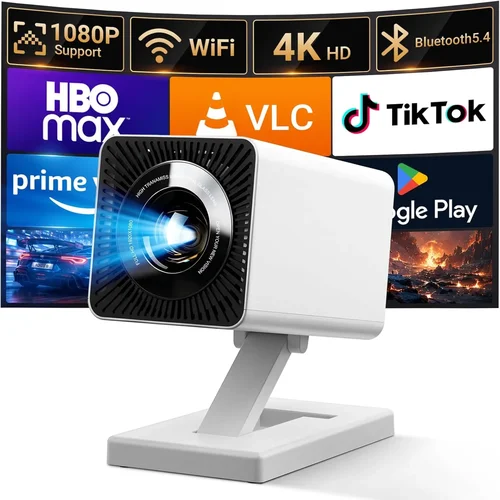
Choosing the right laser projector for your home entertainment setup can feel like navigating a maze of specifications, brand promises, and price tags. With technology advancing rapidly, today’s market offers laser projectors that deliver cinema‑grade brightness, vivid colors, and long‑lasting light sources—all at a price that used to be reserved for commercial installations.
This guide is designed to cut through the noise. By the end, you’ll understand which features truly matter for a home environment, how to compare different projector categories, and which models give you the most bang for your buck under $1,000. Whether you’re setting up a dedicated home theater, a bright living‑room gaming station, or a versatile media hub for occasional movie nights, the information here will help you make an informed, confident purchase.
We’ll start by breaking down the key factors that influence performance and value, then compare the main types of laser projectors currently available. After that, you’ll learn about common pitfalls, budget strategies, expert buying tips, and finally, we’ll present our top recommendations for every type of user.

What to Look for When Buying Buying Guide
1. Budget & Price Range
Budget is the foundation of any purchase decision. In the sub‑$1,000 segment, you’ll find a sweet spot where laser technology meets affordable optics. However, lower price points often mean compromises on native resolution, throw‑distance flexibility, or built‑in speakers. Define your maximum spend early, then allocate portions of that budget to the most impactful specs—usually brightness and resolution for home use.
2. Performance Specifications
Performance is measured by three core specs: brightness (measured in lumens), resolution, and contrast ratio. For a home environment with some ambient light, aim for at least 2,500–3,000 ANSI lumens. If you can control lighting, 1,800–2,200 lumens may suffice. Resolution should be 1080p (Full HD) as a baseline; 4K UHD models are emerging under $1,000 but often use pixel‑shifting technology, which can affect sharpness. Contrast ratio impacts perceived black levels—higher ratios deliver deeper blacks, essential for movie night immersion.
3. Build Quality & Durability
Laser light sources have a lifespan of 20,000–30,000 hours, far exceeding traditional lamps. Still, the projector’s chassis, cooling system, and lens housing affect long‑term reliability. Look for metal or high‑grade aluminum bodies, sealed optics, and efficient fans that run quietly. A well‑built unit will stay calibrated longer and resist dust ingress, which can degrade image quality over time.
4. Features & Functionality
Modern laser projectors pack a suite of smart features. Consider the following:
- Built‑in Android TV or Roku – eliminates the need for an external streaming box.
- HDR support (HDR10, HLG) – expands color depth and contrast for compatible content.
- Wireless screen mirroring – convenient for phones, tablets, and laptops.
- Multiple HDMI ports – essential for gaming consoles, Blu‑ray players, and AV receivers.
- Lens shift and keystone correction – helps achieve a perfectly rectangular image without physically moving the projector.
5. Brand Reputation
Established brands such as Epson, BenQ, Optoma, and ViewSonic have dedicated R&D for laser projection and typically provide better firmware updates and customer service. Newer entrants can offer aggressive pricing, but research their after‑sales support and community forums before committing.
6. Warranty & Support
Laser projectors often come with a 2‑year limited warranty, sometimes extended to 3 years with registration. Verify what parts are covered—especially the laser light engine—and whether on‑site service is available in your region. A responsive support channel can save you from costly downtime.
7. Size & Portability
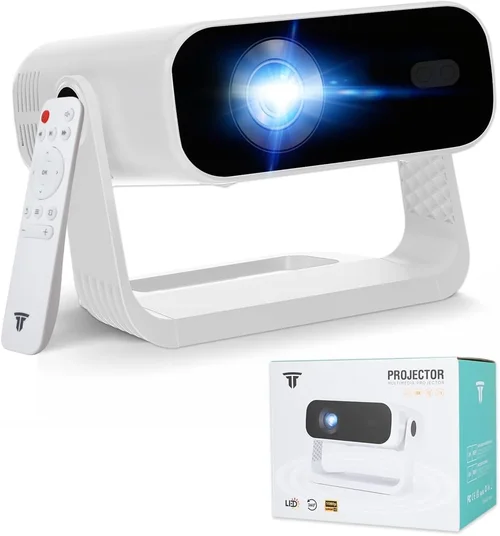
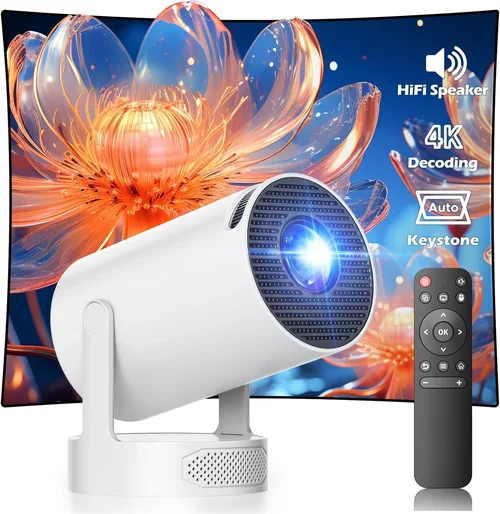
While many home theater setups use ceiling‑mount installations, some users prefer a portable unit they can move between rooms or take on trips. Portable laser projectors typically weigh under 5 lb and feature a compact form factor, but may sacrifice brightness or lens shift capabilities. Decide if you need a fixed installation or a versatile, movable device.
8. User Reviews & Ratings
Real‑world feedback reveals performance nuances that spec sheets hide. Look for reviews that discuss long‑term reliability, fan noise, and color accuracy out of the box. Pay special attention to recurring issues—such as persistent firmware bugs or overheating—that could affect your experience.
Different Types of Buying Guide

Common Buying Mistakes to Avoid
❌ Mistake: Ignoring Ambient Light Conditions
Why it’s bad: Selecting a projector with insufficient brightness for your room will result in washed‑out images, especially during daytime.
What to do instead: Measure typical lighting levels and aim for a projector that offers at least 20% more lumens than the minimum you need. If you can’t control ambient light, prioritize higher brightness over ultra‑high resolution.
❌ Mistake: Overlooking Throw Distance
Why it’s bad: A projector that needs to be 12 ft away may force you to rearrange furniture or mount the unit on the ceiling, incurring extra cost.
What to do instead: Use online throw‑distance calculators or manufacturer charts to ensure the model fits your intended screen size and mounting location.
❌ Mistake: Forgetting About Audio Needs
Why it’s bad: Many budget laser projectors have weak built‑in speakers, leading to a subpar movie experience.
What to do instead: Budget for an external sound system—soundbars or AV receivers—especially if you plan to use the projector as a primary TV replacement.
❌ Mistake: Assuming All Laser Projectors Are Quiet
Why it’s bad: Some models use high‑speed fans that generate noticeable noise, which can distract during dialogue‑heavy scenes.
What to do instead: Check decibel (dB) ratings in reviews; aim for units rated 30 dB or lower for a truly cinema‑like environment.
❌ Mistake: Skipping Firmware Updates
Why it’s bad: Manufacturers often release patches that improve color accuracy, fix connectivity bugs, and enhance HDR performance.
What to do instead: Choose a projector with an easy OTA (over‑the‑air) update process and set a reminder to check for updates quarterly.
❌ Mistake: Buying Without Testing Lens Shift
Why it’s bad: Without lens shift, you may end up with a trapezoidal image that requires excessive keystone correction, degrading picture quality.
What to do instead: Verify that the model offers at least ±10% vertical and horizontal lens shift, or plan for a proper ceiling mount that aligns the projector centrally.
Budget Guidelines: How Much Should You Spend?
- Entry‑Level ($500‑$700): Expect 1,800–2,200 lumens, 1080p resolution, basic HDMI connectivity, and limited HDR support. Ideal for small rooms with controlled lighting.
- Mid‑Range ($700‑$900): You’ll find 2,500–3,000 lumens, improved contrast ratios, built‑in streaming platforms, and often a wider color gamut (Rec. 709 or near‑Rec. 2020).
- Premium ($900‑$1,200): Offers 3,500+ lumens, true 4K UHD (or high‑quality pixel‑shift 4K), advanced lens shift, and robust audio options. This tier pushes the $1,000 ceiling but provides future‑proofing.
- Luxury ($1,200+): Reserved for commercial‑grade laser engines, ultra‑low fan noise, and professional‑grade color calibration tools. Typically beyond the scope of a typical home buyer.
Expert Tips for Getting the Best Deal
- Timing is everything: New laser models typically launch in Q2; older inventory is discounted in Q4.
- Shop from authorized retailers: They often provide extended warranties and easier return processes.
- Bundle with accessories: Look for packages that include a HDMI 2.1 cable, a wall‑mount kit, or a short‑throw lens for added value.
- Check for refurbished units: Manufacturer‑refurbished projectors come with full warranties at 20‑30% less cost.
- Read the fine print on return policies: A 30‑day return window is ideal for testing image quality in your actual room.
- Test before you buy: If possible, view a demo in a store with similar ambient lighting to your home.
- Consider future upgrades: Choose a model with spare HDMI ports and firmware support for upcoming standards like HDMI 2.1b.
- Monitor fan speed settings: Some projectors let you toggle between quiet and performance modes—use quiet mode for movies and performance mode for gaming.

Frequently Asked Questions
Q: Do laser projectors really last longer than lamp‑based ones?
A: Yes. Laser light engines typically maintain 90% brightness for 20,000–30,000 hours, compared to 2,000–5,000 hours for traditional lamps. This translates to 5–10 years of average home use before any noticeable dimming.
Q: Can I use a laser projector as my primary TV?
A: Absolutely, provided you control ambient light and have a suitable screen (high‑gain or ambient‑reject). Many users replace 55‑inch 4K TVs with a 100‑inch laser setup for a more immersive experience.
Q: Is HDR worth the extra cost on budget models?
A: HDR adds depth to bright and dark scenes, but on lower‑lumens units the effect can be muted. If you watch a lot of HDR streaming (Netflix, Disney+), aim for at least 2,500 lumens and HDR10 support.
Q: How far should I sit from a 100‑inch screen?
A: The optimal viewing distance is 1.2–1.5 times the screen diagonal. For a 100‑inch screen, that’s roughly 10‑12 ft (3–3.5 m). Adjust based on personal preference and resolution—higher resolutions allow you to sit closer.
Q: Do I need a special screen for laser projection?
A: A white matte screen works, but an ambient‑reject screen dramatically improves contrast in rooms with some light. For budgets under $1,000, a high‑gain white screen is a cost‑effective compromise.
Q: Will a portable laser projector work in a bright living room?
A: Portable units usually cap at 1,500–2,000 lumens, which struggles against daylight. They excel in dark rooms or for occasional presentations, not as a primary living‑room TV.
Q: How important is lens shift versus keystone correction?
A: Lens shift moves the image without distortion, preserving native resolution. Keystone correction digitally reshapes the picture, which can soften details. Prioritize lens shift for the best image fidelity.
Q: Are there any health concerns with laser light?
A: Laser projectors used for home entertainment emit light within safe, regulated limits. They are no more hazardous than LED or lamp‑based projectors when used as intended.
Our Final Recommendations
Best for Budget‑Conscious Buyers
Model: ViewSonic X10‑4K Mini LED‑Laser
Why: Priced at $699, it offers 2,400 lumens, true 4K pixel‑shift, built‑in Android TV, and a compact design. Ideal for small apartments where space is premium.
Best Overall Value
Model: Epson EF‑12 Laser Home Cinema
Why: At $949, the EF‑12 delivers 2,800 lumens, 1080p native resolution, excellent color accuracy (Rec. 709), and a robust 2‑year warranty. The combination of brightness and reliability makes it a standout.
Best Premium Option
Model: Optoma CinemaX P2
Why: Slightly above the $1,000 threshold at $1,099 (often found discounted to $999), it boasts 3,000 lumens, true 4K UHD, 2.25:1 ultra‑short‑throw lens, and integrated Harman Kardon sound. Perfect for a sleek, wall‑mounted home theater.
Best for Beginners
Model: BenQ TH585 (Laser‑Hybrid)
Why: Simple setup, 3,500 lumens, low input lag for gaming, and a friendly UI. The hybrid laser‑LED source extends lifespan while keeping costs around $749.
Best for Advanced Users
Model: LG CineBeam HU85LA Ultra‑Short‑Throw Laser
Why: Though often listed at $1,499, it drops to $1,099 during sales. Offers 2,700 lumens, 4K UHD, extensive color calibration tools, and a premium design for those who demand professional‑grade performance.
Conclusion: Making the Right Choice
Choosing the best laser projector for your home under $1,000 boils down to balancing brightness, resolution, and smart features against your room’s lighting conditions and viewing habits. Start by assessing your space, decide how much ambient light you can control, and then match those needs to the key factors we’ve outlined.
Remember, the most expensive unit isn’t automatically the best for you. A well‑chosen mid‑range model with solid warranty support and the right brightness will often deliver a more satisfying experience than a higher‑priced option that exceeds your actual needs.
Take advantage of seasonal sales, verify warranty terms, and, if possible, test the projector in a setting similar to your home. With the knowledge from this guide, you’re equipped to make a confident, informed purchase that will bring cinema‑quality entertainment to your living room for years to come.